

PaperPal AI Writing Assistant for Academic and Professional Editing
PaperPal is an AI writing assistant that improves grammar, style, and originality of academic and professional texts through real-time feedback and plagiarism detection.
- Best for
- Academic Writing Improvement
- Key capability
- Grammar and Style Checking
Save PaperPal, follow its updates and vote on it — everything stays in your account.
Sign in or create a free account
What is PaperPal?
PaperPal is an AI-powered writing assistant designed to help users improve their academic and professional writing. It provides grammar and style corrections, plagiarism detection, and suggestions to enhance clarity and readability. Tailored for students, researchers, and professionals, PaperPal aims to elevate the quality of written content by combining advanced AI algorithms with linguistic expertise.
Key features of PaperPal
PaperPal offers real-time grammar and style checking, plagiarism detection, vocabulary enhancement, and detailed writing feedback. It integrates seamlessly with various platforms via its web interface and API, supporting users in producing clear, error-free, and original documents.
Grammar and Style Checking
Detects and corrects grammatical errors and improves writing style.
Plagiarism Detection
Scans text against extensive databases to identify potential plagiarism.
Vocabulary Enhancement
Suggests better word choices to improve clarity and impact.
Real-Time Feedback
Provides instant suggestions as users write or upload documents.
API Integration
Allows developers to integrate PaperPal’s capabilities into other applications.
Pros and cons of PaperPal
Pros
- Accurate grammar and style corrections
- Effective plagiarism detection
- User-friendly interface
- Real-time writing feedback
- API available for integration
Cons
- Supports only English language
- Limited free plan features
- No mobile app currently available
Key use cases for PaperPal
Academic Writing Improvement
Enhance academic papers by correcting grammar, improving style, and ensuring clarity.
Professional Document Editing
Refine business reports, proposals, and professional documents for polished communication.
Plagiarism Checking
Detect potential plagiarism to maintain originality and academic integrity.
Language Learning Support
Assist non-native English speakers in improving their writing skills through detailed feedback.
Content Quality Enhancement
Improve overall content quality by suggesting better word choices and sentence structures.
How PaperPal works
- 1
Upload or Paste Text
Users submit their text by uploading documents or pasting content into the PaperPal interface.
- 2
AI Analysis
The AI engine analyzes the text for grammar, style, and plagiarism issues.
- 3
Receive Suggestions
Users receive detailed suggestions and corrections to improve their writing.
- 4
Apply Changes
Users can accept or reject suggestions to refine their documents.
Who is using PaperPal
PaperPal pricing
Free
$0/month
Basic grammar and style checking with limited usage.
Premium
$15/month
Full access to grammar, style, plagiarism detection, and vocabulary enhancement.
Enterprise
Custom pricing
Tailored solutions with API access and dedicated support for organizations.
Plans and prices are as published by the vendor and can change. Check the official site before you buy. Open the pricing page (opens in a new tab)
Frequently asked questions about PaperPal
Yes, PaperPal provides detailed feedback that helps non-native speakers improve their writing skills.
Yes, it scans documents against extensive databases to identify potential plagiarism.
Currently, PaperPal supports English only.
Yes, PaperPal offers API integration for embedding its features into other applications.
It depends on your specific needs and how you plan to use the tool. The official website and documentation are the best sources for the latest details.
It depends on your specific needs and how you plan to use the tool. The official website and documentation are the best sources for the latest details.
Some tools offer a free plan or trial with limited features. Availability can vary, so confirm on the official website.
Integration support depends on the tool and its available connectors or API. Check the official documentation or integrations page to confirm what is supported.
Conclusion
Uploaded documents or pasted content are analyzed by the AI engine for grammar, style and plagiarism issues. Suggestions arrive in real time as users write or upload, and each one can be accepted or rejected. Beyond corrections, it suggests word choices to improve clarity and scans text against extensive databases to identify potential plagiarism.
Its focus is academic and professional writing, with students, researchers and academic institutions at the center of its audience. Detailed feedback is also described as helping non-native English speakers improve their writing skills. A free plan covers basic grammar and style checking with limited usage, and the paid Prime plan costs $25/month or $139/year.
Sources
Sign in to review this tool.
Sign In to ReviewNo reviews yet
Be the first to share how this tool worked for you.
Ask about pricing, limits, or how it compares — or answer someone else.
Sign In to AskNo questions yet
Have a question about using or paying for this tool? Be the first to ask.
Featured on TiorAI



More AI Checker Essay tools
Other tools in the same category, for when this one is not quite the fit.

OET Practice Online
OET Practice Online is a web platform offering interactive practice tests and resources designed to help healthcare professionals prepare for the Occupational English Test by improving their English skills in medical contexts.

Essay Typer
Essay Typer is a free web tool that generates essay drafts instantly based on your topic input, helping students start writing quickly.

WhiteSmoke
WhiteSmoke is a writing assistant software that provides grammar, spelling, punctuation correction, plagiarism detection, and translation features to improve English writing across multiple platforms.
Write & Improve by Cambridge
Write & Improve by Cambridge is a free online tool that provides instant AI-generated feedback on English writing to help users improve grammar, vocabulary, and coherence.
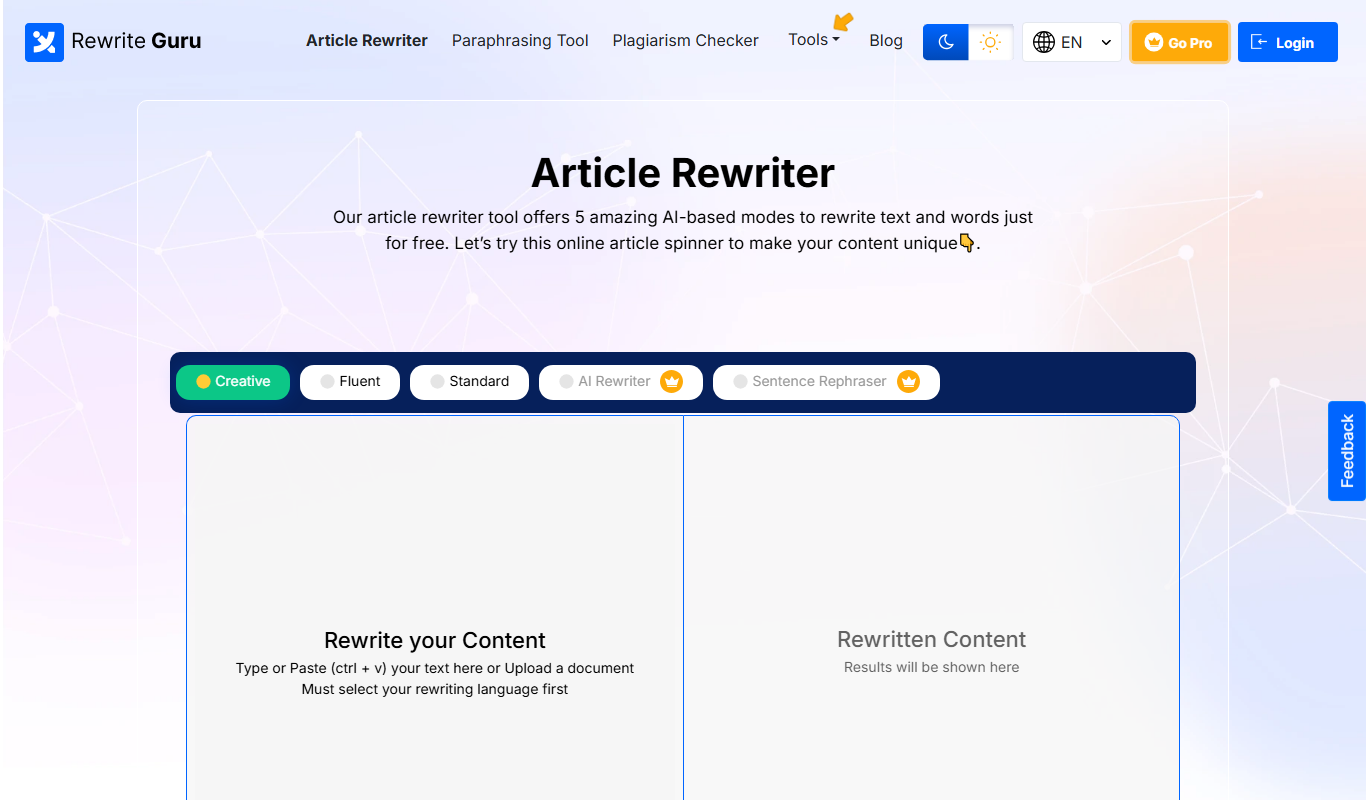
rewriteguru.com
RewriteGuru is an AI-based paraphrasing tool designed to rewrite text while preserving meaning, helping users create unique content quickly and avoid plagiarism.

PerfectIt
PerfectIt is a proofreading tool that integrates with Microsoft Word to check documents for style consistency, spelling, and formatting errors, helping professionals produce polished and uniform documents.

Vocabulary.com
Vocabulary.com is an online platform that helps users improve their English vocabulary through adaptive quizzes, personalized word lists, and educator tools, suitable for learners and teachers.

Rewordify
Rewordify is an online tool that simplifies difficult English text by replacing complex words with easier alternatives, helping users improve reading comprehension and vocabulary.