

From my experience with PerfectIt, I found it excels at catching subtle style inconsistencies that often slip past traditional spellcheckers. Its seamless integration with Microsoft Word makes it a natural extension for professionals who want to maintain high editorial standards without disrupting their workflow. PerfectIt is particularly well-suited for editors, academics, and legal professionals who handle lengthy documents requiring strict adherence to style guides. However, it does not replace comprehensive grammar checking and is limited to Windows environments, which may be a drawback for Mac users. Overall, if you need a reliable tool to enforce consistency and polish your documents, PerfectIt delivers solid, practical results.
PerfectIt Writing and Editing Software for Professional Document Proofreading
PerfectIt is a proofreading tool that integrates with Microsoft Word to check documents for style consistency, spelling, and formatting errors, helping professionals produce polished and uniform documents.
- Best for
- Professional Document Proofreading
- Key capability
- Consistency Checking
Your actions
Save PerfectIt, follow its updates and vote on it — everything stays in your account.
Sign in or create a free account
What is PerfectIt?
PerfectIt is a proofreading and editing software designed to help writers, editors, and professionals improve the consistency, style, and accuracy of their documents. It integrates primarily as an add-in for Microsoft Word, scanning documents to identify inconsistencies in spelling, hyphenation, capitalization, abbreviations, and formatting according to customizable style guides.
Key features of PerfectIt
PerfectIt offers automated style checking, customizable style sheets, consistency checks across large documents, integration with Microsoft Word, and detailed reports to streamline proofreading and editing tasks.
Consistency Checking
Detects inconsistencies in spelling, hyphenation, capitalization, and abbreviations throughout your document.
Customizable Style Sheets
Allows users to create or modify style guides to enforce specific writing standards.
Integration with Microsoft Word
Seamlessly works as an add-in within Word, making it easy to proofread without switching applications.
Detailed Reports
Generates comprehensive reports highlighting issues and suggested corrections.
Support for Large Documents
Efficiently processes lengthy documents, making it suitable for academic theses and legal contracts.
Pros and cons of PerfectIt
Pros
- Highly effective at detecting style inconsistencies
- Customizable to various style guides
- Integrates smoothly with Microsoft Word
- Saves time in proofreading large documents
Cons
- Limited support for Mac users
- Does not perform comprehensive grammar checks
- Requires Microsoft Word on Windows
Key use cases for PerfectIt
Professional Document Proofreading
PerfectIt helps professionals ensure consistency and accuracy in documents by checking style, spelling, and formatting errors.
Academic Writing Review
Academics use PerfectIt to enforce style guides and maintain uniformity in theses, papers, and research documents.
Legal Document Editing
Legal professionals rely on PerfectIt to check for consistency in legal documents, contracts, and briefs.
Business Communication Quality Control
Businesses use PerfectIt to polish reports, proposals, and presentations to maintain a professional tone and style.
Publishing and Editorial Workflows
Editors and publishers integrate PerfectIt into their workflows to speed up the copyediting process and reduce errors.
How PerfectIt works
- 1
Install PerfectIt Add-in
Download and install PerfectIt as an add-in for Microsoft Word on your Windows computer.
- 2
Open Document in Word
Open the document you want to proofread or edit within Microsoft Word.
- 3
Run PerfectIt Checks
Launch PerfectIt from the Word ribbon and start the checking process to scan for style and consistency issues.
- 4
Review Suggestions
PerfectIt highlights potential errors and inconsistencies; review each suggestion and accept or reject changes.
- 5
Customize Style Settings
Adjust or create style sheets to match your preferred or required style guide for future documents.
Who is using PerfectIt
Professional editors and proofreaders
Academic researchers and students
Legal professionals
Business writers and communicators
Publishers and content creators
PerfectIt pricing
Free Trial
$0
Full-featured trial version available for a limited time.
Single User License
$70 one-time
One-time purchase for individual users with free updates for one year.
Site License
Custom pricing
Volume licensing options for organizations and institutions.
Plans and prices are as published by the vendor and can change. Check the official site before you buy. Open the pricing page (opens in a new tab)
Frequently asked questions about PerfectIt
PerfectIt is primarily designed for Windows and Microsoft Word on Windows; Mac support is limited and requires running Windows via virtualization.
Yes, PerfectIt allows you to create and modify style sheets to match your preferred writing standards.
PerfectIt focuses on style and consistency rather than grammar; it complements grammar checkers but does not replace them.
Yes, it is optimized to efficiently check long documents such as theses, reports, and legal contracts.
This tool is designed to help users accomplish its core tasks more efficiently. It is typically used by individuals or teams looking to improve productivity and workflow.
Pricing depends on the plan and included features. For the most accurate and up-to-date details, check the official pricing page.
Sign in to review this tool.
Sign In to ReviewNo reviews yet
Be the first to share how this tool worked for you.
Ask about pricing, limits, or how it compares — or answer someone else.
Sign In to AskNo questions yet
Have a question about using or paying for this tool? Be the first to ask.
Featured on TiorAI



More AI Checker tools
Other tools in the same category, for when this one is not quite the fit.

Free
Dictionary.com
Dictionary.com is a comprehensive online platform offering English word definitions, synonyms, antonyms, pronunciation guides, and grammar tips to help users improve their language skills.

Free
Merriam-Webster Dictionary
Merriam-Webster Dictionary is a trusted online English dictionary offering definitions, synonyms, audio pronunciations, and language learning resources.

Free
DetectGPT
DetectGPT is a free web tool that detects whether text was generated by AI language models such as GPT-3 or GPT-4 by analyzing linguistic patterns and providing a probability score.

Free
Full Fact
Full Fact is an AI-assisted fact-checking platform that combines automated claim detection with expert human review to identify and correct misinformation in news and public statements.

Free
Scite
Scite is an AI-powered platform that analyzes scientific citations by classifying them as supporting, contrasting, or mentioning, providing researchers with deeper insights into how papers are referenced.

Free
Yuka
Yuka is a mobile and web app that scans food and cosmetic product barcodes to provide health impact scores and ingredient analysis, helping users make healthier choices.
Free
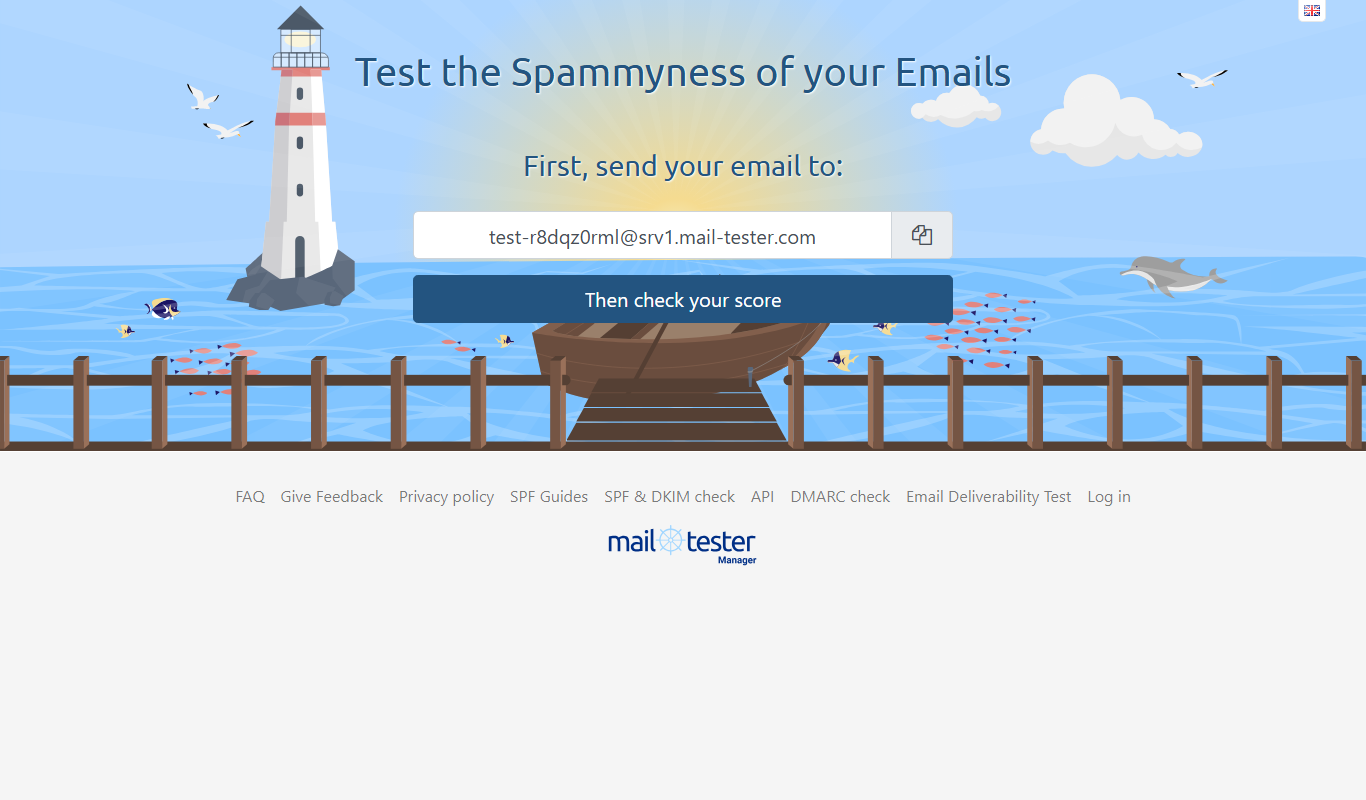
MailTester
MailTester is a free online tool that analyzes your email's spam score, authentication, and deliverability to help ensure your emails reach recipients' inboxes.

Free
FactCheck.org
FactCheck.org is a nonprofit, nonpartisan website that verifies the accuracy of political statements and news to reduce misinformation.