

From my experience with 10FastFingers, I found it excels at providing a straightforward and accessible way to measure and improve typing speed without any cost or complicated setup. The platform’s multilingual support and competitive typing races add engaging elements that motivate consistent practice. However, it lacks a dedicated mobile app and some advanced training features found in specialized typing software. Overall, if you want a quick, free, and effective tool to test and enhance your typing skills, 10FastFingers delivers reliable results with minimal friction.
10FastFingers Typing Test Platform for Speed and Accuracy Improvement
10FastFingers is a free online typing test platform that helps users measure and improve their typing speed and accuracy through practice and competitions.
- Best for
- Typing Speed Assessment
- Key capability
- Free Typing Speed Tests
Your actions
Save 10FastFingers, follow its updates and vote on it — everything stays in your account.
Sign in or create a free account
What is 10FastFingers?
10FastFingers is an online platform that offers free typing speed tests and typing competitions. It allows users to assess and improve their typing speed and accuracy through various typing challenges and practice sessions. The platform supports multiple languages and provides a simple, user-friendly interface accessible via web browsers.
Key features of 10FastFingers
Key features include customizable typing tests, real-time speed and accuracy tracking, multiplayer typing competitions, and detailed performance statistics to help users monitor their progress over time.
Free Typing Speed Tests
Unlimited access to typing tests without any cost or registration.
Multilingual Support
Typing tests available in over 50 languages to accommodate global users.
Competitive Typing Races
Real-time multiplayer typing competitions to test skills against others.
Detailed Performance Analytics
Track progress with statistics on speed, accuracy, and error patterns.
User Profiles and Leaderboards
Create profiles to save results and compare rankings on global leaderboards.
Pros and cons of 10FastFingers
Pros
- Completely free with no hidden costs
- Supports a wide range of languages
- Simple and intuitive user interface
- Offers competitive multiplayer typing races
- Provides detailed performance feedback
Cons
- No dedicated mobile app available
- Limited advanced training features compared to specialized software
Key use cases for 10FastFingers
Typing Speed Assessment
Users can measure their typing speed and accuracy through timed typing tests.
Typing Practice and Improvement
Regular practice sessions help users improve their typing skills and reduce errors.
Competitive Typing Challenges
Users can participate in typing competitions and compare scores with others globally.
Educational Tool for Schools
Teachers can use the platform to help students develop keyboarding skills.
Professional Skill Development
Individuals can enhance their typing proficiency for workplace efficiency.
How 10FastFingers works
- 1
Access the Website
Visit 10FastFingers.com on any web browser without the need to create an account.
- 2
Select a Typing Test
Choose from various typing tests based on language and difficulty.
- 3
Complete the Test
Type the displayed words as quickly and accurately as possible within the time limit.
- 4
View Results
Receive instant feedback on typing speed (words per minute) and accuracy.
- 5
Practice or Compete
Use practice modes to improve or join competitions to challenge other users worldwide.
Who is using 10FastFingers
Students learning keyboarding skills
Professionals seeking to improve typing efficiency
Competitive typists and enthusiasts
Educators teaching typing
Casual users wanting to test typing speed
10FastFingers pricing
Free
$0/month
Full access to typing tests and competitions without any fees.
Plans and prices are as published by the vendor and can change. Check the official site before you buy. Open the pricing page (opens in a new tab)
Frequently asked questions about 10FastFingers
Yes, 10FastFingers offers all typing tests and competitions completely free of charge.
No account is required to take typing tests, but creating one allows you to save results and participate in competitions.
Yes, the website is mobile-friendly and accessible via web browsers on smartphones and tablets.
The platform measures typing speed in words per minute and tracks accuracy based on correct keystrokes.
It depends on your specific needs and how you plan to use the tool. The official website and documentation are the best sources for the latest details.
Yes, it can help with that use case depending on how you configure it and what features are available. You’ll get the best results with clear inputs and a defined goal.
Yes, it can help with that use case depending on how you configure it and what features are available. You’ll get the best results with clear inputs and a defined goal.
Sign in to review this tool.
Sign In to ReviewNo reviews yet
Be the first to share how this tool worked for you.
Ask about pricing, limits, or how it compares — or answer someone else.
Sign In to AskNo questions yet
Have a question about using or paying for this tool? Be the first to ask.
Featured on TiorAI



Alternative Tools
Explore similar AI tools that might fit your needs

Free
Typing.com
Typing.com is a free online platform offering typing lessons, games, and tests to help users learn and improve typing skills with additional classroom management features for educators.
More Daily Life tools
Other tools in the same category, for when this one is not quite the fit.

Free
Bring!
Bring! is a collaborative shopping list app that enables users to create, share, and manage grocery lists and meal plans in real time across devices.
Free
Out of Milk
Out of Milk is a grocery list and pantry management app that simplifies shopping and meal planning by allowing users to create, share, and sync lists, track pantry items, and scan barcodes for quick item entry.
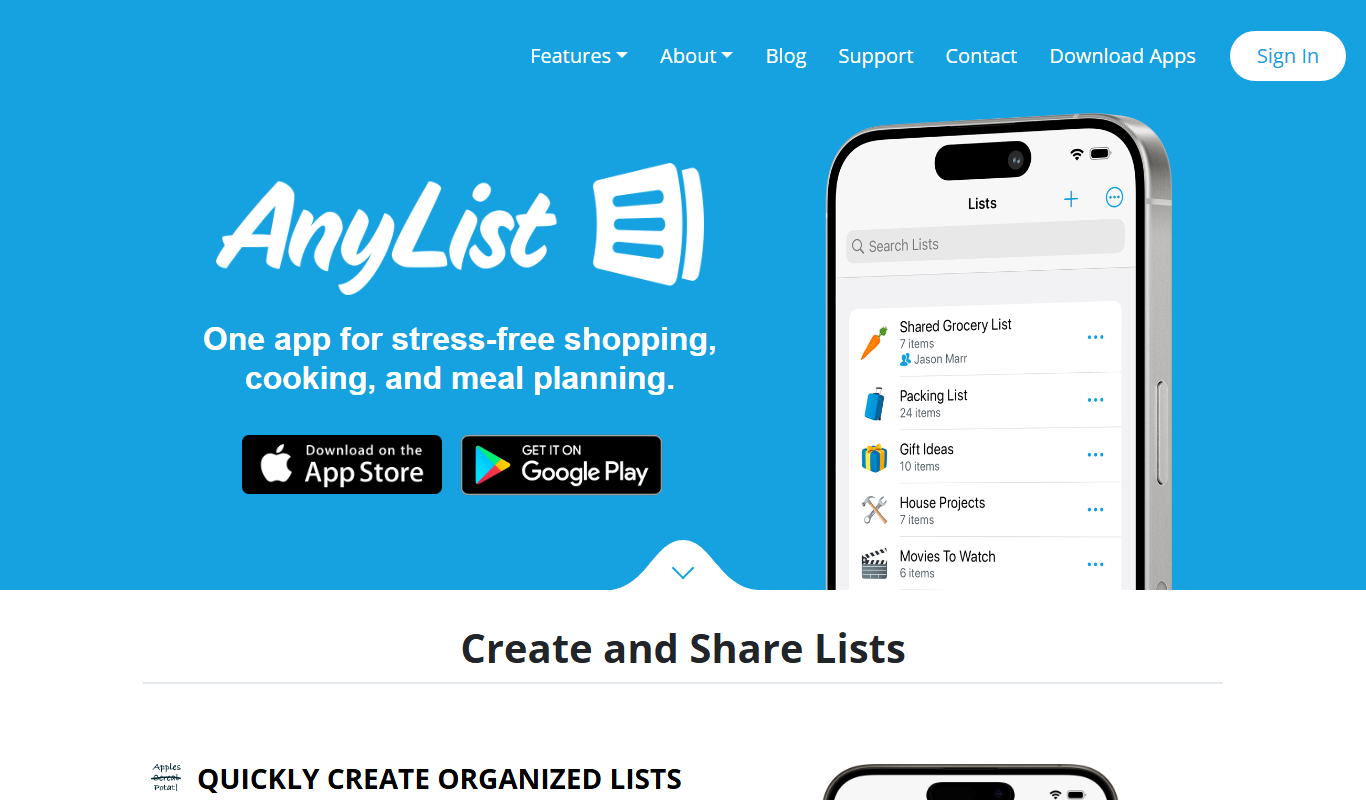
Free
AnyList
AnyList is a grocery shopping and meal planning app that helps users create organized shopping lists, save and manage recipes, plan meals on a calendar, and share lists with others for collaborative shopping.

Free
Skribbl.io
Skribbl.io is a free browser-based multiplayer drawing and guessing game where players take turns drawing words and others guess them in real time.

Free
KidloLand
KidloLand is an educational app providing interactive games, songs, stories, and videos for young children, aged 1-7 according to the official site, to support early learning and development.
Freemium
Debatia
Debatia is an AI-driven platform that facilitates structured debates by generating balanced arguments and providing feedback to improve critical thinking and communication skills.
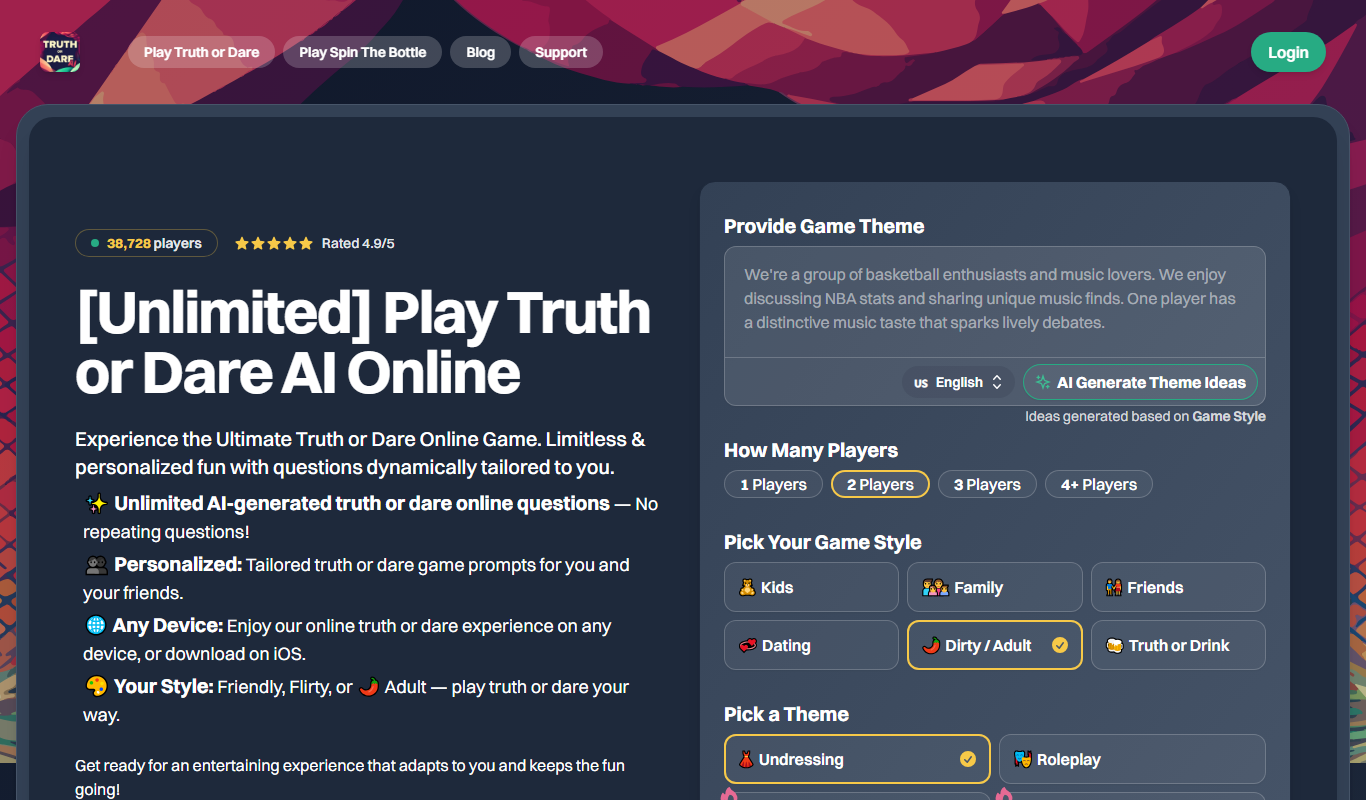
Free
Truth or Dare AI
Truth or Dare AI is a free web-based party game that uses artificial intelligence to generate unique truth questions and dares for players, enhancing social interactions and entertainment.

Free
EnglishClass101
EnglishClass101 is an online platform offering audio and video lessons, vocabulary tools, and cultural insights to help learners of all levels improve their English skills.