

From my experience with Bring!, I found it excels at simplifying grocery shopping through real-time collaboration and intuitive list management. The ability to share lists with family members and integrate recipes directly into shopping plans makes meal preparation much more organized. While the free version covers most needs, the premium subscription adds polish with extra features. However, users should note that offline editing is limited, which can be a drawback in areas with poor connectivity. Overall, if you want a straightforward, collaborative shopping list app that keeps everyone in sync, Bring! delivers reliable and user-friendly functionality.
Bring! Shopping List App for Grocery Planning and Family Sharing
Bring! is a collaborative shopping list app that enables users to create, share, and manage grocery lists and meal plans in real time across devices.
- Best for
- Grocery Shopping
- Key capability
- Real-Time Collaborative Lists

Do you recommend this tool?
What is Bring!?
Bring! is a collaborative shopping list app designed to simplify grocery planning and household organization. It allows users to create, share, and manage shopping lists in real time with family members or roommates. The app supports meal planning by integrating recipes and organizing ingredients, helping users shop efficiently and avoid missing items.
Key features of Bring!
Bring! offers real-time list sharing, intuitive drag-and-drop item management, recipe integration, personalized suggestions, and cross-platform synchronization to keep everyone on the same page during grocery shopping and meal planning.
Real-Time Collaborative Lists
Multiple users can edit and update shopping lists simultaneously with instant synchronization.
Recipe Integration
Save recipes and add ingredients to lists automatically to streamline meal preparation.
Personalized Suggestions
The app suggests frequently bought items and helps speed up list creation.
Cross-Platform Sync
Access and update your lists from iOS, Android, and web platforms seamlessly.
Intuitive User Interface
Drag-and-drop items, categorize products, and organize lists with ease.
Pros and cons of Bring!
Pros
- Easy real-time collaboration on shopping lists
- Recipe integration simplifies meal planning
- Cross-platform availability keeps lists synced
- User-friendly interface with drag-and-drop
- Free version offers robust basic features
Cons
- Premium features require subscription
- Limited advanced budgeting or expense tracking
- No offline editing without internet connection
Key use cases for Bring!
Grocery Shopping
Create and manage grocery shopping lists collaboratively with family or roommates to streamline shopping trips.
Meal Planning
Plan meals ahead by organizing ingredients and recipes within the app to ensure efficient grocery purchases.
Family Organization
Share shopping lists and tasks with family members to coordinate household needs and reduce duplicated efforts.
Budget Management
Track grocery expenses by managing shopping lists and prioritizing purchases to stay within budget.
Recipe Integration
Save and organize recipes and automatically add required ingredients to shopping lists for easy meal preparation.
How Bring! works
- 1
Download and Install
Get the Bring! app from the App Store or Google Play and install it on your device.
- 2
Create an Account
Sign up using your email or social login to start creating shopping lists.
- 3
Create and Share Lists
Add items to your shopping list and share it with family or friends for collaborative editing.
- 4
Add Recipes and Plan Meals
Save recipes and add their ingredients directly to your shopping lists for organized meal planning.
- 5
Shop and Check Off Items
Use the app during shopping to check off items as you buy them, keeping everyone updated in real time.
Who is using Bring!
Families and households
Roommates sharing grocery duties
Meal planners and home cooks
Busy professionals managing shopping lists
Anyone looking to organize grocery shopping efficiently
Bring! pricing
Free
$0/month
Basic shopping list features with unlimited lists and sharing.
Bring! Premium
€3.99/month
Advanced features including ad-free experience, premium themes, and priority support.
Plans and prices are as published by the vendor and can change. Check the official site before you buy. Open the pricing page (opens in a new tab)
Frequently asked questions about Bring!
Yes, Bring! offers a free version with core features and an optional premium subscription for additional benefits.
Absolutely, Bring! allows real-time sharing and collaboration on shopping lists with family or friends.
Yes, you can save recipes and add their ingredients directly to your shopping lists.
Bring! is available on iOS, Android, and as a web app.
It depends on your specific needs and how you plan to use the tool. The official website and documentation are the best sources for the latest details.
Yes, it can help with that use case depending on how you configure it and what features are available. You’ll get the best results with clear inputs and a defined goal.
Integration support depends on the tool and its available connectors or API. Check the official documentation or integrations page to confirm what is supported.
Sign in to review this tool.
Sign In to ReviewNo reviews yet
Be the first to share how this tool worked for you.
Ask about pricing, limits, or how it compares — or answer someone else.
Sign In to AskNo questions yet
Have a question about using or paying for this tool? Be the first to ask.
Featured on TiorAI



Alternative Tools
Explore similar AI tools that might fit your needs
Free
Out of Milk
Out of Milk is a grocery list and pantry management app that simplifies shopping and meal planning by allowing users to create, share, and sync lists, track pantry items, and scan barcodes for quick item entry.
Free
AnyList
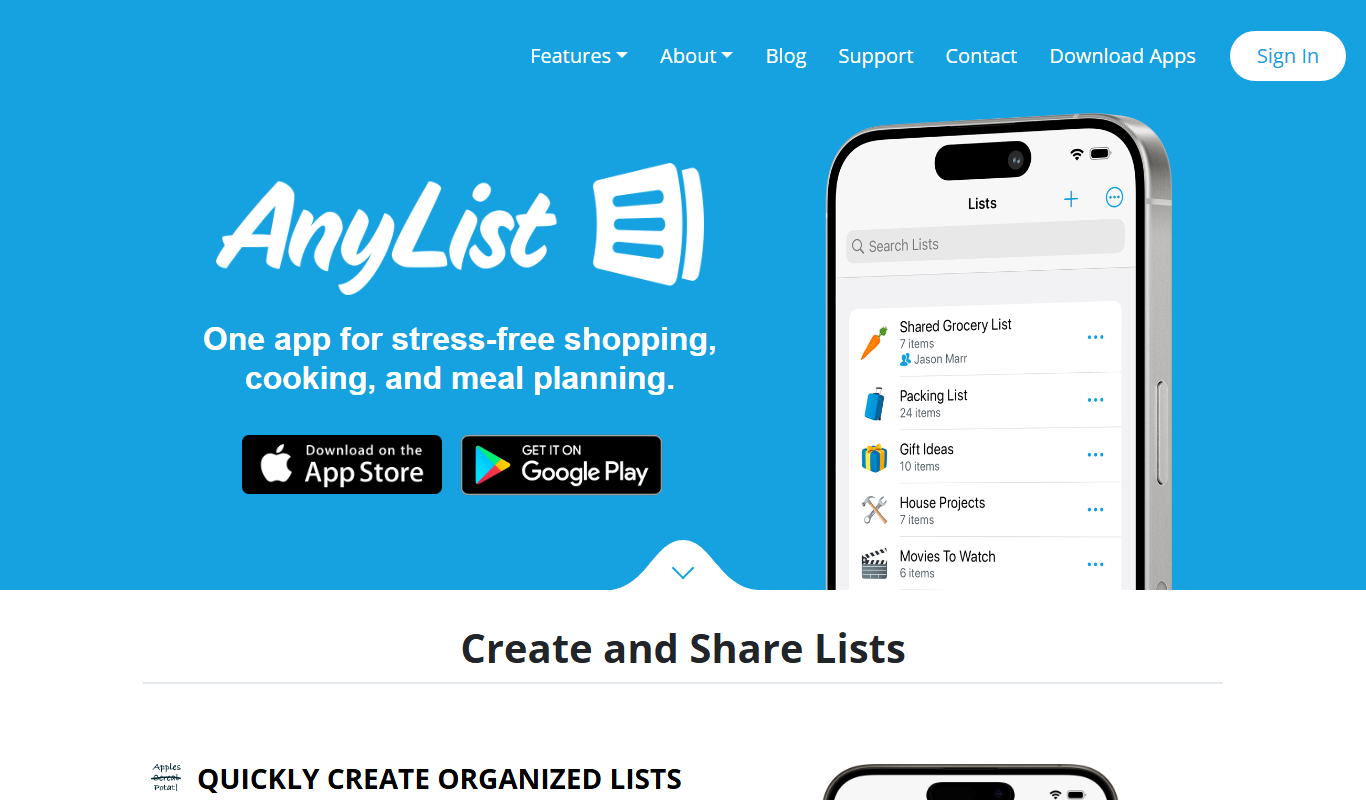
AnyList is a grocery shopping and meal planning app that helps users create organized shopping lists, save and manage recipes, plan meals on a calendar, and share lists with others for collaborative shopping.
More Business Management tools
Other tools in the same category, for when this one is not quite the fit.

Free
Roadtrippers
Roadtrippers is a travel planning app that helps users create detailed road trip itineraries by mapping routes, discovering attractions, and optimizing travel plans.

Free
TripIt
TripIt is a travel app that automatically organizes your travel plans into a single itinerary by parsing confirmation emails, providing real-time flight alerts, and allowing itinerary sharing.

Free
FormSwift
FormSwift is an online platform that provides customizable legal and business document templates, PDF editing, and electronic signature capabilities to help users create and manage important documents easily.

Pay As You Go
TextMagic
TextMagic is a cloud-based SMS marketing platform that enables businesses to send bulk text messages, automate notifications, and engage customers with two-way messaging and API integration.

Free Trial
EZ Texting
EZ Texting is a cloud-based SMS marketing platform that enables businesses to send mass text messages, automate campaigns, and engage customers with two-way messaging.

Free Trial
SimpleTexting
SimpleTexting is a cloud-based SMS marketing platform that enables businesses to send mass text messages, automate SMS workflows, and engage customers with two-way messaging to improve communication and marketing effectiveness.

Free
Spocket
Spocket is a dropshipping platform that helps ecommerce entrepreneurs source products from vetted US and EU suppliers, automate order fulfillment, and integrate with major online store platforms like Shopify and WooCommerce.

Free
Oberlo
Oberlo is a dropshipping app for Shopify that automates product importing, inventory management, and order fulfillment, enabling entrepreneurs to run ecommerce stores without holding inventory.