
From my experience with NDeck.io, it stands out for its focus on creating truly interactive and engaging presentations that go beyond static slides. The platform’s real-time collaboration and multimedia integration make it a strong choice for teams and educators aiming to boost audience participation. While it is primarily web-based, which limits offline use, the ease of sharing and embedding presentations online is a significant advantage. Overall, if you need to craft dynamic decks that captivate and involve your audience, NDeck.io offers a practical and user-friendly solution.
NDeck.io Interactive Presentation Software for Engaging Online Decks
NDeck.io is a web-based platform that enables users to create interactive, multimedia-rich presentations with real-time collaboration and easy sharing options.
What is NDeck.io?
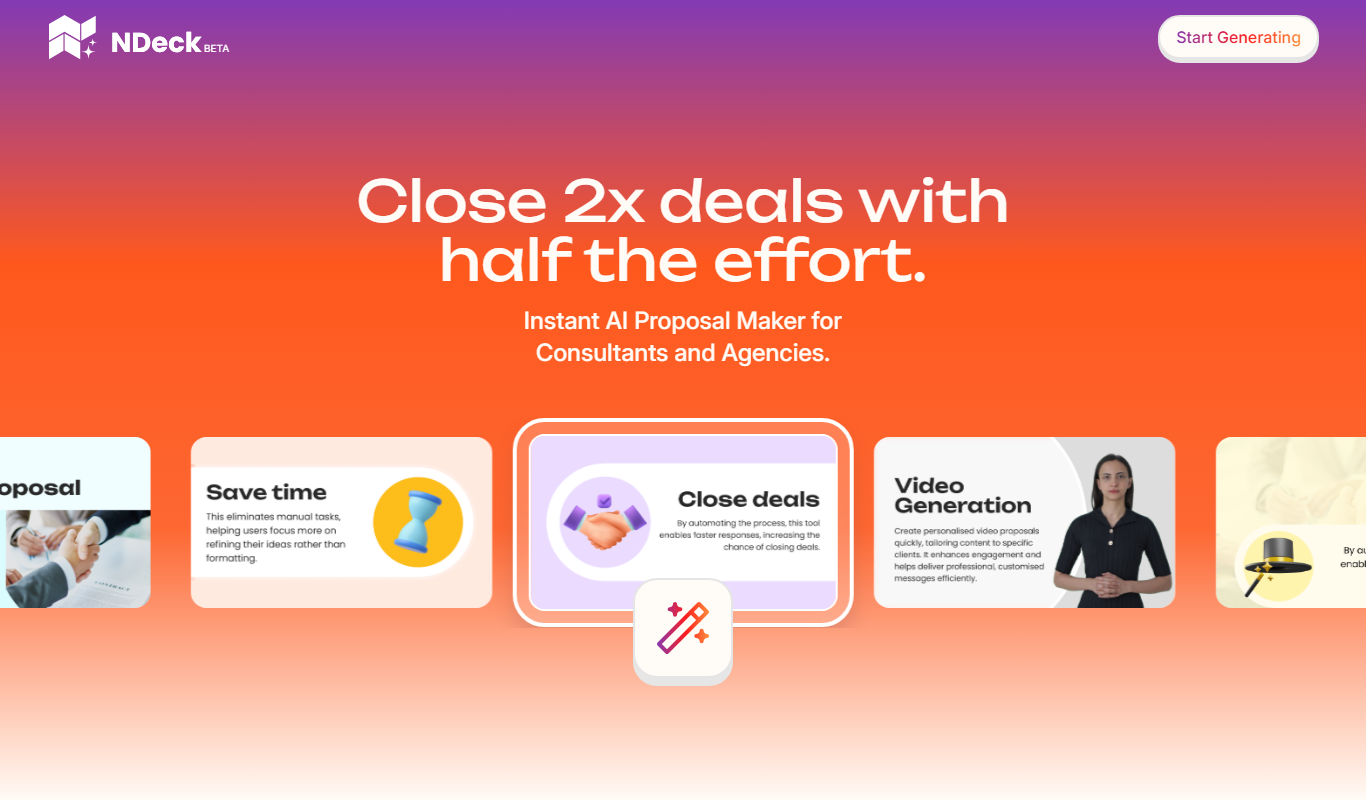
NDeck.io is a web-based platform designed to create interactive and engaging presentation decks. Unlike traditional slide tools, NDeck.io focuses on dynamic content that encourages audience participation and collaboration. It enables users to build presentations that are not only visually appealing but also interactive, making it ideal for sales, education, marketing, and team collaboration.
Key Features of NDeck.io
Real-Time Collaboration
Multiple users can edit and comment on presentations simultaneously.
Interactive Components
Add polls, quizzes, videos, and other dynamic elements to engage your audience.
Customizable Templates
Access a library of templates that can be tailored to fit your presentation style.
Easy Sharing Options
Share presentations via direct links or embed them on websites and social media.
Pros and Cons of NDeck.io
Pros
- User-friendly interface with intuitive design tools
- Strong focus on interactivity and engagement
- Real-time collaboration enhances teamwork
- Flexible sharing and embedding options
Cons
- Limited offline access as it is web-based
- Some advanced features require paid subscription
Key Use Cases for NDeck.io
Sales Presentations
Create engaging and interactive sales decks that capture client attention and improve conversion rates.
Team Collaboration
Collaborate with team members in real-time to build and refine presentations seamlessly online.
Educational Content
Develop interactive lessons and training materials that enhance learner engagement and retention.
Marketing Campaigns
Design compelling marketing presentations that integrate multimedia and interactive elements to boost audience interest.
How NDeck.io Works
-
1
Sign Up
Create a free account on NDeck.io to start building your interactive presentations.
-
2
Choose a Template or Start from Scratch
Select from a variety of customizable templates or create your own deck layout.
-
3
Add Interactive Elements
Incorporate multimedia, polls, quizzes, and other interactive components to enhance engagement.
-
4
Collaborate and Share
Invite team members to collaborate in real-time and share your deck via link or embed it on websites.
Who's Using NDeck.io
Sales professionals
Educators and trainers
Marketing teams
Small to medium-sized businesses
Remote teams
NDeck.io Pricing
Free
$0/month
Basic features with limited interactive elements and sharing options.
Pro
$15/month
Access to advanced interactive features, unlimited decks, and priority support.
Business
$45/month
Team collaboration tools, branding customization, and enhanced analytics.
Frequently Asked Questions About NDeck.io
Yes, NDeck.io supports real-time collaboration allowing multiple users to work on the same deck.
The Free plan has limits on the number of decks, while Pro and Business plans offer unlimited presentations.
Yes, NDeck.io provides embed codes to integrate your decks into websites and blogs.
Absolutely, you can add videos, images, audio, and interactive polls to your presentations.
It depends on your specific needs and how you plan to use the tool. The official website and documentation are the best sources for the latest details.
Some tools offer a free plan or trial with limited features. Availability can vary, so confirm on the official website.
Yes, it can help with that use case depending on how you configure it and what features are available. You’ll get the best results with clear inputs and a defined goal.
It depends on your specific needs and how you plan to use the tool. The official website and documentation are the best sources for the latest details.
Share your review
Reviews are limited to one per logged-in user and are published after moderation.
You need an account to review this tool.
0.0
★
★
★
★
★
0 reviews
5 star
0
4 star
0
3 star
0
2 star
0
1 star
0
No reviews yet
Be the first to share how this tool worked for you.
Questions from the community
Read questions and answers about this tool, or ask your own.
No questions yet
Start the conversation by asking the first question about this tool.
Is this tool helpful?
Alternative Tools
Explore similar AI tools that might fit your needs
Free
Prezi
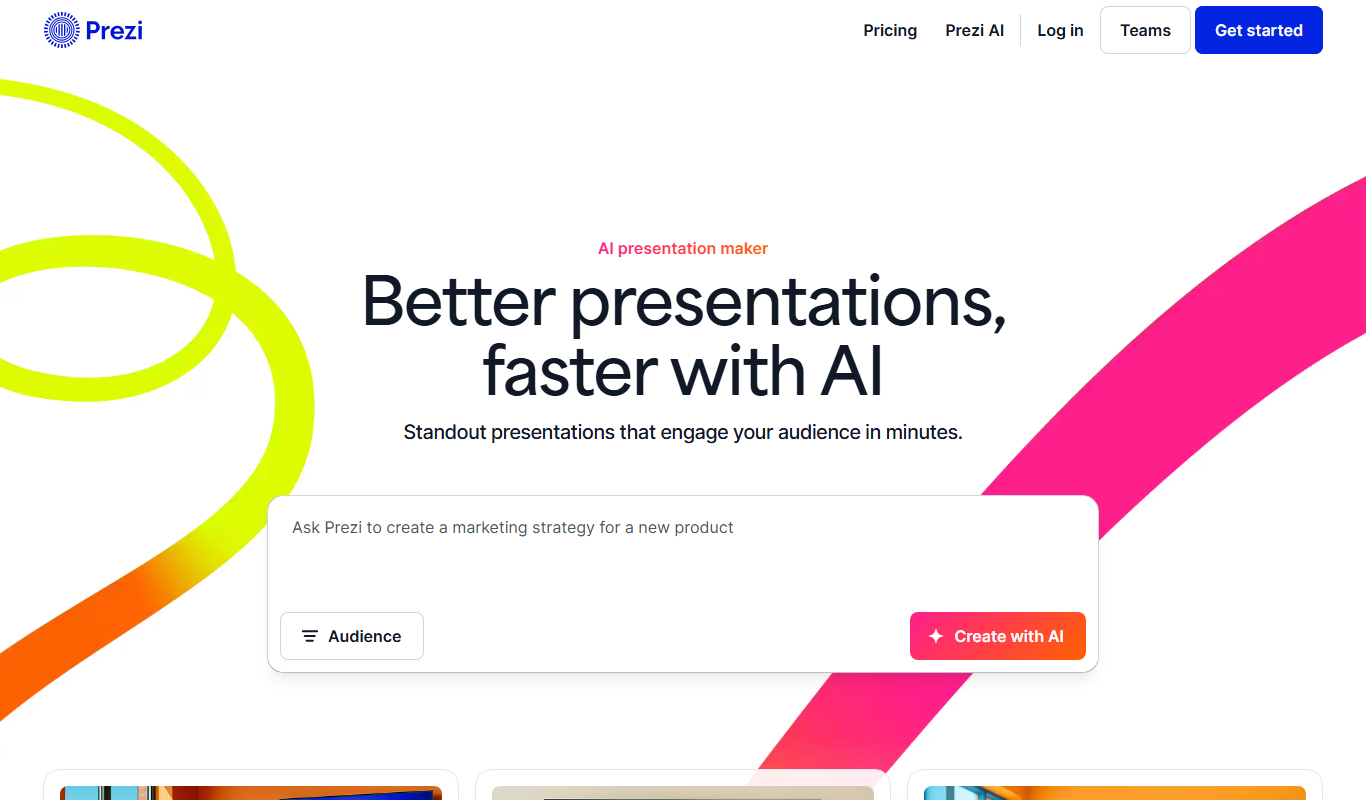
Prezi is a cloud-based presentation tool that uses a zoomable canvas to create engaging, non-linear presentations with real-time collaboration and multimedia support.

Free
Visme
Visme is a web-based platform for creating presentations, infographics, and marketing visuals with customizable templates and data visualization tools.

Freemium
Plus AI for Google Slides
Plus AI for Google Slides is an AI add-on that automates slide creation and enhancement directly within Google Slides, helping users save time and improve presentation quality.

Free
SuperDeck
SuperDeck is an AI-driven online tool that automates slide deck creation by generating content and design suggestions, enabling fast and professional presentations.
Free
Smallppt
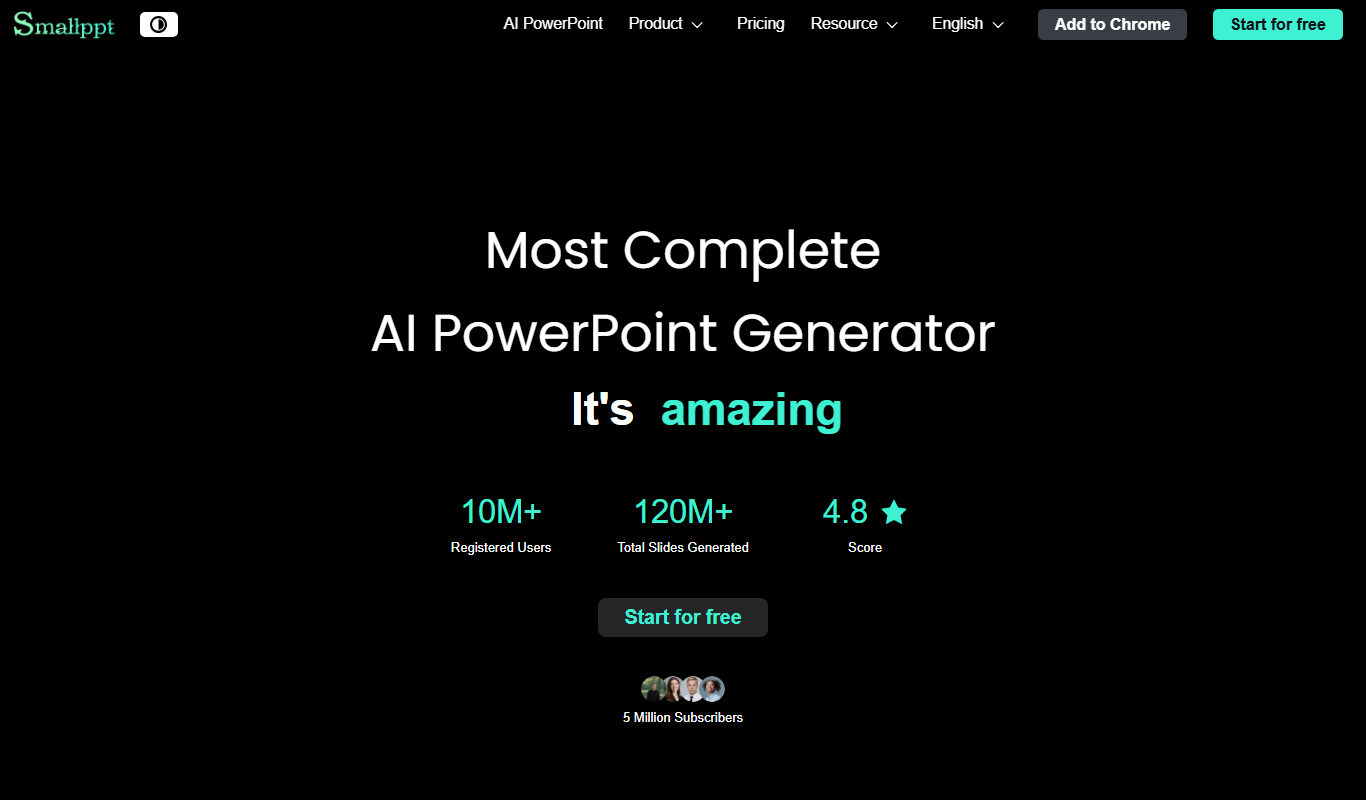
Smallppt is an online tool by Smallpdf GmbH that converts PDF documents into editable PowerPoint presentations quickly and securely without software installation.

Free
SlideNotes
SlideNotes is an open-source Markdown-based slide presentation tool that integrates synchronized note-taking, designed primarily for developers and technical presenters.

Free
Reveal.js
Reveal.js is an open-source HTML presentation framework that allows developers to create interactive, customizable slide decks using web technologies like HTML, CSS, and JavaScript.

Free
Curipod
Curipod is an interactive lesson builder that helps educators create engaging presentations with quizzes, polls, and multimedia to enhance student participation and learning outcomes.

Free Trial
shufflrr.com
Shufflrr is a presentation management tool that centralizes PowerPoint slides, enabling teams to organize, collaborate, and deliver presentations efficiently with version control and analytics.

Free Trial
SlidesToVideos.com
SlidesToVideos.com is an online tool that converts PowerPoint presentations into videos, allowing users to add audio and customize slide timing for engaging video content.