

From my experience with MidLearning.com, I found it excels at providing a straightforward, user-friendly platform for managing corporate training programs. The ability to create customized learning paths and track employee progress in real time makes it particularly well-suited for HR professionals and training managers in small to medium-sized businesses. However, the lack of publicly available pricing and a dedicated mobile app may limit accessibility for some organizations. Overall, if your focus is on streamlined employee development and compliance training through a web-based LMS, MidLearning.com delivers solid, practical features.
MidLearning.com Online Training Platform for Corporate and Employee Development
MidLearning.com is a cloud-based learning management system designed to help organizations deliver, manage, and track employee training programs efficiently.
- Best for
- Corporate Training
- Key capability
- Course Management

Do you recommend this tool?
What is MidLearning.com?
MidLearning.com is a cloud-based Learning Management System (LMS) designed to help organizations deliver, manage, and track employee training programs. It offers a user-friendly platform for creating and assigning courses, monitoring learner progress, and ensuring compliance with corporate training requirements.
Key features of MidLearning.com
The platform provides course creation tools, customizable learning paths, progress tracking dashboards, reporting capabilities, and integrations to support corporate learning initiatives.
Course Management
Tools to create, upload, and organize training content efficiently.
Learning Paths
Customize sequences of courses tailored to specific roles or objectives.
Progress Tracking
Real-time dashboards to monitor learner engagement and completion rates.
Reporting and Analytics
Generate detailed reports to evaluate training effectiveness and compliance.
User Management
Manage learner groups, roles, and permissions within the platform.
Pros and cons of MidLearning.com
Pros
- User-friendly interface for both administrators and learners
- Customizable learning paths to fit organizational needs
- Comprehensive progress tracking and reporting features
Cons
- No publicly available pricing details may require direct contact
- Limited information on advanced integrations and API availability
- No dedicated mobile app limits offline learning options
Key use cases for MidLearning.com
Corporate Training
Deliver tailored training programs to employees to improve skills and compliance.
Employee Onboarding
Streamline onboarding processes with structured learning paths for new hires.
Skill Development
Provide continuous learning opportunities to enhance employee competencies.
Compliance Training
Ensure employees complete mandatory compliance courses efficiently.
Performance Tracking
Monitor learner progress and generate reports to assess training effectiveness.
How MidLearning.com works
- 1
Sign Up and Setup
Create an account and configure your organization’s training environment.
- 2
Create or Upload Courses
Develop training content or upload existing materials to the platform.
- 3
Assign Learning Paths
Organize courses into learning paths and assign them to employees or groups.
- 4
Track Progress and Generate Reports
Monitor employee course completion and generate detailed training reports.
Who is using MidLearning.com
Corporate training managers
HR professionals
Small to medium-sized enterprises
Employee development coordinators
Compliance officers
MidLearning.com pricing
Custom Pricing
Contact for pricing
Pricing tailored to organization size and training needs.
Plans and prices are as published by the vendor and can change. Check the official site before you buy. Open the pricing page (opens in a new tab)
Frequently asked questions about MidLearning.com
MidLearning.com offers demos upon request but does not publicly list a free trial.
Yes, MidLearning supports integrations with various HR and business systems.
The platform is web-based and accessible via mobile browsers but does not have a dedicated mobile app.
It depends on your specific needs and how you plan to use the tool. The official website and documentation are the best sources for the latest details.
It depends on your specific needs and how you plan to use the tool. The official website and documentation are the best sources for the latest details.
It depends on your specific needs and how you plan to use the tool. The official website and documentation are the best sources for the latest details.
Sign in to review this tool.
Sign In to ReviewNo reviews yet
Be the first to share how this tool worked for you.
Ask about pricing, limits, or how it compares — or answer someone else.
Sign In to AskNo questions yet
Have a question about using or paying for this tool? Be the first to ask.
Featured on TiorAI



Alternative Tools
Explore similar AI tools that might fit your needs

Free
TalentLMS
TalentLMS is a cloud-based learning management system that helps businesses create, deliver, and track online training programs for employees, customers, and partners.

Enterprise
Docebo
Docebo is a cloud-based AI-powered learning management system that helps businesses deliver personalized corporate training, onboarding, and compliance programs with robust analytics and automation.
Custom Pricing
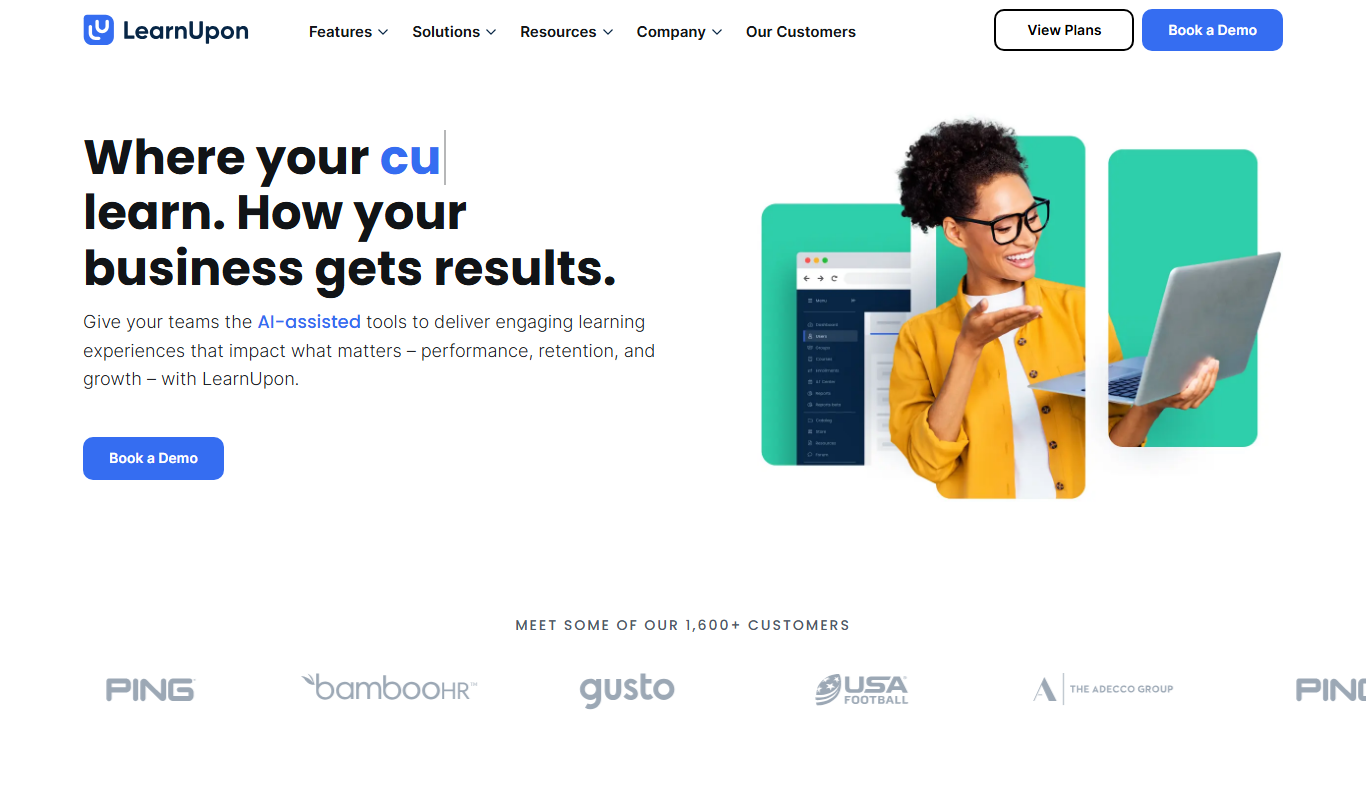
LearnUpon
LearnUpon is a cloud-based learning management system that helps organizations deliver, manage, and track online training programs for employees, customers, and partners.
More AI Art Generator tools
Other tools in the same category, for when this one is not quite the fit.

Free
Prompt Hero
Prompt Hero is a web platform that provides a marketplace and community for discovering, sharing, and selling AI prompts used in text-to-image generation with popular AI art models.
Paid
MyPetPortrait
MyPetPortrait is an online service that creates personalized pet portraits from your photos, offering various artistic styles and options for digital or printed artwork.
Free
Sketchbook
Sketchbook is a professional digital drawing and painting software by Autodesk that offers customizable brushes, layers, and cross-platform support for artists and designers.
Free
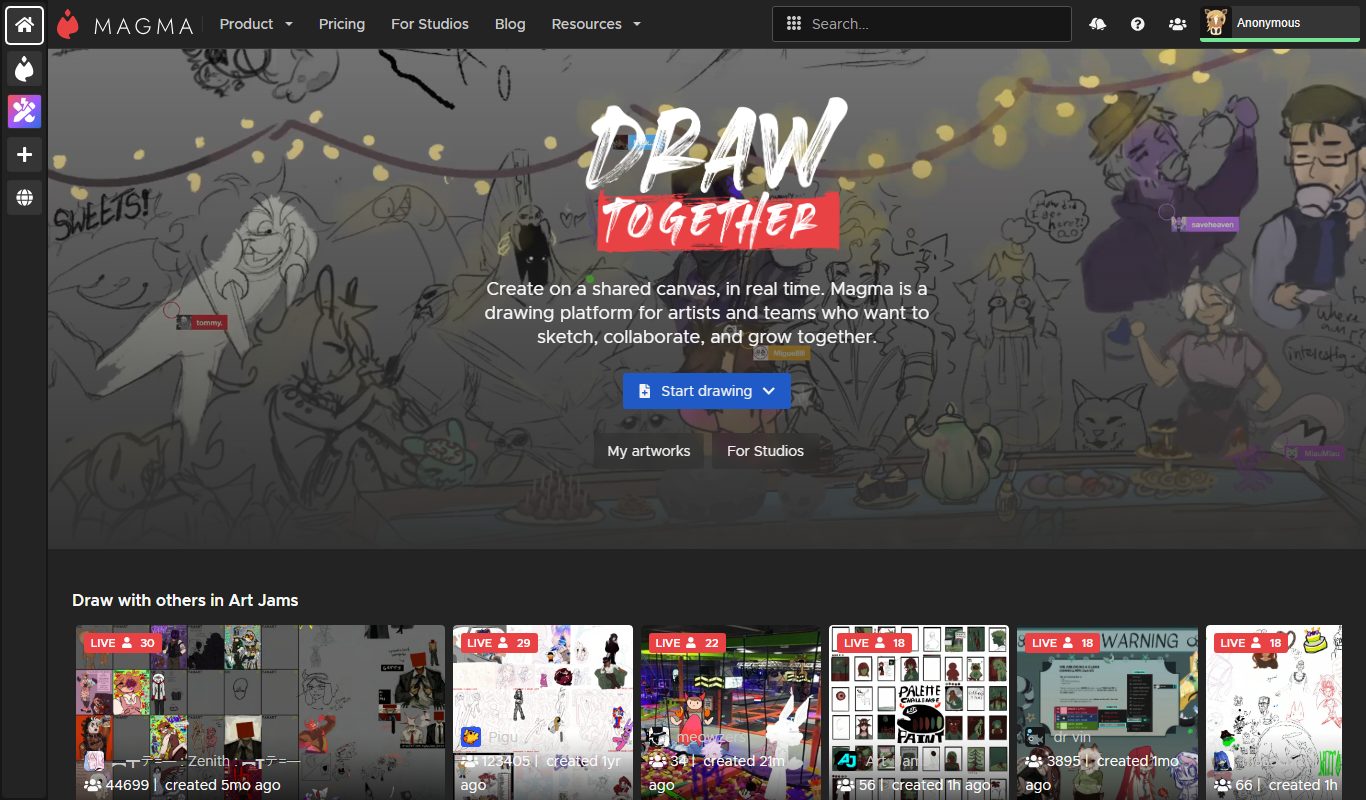
Aggie.io
Aggie.io is a free online collaborative drawing tool that allows multiple users to paint together in real time on a shared canvas without requiring installation or accounts.

Enterprise
Redshift
Redshift is a GPU-accelerated 3D rendering software that enables fast, photorealistic image creation for artists and designers, integrating with major 3D applications.
Free
ThisPersonDoesNotExist
ThisPersonDoesNotExist is a free web tool that uses AI to generate photorealistic human faces that do not belong to real people, useful for creative and privacy-conscious applications.
Free
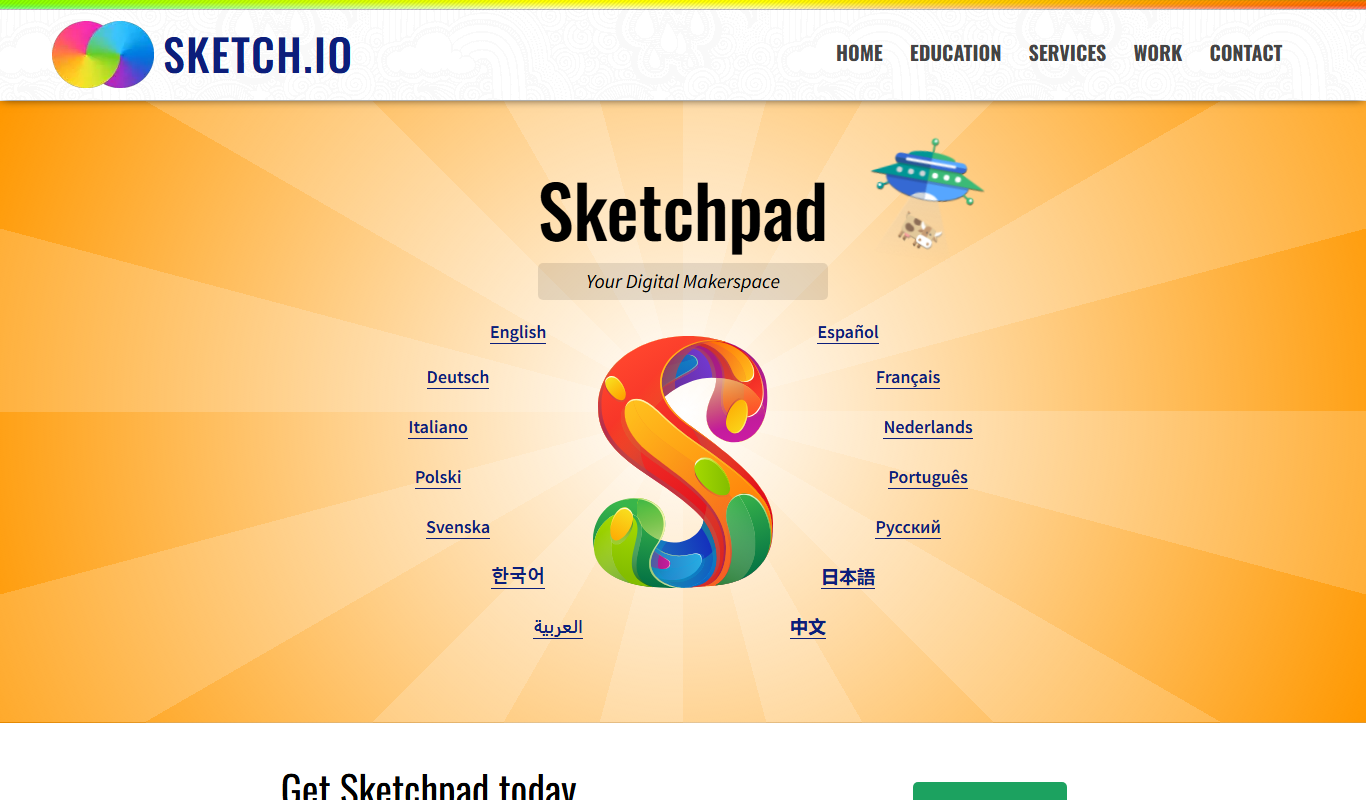
Sketchpad
Sketchpad is a free web-based drawing application that supports vector and raster graphics, offering tools for digital illustration, graphic design, and creative projects accessible directly in your browser.

Freemium
Microstockr
Microstockr is an AI-powered platform that generates royalty-free stock photos and creative images from text prompts, ideal for marketing and design projects.