

From my experience with Marvel, I found it excels at simplifying the prototyping process for UX/UI teams by providing an intuitive, no-code platform that supports real-time collaboration and user testing. After spending time with the tool, I can say it’s particularly well-suited for designers and product teams who want to quickly iterate and validate designs without technical barriers. However, since Marvel is primarily web-based, offline work is limited, and some advanced features require a paid subscription. Overall, if you need a streamlined way to prototype and collaborate on design projects, Marvel delivers solid, user-friendly results.
Marvel App - Collaborative Prototyping and Design Tool for UX/UI Teams
Marvel is a web-based design and prototyping tool that allows teams to create interactive UX/UI prototypes, collaborate in real-time, conduct user testing, and streamline developer handoff without coding.
- Best for
- UX/UI Prototyping
- Key capability
- Interactive Prototyping
Your actions
Save Marvel, follow its updates and vote on it — everything stays in your account.
Sign in or create a free account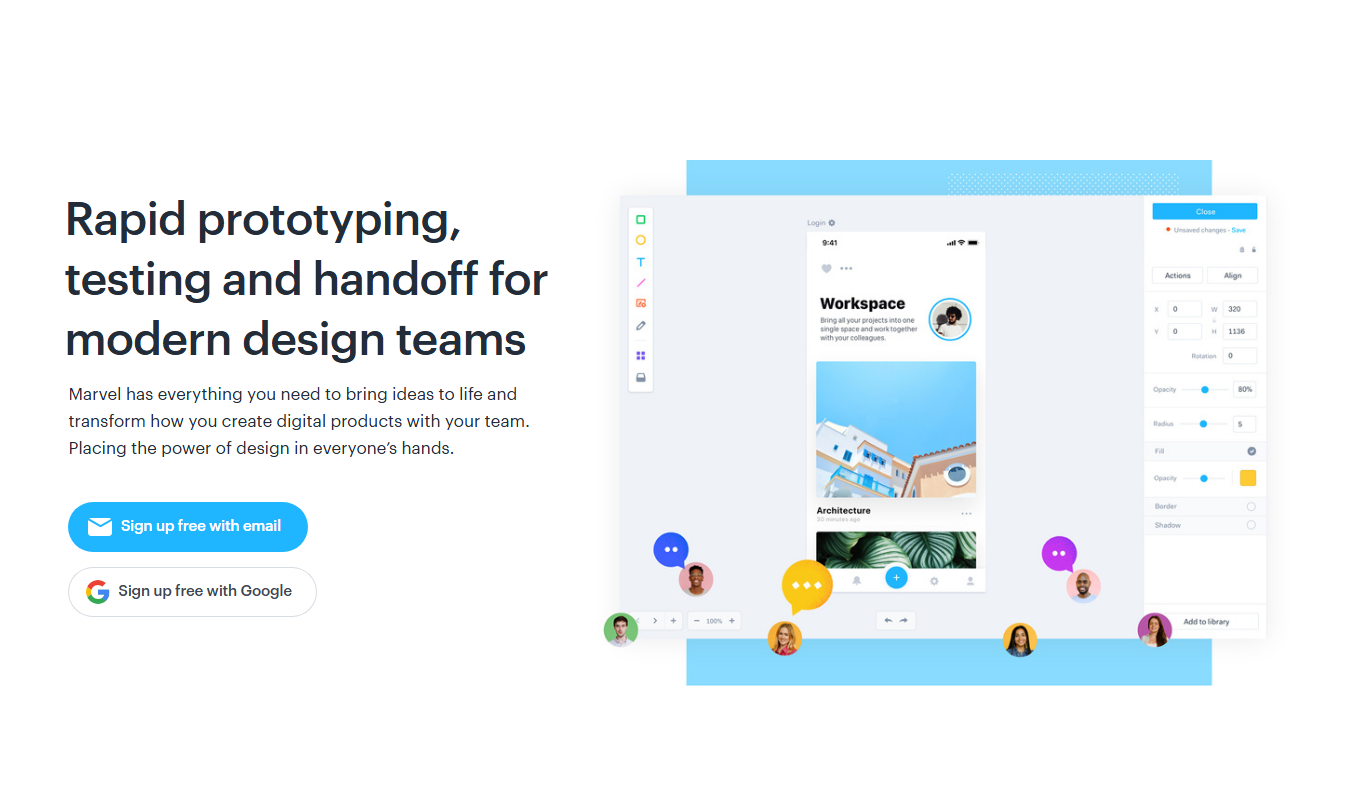
What is Marvel?
Marvel is a web-based design platform that enables teams to create interactive prototypes, wireframes, and mockups for websites and mobile apps. It simplifies the design process by allowing users to turn static designs into clickable prototypes without coding. Marvel also supports collaboration, user testing, and developer handoff, making it a comprehensive tool for UX/UI workflows.
Key features of Marvel
Marvel offers an intuitive drag-and-drop interface for prototyping, real-time collaboration features, user testing capabilities, and integrations with popular design tools. It streamlines the design-to-development process by providing clear specs and assets for developers.
Interactive Prototyping
Create clickable prototypes from static designs without any coding.
Real-Time Collaboration
Multiple users can work together, leave comments, and track changes instantly.
User Testing Tools
Built-in tools to conduct usability tests and gather actionable insights.
Developer Handoff
Automatically generate design specs and assets for developers.
Integrations
Seamlessly integrates with tools like Sketch, Figma, and Slack.
Pros and cons of Marvel
Pros
- User-friendly interface ideal for beginners and professionals
- Strong collaboration and feedback features
- Integrated user testing capabilities
- Good integration with popular design tools
- No coding required to create interactive prototypes
Cons
- Limited offline functionality as it is primarily web-based
- Advanced features require paid subscription
- Some users report performance issues with very large projects
Key use cases for Marvel
UX/UI Prototyping
Create interactive prototypes to visualize and test user interfaces before development.
Collaborative Design
Work with team members in real-time to design, comment, and iterate on projects.
User Testing
Conduct usability testing with stakeholders and users directly within the platform.
Wireframing
Build wireframes quickly to outline app or website structure and flow.
Developer Handoff
Generate specs and assets to streamline communication between designers and developers.
How Marvel works
- 1
Create a Project
Start by creating a new project and uploading your design files or building wireframes directly.
- 2
Design and Prototype
Use Marvel’s editor to design screens and link them with interactive hotspots to simulate user flows.
- 3
Collaborate with Team
Invite team members to comment, review, and iterate on the prototype in real-time.
- 4
Test and Gather Feedback
Share prototypes with users or stakeholders to conduct usability testing and collect feedback.
- 5
Handoff to Developers
Generate specs, assets, and code snippets to facilitate smooth handoff to development teams.
Who is using Marvel
UX/UI designers
Product managers
Design agencies
Startups and small businesses
Developers needing clear design specs
Marvel pricing
Free
$0/month
Basic features with limited projects and collaborators.
Pro
$12/month
Unlimited projects, advanced prototyping features, and user testing.
Team
$42/month
Collaboration tools for teams with shared projects and permissions.
Enterprise
Custom pricing
Tailored solutions with dedicated support and security features.
Plans and prices are as published by the vendor and can change. Check the official site before you buy. Open the pricing page (opens in a new tab)
Frequently asked questions about Marvel
Yes, Marvel offers a free plan with limited features suitable for individual users.
Yes, multiple team members can collaborate on projects simultaneously.
Yes, Marvel includes user testing tools to gather feedback directly.
Marvel supports importing images, PDFs, and designs from Sketch and Figma.
This tool is designed to help users accomplish its core tasks more efficiently. It is typically used by individuals or teams looking to improve productivity and workflow.
Some tools offer a free plan or trial with limited features. Availability can vary, so confirm on the official website.
Yes, it can help with that use case depending on how you configure it and what features are available. You’ll get the best results with clear inputs and a defined goal.
Yes, it can help with that use case depending on how you configure it and what features are available. You’ll get the best results with clear inputs and a defined goal.
Sign in to review this tool.
Sign In to ReviewNo reviews yet
Be the first to share how this tool worked for you.
Ask about pricing, limits, or how it compares — or answer someone else.
Sign In to AskNo questions yet
Have a question about using or paying for this tool? Be the first to ask.
Featured on TiorAI



Alternative Tools
Explore similar AI tools that might fit your needs
Free
Figma
Figma is a cloud-based design tool for creating user interfaces and prototypes collaboratively in real time, accessible via web and desktop apps.
More Art & Creative Design tools
Other tools in the same category, for when this one is not quite the fit.

Free
500px
500px is a photography platform that allows photographers to share, showcase, and license their photos globally, offering portfolio tools and community engagement.
Free
Flickr
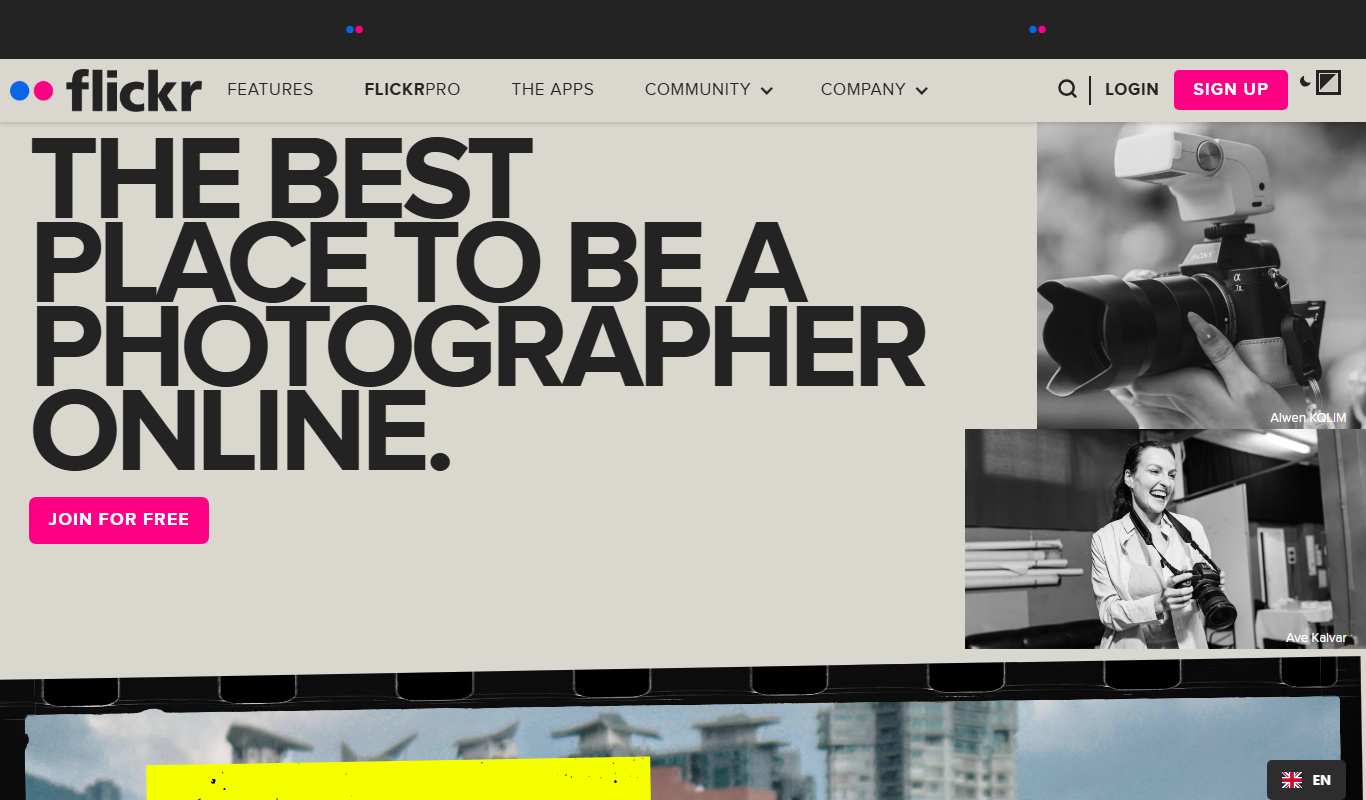
Flickr is an online photo sharing and hosting service that allows users to upload, organize, and share high-quality photos with a global community, offering both free and subscription plans.
Free
PromptToComicAI
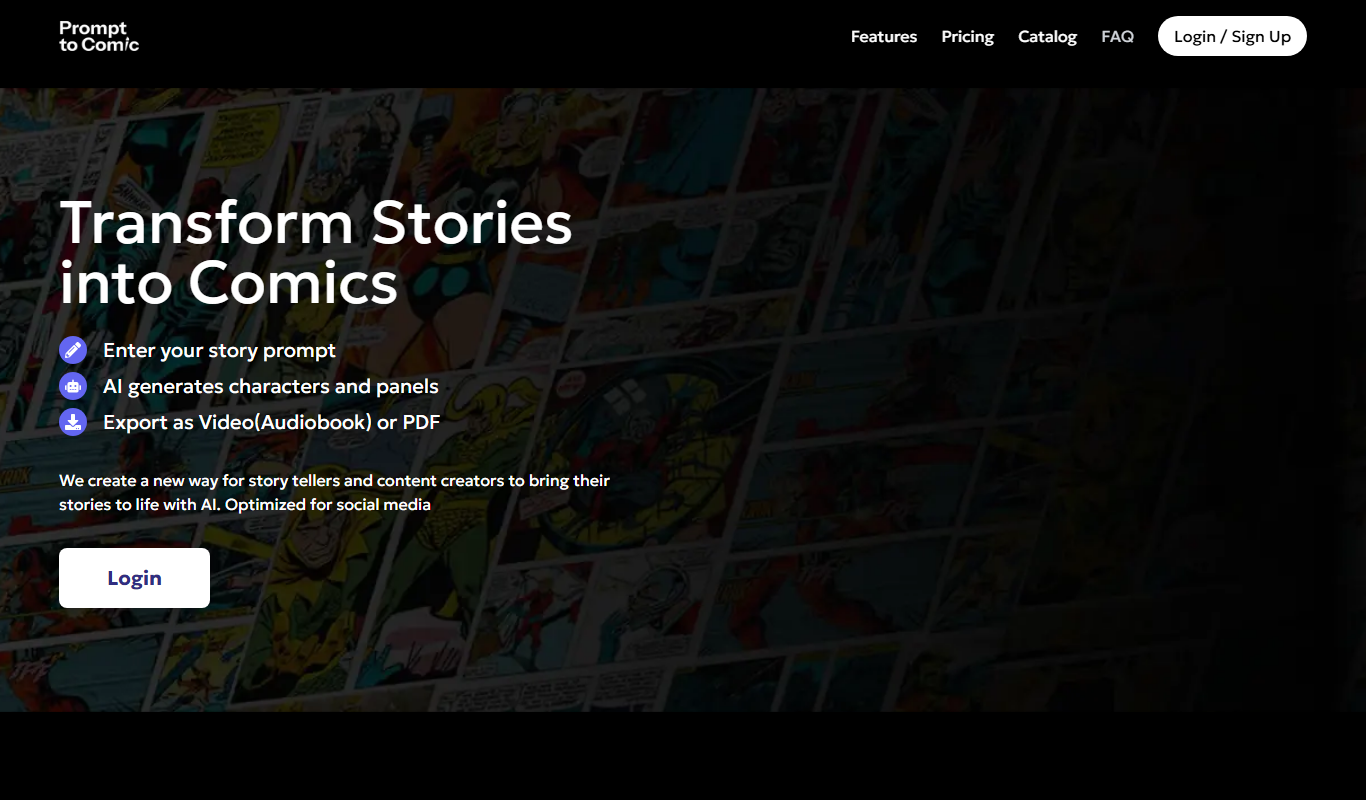
PromptToComicAI is an AI-powered web tool that converts text prompts into comic-style images, enabling users to create visual stories without drawing skills.

Free
GPT Book Club
GPT Book Club is a free web-based AI platform that enables users to engage in interactive book discussions, receive summaries, and enhance their reading experience through GPT-powered conversations.
Custom Pricing
Brella
Brella is an AI-driven event networking platform that facilitates meaningful connections and engagement for virtual, hybrid, and in-person events through personalized matchmaking and scheduling.

Free
AI Santa Claus
AI Santa Claus is a web-based platform that generates personalized video messages featuring a virtual Santa Claus using AI voice and facial animation technology.

Enterprise
Nextatlas Generate
Nextatlas Generate is an AI-driven trend forecasting platform that analyzes digital data to predict emerging market trends and consumer behaviors, helping businesses innovate and strategize effectively.

Subscription
Interior AI
Interior AI is a web-based tool that uses AI to generate multiple interior design variations from your room photos, helping visualize new styles quickly and easily.