

From my experience with MAPLE, I found it excels at providing an intuitive and visual approach to managing sales leads, which helps sales teams stay organized and focused on closing deals. The platform’s automated follow-up features and collaboration tools make it practical for small to medium-sized businesses looking to streamline their sales process without complexity. However, the lack of mobile apps and limited third-party integrations may be a drawback for teams needing more flexibility or on-the-go access. Overall, if you want straightforward lead management with useful automation, MAPLE delivers solid value.
MAPLE Lead Management Software for Sales Teams and Customer Insights
MAPLE is a web-based lead management tool that helps sales teams organize leads, visualize pipelines, automate follow-ups, and gain customer insights to improve sales performance.
- Best for
- Lead Tracking and Management
- Key capability
- Lead Management Dashboard
Your actions
Save MAPLE, follow its updates and vote on it — everything stays in your account.
Sign in or create a free account

What is MAPLE?
MAPLE is a web-based lead management software designed to help sales teams organize, track, and convert leads more efficiently. It provides tools for pipeline visualization, customer insights, and sales automation to streamline the sales process and improve team collaboration.
Key features of MAPLE
MAPLE offers lead tracking, pipeline management, automated follow-ups, and analytics features that empower sales teams to manage their leads effectively and close deals faster.
Lead Management Dashboard
Centralized dashboard to view and manage all leads in one place.
Pipeline Visualization
Drag-and-drop interface to move leads through different sales stages.
Automated Follow-ups
Set reminders and automate follow-up emails to prospects.
Collaboration Tools
Share notes and updates with team members to maintain alignment.
Reporting and Analytics
Generate reports to analyze sales performance and lead conversion.
Pros and cons of MAPLE
Pros
- User-friendly interface with intuitive pipeline visualization
- Automated follow-up reminders improve sales efficiency
- Good collaboration features for sales teams
- Affordable pricing plans with a free trial
Cons
- Limited integrations with third-party tools
- No mobile app currently available
Key use cases for MAPLE
Lead Tracking and Management
Organize and monitor leads through the sales pipeline to improve conversion rates.
Sales Team Collaboration
Enable sales teams to collaborate effectively by sharing lead information and updates.
Customer Insights and Analytics
Gain actionable insights from customer data to tailor sales strategies.
Pipeline Visualization
Visualize sales pipelines to identify bottlenecks and optimize sales processes.
Automated Follow-ups
Set up automated reminders and follow-ups to ensure timely communication with prospects.
How MAPLE works
- 1
Sign Up
Create an account on the MAPLE platform to get started.
- 2
Import Leads
Upload or manually add your leads into the system.
- 3
Organize Pipeline
Set up your sales pipeline stages and assign leads accordingly.
- 4
Track and Collaborate
Monitor lead progress and collaborate with your sales team.
- 5
Analyze and Optimize
Use analytics to gain insights and improve your sales strategy.
Who is using MAPLE
Sales teams
Small and medium businesses
Marketing agencies
Customer relationship managers
Business development professionals
MAPLE pricing
Free Trial
$0 for 14 days
Access all features for 14 days to evaluate the platform.
Standard
$29/month
Basic lead management features suitable for small teams.
Professional
$59/month
Advanced features including analytics and automation.
Plans and prices are as published by the vendor and can change. Check the official site before you buy. Open the pricing page (opens in a new tab)
Frequently asked questions about MAPLE
Yes, MAPLE provides a 14-day free trial with access to all features.
Yes, MAPLE supports importing leads via CSV files from other platforms.
Absolutely, MAPLE offers plans tailored for small to medium-sized sales teams.
Yes, it includes tools for sharing notes and updates among team members.
It depends on your specific needs and how you plan to use the tool. The official website and documentation are the best sources for the latest details.
Some tools offer a free plan or trial with limited features. Availability can vary, so confirm on the official website.
Integration support depends on the tool and its available connectors or API. Check the official documentation or integrations page to confirm what is supported.
Sign in to review this tool.
Sign In to ReviewNo reviews yet
Be the first to share how this tool worked for you.
Ask about pricing, limits, or how it compares — or answer someone else.
Sign In to AskNo questions yet
Have a question about using or paying for this tool? Be the first to ask.
Featured on TiorAI



Alternative Tools
Explore similar AI tools that might fit your needs

Free Trial
Pipedrive
Pipedrive is a CRM software that helps sales teams visualize and manage their sales pipelines, automate repetitive tasks, and analyze sales performance to close deals faster.
More AI Automation & Workflow Tools tools
Other tools in the same category, for when this one is not quite the fit.

Free
EasyFunctionCall
EasyFunctionCall is a SaaS service that converts OpenAPI and Swagger specs into AI model function call parameters, reducing complexity and saving tokens.
Freemium
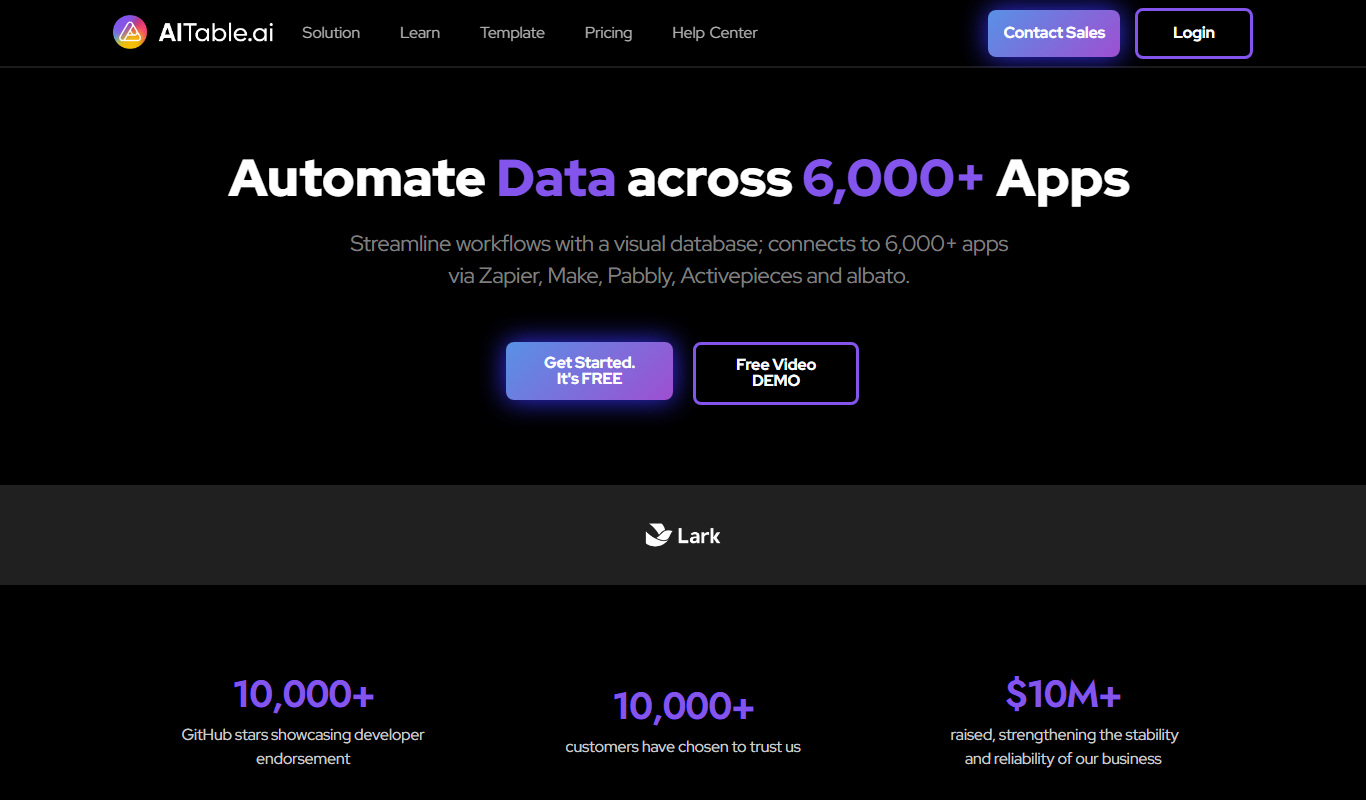
AITable.ai: No-code AI Agents Builder
AITable.ai is a visual database for workflow automation that connects to 6,000+ apps and adds AI agents and chatbot building.

Enterprise
Cradl AI
Cradl AI is a document AI platform that extracts structured data from documents at scale, with confidence-based guardrails, human-in-the-loop review and integrations for Power Automate, n8n, Zapier and APIs.

Freemium
Raycast
Raycast is an extendable productivity launcher for macOS and Windows, with an iOS app, thousands of extensions and Raycast AI on paid Pro plans.

Freemium
GPTBots.AI
GPTBots.AI is a no-code platform for enterprise AI agents covering customer support, lead generation, enterprise search and data insights, with knowledge base training and private deployment.

One-time purchase
Headbot
Headbot turns your photos into buff, anime or couple AI portraits, sold as one-time packages, with a gallery to share or print.

Free
Mage
Mage AI is an AI data engineering platform that runs production SQL and Python data pipelines, validates data quality, recovers from failures and optimizes performance.

Subscription
SendFame
SendFame lets you create AI videos, images, songs and more, from image-to-video and dance videos to full songs with lyrics and lip-synced avatar videos.