

From my experience with Mage, I found it excels at simplifying complex data workflows by combining a visual interface with powerful AI integration. The open-source nature allows for flexibility and customization, making it a solid choice for data engineers and analytics teams who want to automate pipelines without building everything from scratch. However, setting up Mage requires some technical knowledge, and advanced features come with enterprise pricing. Overall, if you need a customizable, AI-enabled data workflow platform, Mage delivers robust capabilities with a collaborative approach.
Mage AI Platform for Custom Data Workflows and Automation Solutions
Mage is an open-source AI platform that enables users to build, automate, and monitor custom data workflows with integrated AI models, designed for data engineers and analytics teams.
- Best for
- Data Pipeline Automation
- Key capability
- Visual Workflow Builder
Your actions
Save Mage, follow its updates and vote on it — everything stays in your account.
Sign in or create a free account
What is Mage?
Mage is an open-source AI platform designed to simplify the creation, automation, and management of data workflows. It empowers data engineers and analysts to build custom data pipelines with AI integration, using a visual interface combined with code flexibility. Mage aims to reduce the complexity of data engineering by providing tools for automation, monitoring, and collaboration.
Key features of Mage
Mage offers a visual workflow builder, AI model integration, real-time monitoring, version control, and extensibility through custom code. It supports seamless data orchestration across various sources and destinations, enabling efficient and scalable data pipelines.
Visual Workflow Builder
Drag-and-drop interface to design and manage data pipelines without extensive coding.
AI Model Integration
Easily incorporate AI and machine learning models into data workflows for enhanced processing.
Real-Time Monitoring
Track workflow execution, view logs, and receive alerts to ensure pipeline reliability.
Open Source and Extensible
Fully open-source platform allowing customization and integration with existing tools.
Collaboration and Version Control
Supports team collaboration with built-in versioning and workflow sharing.
Pros and cons of Mage
Pros
- Open-source with strong community support
- Flexible visual and code-based workflow design
- Built-in AI model integration capabilities
- Real-time monitoring and alerting
- Supports collaboration and version control
Cons
- Requires some technical knowledge to set up
- Enterprise features and cloud hosting are paid
- Limited language support beyond English
Key use cases for Mage
Data Pipeline Automation
Automate complex data workflows and pipelines with minimal coding using Mage's visual interface.
AI-Powered Data Processing
Integrate AI models into data workflows to enhance data transformation and analysis.
Custom Data Integration
Connect and orchestrate data from multiple sources for unified processing and reporting.
Collaborative Data Engineering
Enable teams to build, monitor, and maintain data workflows collaboratively with version control.
How Mage works
- 1
Install Mage
Set up Mage locally or on your server using the open-source repository or cloud options.
- 2
Create Data Workflows
Use the visual interface to design data pipelines by connecting tasks and integrating AI models.
- 3
Run and Monitor
Execute workflows and monitor their status, logs, and performance in real time.
- 4
Collaborate and Iterate
Share workflows with your team, use version control, and improve pipelines continuously.
Who is using Mage
Data engineers
Data scientists
AI developers
Analytics teams
Tech startups
Mage pricing
Free
$0/month
Access to core open-source features for individual users and small teams.
Enterprise
Custom pricing
Advanced features, dedicated support, and cloud hosting options for organizations.
Plans and prices are as published by the vendor and can change. Check the official site before you buy. Open the pricing page (opens in a new tab)
Frequently asked questions about Mage
Yes, Mage’s core platform is open source and available on GitHub.
Yes, Mage allows you to incorporate custom AI and machine learning models into workflows.
Mage can be deployed locally or on cloud infrastructure; enterprise plans offer managed cloud options.
Mage primarily uses Python for workflow tasks and JavaScript for the web interface.
This tool is designed to help users accomplish its core tasks more efficiently. It is typically used by individuals or teams looking to improve productivity and workflow.
Some tools offer a free plan or trial with limited features. Availability can vary, so confirm on the official website.
Integration support depends on the tool and its available connectors or API. Check the official documentation or integrations page to confirm what is supported.
The best alternative depends on your workflow, features you need, and budget. Compare plans, integrations, and output quality to choose the closest fit.
Sign in to review this tool.
Sign In to ReviewNo reviews yet
Be the first to share how this tool worked for you.
Ask about pricing, limits, or how it compares — or answer someone else.
Sign In to AskNo questions yet
Have a question about using or paying for this tool? Be the first to ask.
Featured on TiorAI



Alternative Tools
Explore similar AI tools that might fit your needs

Enterprise
Prefect
Prefect is a Python-native workflow orchestration tool that helps data teams automate, monitor, and manage complex data pipelines with hybrid execution and robust error handling.
Enterprise
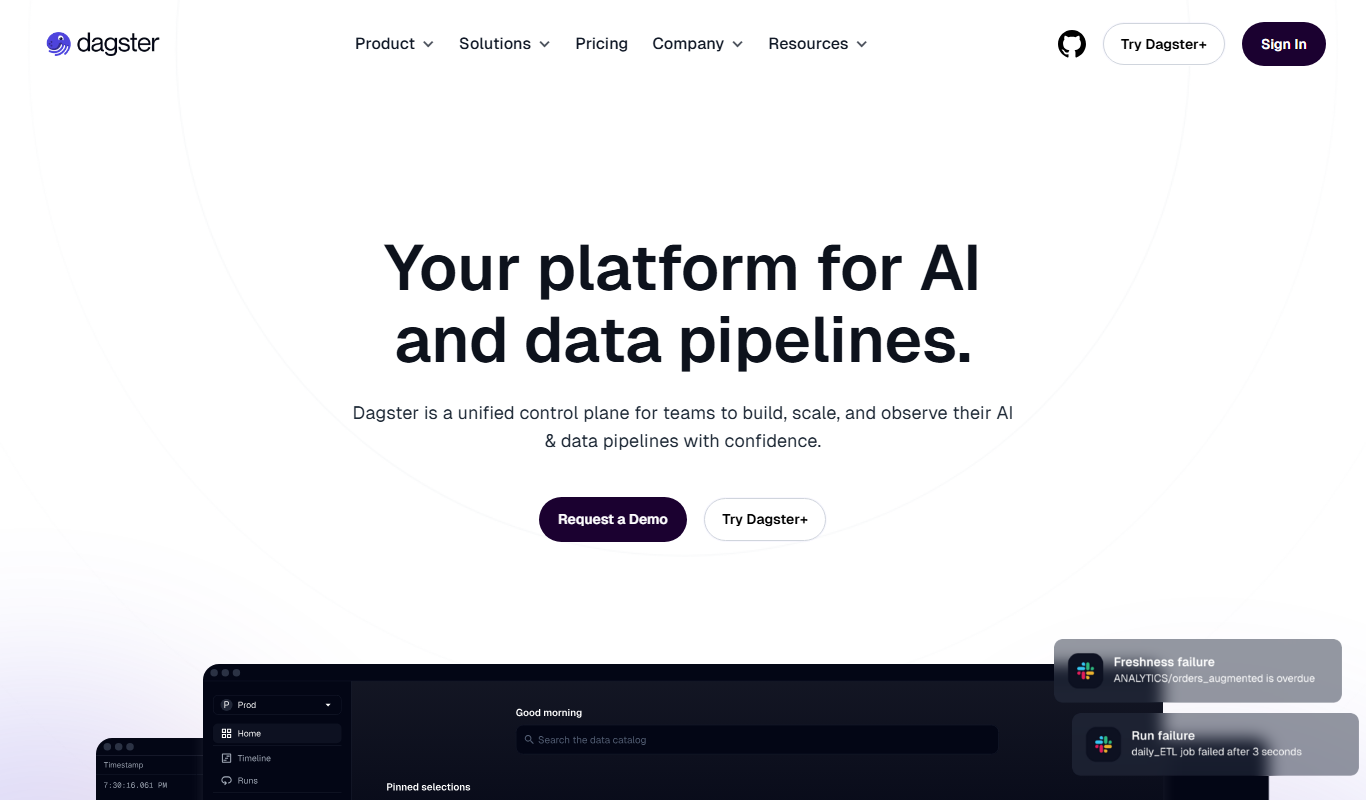
Dagster
Dagster is an open-source data orchestration platform that enables developers to build, schedule, and monitor reliable data pipelines with strong typing, observability, and extensibility.
More AI Automation & Workflow Tools tools
Other tools in the same category, for when this one is not quite the fit.

Custom Pricing
Seismic
Seismic is a sales enablement platform that centralizes sales content, personalizes buyer experiences, integrates with CRM systems like Salesforce, and provides analytics to improve sales effectiveness.

Free
Open Interpreter
Open Interpreter is an open-source AI tool that translates natural language instructions into executable code, enabling users to automate tasks and write code without programming expertise.

Custom Pricing
Quartile
Quartile is an AI retail media optimization platform covering Amazon, Walmart, Instacart, Criteo, Google and Meta.

Free Trial
Low-Code Development and AI
Amoga's Low-Code Development and AI platform enables rapid application building with drag-and-drop tools and AI automation, suitable for users with minimal coding skills.

Freemium
Legal Assist AI 2.5
Legal Assist AI 2.5 is an AI legal tool that helps legal professionals draft documents and review contracts.

Freemium
Hookle
Hookle is a social media management platform designed for small businesses to schedule, publish, and analyze posts across multiple social networks from one place.
Custom Pricing
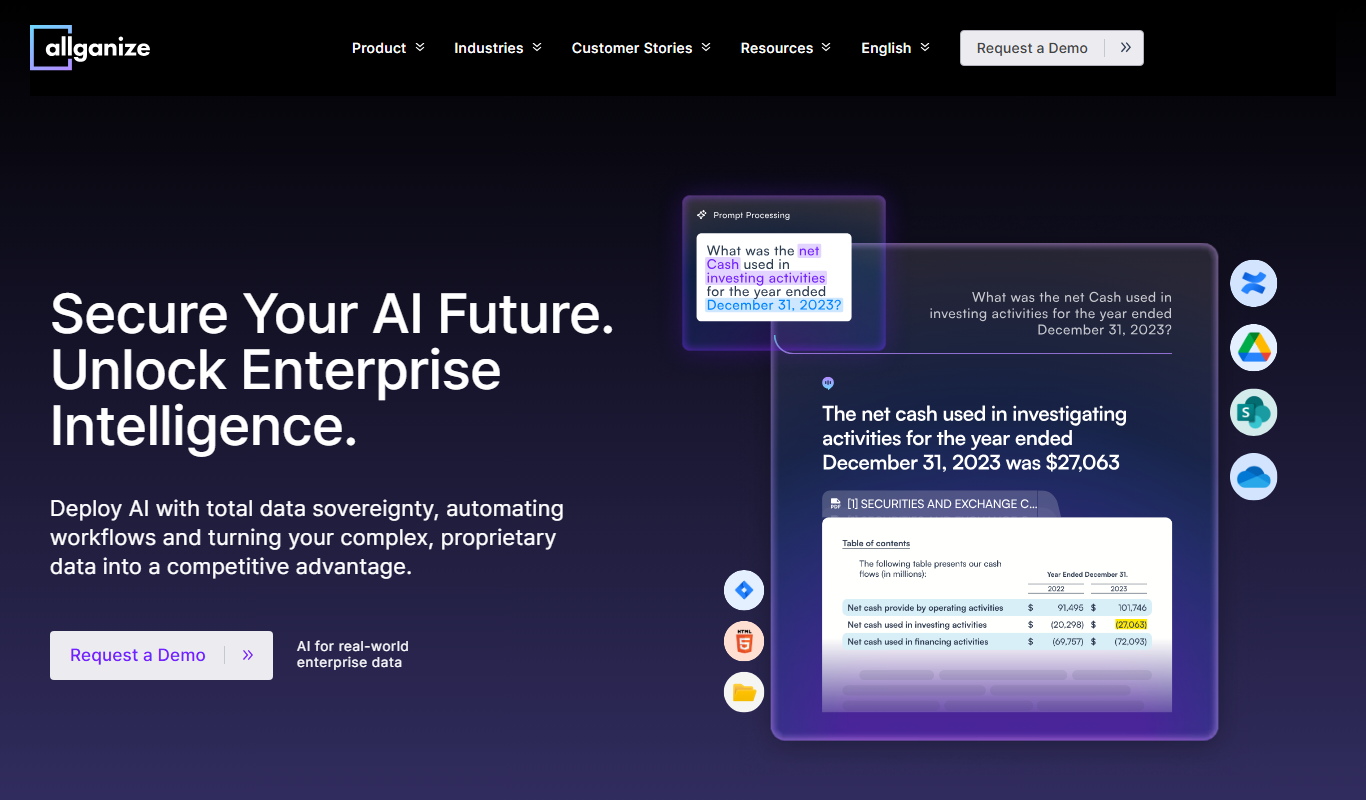
allganize.ai
Allganize.ai is an enterprise AI platform specializing in natural language processing to automate document understanding, semantic search, and customer support through AI chatbots.

Free
Alian hub – Project Management System
AlianHub is an open-source, self-hosted project management platform with boards, sprints, time tracking, chat and AI, free with unlimited users or hosted in the Cloud.