

Pipedrive CRM Software for Sales Pipeline Management and Automation
Pipedrive is a CRM software that helps sales teams visualize and manage their sales pipelines, automate repetitive tasks, and analyze sales performance to close deals faster.
- Best for
- Sales Pipeline Management
- Key capability
- Visual Sales Pipeline
Save Pipedrive, follow its updates and vote on it — everything stays in your account.
Sign in or create a free account
What is Pipedrive?
Pipedrive is a customer relationship management (CRM) software designed to help sales teams manage their sales pipelines and automate sales processes. It provides a visual interface to track deals, manage contacts, and streamline workflows, enabling businesses to increase sales efficiency and close deals faster.
Key features of Pipedrive
Pipedrive offers a visual sales pipeline, customizable deal stages, activity reminders, email integration, sales automation, and detailed reporting tools. It supports mobile apps and integrates with many third-party tools to enhance sales productivity.
Visual Sales Pipeline
Drag-and-drop interface to manage deals through customizable sales stages.
Email Integration
Sync emails with contacts and deals to keep communication organized.
Sales Automation
Automate repetitive tasks such as follow-ups and activity scheduling.
Mobile Apps
Access and manage your sales pipeline on the go with iOS and Android apps.
Reporting and Insights
Generate detailed reports to analyze sales trends and forecast revenue.
Pros and cons of Pipedrive
Pros
- Intuitive and visual sales pipeline interface
- Strong automation features to reduce manual work
- Wide range of integrations with other business tools
- Mobile apps provide flexibility for sales teams
- Customizable reports and dashboards
Cons
- Pricing can be high for small teams as users increase
- Limited marketing automation compared to specialized tools
- Some advanced features require higher-tier plans
Key use cases for Pipedrive
Sales Pipeline Management
Visualize and manage sales pipelines to track deals and progress efficiently.
Lead and Contact Management
Organize leads and contacts with detailed profiles and communication history.
Sales Automation
Automate repetitive sales tasks such as follow-ups, reminders, and data entry.
Reporting and Analytics
Generate customizable reports to analyze sales performance and forecast revenue.
Team Collaboration
Facilitate communication and task assignment within sales teams to improve productivity.
How Pipedrive works
- 1
Create an Account
Sign up on Pipedrive’s website to start a free trial or choose a subscription plan.
- 2
Set Up Your Sales Pipeline
Customize your sales stages and add deals to visualize your sales process.
- 3
Add Contacts and Leads
Import or manually add contacts and leads with detailed information.
- 4
Automate Sales Activities
Set up automated reminders, follow-ups, and workflow automations.
- 5
Track and Analyze Performance
Use built-in reports and dashboards to monitor sales metrics and team performance.
Who is using Pipedrive
Pipedrive pricing
Enterprise
Custom pricing
Tailored solutions with dedicated support and advanced security features.
Plans and prices are as published by the vendor and can change. Check the official site before you buy. Open the pricing page (opens in a new tab)
Frequently asked questions about Pipedrive
Yes, Pipedrive offers a 14-day free trial with access to most features.
Yes, Pipedrive supports integration with popular email services like Gmail and Outlook.
Yes, Pipedrive is designed to scale from small teams to large enterprises.
Yes, Pipedrive offers mobile apps for both iOS and Android devices.
This tool is designed to help users accomplish its core tasks more efficiently. It is typically used by individuals or teams looking to improve productivity and workflow.
Pricing depends on the plan and included features. For the most accurate and up-to-date details, check the official pricing page.
Integration support depends on the tool and its available connectors or API. Check the official documentation or integrations page to confirm what is supported.
It depends on your specific needs and how you plan to use the tool. The official website and documentation are the best sources for the latest details.
Conclusion
Deals move through customizable sales stages in a drag-and-drop pipeline, and contacts and leads are imported or added with detailed information. Automations take care of reminders, follow-ups and activity scheduling, while email integration with services like Gmail and Outlook keeps messages synced with contacts and deals. Deals can also be managed with built-in AI, and 500+ integrations extend the workflow.
The CRM is designed for sales teams, and managers follow sales metrics and team performance in built-in reports and dashboards. Mobile apps for iOS and Android keep the pipeline available on the go. Access starts with a 14-day free trial that needs no credit card, or directly with a subscription plan. The listed cons point out that marketing automation is more limited than in specialized tools.
Sources
Sign in to review this tool.
Sign In to ReviewNo reviews yet
Be the first to share how this tool worked for you.
Ask about pricing, limits, or how it compares — or answer someone else.
Sign In to AskNo questions yet
Have a question about using or paying for this tool? Be the first to ask.
Featured on TiorAI



More AI CRM tools
Other tools in the same category, for when this one is not quite the fit.
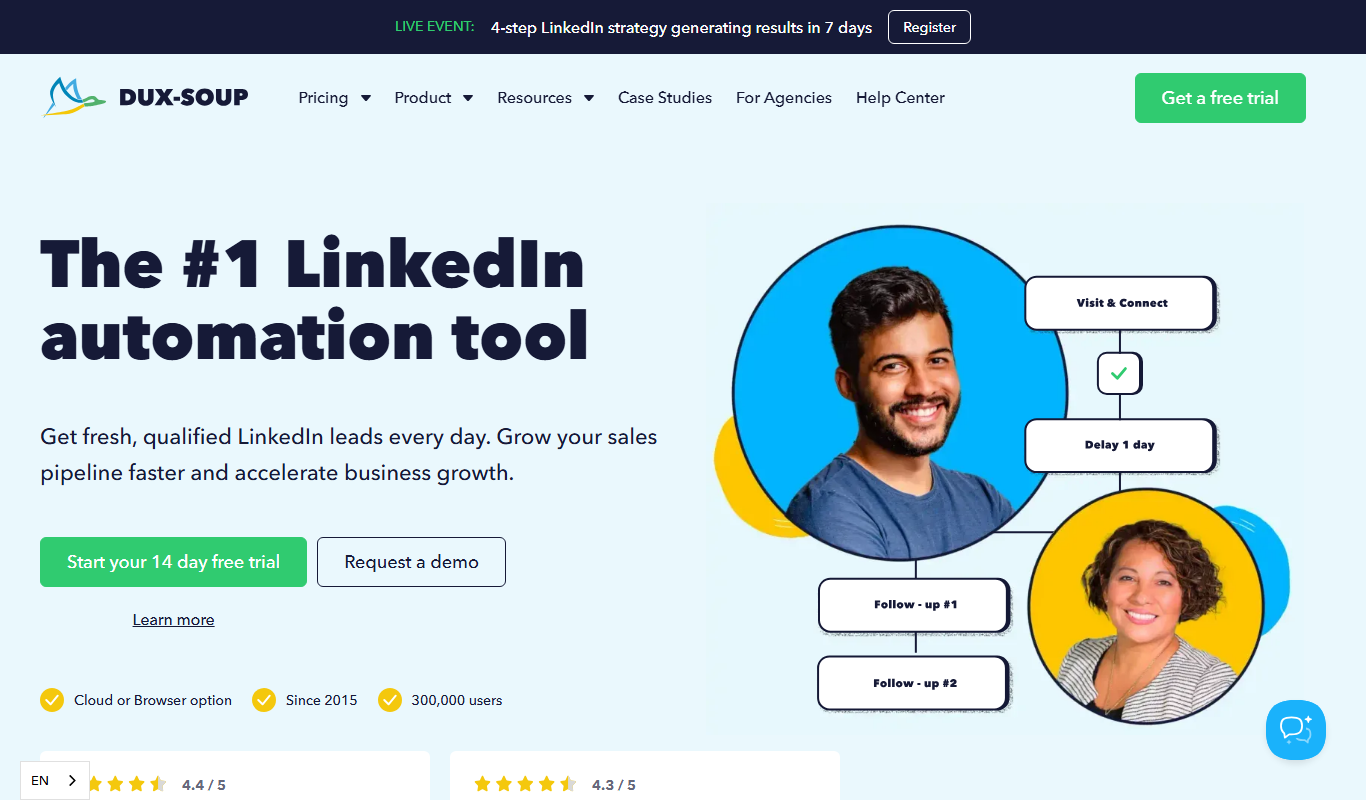
Dux-Soup
Dux-Soup is a LinkedIn automation tool that helps users automate profile visits, connection requests, and messaging to generate leads and streamline outreach.

Expandi
Expandi is a LinkedIn automation tool designed to automate personalized outreach and lead generation campaigns safely, helping sales and marketing teams scale their LinkedIn prospecting efforts.

Loxo
Loxo is an AI-driven recruiting software that automates candidate sourcing, applicant tracking, and CRM to streamline hiring processes.

SeekOut
SeekOut is an AI-driven recruiting platform that enables talent acquisition teams to source candidates efficiently, focus on diversity hiring, and manage recruitment pipelines with analytics and engagement tools.

HireEZ
HireEZ is an AI-driven recruiting platform that streamlines talent sourcing and candidate engagement through advanced search, automated outreach, and recruitment analytics.

Bonjoro
Bonjoro is a platform that enables businesses to send personalized video messages to customers, enhancing engagement and sales through authentic communication.

Little Hotelier
Little Hotelier is a cloud-based property management system tailored for small hotels and bed & breakfasts, combining booking engine, channel manager, and front desk management into one platform.
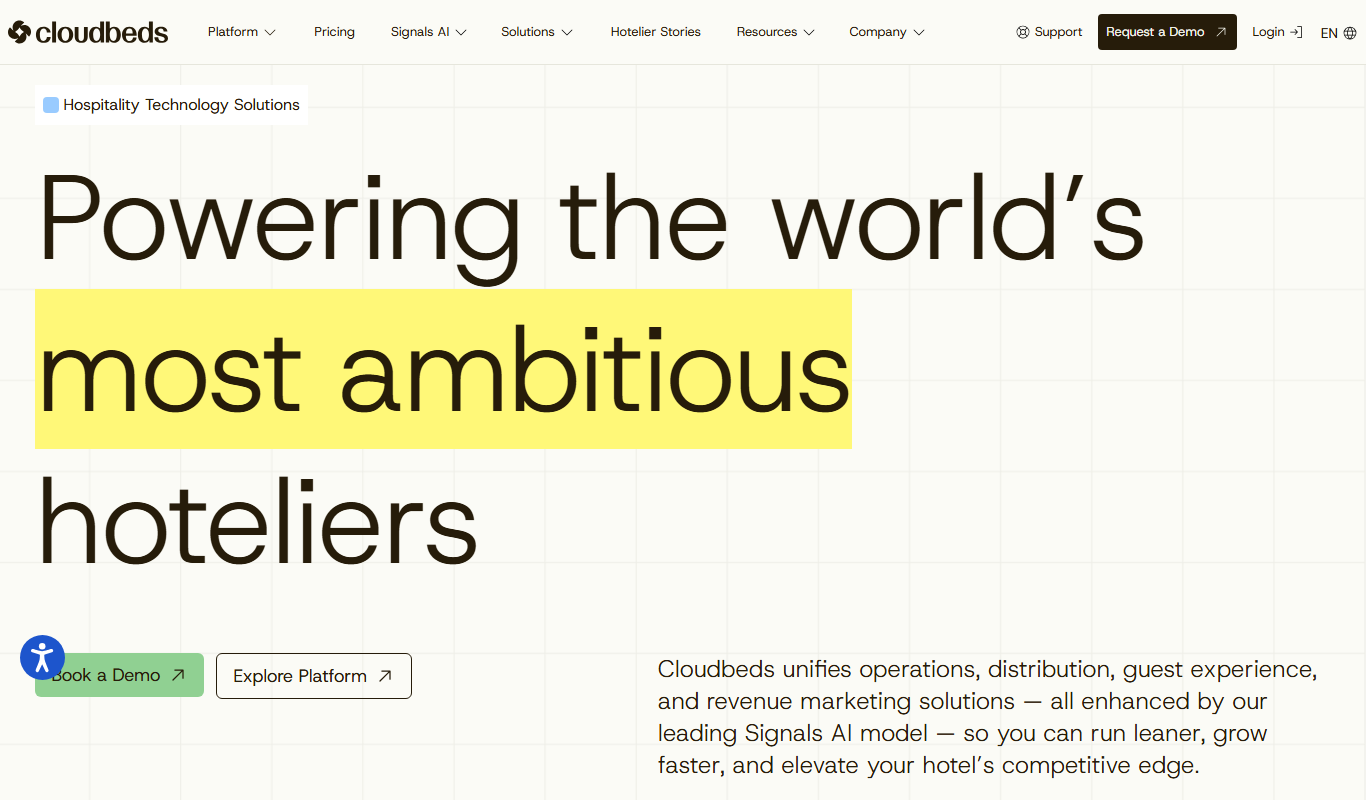
Cloudbeds
Cloudbeds is a cloud-based hospitality management platform that integrates property management, channel management, and booking engine features to help hotels and lodging businesses streamline operations and increase bookings.