

From my experience with Lovevoice AI Voice Generator, it stands out for producing highly realistic and natural-sounding speech, which is crucial for professional audio content. The voice cloning feature is particularly impressive, allowing personalized voices that can enhance branding or storytelling. The platform’s simplicity makes it accessible even for users without technical expertise. However, the tool currently supports mainly English and requires good quality voice samples for cloning, which might limit some use cases. Overall, if you need an easy-to-use AI voice generator with voice cloning capabilities, Lovevoice AI is a solid choice.
Lovevoice AI Voice Generator for Realistic Text-to-Speech and Voice Cloning
Lovevoice AI is a web-based platform that converts text into realistic speech and allows users to clone voices by uploading samples, ideal for content creation and marketing.
- Best for
- Content Creation
- Key capability
- Realistic AI Voices
Your actions
Save Lovevoice AI Voice Generator, follow its updates and vote on it — everything stays in your account.
Sign in or create a free account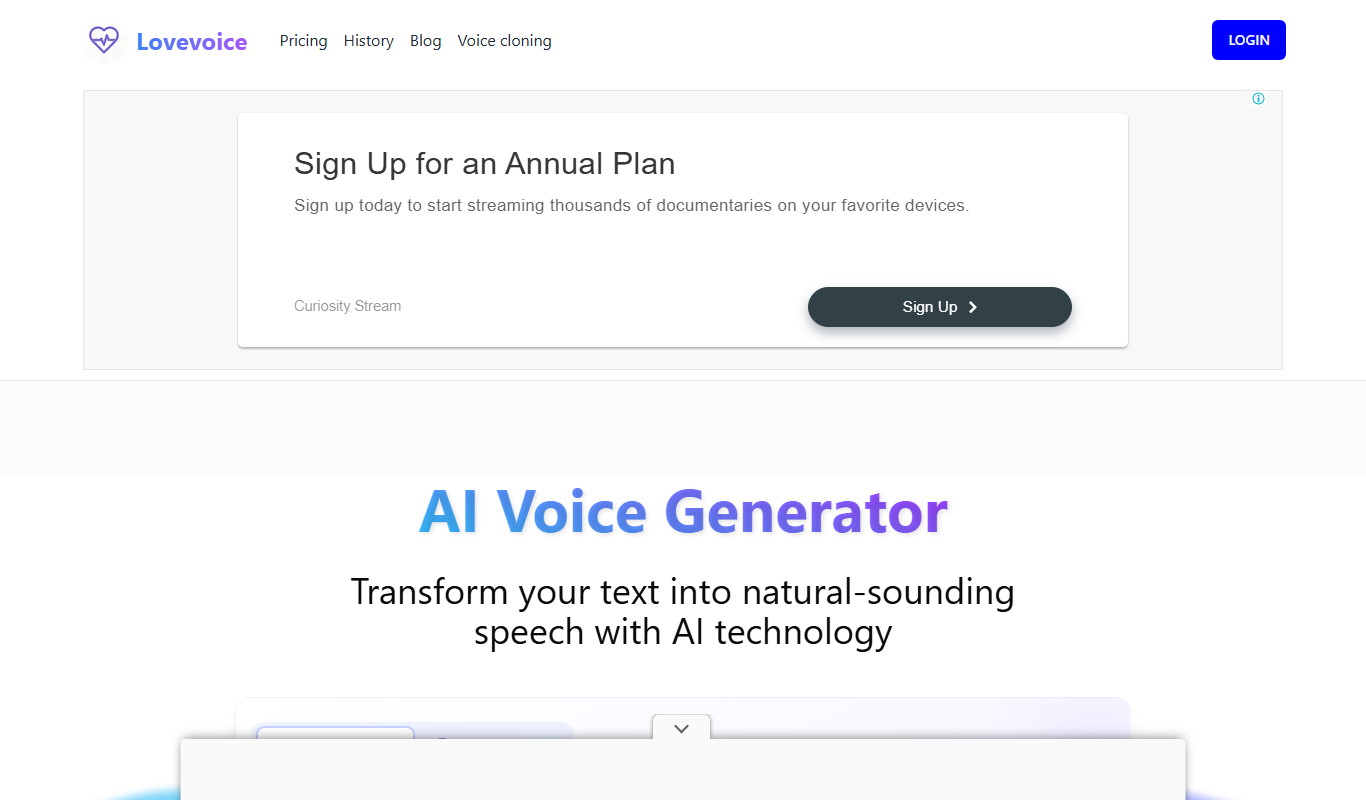

What is Lovevoice AI Voice Generator?
Lovevoice AI Voice Generator is an online platform that uses artificial intelligence to convert text into realistic speech. It offers voice cloning capabilities, allowing users to create custom voices that sound like real people. The tool is designed for content creators, marketers, and developers who need high-quality, natural-sounding voiceovers without recording audio manually.
Key features of Lovevoice AI Voice Generator
Lovevoice AI provides a user-friendly web interface to generate speech from text, supports multiple voice styles, and enables voice cloning by uploading voice samples. It offers adjustable speech parameters such as speed and pitch, making it versatile for various audio production needs.
Realistic AI Voices
Produces natural-sounding speech with human-like intonation and clarity.
Voice Cloning
Allows users to create personalized voices by uploading voice samples.
Customizable Speech Parameters
Adjust speed, pitch, and tone to tailor the voice output.
Easy-to-Use Web Interface
No technical skills required; generate speech directly from the browser.
Multiple Voice Styles
Offers a variety of voice options to match different content types.
Pros and cons of Lovevoice AI Voice Generator
Pros
- High-quality, natural-sounding AI voices
- Voice cloning for personalized audio
- Simple web-based interface
- Customizable speech parameters
- Flexible pricing plans
Cons
- Limited language support (primarily English)
- Voice cloning requires good quality samples
- No desktop or mobile apps currently
Key use cases for Lovevoice AI Voice Generator
Content Creation
Generate natural-sounding voiceovers for videos, podcasts, and presentations.
Voice Cloning
Create custom AI voices that mimic real human voices for personalized audio content.
Accessibility
Provide speech synthesis for visually impaired users or those who prefer audio content.
Entertainment
Use AI-generated voices for games, animations, and interactive media.
Marketing
Produce engaging audio ads and promotional materials with diverse voice options.
How Lovevoice AI Voice Generator works
- 1
Sign Up
Create a free account on the Lovevoice AI website to access the voice generation tools.
- 2
Input Text
Enter or paste the text you want to convert into speech.
- 3
Select Voice
Choose from a library of AI-generated voices or upload samples to clone a custom voice.
- 4
Adjust Settings
Modify speech speed, pitch, and other parameters to suit your needs.
- 5
Generate and Download
Generate the audio file and download it for use in your projects.
Who is using Lovevoice AI Voice Generator
Content creators
Marketing professionals
Game developers
Educators
Accessibility advocates
Lovevoice AI Voice Generator pricing
Free
$0/month
Limited usage with access to basic voices and features.
Pro
$19/month
Higher usage limits, access to premium voices, and voice cloning features.
Enterprise
Custom pricing
Tailored solutions with advanced features and dedicated support.
Plans and prices are as published by the vendor and can change. Check the official site before you buy. Open the pricing page (opens in a new tab)
Frequently asked questions about Lovevoice AI Voice Generator
You can clone voices by uploading clear voice samples, but results depend on sample quality and length.
Yes, the free plan allows limited usage to test the basic features.
Generated audio can typically be downloaded in MP3 or WAV formats.
Yes, paid plans include commercial usage rights.
It depends on your specific needs and how you plan to use the tool. The official website and documentation are the best sources for the latest details.
Yes, it can help with that use case depending on how you configure it and what features are available. You’ll get the best results with clear inputs and a defined goal.
Some tools offer a free plan or trial with limited features. Availability can vary, so confirm on the official website.
Yes, it can help with that use case depending on how you configure it and what features are available. You’ll get the best results with clear inputs and a defined goal.
Sign in to review this tool.
Sign In to ReviewNo reviews yet
Be the first to share how this tool worked for you.
Ask about pricing, limits, or how it compares — or answer someone else.
Sign In to AskNo questions yet
Have a question about using or paying for this tool? Be the first to ask.
Featured on TiorAI



More AI Music & Audio Tools tools
Other tools in the same category, for when this one is not quite the fit.

Free
aimusic.one
aimusic.one is an AI-driven online platform that generates original, royalty-free music tracks customized by style, mood, and tempo, suitable for content creators and hobbyists.

Free
DiffRhythm
DiffRhythm is an AI music generation platform that creates custom soundtracks and beats tailored to your project’s style and mood.

Free
Song GPT
Song GPT is an AI music generation platform that creates original song lyrics and melodies based on user input, helping musicians and creators produce custom songs easily.
Free
Notewize: Guitar Lessons
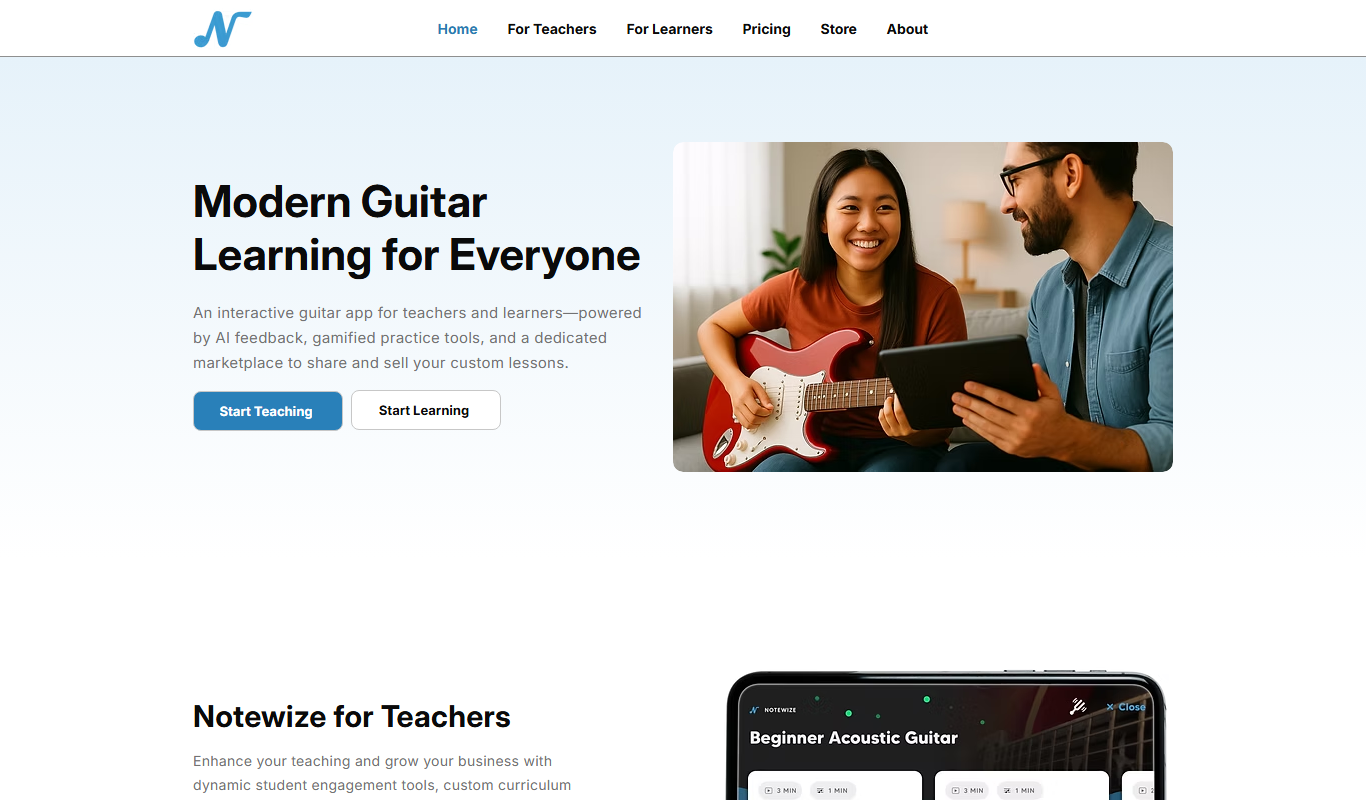
Notewize is an interactive guitar lessons app that combines music theory, real-time playing feedback, and a song library to help beginners and intermediate players learn guitar effectively on web and mobile platforms.

Free
audio2text
Audio2Text is an online speech-to-text converter that automatically transcribes audio files into text in multiple languages, accessible via a web browser with free and pay-as-you-go pricing.

Subscription
Castmagic
Castmagic is an AI-driven platform that transcribes podcast audio, extracts highlights, and generates summaries to streamline podcast editing and content repurposing.

Freemium
YouMusic.AI
YouMusic.AI turns text prompts or your own lyrics into complete songs, with free credits for new users and commercial rights on paid plans.

Free
Harmonai
Harmonai is the Stability AI lab for open-source audio, publishing tools for AI music generation.