

Live2D Cubism Software for Creating Interactive 2D Animations and Avatars
Live2D Cubism is a software that transforms 2D illustrations into animated, interactive models by deforming meshes and animating parameters, widely used for game characters and virtual avatars.
- Best for
- Game Development
- Key capability
- Mesh Deformation
Save Live2D Cubism, follow its updates and vote on it — everything stays in your account.
Sign in or create a free account
What is Live2D Cubism?
Live2D Cubism is a specialized software tool that enables artists and developers to create expressive 2D animations by deforming and animating flat illustrations. Unlike traditional frame-by-frame animation, Cubism allows for smooth, real-time motion by manipulating parts of a 2D model, making it ideal for interactive applications such as games, virtual avatars, and digital media.
Key features of Live2D Cubism
Live2D Cubism offers a comprehensive suite of features including mesh deformation, parameter-based animation, physics simulation, and real-time preview. It supports importing layered PSD files, rigging characters with intuitive controls, and exporting animations compatible with various platforms and game engines.
Mesh Deformation
Allows flexible manipulation of 2D illustrations by deforming meshes for natural animation.
Parameter-Based Animation
Control animations through parameters like angle, position, and expression for dynamic motion.
Physics Simulation
Simulate natural movements such as hair and cloth physics to enhance realism.
PSD Import and Layer Management
Seamlessly import layered Photoshop files to maintain artwork structure.
Real-Time Preview
Instantly view animations and make adjustments without lengthy rendering.
Pros and cons of Live2D Cubism
Pros
- Enables smooth, natural 2D animations from static artwork
- Supports real-time preview and parameter control
- Integrates well with game engines and streaming platforms
- Offers a free version for beginners and hobbyists
Cons
- Steep learning curve for beginners unfamiliar with rigging
- Limited platform support (Windows and macOS only)
- Subscription pricing may be costly for casual users
Key use cases for Live2D Cubism
Game Development
Create dynamic 2D character animations for games with smooth motion and interactive elements.
VTuber and Virtual Avatars
Design and animate personalized avatars for live streaming and virtual YouTubing.
Animation Production
Produce high-quality 2D animations for commercials, presentations, and digital content.
Interactive Media
Develop interactive characters and elements for apps, websites, and multimedia projects.
Character Design
Transform static 2D illustrations into lively, animated characters with natural movements.
How Live2D Cubism works
- 1
Import Artwork
Start by importing layered 2D illustrations (PSD files) into the software.
- 2
Create Mesh and Rig
Generate a deformable mesh over the artwork and set up rigging points for animation.
- 3
Animate Parameters
Define motion parameters such as rotation, translation, and scaling to animate parts of the model.
- 4
Preview and Refine
Use real-time preview to adjust animations and ensure smooth, natural movements.
- 5
Export for Use
Export the animated model for integration into games, apps, or streaming software.
Who is using Live2D Cubism
Live2D Cubism pricing
Free
$0/month
Basic features with limitations on export formats and commercial use.
PRO
2,080 yen/month for indie creators (about $13.36), or 14,280 yen for the first year
Full feature access including commercial use, advanced export options, and priority support.
Plans and prices are as published by the vendor and can change. Check the official site before you buy. Open the pricing page (opens in a new tab)
Frequently asked questions about Live2D Cubism
Yes, but commercial use requires a PRO license subscription.
It primarily supports layered PSD files from Adobe Photoshop.
Yes, it supports exporting models for integration with engines like Unity.
Yes, it allows real-time parameter animation and preview.
This tool is designed to help users accomplish its core tasks more efficiently. It is typically used by individuals or teams looking to improve productivity and workflow.
Some tools offer a free plan or trial with limited features. Availability can vary, so confirm on the official website.
Yes, it can help with that use case depending on how you configure it and what features are available. You’ll get the best results with clear inputs and a defined goal.
It depends on your specific needs and how you plan to use the tool. The official website and documentation are the best sources for the latest details.
Conclusion
Work starts by importing layered 2D illustrations as PSD files. A deformable mesh is laid over the art and rigged, and parameters such as angle, position and expression then drive the motion instead of frame-by-frame animation. Physics simulation handles hair and cloth, and a real-time preview shows adjustments without lengthy rendering. Finished models are exported for integration into games, apps or streaming software.
Its use cases center on game characters and on personalized avatars for live streaming and virtual YouTubing.
A free version exists, and commercial use requires the PRO license. PRO for indie creators costs 2,080 yen per month, about $13.36, or 14,280 yen for the first year.
Sources
Sign in to review this tool.
Sign In to ReviewNo reviews yet
Be the first to share how this tool worked for you.
Ask about pricing, limits, or how it compares — or answer someone else.
Sign In to AskNo questions yet
Have a question about using or paying for this tool? Be the first to ask.
Featured on TiorAI



Alternative Tools
Explore similar AI tools that might fit your needs

Spine
Spine AI builds Canvas for cloud-based multi-agent work across 300+ models and Medley for local-first agent orchestration.
More AI Avatar Generator tools
Other tools in the same category, for when this one is not quite the fit.

trulience.com
Trulience is an interactive avatar platform that gives any LLM a lifelike, multilingual face, so you can build and embed scalable AI avatars in minutes.

MukuAI
MukuAI turns product URLs, scripts, ideas or PPT files into UGC video ads with AI avatars, subtitles and music.
Luppet
Luppet (LuppetX) is a tracking system for 3D Virtual YouTubers that only requires a web camera and LeapMotion.
Emoji Maker
Emoji Maker is an AI emoji generator: type an idea or upload a photo, pick from 48 art styles, and get a transparent PNG emoji.
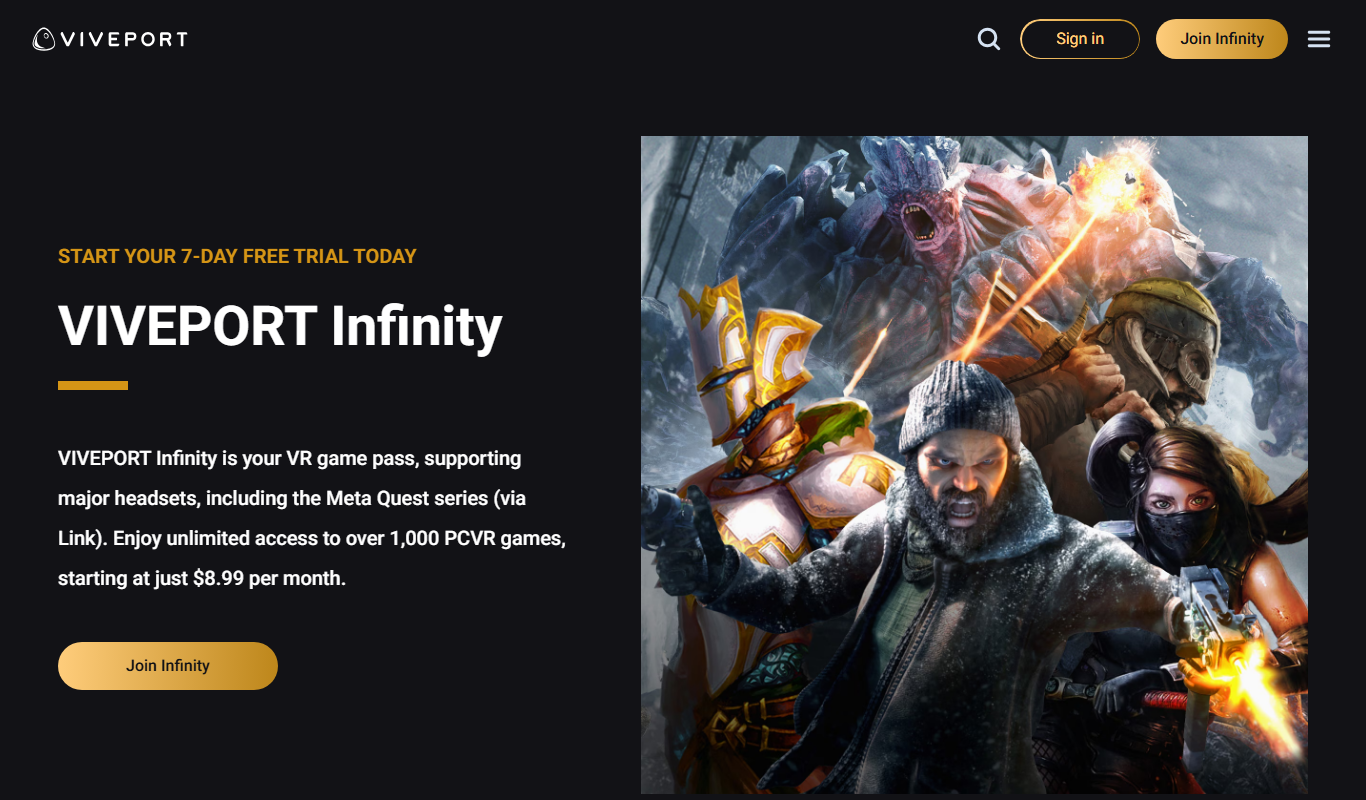
Viveport
Viveport is HTC's virtual reality content platform providing access to VR games and experiences, including a subscription service called Viveport Infinity for unlimited VR content.

Second Life
Second Life is a 3D virtual world platform where users create avatars, socialize, build environments, and participate in a virtual economy.

Looking Glass Factory
Looking Glass Factory offers advanced glasses-free 3D holographic displays that enable users to view and interact with volumetric 3D content without headsets, suitable for design, education, and entertainment.

DeepAR SDK
DeepAR SDK is a cross-platform augmented reality development kit that enables real-time face tracking, AI avatar creation, and 3D AR effects for mobile apps, games, and live streaming.