

Leanstack Business Model & Startup Planning Software for Entrepreneurs
Leanstack is a web platform that helps entrepreneurs design, test, and manage lean business models using tools like the Lean Canvas and metrics tracking.
- Best for
- Startup Business Modeling
- Key capability
- Lean Canvas Tool
Save Leanstack, follow its updates and vote on it — everything stays in your account.
Sign in or create a free account
What is Leanstack?
Leanstack is a platform designed to help entrepreneurs, startups and innovators design, test and manage business models with lean startup principles. Its tools, including the Lean Canvas and LEANSpark AI, have moved to LEANSpark at leanspark.ai, and a free plan is available.
Key features of Leanstack
Leanstack offers interactive Lean Canvas templates, real-time collaboration, progress tracking dashboards, educational resources on lean startup methodologies, and integrations to streamline business model validation and growth planning.
Lean Canvas Tool
An interactive template to quickly capture and visualize your startup’s business model.
Real-Time Collaboration
Work simultaneously with your team to update and refine business strategies.
Progress Tracking Dashboard
Visualize key metrics and milestones to measure startup progress and pivot when necessary.
Educational Resources
Access tutorials, webinars, and coaching content focused on lean startup principles.
Integration Capabilities
Connect with other tools and platforms to streamline workflows and data sharing.
Pros and cons of Leanstack
Pros
- User-friendly Lean Canvas interface
- Supports real-time team collaboration
- Includes educational content for lean startups
- Helps track key startup metrics
- Flexible pricing plans including free tier
Cons
- Limited integrations compared to some competitors
- Primarily focused on lean startup methodology, less suited for other business frameworks
Key use cases for Leanstack
Startup Business Modeling
Create and iterate on lean business models using Leanstack’s Lean Canvas and other strategic tools to validate startup ideas.
Product Development Planning
Plan product features, customer segments, and value propositions to align product development with market needs.
Entrepreneurial Coaching
Use Leanstack’s resources and tools to coach entrepreneurs on lean startup methodologies and business model innovation.
Investor Pitch Preparation
Develop clear and concise business model presentations and metrics to communicate startup viability to investors.
Team Collaboration on Business Strategy
Collaborate with team members in real-time to refine business models and track progress on key startup metrics.
How Leanstack works
- 1
Sign Up
Create a free account on Leanstack’s website to access the platform.
- 2
Create Lean Canvas
Use the interactive Lean Canvas template to map out your business model components.
- 3
Collaborate and Iterate
Invite team members to collaborate and update the canvas based on feedback and market insights.
- 4
Track Metrics
Monitor key performance indicators and progress using Leanstack’s dashboard tools.
- 5
Access Educational Content
Leverage Leanstack’s guides, videos, and coaching materials to deepen your lean startup knowledge.
Who is using Leanstack
Leanstack pricing
Free
$0/month
Basic access to Lean Canvas and limited collaboration features.
Pro
$49/month
Full access to all features including unlimited canvases, advanced metrics, and priority support.
Plans and prices are as published by the vendor and can change. Check the official site before you buy. Open the pricing page (opens in a new tab)
Frequently asked questions about Leanstack
Leanstack is used to design, test, and manage startup business models using lean startup methodologies.
Yes, Leanstack supports real-time collaboration for teams to work together on business models.
Yes, Leanstack offers a free plan with basic features and limited canvases.
Yes, the platform includes tutorials, webinars, and coaching materials on lean startup principles.
It depends on your specific needs and how you plan to use the tool. The official website and documentation are the best sources for the latest details.
Some tools offer a free plan or trial with limited features. Availability can vary, so confirm on the official website.
Yes, it can help with that use case depending on how you configure it and what features are available. You’ll get the best results with clear inputs and a defined goal.
Conclusion
The Lean Canvas is the anchor of the product: an interactive template for capturing a startup’s business model, which team members can update together based on feedback and market insights. The tools, including the Lean Canvas and LEANSpark AI, have moved to LEANSpark at leanspark.ai.
Beyond the canvas, dashboards visualize key metrics and milestones, and tutorials, webinars and coaching content teach lean startup principles. It is aimed at startup founders and entrepreneurs, product managers and business coaches. The methodology focus is also a constraint, since the page notes it is less suited for business frameworks other than lean startup. A free plan is available.
Sources
Sign in to review this tool.
Sign In to ReviewNo reviews yet
Be the first to share how this tool worked for you.
Ask about pricing, limits, or how it compares — or answer someone else.
Sign In to AskNo questions yet
Have a question about using or paying for this tool? Be the first to ask.
Featured on TiorAI



Alternative Tools
Explore similar AI tools that might fit your needs
Strategyzer
Strategyzer sells a subscription to step-by-step business playbooks in a guided workspace, together with workshops and consulting.
Canvanizer
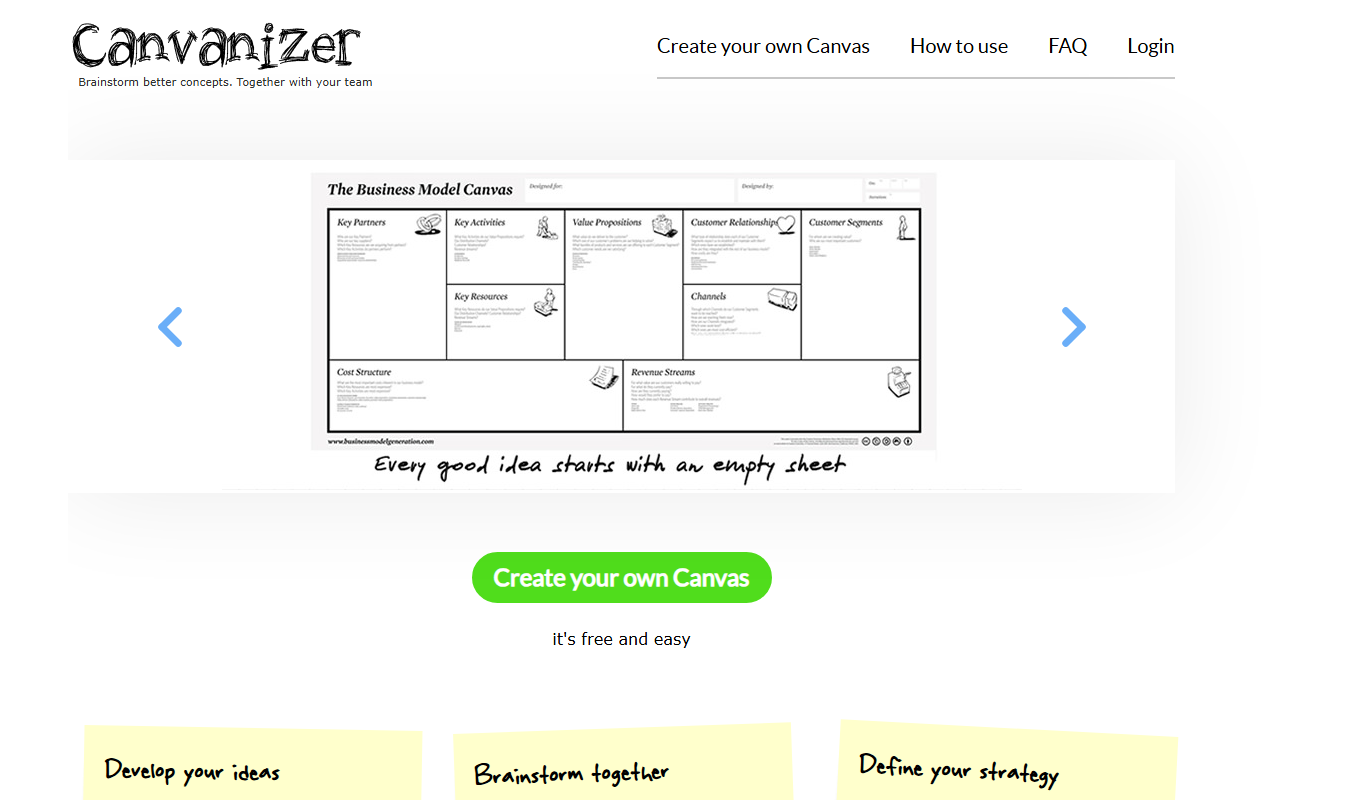
Canvanizer is a web-based tool that enables users to create and collaborate on business model and strategy canvases using customizable templates for planning and brainstorming.
More AI Workflow tools
Other tools in the same category, for when this one is not quite the fit.

Slack’s native search
Slack's native search allows users to find messages, files, and conversations across their workspace using keywords and advanced filters, improving team communication and productivity.
GoGuardian
GoGuardian is an education technology platform that helps K-12 schools monitor student activity, manage classrooms, and ensure online safety through AI-powered tools and real-time device monitoring.

ClassDojo
ClassDojo is a free communication platform that helps teachers connect with parents and students to track behavior, share classroom moments, and foster engagement.
RightCapital
RightCapital is a cloud-based financial planning platform designed for financial advisors to create interactive retirement, tax, and estate plans with client collaboration features.

Nutrium
Nutrium is a nutrition software platform that helps dietitians and health professionals manage clients, create personalized meal plans, analyze nutrition data, and conduct remote consultations.
Glofox
Glofox is a gym management software designed to help fitness studios manage memberships, class schedules, payments, and member engagement through web and mobile apps.
KoBoToolbox
KoBoToolbox is an open-source data collection platform designed for field surveys and humanitarian projects, supporting offline data collection and complex survey design, with a free Community plan and paid Starter and Professional plans.
Falkonry
Falkonry is an AI platform that analyzes industrial IoT time series data to provide predictive maintenance, anomaly detection, and operational insights.