

Klyra AI Review: AI-Powered Content Generation and Automation Tool
Klyra AI is an AI Operating System that combines AI writing, image, video and voice tools, AI chatbots and workflow automation in one web workspace.
- Best for
- Content Creation
- Key capability
- AI Text Generation
Save Klyra AI, follow its updates and vote on it — everything stays in your account.
Sign in or create a free account
What is Klyra AI?
Klyra AI is an AI Operating System that brings leading AI models and business-ready AI apps together in one workspace. It covers content writing, image, video and audio creation, AI chatbots and workflow automation, so users do not need multiple AI subscriptions.
Key features of Klyra AI
Klyra AI offers features such as AI-driven text generation, customizable templates, workflow automation tools, collaboration capabilities, and integrations to streamline content creation and marketing processes.
AI Text Generation
Produce high-quality written content quickly using advanced AI language models.
Customizable Templates
Use or create templates tailored to specific content types and workflows.
Workflow Automation
Automate repetitive writing and content management tasks to improve productivity.
Collaboration Tools
Enable teams to work together on content projects with shared access and editing.
Integration Support
Connect with other tools and platforms to streamline content workflows.
Pros and cons of Klyra AI
Pros
- User-friendly interface with easy onboarding
- Flexible templates for various content types
- Supports team collaboration and workflow automation
Cons
- Limited language support beyond English
- Pricing may be high for small teams
- No mobile app available currently
Key use cases for Klyra AI
Content Creation
Generate high-quality written content quickly for blogs, marketing, and social media.
Workflow Automation
Automate repetitive writing tasks and content workflows to save time and increase efficiency.
Marketing Copywriting
Create persuasive marketing copy tailored to different audiences and platforms.
Idea Generation
Brainstorm content ideas and outlines to jumpstart writing projects.
Collaboration
Facilitate team collaboration on content projects with shared access and editing.
How Klyra AI works
- 1
Sign Up
Create an account on the Klyra AI platform to access its features.
- 2
Select Template or Workflow
Choose from pre-built templates or set up custom workflows for your content needs.
- 3
Input Parameters
Provide key information or prompts to guide the AI in generating relevant content.
- 4
Generate Content
Use the AI engine to produce text outputs based on your inputs and templates.
- 5
Review and Edit
Refine the generated content and collaborate with team members if needed.
Who is using Klyra AI
Klyra AI pricing
Personal
$19/month
A complete AI workspace for individuals and independent creators. Essential AI Capacity, access to all AI Apps, commercial use and standard support.
Professional
$49/month
Higher AI Capacity for creators and small teams, access to all AI Apps, commercial use and priority support.
Business
$99/month
Highest AI Capacity for businesses scaling AI-powered work across their organization, access to all AI Apps, commercial use and dedicated support.
Plans and prices are as published by the vendor and can change. Check the official site before you buy. Open the pricing page (opens in a new tab)
Frequently asked questions about Klyra AI
Klyra AI can generate blog posts, marketing copy, social media content, emails, and more.
The pricing page shows paid plans only, starting with Personal, and advertises a 7-Day Refund Policy.
Yes, the platform supports team collaboration with shared projects and editing.
Yes. Besides English, the site is offered in languages such as Deutsch, Italiano, Nederlands and Svenska.
It depends on your specific needs and how you plan to use the tool. The official website and documentation are the best sources for the latest details.
Pricing depends on the plan and included features. For the most accurate and up-to-date details, check the official pricing page.
This tool is designed to help users accomplish its core tasks more efficiently. It is typically used by individuals or teams looking to improve productivity and workflow.
Conclusion
One intelligent workspace holds the AI models and business-ready AI apps, and the site calls Klyra AI an AI Operating System that removes the need for multiple AI subscriptions. Writing is only one part of it, next to studios for images, video and audio and a Customer Studio for AI chatbots, voice agents and transfers to human agents. In the AI Writer, a user starts from one of 75+ ready-to-use templates or a custom one and adds a topic, audience or instructions. Creativity and writing preferences can then be adjusted before the text moves on to publishing.
Access is paid only. Every paid plan includes access to all AI Apps, and the plan determines how much AI Capacity is available, with support rising from standard to priority and dedicated. A 7-Day Refund Policy is advertised on the pricing page, and the interface can be switched from English to languages such as Deutsch, Italiano, Nederlands and Svenska.
Sources
Sign in to review this tool.
Sign In to ReviewNo reviews yet
Be the first to share how this tool worked for you.
Ask about pricing, limits, or how it compares — or answer someone else.
Sign In to AskNo questions yet
Have a question about using or paying for this tool? Be the first to ask.
Featured on TiorAI


More AI Art Generator tools
Other tools in the same category, for when this one is not quite the fit.

TattooAI
TattooAI is an AI tattoo generator and try-on studio: describe an idea, generate tattoo designs and preview them on a photo of your body.

aitattoo.ink
aitattoo.ink is an AI-based web tool that generates custom tattoo designs from user input, offering multiple styles and high-resolution downloads for personal or professional use.

Free Flux AI Image Generator
Free Flux AI Image Generator is a web platform that turns text into images with Flux models from Black Forest Labs, with free daily credits and paid credit plans.
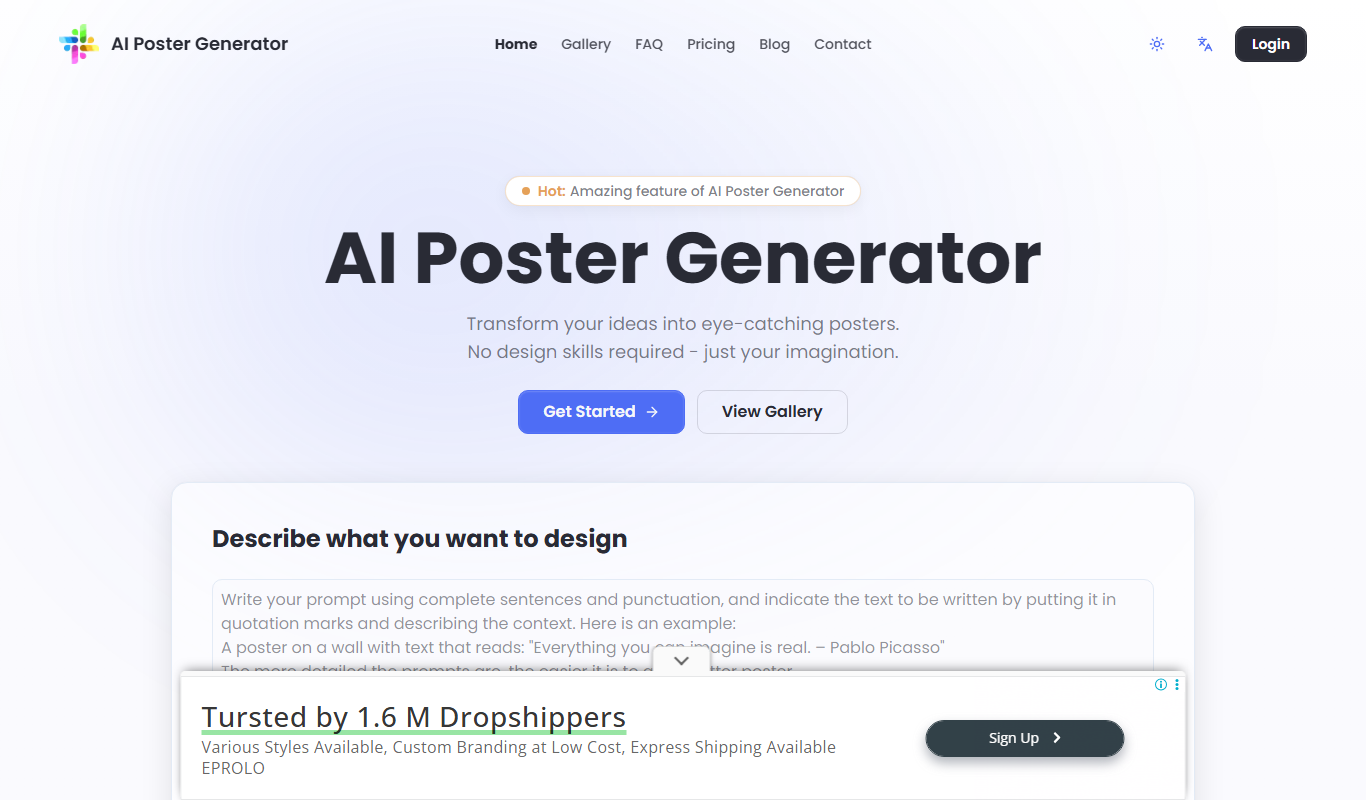
AI Poster Maker
AI Poster Maker is an online AI poster generator that turns a prompt and headline into a finished poster in a chosen style and aspect ratio.

AiWallz
AiWallz is a free AI wallpaper app for iPhone, iPad and Android: swipe through endless AI-generated 4K and HD wallpapers and save the ones you like.

FluxPicture
FluxPicture is an AI image and video generator using FLUX AI, Krea photorealistic images and Wan 2.2 video generation.

FluxAI.art: Free AI Image Generator
FluxAI.art is an AI image generator with multiple models, including Nano Banana, Flux Kontext and ChatGPT-4o image, for text to image, image to image and image editing.

AI Portrait Gen
AI Portrait Gen is an online AI portrait generator that creates realistic portraits of yourself from a few photos.