

AiWallz - Free AI Wallpaper App
AiWallz is a free AI wallpaper app for iPhone, iPad and Android: swipe through endless AI-generated 4K and HD wallpapers and save the ones you like.
- Best for
- New phone wallpapers
- Key capability
- Endless AI wallpapers
Save AiWallz, follow its updates and vote on it — everything stays in your account.
Sign in or create a free account
What is AiWallz?
AiWallz is a free AI wallpaper app for phones and tablets. It offers an endless feed of AI-generated wallpapers, including generic, raccoon and texture collections, and users swipe right to save a wallpaper or left to see new designs. It is available for iOS and Android.
Key features of AiWallz
AiWallz serves AI-generated wallpapers in 4K and HD from collections such as generic, raccoon and texture wallpapers. Users swipe right to download and save a wallpaper or swipe left to explore new designs.
Endless AI wallpapers
A brand new way to generate endless AI wallpapers.
Swipe to save or skip
Swipe right to download and save a wallpaper, or left to explore new designs.
4K and HD wallpapers
Custom 4K and HD wallpapers, from live wallpapers to minimalist backgrounds.
Themed collections
Generic, raccoon and texture wallpaper collections.
Pros and cons of AiWallz
Pros
- Free to download
- 4K and HD wallpapers
- Simple swipe to save or skip
Cons
- No web generator; wallpapers come through the mobile app
- The App Store listing says identifiers may be used for third-party advertising
- Customization options could be expanded
Key use cases for AiWallz
New phone wallpapers
Keep an iPhone or iPad fresh with trendy, modern and seasonal wallpapers.
Texture backgrounds
Use AI-generated textures as device backgrounds.
Digital Content Production
Produce high-quality digital art for social media, marketing, or personal projects.
Gift Design
Create personalized art pieces to be printed and gifted for special occasions.
How AiWallz works
- 1
Download the app
Install AiWallz for iOS or Android.
- 2
Swipe through wallpapers
Swipe left to explore new AI-generated designs.
- 3
Save your favorites
Swipe right to download and save a wallpaper.
- 4
Download and Use
Download the generated art in high resolution for printing or digital use.
Who is using AiWallz
AiWallz pricing
Free
$0
Free AI wallpaper app.
Premium
$9.99/month
Unlimited image generations, access to all styles, and high-resolution downloads.
Plans and prices are as published by the vendor and can change. Check the official site before you buy. Open the pricing page (opens in a new tab)
Frequently asked questions about AiWallz
Yes. The app is free to download on the App Store.
iOS and Android; on iPhone and iPad it requires iOS or iPadOS 12.0 or later.
Swipe right to download and save it; swipe left to see new designs.
It depends on your specific needs and how you plan to use the tool. The official website and documentation are the best sources for the latest details.
Yes, it can help with that use case depending on how you configure it and what features are available. You’ll get the best results with clear inputs and a defined goal.
Some tools offer a free plan or trial with limited features. Availability can vary, so confirm on the official website.
Conclusion
Phone wallpapers are the whole product here: AiWallz is a free AI wallpaper app to download for iOS or Android, with an endless feed of AI wallpapers. Users swipe right to download and save a wallpaper or swipe left to see new designs, with 4K and HD images in generic, raccoon and texture collections.
The app is free to download, and the App Store listing notes that identifiers may be used for third-party advertising. On iPhone and iPad it requires iOS or iPadOS 12.0 or later.
Sources
Sign in to review this tool.
Sign In to ReviewNo reviews yet
Be the first to share how this tool worked for you.
Ask about pricing, limits, or how it compares — or answer someone else.
Sign In to AskNo questions yet
Have a question about using or paying for this tool? Be the first to ask.
Featured on TiorAI


More AI Art Generator tools
Other tools in the same category, for when this one is not quite the fit.

TattooAI
TattooAI is an AI tattoo generator and try-on studio: describe an idea, generate tattoo designs and preview them on a photo of your body.

aitattoo.ink
aitattoo.ink is an AI-based web tool that generates custom tattoo designs from user input, offering multiple styles and high-resolution downloads for personal or professional use.

Free Flux AI Image Generator
Free Flux AI Image Generator is a web platform that turns text into images with Flux models from Black Forest Labs, with free daily credits and paid credit plans.
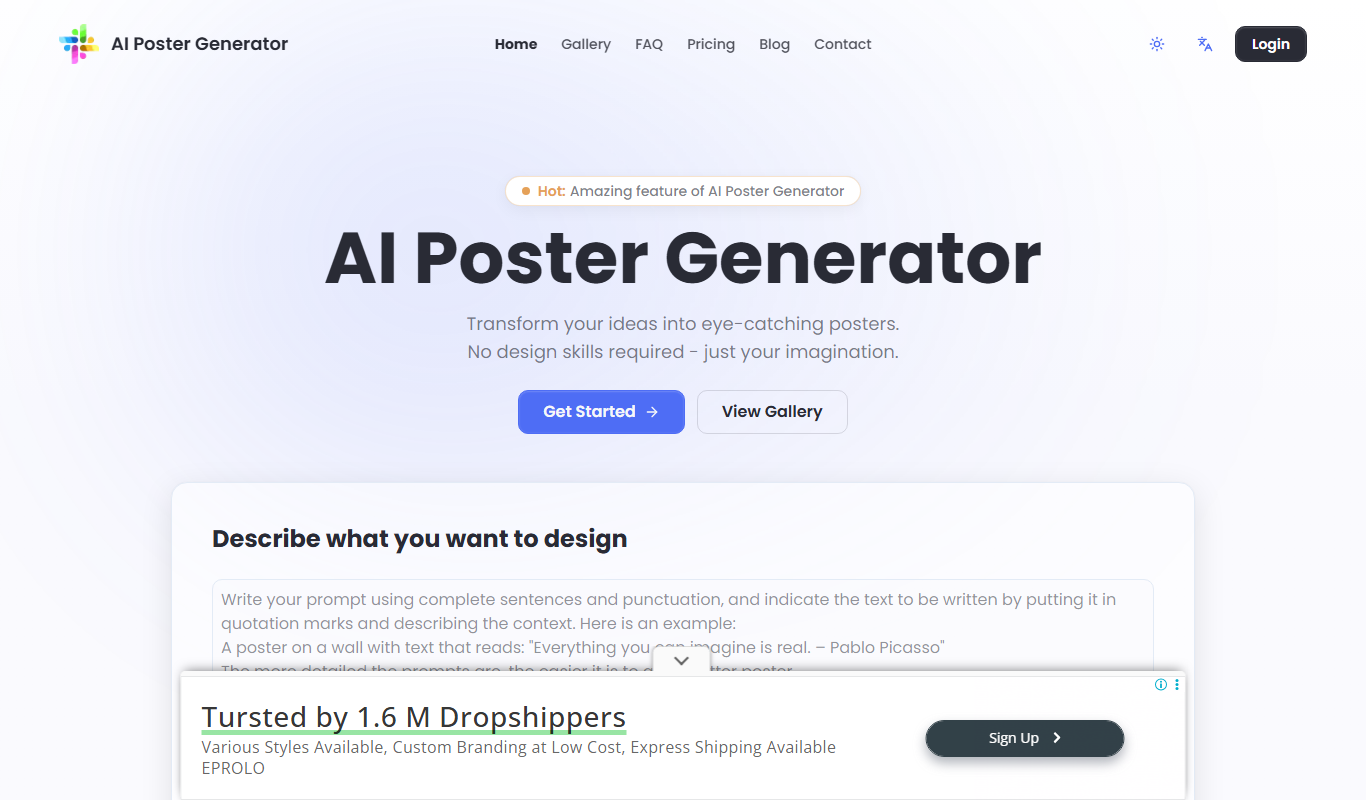
AI Poster Maker
AI Poster Maker is an online AI poster generator that turns a prompt and headline into a finished poster in a chosen style and aspect ratio.

FluxPicture
FluxPicture is an AI image and video generator using FLUX AI, Krea photorealistic images and Wan 2.2 video generation.

FluxAI.art: Free AI Image Generator
FluxAI.art is an AI image generator with multiple models, including Nano Banana, Flux Kontext and ChatGPT-4o image, for text to image, image to image and image editing.

AI Portrait Gen
AI Portrait Gen is an online AI portrait generator that creates realistic portraits of yourself from a few photos.

Oasis AI Minecraft
Oasis is a real-time AI video model from Decart that generates a game world resembling Minecraft as you play; a technology demonstration, not a Minecraft mod.