

From my experience with Imitate AI, I found it excels at producing highly realistic AI voice clones with emotional nuance, making it a strong choice for content creators and marketers who need natural-sounding speech quickly. The platform’s intuitive web interface lowers the barrier for users without technical expertise. However, its focus on English limits multilingual applications, and advanced features require a paid plan. Overall, if you need efficient, high-quality voice cloning for English content, Imitate AI delivers reliable and accessible results.
Imitate AI Review: AI Voice Cloning and Speech Synthesis Platform
Imitate AI is a web-based platform that enables users to create custom AI voice clones from voice samples and generate natural-sounding speech from text, primarily supporting English language voice synthesis.
- Best for
- Content Creation
- Key capability
- Custom Voice Cloning
Your actions
Save Imitate AI, follow its updates and vote on it — everything stays in your account.
Sign in or create a free account

What is Imitate AI?
Imitate AI is a web-based platform specializing in AI-powered voice cloning and speech synthesis. It enables users to create realistic, custom AI voices by training on voice samples, which can then be used to generate natural-sounding speech from text input. The tool is designed for content creators, marketers, developers, and accessibility advocates seeking high-quality voice generation without the need for professional voice actors.
Key features of Imitate AI
Imitate AI offers advanced voice cloning technology that produces lifelike speech with emotional nuance. Key features include custom voice creation from user-provided samples, multi-style voice synthesis, and easy text-to-speech conversion. The platform supports quick voice generation with minimal latency and provides an intuitive web interface for managing voice projects.
Custom Voice Cloning
Create personalized AI voices by training on your own voice samples.
Multi-Style Speech Synthesis
Generate speech with different emotions and speaking styles.
High-Quality Audio Output
Produce clear, natural-sounding voiceovers suitable for professional use.
User-Friendly Web Interface
Manage voice projects and generate speech easily without technical expertise.
Fast Processing
Quickly convert text to speech with minimal wait times.
Pros and cons of Imitate AI
Pros
- Produces highly realistic AI voice clones
- Easy-to-use web interface suitable for beginners
- Supports emotional and style variations in speech
- Offers a free tier for initial experimentation
- Fast text-to-speech conversion
Cons
- Limited language support focused on English
- Advanced features require paid subscription
- No dedicated mobile app currently available
Key use cases for Imitate AI
Content Creation
Generate realistic voiceovers for videos, podcasts, and audiobooks using AI-cloned voices.
Marketing and Advertising
Create personalized and engaging audio ads with custom AI voices to enhance brand identity.
Accessibility
Produce natural-sounding speech for assistive technologies and tools for people with disabilities.
Entertainment
Develop character voices for games, animations, and virtual assistants with AI voice cloning.
Language Learning
Use AI-generated voices for pronunciation guides and interactive language lessons.
How Imitate AI works
- 1
Upload Voice Samples
Users provide audio recordings to train the AI model on a specific voice.
- 2
AI Voice Model Training
The platform processes the samples to create a digital voice clone.
- 3
Input Text
Users enter text they want to convert into speech using the cloned voice.
- 4
Generate Speech
The AI synthesizes natural-sounding audio output from the text.
- 5
Download or Share
Users can download the audio files or share them directly from the platform.
Who is using Imitate AI
Content creators and video producers
Marketing and advertising professionals
Accessibility service providers
Game and animation developers
Language educators and trainers
Imitate AI pricing
Free
$0/month
Limited voice cloning and speech generation with usage caps.
Pro
$29/month
Expanded voice cloning capabilities, higher usage limits, and priority support.
Enterprise
Custom pricing
Tailored solutions with dedicated support and advanced features.
Plans and prices are as published by the vendor and can change. Check the official site before you buy. Open the pricing page (opens in a new tab)
Frequently asked questions about Imitate AI
Typically, a few minutes of clear audio recordings are sufficient to train a high-quality voice clone.
Yes, depending on your subscription plan, you can use the generated voices for commercial purposes.
Imitate AI follows strict data privacy protocols to ensure your voice data is protected.
Currently, Imitate AI primarily supports English voice cloning and synthesis.
It depends on your specific needs and how you plan to use the tool. The official website and documentation are the best sources for the latest details.
Yes, it can help with that use case depending on how you configure it and what features are available. You’ll get the best results with clear inputs and a defined goal.
Yes, it can help with that use case depending on how you configure it and what features are available. You’ll get the best results with clear inputs and a defined goal.
Sign in to review this tool.
Sign In to ReviewNo reviews yet
Be the first to share how this tool worked for you.
Ask about pricing, limits, or how it compares — or answer someone else.
Sign In to AskNo questions yet
Have a question about using or paying for this tool? Be the first to ask.
Featured on TiorAI



More AI Image Generator tools
Other tools in the same category, for when this one is not quite the fit.

Pay As You Go
ModelsLab
ModelsLab lets developers build with 10,000+ AI models using one simple API to generate images, video, audio and more.

Free
Sink In
Sink In runs Stable Diffusion AI image generation models on fast GPUs and offers an API for building AI applications, priced per generated image.

Credit-based
Flux-AI.IO
Flux-AI.IO lets you create images and videos with models such as Flux, Nano Banana and Seedream, with free daily credits and one-time credit packs.

Freemium
Craiyon
Craiyon is a free AI image generator from the team behind DALL-E mini that turns your words into photos, art, anime and logos in seconds, with no account needed.

Credit-based
Artimator
Artimator is a free AI art generator that creates unique images from text descriptions in 30+ styles, with free starter credits and credit packs paid in crypto.

Free Trial
XYZ Generator
XYZ Generator turns text prompts into AI videos and images using third-party models such as Veo 3.1, Kling v3 and Seedance 2.0, on monthly credit plans.

Free
insMind Ghibli Image Generator
insMind Ghibli Image Generator is a web-based AI tool that transforms photos into artwork inspired by Studio Ghibli’s animation style using AI style transfer.
Freemium
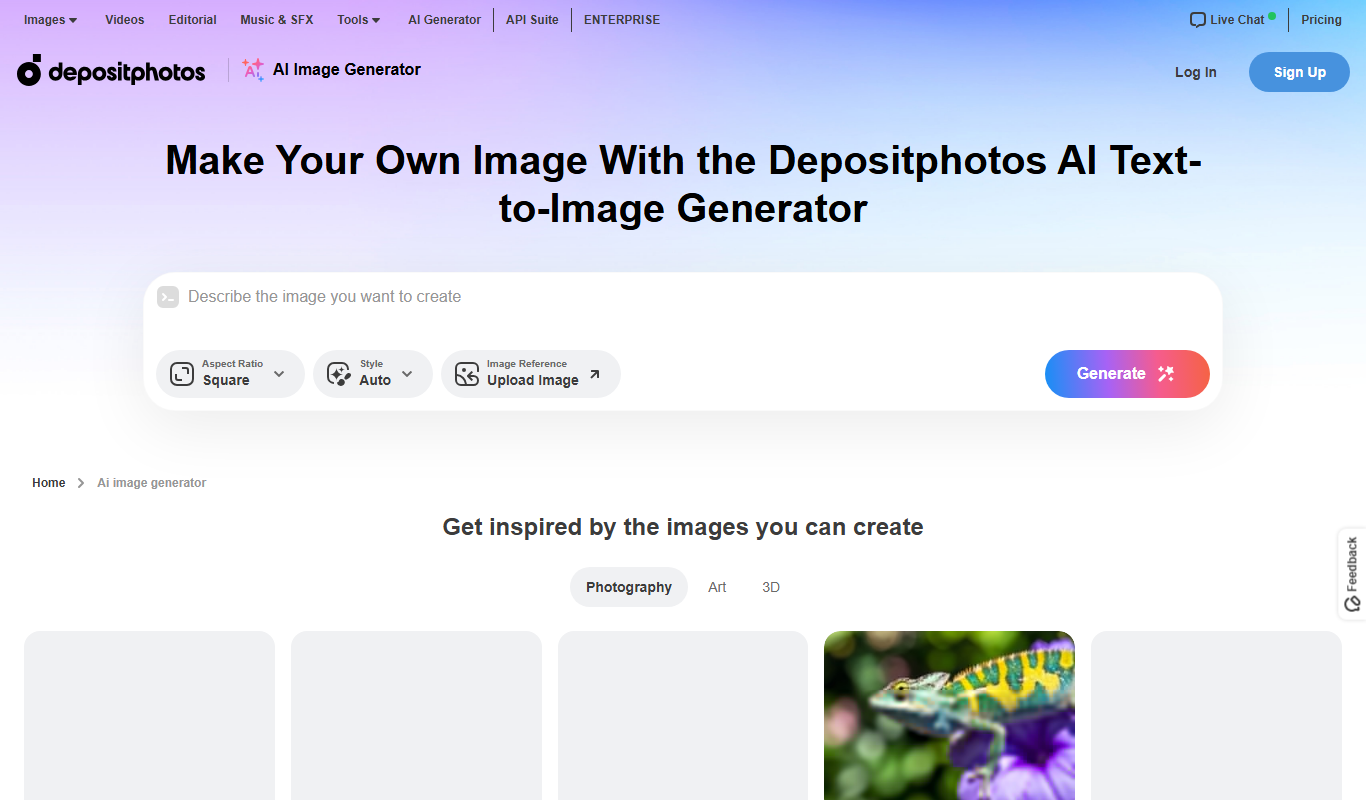
Depositphotos AI Image Generator
Depositphotos AI Image Generator is a web-based tool that creates unique images from text prompts using AI, integrated with Depositphotos’ stock photo library for versatile creative use.