

XYZ Generator AI Video and Image Generator
XYZ Generator turns text prompts into AI videos and images using third-party models such as Veo 3.1, Kling v3 and Seedance 2.0, on monthly credit plans.
- Best for
- UGC and marketing videos
- Key capability
- Multiple AI video models
Save XYZ Generator, follow its updates and vote on it — everything stays in your account.
Sign in or create a free account
What is XYZ Generator?
XYZ Generator is a web-based AI video and image generator. It transforms text prompts into videos and images through third-party AI models such as Veo 3.1, Kling v3, Seedance 2.0, Grok Imagine and MiniMax H3 Max, and it runs on monthly credit plans.
Key features of XYZ Generator
XYZ Generator gives access to the video models Veo 3.1, Kling v3, Seedance 2.0, Grok Imagine and MiniMax H3 Max for text and image to video, plus image generation, with each video generated from a written description and the chosen settings.
Multiple AI video models
Choose between Veo 3.1, Kling v3, Seedance 2.0, Grok Imagine and MiniMax H3 Max for text and image to video.
AI image generation
Create images from a prompt with models such as Nano Banana, GPT Image 2 and Flux Max.
Generation settings
Set the aspect ratio, resolution and duration of each video before generating.
Credit-based plans
Credits are consumed based on model, duration, resolution and audio settings, and failed generations are refunded automatically.
Pros and cons of XYZ Generator
Pros
- Several third-party video models in one place
- Failed generations refund their credits automatically
- Free trial without a credit card
Cons
- Credits reset each billing period and do not roll over
- Free trial includes only 1 watermarked video
- Annual plans cannot be downgraded to monthly until the period ends
Key use cases for XYZ Generator
UGC and marketing videos
Bring UGC, movies and marketing assets to life with a prompt.
Images from a prompt
Create UGC, photos and marketing images from a text prompt.
Advertising
Create engaging AI-generated media assets for advertising campaigns.
Prototyping
Rapidly prototype visual concepts using AI-generated images and videos.
Educational Materials
Develop illustrative and video content for educational purposes.
How XYZ Generator works
- 1
Write a description
Write a description of the video you want to create.
- 2
Choose model and settings
Choose an AI model, duration, resolution and aspect ratio.
- 3
Create the video
Click Create Video and wait while the video is generated.
- 4
Download or share
Download or share your generated video.
Who is using XYZ Generator
XYZ Generator pricing
Starter
$8.99/month
500 credits per month, all AI models, HD and Full HD, audio generation.
Equiped
$28.99/month
1,600 credits per month, everything in Starter, 4K resolution, priority processing.
Professional
$74.99/month
5,100 credits per month, everything in the lower plans, dedicated support.
Plans and prices are as published by the vendor and can change. Check the official site before you buy. Open the pricing page (opens in a new tab)
Frequently asked questions about XYZ Generator
You can generate both images and short videos using AI based on your input prompts.
Each plan comes with monthly credits, consumed based on model, duration, resolution and audio settings. Credits reset each billing period and failed generations are refunded automatically.
Yes. The free trial includes 1 watermarked video, and no credit card is required to sign up.
You can have up to 2 videos generating simultaneously.
It depends on your specific needs and how you plan to use the tool. The official website and documentation are the best sources for the latest details.
Yes, it can help with that use case depending on how you configure it and what features are available. You’ll get the best results with clear inputs and a defined goal.
Some tools offer a free plan or trial with limited features. Availability can vary, so confirm on the official website.
Conclusion
One prompt box gives access to several third-party video models, among them Veo 3.1, Kling v3, Seedance 2.0, Grok Imagine and MiniMax H3 Max. The user writes a description of the video, chooses the model, duration, resolution and aspect ratio, and can then download or share the result. A separate image mode works the same way with models such as Nano Banana, GPT Image 2 and Flux Max.
Billing is built on monthly credits, and each generation consumes credits based on the model, duration, resolution and audio settings chosen. Credits reset each billing period, failed generations are refunded automatically, and up to 2 videos can generate simultaneously. Before paying, new users get a free trial that includes 1 watermarked video, and higher plans add 4K resolution and priority processing. Switching to an annual plan is a commitment: it cannot be downgraded back to monthly until the annual period ends.
Sources
Sign in to review this tool.
Sign In to ReviewNo reviews yet
Be the first to share how this tool worked for you.
Ask about pricing, limits, or how it compares — or answer someone else.
Sign In to AskNo questions yet
Have a question about using or paying for this tool? Be the first to ask.
Featured on TiorAI



More AI Image Generator tools
Other tools in the same category, for when this one is not quite the fit.

Pet Lens AI
Pet Lens AI is an AI photographer that trains a model on 10-20 photos of your pet and generates professional-quality images of it in any setting, sold as one-time packs.

Instant Portrait
Instant Portrait is a free app that generates unlimited AI portraits of yourself in seconds, with no sign-in required.
Makeayo
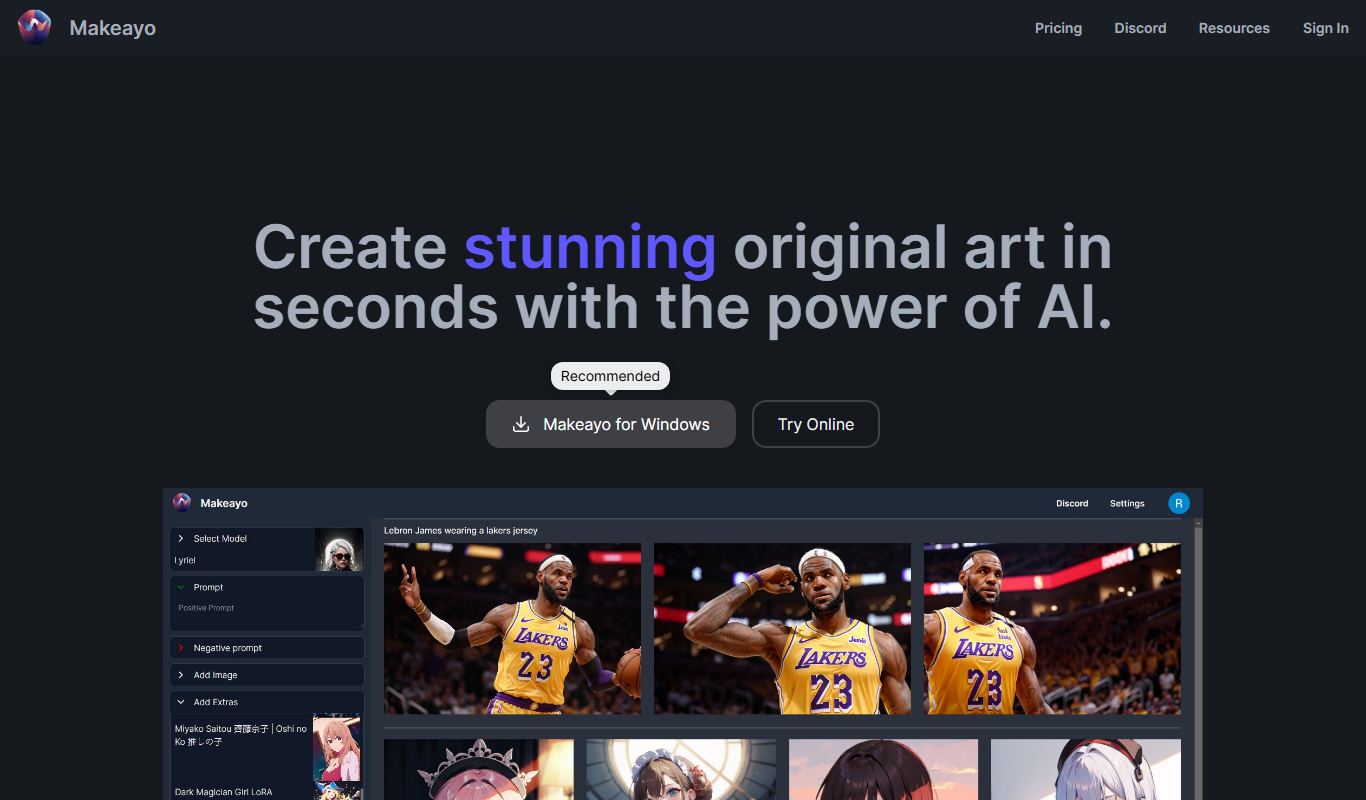
Makeayo for Windows is a desktop generative art app: select your base, describe your picture and generate AI images, with upscaling and pose matching.

Phase
Phase.art is an AI image generator running Flux Dev and Flux Schnell, with Flux Fill for filling in areas, Flux Redux for variations and 400 free credits at sign-up.

Sticker.Show
Sticker.Show is an online AI sticker generator that creates custom stickers from a text description, with transparent-background downloads and a searchable sticker gallery.
PlatePose
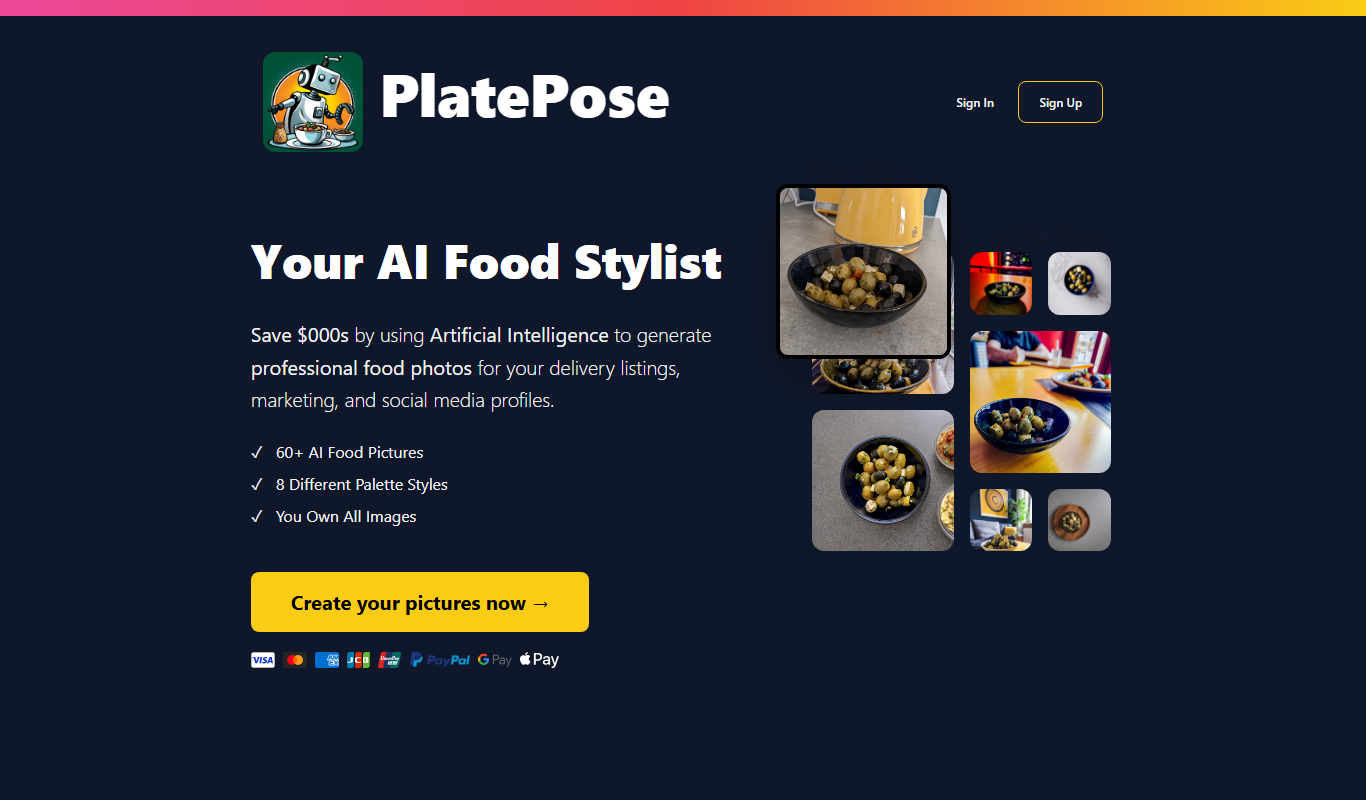
PlatePose trains an AI model on 10-20 photos of your dish and generates professional, stylised food photos for menus and social profiles, with full ownership of the images.

Pawfect Snapshots
Pawfect Snapshots trains an AI model on 5-10 photos of your pet and generates personalized pet portraits in styles such as Professional Photo, Water Color and Digital Art, paid with FurTokens.
ImageKit
ImageKit is a visual media platform that transforms and delivers optimized images and videos in real time, manages assets in a DAM with its own AI agent and automates on-brand creatives.