

From my experience with HitPaw AI Image Generator, I found it excels at providing an accessible and straightforward way to create AI-generated images without requiring technical expertise. The web interface is clean and responsive, making it easy to experiment with different prompts and styles. It’s particularly well-suited for digital artists and marketers who need quick visual content. However, the free plan’s limited daily credits and lack of advanced customization options may restrict power users. Overall, if you want a simple, effective AI art tool for casual or semi-professional use, HitPaw offers solid value.
HitPaw AI Image Generator Review - AI Art Creation Tool Features & Pricing
HitPaw AI Image Generator is a web platform that converts text prompts into high-quality images using AI technology, suitable for digital art and marketing visuals.
- Best for
- Digital Art Creation
- Key capability
- Text-to-Image AI Generation
Your actions
Save HitPaw AI Image Generator, follow its updates and vote on it — everything stays in your account.
Sign in or create a free account

What is HitPaw AI Image Generator?
HitPaw AI Image Generator is a web-based artificial intelligence tool designed to create images from text prompts. It leverages advanced AI algorithms to transform user input into unique, creative visuals suitable for digital art, marketing, and concept visualization. The tool aims to simplify image creation by automating the artistic process, making it accessible to users without professional design expertise.
Key features of HitPaw AI Image Generator
HitPaw AI Image Generator offers features such as text-to-image generation, style customization, and high-resolution image outputs. It provides an intuitive interface where users input descriptive prompts, select artistic styles, and receive AI-generated images quickly. The platform supports multiple languages and offers a freemium pricing model with subscription options for enhanced capabilities.
Text-to-Image AI Generation
Transforms textual descriptions into creative images using advanced AI models.
Multiple Artistic Styles
Offers various style presets to customize the look and feel of generated images.
High-Resolution Outputs
Produces images suitable for professional use with clear details and quality.
User-Friendly Interface
Simplifies the image creation process with an intuitive and accessible design.
Pros and cons of HitPaw AI Image Generator
Pros
- Easy to use with minimal learning curve
- Supports multiple artistic styles
- Generates high-quality images quickly
- Freemium model allows trial before purchase
Cons
- Limited free daily credits
- No desktop or mobile app versions currently
- Customization options could be more advanced
Key use cases for HitPaw AI Image Generator
Digital Art Creation
Generate unique digital artworks and illustrations using AI-powered image synthesis.
Marketing Content Design
Create eye-catching visuals for social media posts, advertisements, and promotional materials.
Creative Inspiration
Use AI-generated images as a starting point or inspiration for further artistic projects.
Concept Visualization
Visualize ideas and concepts quickly without needing advanced graphic design skills.
How HitPaw AI Image Generator works
- 1
Enter Text Prompt
Users type a descriptive phrase or sentence to guide the AI in generating an image.
- 2
Select Style and Settings
Choose from various artistic styles and adjust parameters to influence the image output.
- 3
Generate Image
The AI processes the input and creates a unique image based on the prompt and settings.
- 4
Download or Edit
Users can download the generated image or refine it further if desired.
Who is using HitPaw AI Image Generator
Digital artists and illustrators
Social media marketers
Content creators
Small business owners
Creative hobbyists
HitPaw AI Image Generator pricing
Free
$0/month
Limited daily credits for image generation with basic features.
Monthly Subscription
$9.99/month
Unlimited image generation with access to premium styles and higher resolution.
Annual Subscription
$59.99/year
Cost-effective yearly plan with all premium features included.
Plans and prices are as published by the vendor and can change. Check the official site before you buy. Open the pricing page (opens in a new tab)
Frequently asked questions about HitPaw AI Image Generator
Yes, images generated can be used commercially, but users should review the terms of service for specific licensing details.
Images can be downloaded primarily in PNG format with high resolution.
The free plan includes a limited number of daily credits for image generation.
Yes, HitPaw AI Image Generator supports English and Chinese languages.
It depends on your specific needs and how you plan to use the tool. The official website and documentation are the best sources for the latest details.
Some tools offer a free plan or trial with limited features. Availability can vary, so confirm on the official website.
Yes, it can help with that use case depending on how you configure it and what features are available. You’ll get the best results with clear inputs and a defined goal.
Sign in to review this tool.
Sign In to ReviewNo reviews yet
Be the first to share how this tool worked for you.
Ask about pricing, limits, or how it compares — or answer someone else.
Sign In to AskNo questions yet
Have a question about using or paying for this tool? Be the first to ask.
Featured on TiorAI



More AI Avatar Generator tools
Other tools in the same category, for when this one is not quite the fit.
Freemium
trulience.com
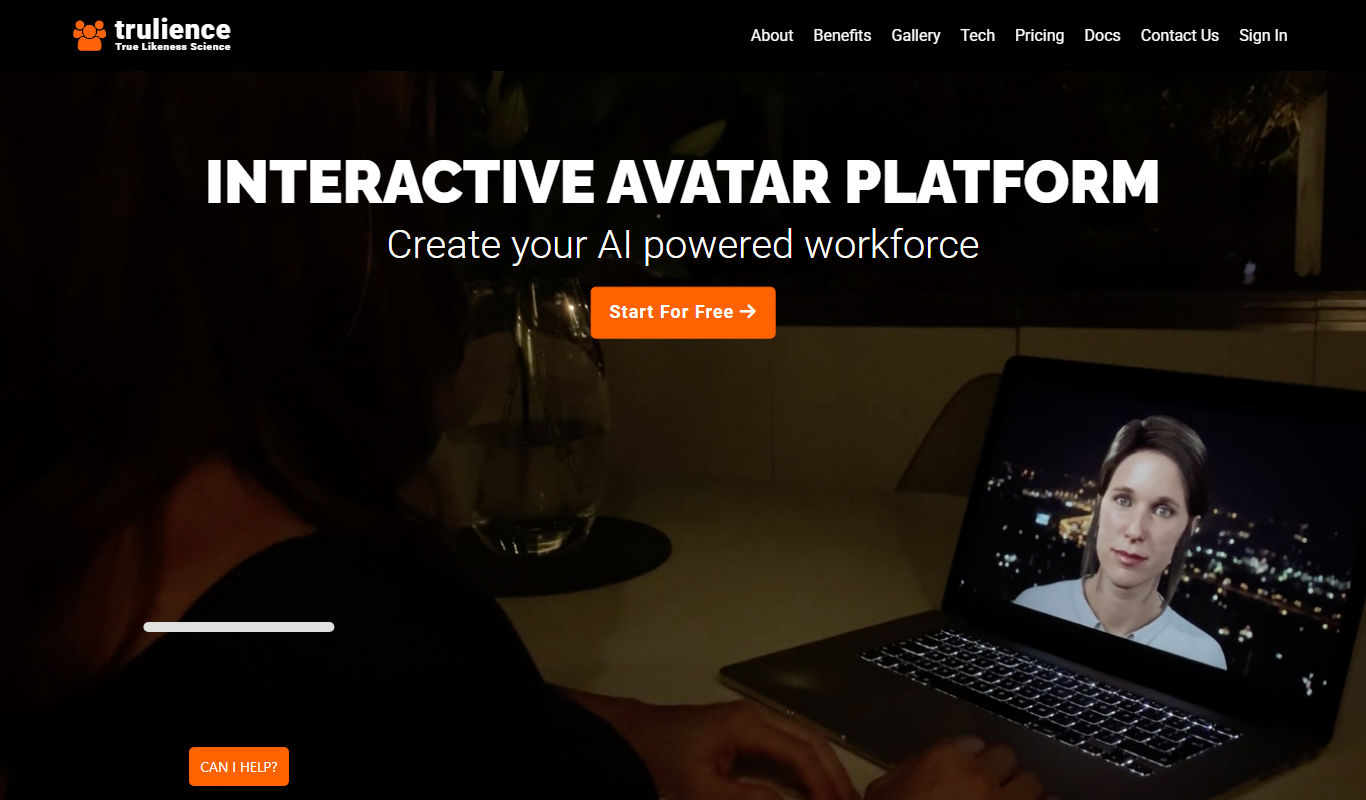
Trulience is an interactive avatar platform that gives any LLM a lifelike, multilingual face, so you can build and embed scalable AI avatars in minutes.

Freemium
MukuAI
MukuAI turns product URLs, scripts, ideas or PPT files into UGC video ads with AI avatars, subtitles and music.
Free Trial
Luppet
Luppet (LuppetX) is a tracking system for 3D Virtual YouTubers that only requires a web camera and LeapMotion.
Freemium
Emoji Maker
Emoji Maker is an AI emoji generator: type an idea or upload a photo, pick from 48 art styles, and get a transparent PNG emoji.
Free
Viveport
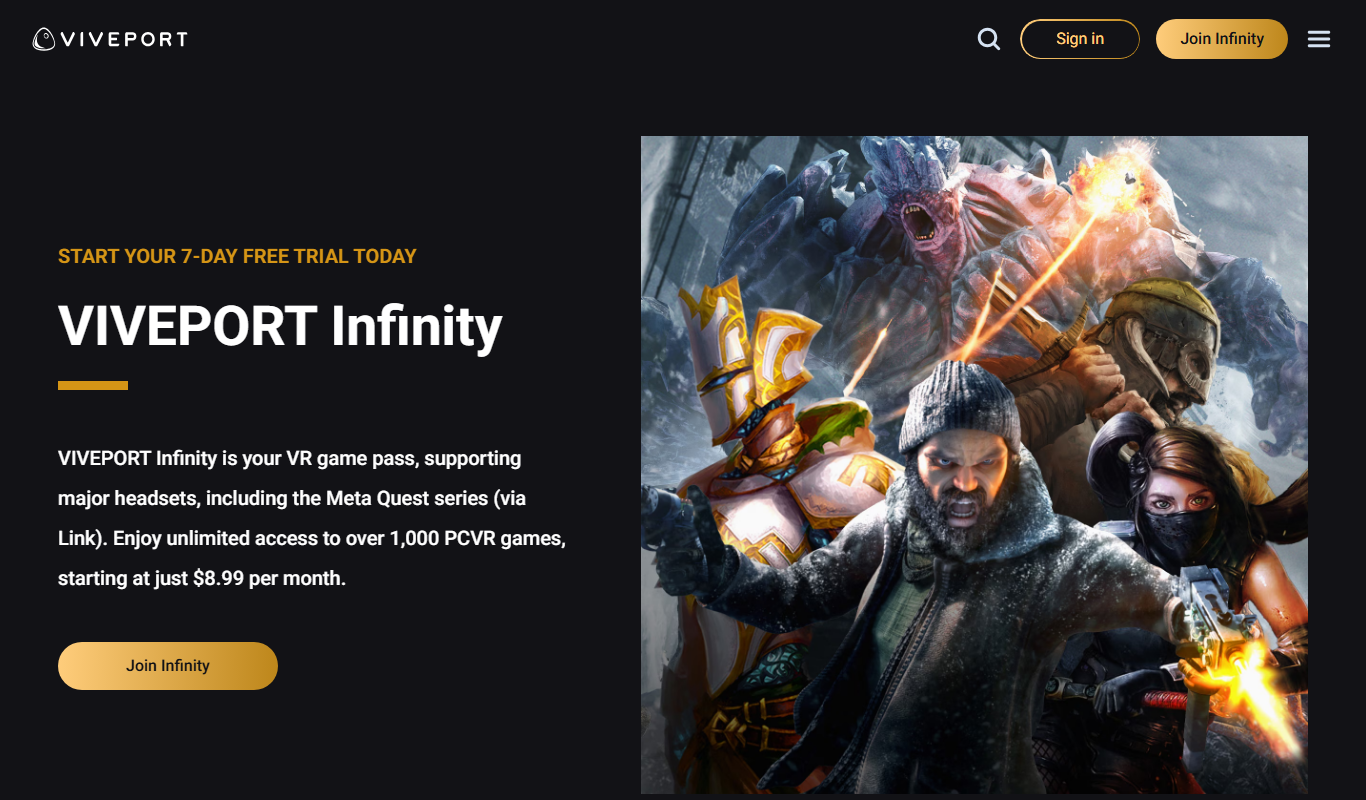
Viveport is HTC's virtual reality content platform providing access to VR games and experiences, including a subscription service called Viveport Infinity for unlimited VR content.

Free
Second Life
Second Life is a 3D virtual world platform where users create avatars, socialize, build environments, and participate in a virtual economy.

Custom Pricing
Looking Glass Factory
Looking Glass Factory offers advanced glasses-free 3D holographic displays that enable users to view and interact with volumetric 3D content without headsets, suitable for design, education, and entertainment.

Freemium
DeepAR SDK
DeepAR SDK is a cross-platform augmented reality development kit that enables real-time face tracking, AI avatar creation, and 3D AR effects for mobile apps, games, and live streaming.