

From my experience with GitKraken, I found it excels at making Git version control accessible and visually intuitive, especially for developers who prefer a GUI over command line. The integration with major Git hosting platforms and the built-in merge conflict editor significantly streamline collaboration and conflict resolution. However, while the free version covers most basic needs, some advanced features require a paid subscription, which might be a consideration for budget-conscious users. Overall, if you want a powerful yet user-friendly Git client that supports cross-platform workflows, GitKraken delivers solid results.
GitKraken Git GUI Client for Git Version Control and Collaboration
GitKraken is a cross-platform Git client that provides an intuitive graphical interface for managing Git repositories, simplifying version control, collaboration, and conflict resolution.
- Best for
- Git Version Control
- Key capability
- Visual Commit Graph
Your actions
Save GitKraken, follow its updates and vote on it — everything stays in your account.
Sign in or create a free account
What is GitKraken?
GitKraken is a cross-platform Git client designed to simplify version control for developers and teams. It provides a graphical interface to manage Git repositories, visualize commit histories, and streamline collaboration workflows. By abstracting complex Git commands into an intuitive UI, GitKraken helps users focus on coding while maintaining robust version control practices.
Key features of GitKraken
GitKraken offers a visually rich Git GUI with features such as drag-and-drop merging, built-in code editor integration, Gitflow support, conflict resolution tools, and seamless integration with popular Git hosting services. It supports both individual developers and teams aiming to improve productivity and reduce Git-related errors.
Visual Commit Graph
Displays a clear, interactive graph of commits and branches to understand project history at a glance.
Gitflow Support
Built-in Gitflow workflow support to standardize branching strategies and release management.
Merge Conflict Editor
Visual tool to identify and resolve merge conflicts without using command line.
Integration with Git Hosting Services
Supports GitHub, GitLab, Bitbucket, and Azure DevOps for cloning, pull requests, and issue tracking.
Cross-Platform Desktop App
Available on Windows, macOS, and Linux with a consistent user experience.
Pros and cons of GitKraken
Pros
- Intuitive visual interface simplifies Git workflows
- Cross-platform support for Windows, macOS, and Linux
- Strong integration with popular Git hosting services
- Built-in merge conflict resolution tools
- Supports Gitflow and team collaboration features
Cons
- Some advanced features require paid subscription
- May have a learning curve for users new to Git
- Desktop app can be resource-intensive on older machines
Key use cases for GitKraken
Git Version Control
Manage Git repositories visually with an intuitive interface that simplifies branching, merging, and commit history.
Collaboration
Facilitate team collaboration with built-in Gitflow support, pull request management, and issue tracking integrations.
DevOps Workflow
Integrate with popular platforms like GitHub, GitLab, Bitbucket, and Azure DevOps to streamline continuous integration and deployment workflows.
Conflict Resolution
Use visual merge conflict tools to easily identify and resolve code conflicts during merges.
Task Management
Link commits to issues and track progress directly within the GitKraken interface for better project management.
How GitKraken works
- 1
Download and Install
Get GitKraken for your operating system (Windows, macOS, or Linux) from the official website and install it.
- 2
Connect to Git Repositories
Link your GitHub, GitLab, Bitbucket, or Azure DevOps accounts to access repositories directly within GitKraken.
- 3
Visualize and Manage Branches
Use the graphical interface to create, switch, merge, and delete branches with ease.
- 4
Commit and Push Changes
Stage changes, write commit messages, and push updates to remote repositories using the streamlined UI.
- 5
Resolve Conflicts
When merge conflicts arise, use GitKraken’s visual conflict editor to resolve them efficiently.
Who is using GitKraken
Individual software developers
Development teams and DevOps engineers
Project managers overseeing code repositories
Open source contributors
Students learning Git version control
GitKraken pricing
Free
$0/month
Basic Git client features for individual developers with limited integrations.
Pro
$4.08/month (billed annually)
Advanced features including multiple profiles, merge conflict editor, and priority support.
Enterprise
Custom pricing
Tailored solutions for teams with enhanced security, SSO, and dedicated support.
Plans and prices are as published by the vendor and can change. Check the official site before you buy. Open the pricing page (opens in a new tab)
Frequently asked questions about GitKraken
Yes, GitKraken offers a free plan with essential Git client features suitable for individual developers.
GitKraken is available on Windows, macOS, and Linux as a desktop application.
Yes, it supports integration with GitHub, GitLab, Bitbucket, and Azure DevOps for repository management.
Yes, it includes a visual merge conflict editor to simplify conflict resolution.
This tool is designed to help users accomplish its core tasks more efficiently. It is typically used by individuals or teams looking to improve productivity and workflow.
Some tools offer a free plan or trial with limited features. Availability can vary, so confirm on the official website.
Integration support depends on the tool and its available connectors or API. Check the official documentation or integrations page to confirm what is supported.
It depends on your specific needs and how you plan to use the tool. The official website and documentation are the best sources for the latest details.
Sign in to review this tool.
Sign In to ReviewNo reviews yet
Be the first to share how this tool worked for you.
Ask about pricing, limits, or how it compares — or answer someone else.
Sign In to AskNo questions yet
Have a question about using or paying for this tool? Be the first to ask.
Featured on TiorAI



Alternative Tools
Explore similar AI tools that might fit your needs

Free
Sourcetree
Sourcetree is a free desktop Git and Mercurial client by Atlassian that provides a visual interface to manage repositories, branches, commits, and integrates with Bitbucket and Jira for streamlined version control workflows.
More AI Developer Tools tools
Other tools in the same category, for when this one is not quite the fit.

Free
Swagger
Swagger is a set of tools for designing, documenting, testing, and mocking RESTful APIs using the OpenAPI Specification, widely used by developers and teams to streamline API development.

Free
Stardog
Stardog is an enterprise knowledge graph platform that integrates diverse data sources into a semantic graph database, enabling advanced querying, reasoning, and AI integration.
Free
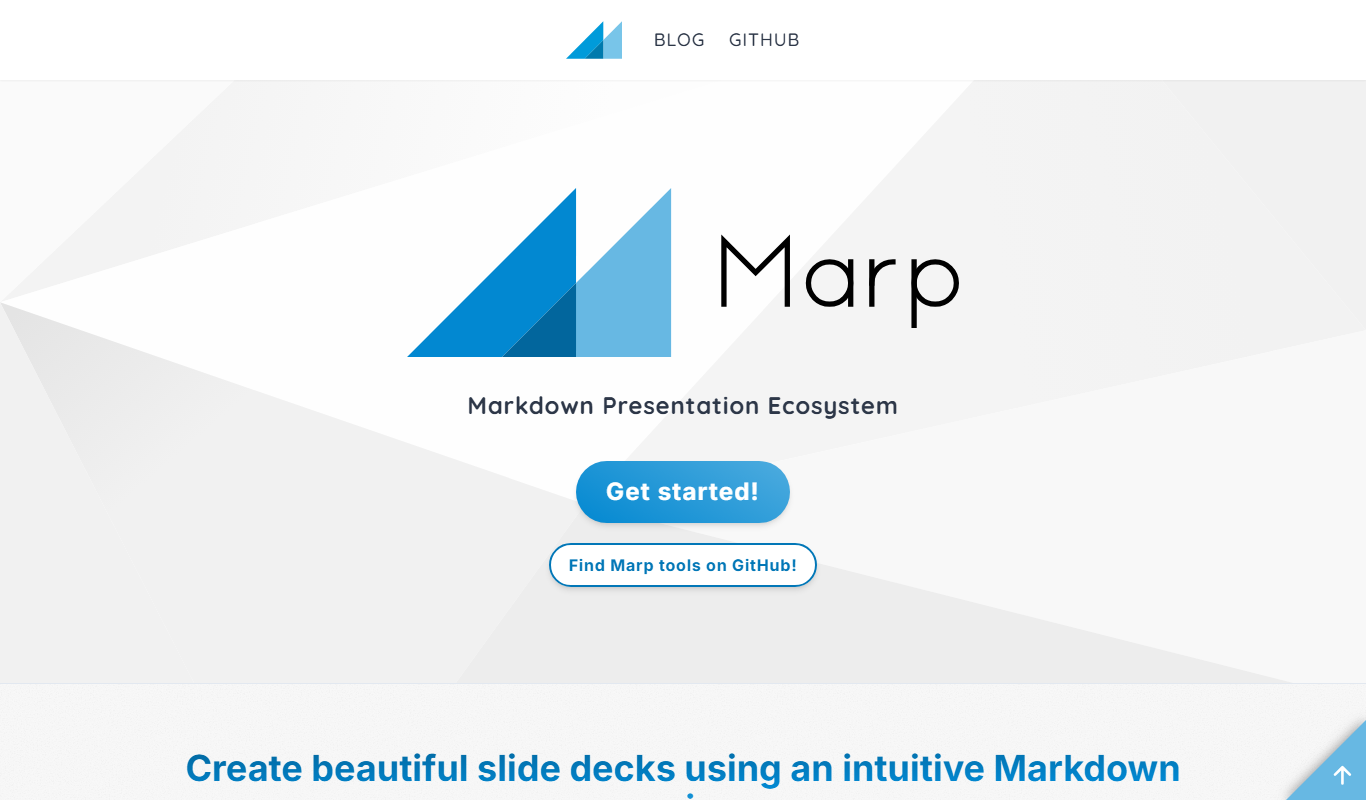
Marp
Marp is an open-source tool that converts Markdown files into presentation slides with export options including PDF and PowerPoint, featuring customizable themes and syntax highlighting.

Free
Headless UI
Headless UI is a free, open-source library providing unstyled, accessible UI components for React and Vue, enabling developers to build custom-styled interfaces with built-in accessibility features.

Free
Cytoscape
Cytoscape is a free, open-source software platform designed for visualizing complex networks and integrating attribute data, widely used in bioinformatics and data analysis.

Free
Gephi
Gephi is a free, open-source software for visualizing and analyzing complex networks and graphs, widely used in research and data science.

Free
Serilog
Serilog is an open-source structured logging framework for .NET applications that enables developers to capture rich, queryable log data with support for multiple output sinks and contextual enrichers.
Enterprise License
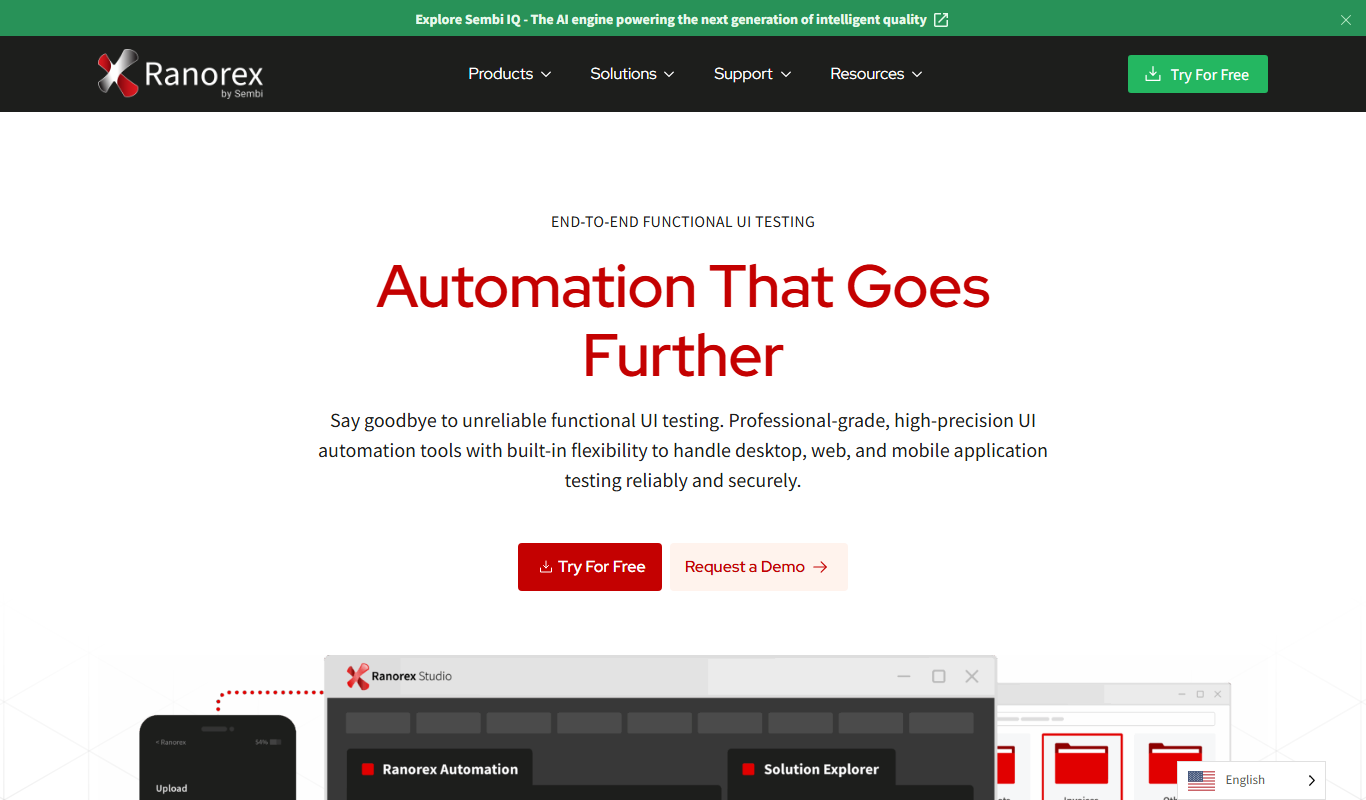
Ranorex
Ranorex is a comprehensive test automation tool that supports GUI testing for desktop, web, and mobile apps, offering both codeless and code-based test creation with strong CI/CD integration.