

Frontify Brand Management Platform for Digital Asset and Style Guide Control
Frontify is a cloud-based brand management platform that centralizes digital assets, interactive brand guidelines, and collaborative workflows to help teams maintain consistent branding.
- Best for
- Digital Asset Management
- Key capability
- Digital Asset Management (DAM)
Save Frontify, follow its updates and vote on it — everything stays in your account.
Sign in or create a free account
What is Frontify?
Frontify is a comprehensive brand management platform designed to help organizations centralize and control their brand assets, guidelines, and workflows. It provides a cloud-based environment where teams can collaborate efficiently to maintain brand consistency across all channels and touchpoints.
Key features of Frontify
Frontify offers digital asset management, interactive style guides, collaborative workflows, creative project management, and integrations with popular marketing and design tools to streamline brand operations.
Digital Asset Management (DAM)
Securely store, organize, and share all brand assets in one centralized platform.
Interactive Brand Guidelines
Create dynamic style guides that are easy to update and share with internal and external stakeholders.
Collaborative Workflows
Streamline teamwork with task assignments, version control, and approval workflows.
Creative Project Management
Manage briefs, timelines, and deliverables to keep brand projects on track.
Integrations
Connect with tools like Adobe Creative Cloud, Slack, and others to enhance productivity.
Pros and cons of Frontify
Pros
- Comprehensive brand asset and guideline management
- User-friendly interface with strong collaboration features
- Robust integrations with popular marketing and design tools
- Scalable plans suitable for small teams to large enterprises
Cons
- Pricing can be high for small businesses on tight budgets
- Some advanced features require enterprise-level plans
- No offline access since it is fully cloud-based
Key use cases for Frontify
Digital Asset Management
Centralize, organize, and share brand assets like logos, images, and videos in a secure cloud environment.
Brand Guidelines Management
Create and maintain interactive brand style guides to ensure consistent brand communication across teams and partners.
Collaborative Workflows
Enable teams to collaborate on brand projects with approval workflows, version control, and real-time feedback.
Creative Project Management
Manage creative briefs, tasks, and timelines to streamline brand-related projects and campaigns.
Integration with Marketing Tools
Connect Frontify with other marketing and design tools to automate brand asset distribution and usage tracking.
How Frontify works
- 1
Sign Up and Set Up Workspace
Create an account and configure your brand workspace to start organizing assets and guidelines.
- 2
Upload and Organize Assets
Add logos, images, videos, and other brand materials into categorized libraries for easy access.
- 3
Create Brand Guidelines
Build interactive style guides that define your brand’s visual and verbal identity.
- 4
Collaborate and Manage Projects
Invite team members, assign roles, and manage creative workflows with approval processes.
- 5
Integrate and Distribute
Connect Frontify with other tools and distribute brand assets consistently across channels.
Who is using Frontify
Frontify pricing
Free Trial
$0 for 14 days
Full access to all features for 14 days to evaluate the platform.
Custom quote
Custom pricing based on Monthly Active Users (MAU), quoted by sales after a demo
No fixed pricing: billed on a monthly active users (MAU) model so costs reflect actual usage, with a tailored package proposed by sales.
Enterprise
Custom pricing
Advanced features, integrations, and support for large organizations.
Plans and prices are as published by the vendor and can change. Check the official site before you buy. Open the pricing page (opens in a new tab)
Frequently asked questions about Frontify
Yes, Frontify offers integrations with Adobe Creative Cloud to streamline asset usage.
Absolutely, Frontify is cloud-based and designed to support collaboration across distributed teams.
Yes, it includes version control to track changes and maintain asset history.
Frontify offers email support, onboarding assistance, and dedicated support for enterprise customers.
This tool is designed to help users accomplish its core tasks more efficiently. It is typically used by individuals or teams looking to improve productivity and workflow.
Yes, it can help with that use case depending on how you configure it and what features are available. You’ll get the best results with clear inputs and a defined goal.
Integration support depends on the tool and its available connectors or API. Check the official documentation or integrations page to confirm what is supported.
Conclusion
Logos, images, videos and other brand materials go into categorized libraries, and interactive style guides built on top define the brand’s visual and verbal identity. Those guides are easy to update and can be shared with internal and external stakeholders. Teamwork relies on task assignments, version control and approval workflows, while briefs, timelines and deliverables keep brand projects on track. Integrations include Adobe Creative Cloud and Slack.
Brand managers, design teams and creative agencies are among its intended users, and the cloud-based setup supports collaboration across distributed teams. No fixed price list is published, because pricing is custom, based on Monthly Active Users and quoted by sales after a demo.
Sources
Sign in to review this tool.
Sign In to ReviewNo reviews yet
Be the first to share how this tool worked for you.
Ask about pricing, limits, or how it compares — or answer someone else.
Sign In to AskNo questions yet
Have a question about using or paying for this tool? Be the first to ask.
Featured on TiorAI



Alternative Tools
Explore similar AI tools that might fit your needs

Brandfolder
Brandfolder is a cloud-based digital asset management platform that centralizes brand assets, controls permissions, and facilitates collaboration for marketing and creative teams.
More Art & Creative Design tools
Other tools in the same category, for when this one is not quite the fit.
DeepAI
DeepAI is an AI platform providing APIs and web tools for image generation, text analysis, and other machine learning tasks, suitable for developers and content creators.
Awesome Screenshot
Awesome Screenshot is a tool for capturing screenshots and screen recordings with annotation features, available as browser extensions and desktop apps, suitable for collaboration and content creation.

PhotoFeeler
PhotoFeeler is a web-based platform that provides crowd-sourced, context-specific feedback on photos to help users select the best images for business, social, or dating purposes.

Unitag QR Code Generator
Unitag QR Code Generator is a web-based tool that allows users to create customizable QR codes with options for colors, logos, and shapes, supporting multiple QR code types and offering scan analytics in paid plans.
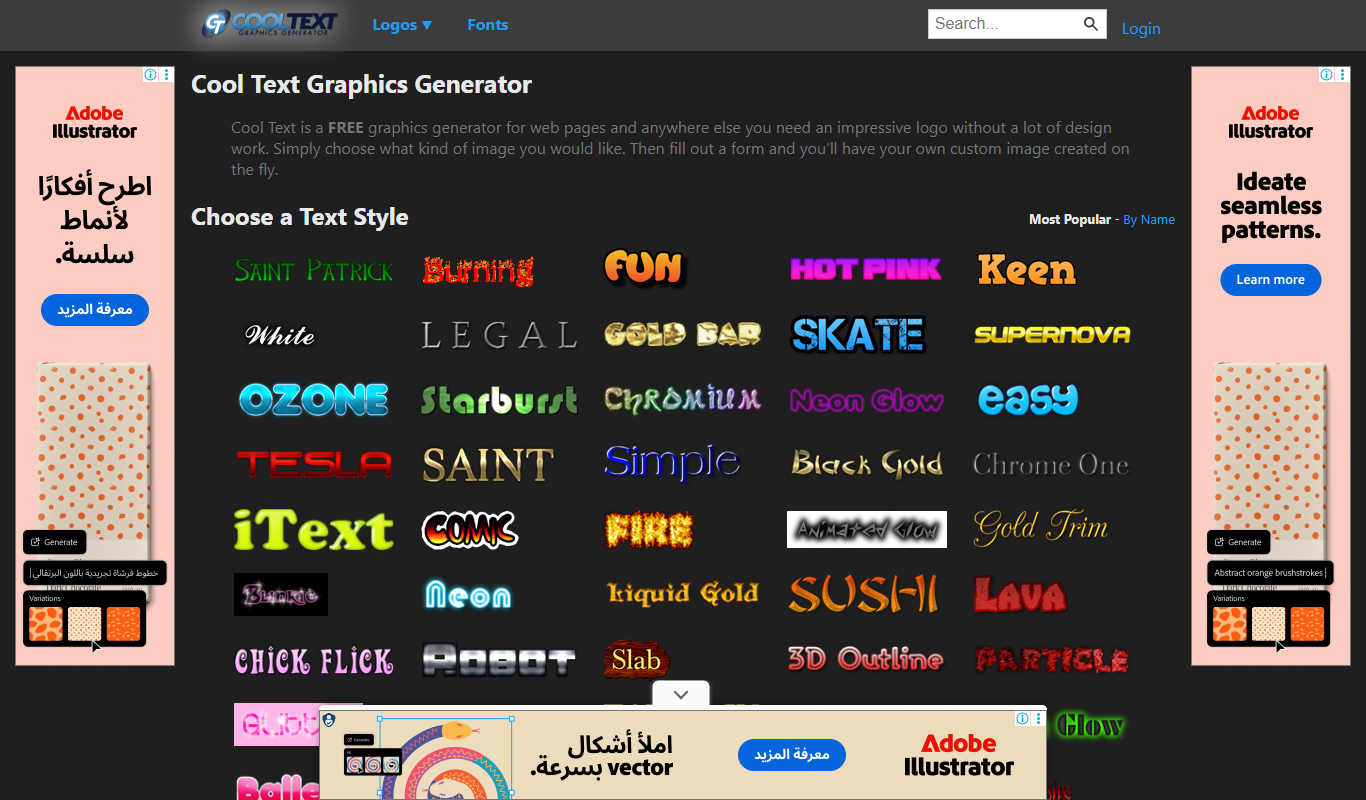
CoolText
CoolText is a free online tool for creating custom logos and graphic text designs with various fonts and effects, ideal for quick branding needs.

MockupBro
MockupBro is a web-based tool that lets you create customizable product mockups quickly without graphic design skills, ideal for marketing and e-commerce visuals.

Guess The Prompt!
Guess The Prompt! is a free online game where players guess AI-generated prompts based on images or clues, promoting creative thinking and fun.
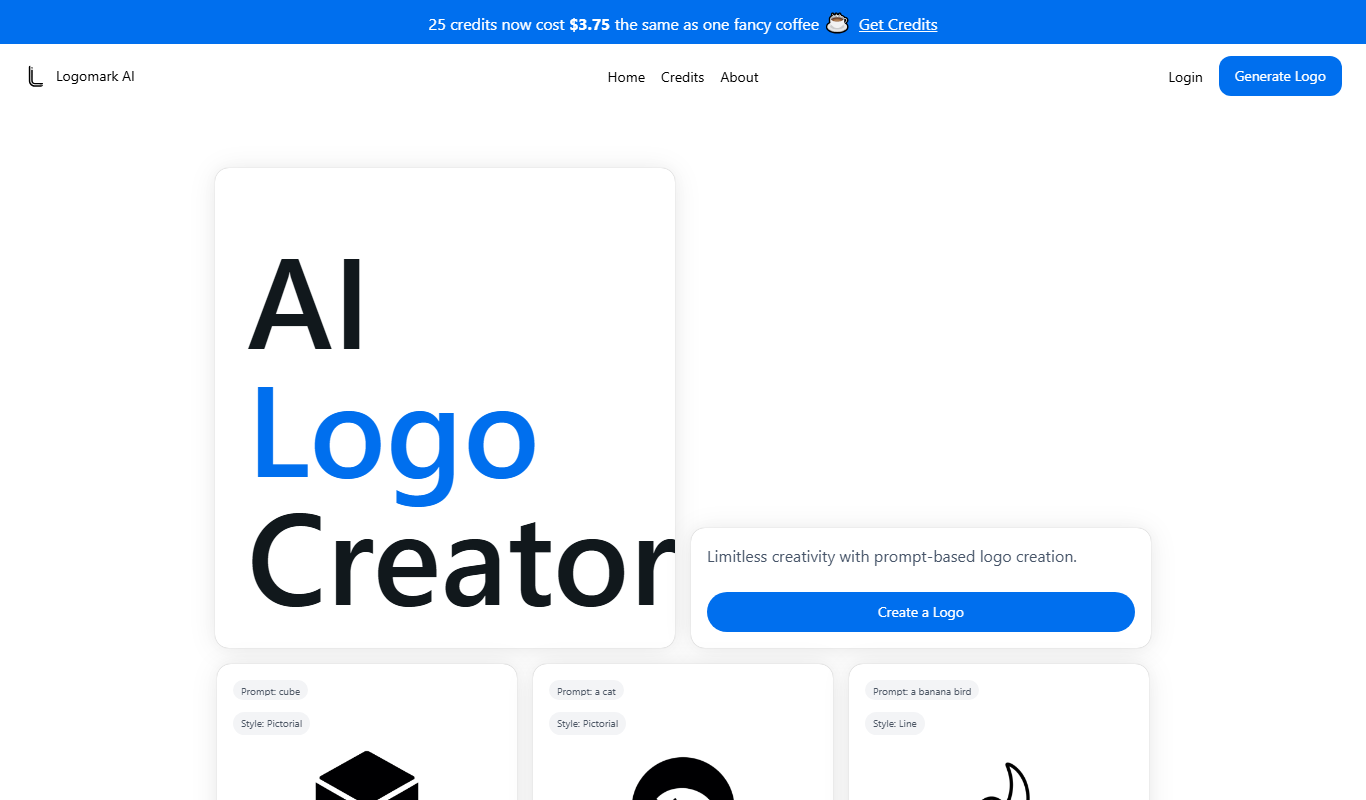
Logomark AI
Logomark AI is a prompt-based logo creator that turns a text description into a pictorial, abstract or line mark logo exportable as PNG or SVG.