

Emberly - mind map and note-taking knowledge organizer
Emberly combines mind maps and note-taking: store notes, files and bookmarks inside map nodes, with AI-generated maps and automatic quizzes.
- Best for
- Knowledge library
- Key capability
- Notes, files and bookmarks in nodes
Save Emberly, follow its updates and vote on it — everything stays in your account.
Sign in or create a free account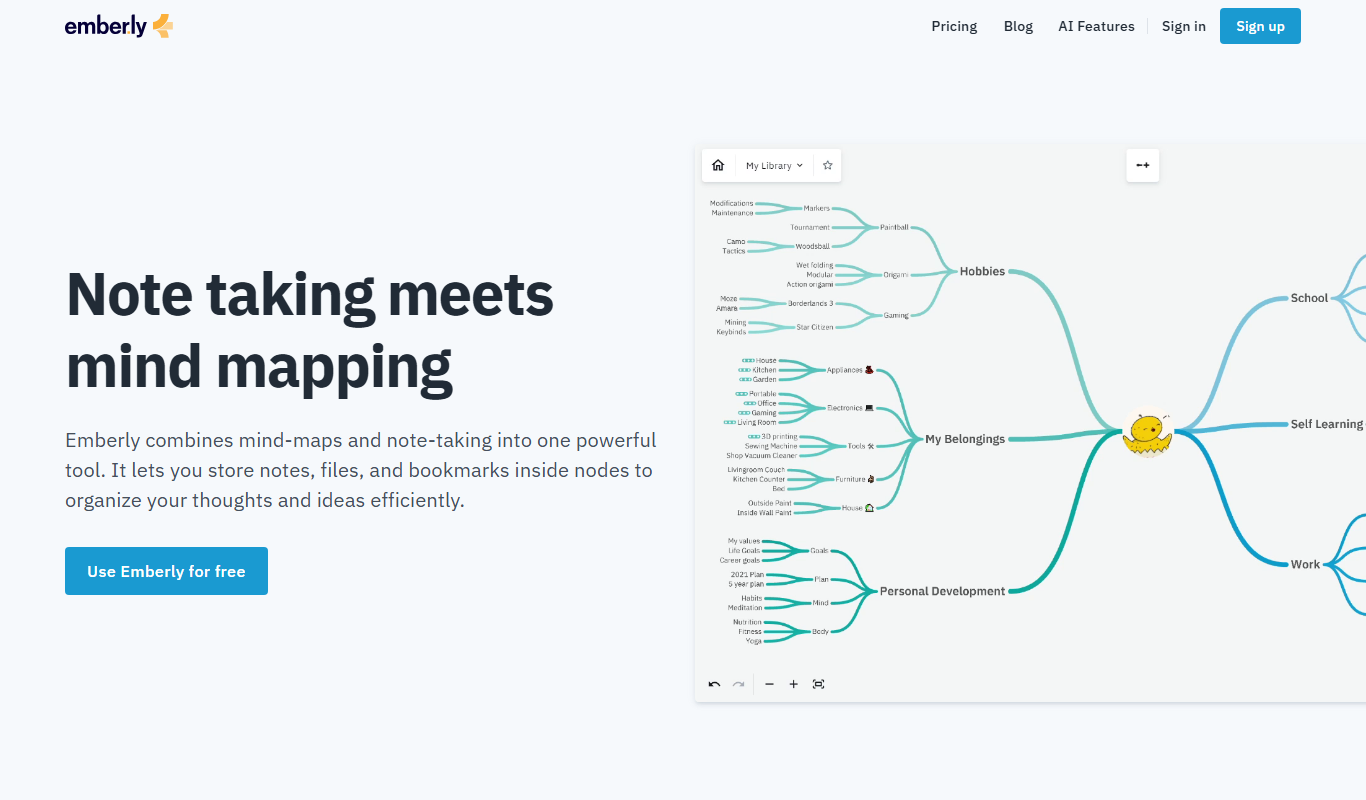
What is Emberly?
Emberly is a visual knowledge organizer that combines mind maps and note-taking in one tool. Notes, files and bookmarks are stored inside the nodes of a map, and AI features generate mind maps, automatic quizzes from your notes, writing help and a discussion simulator.
Key features of Emberly
Emberly stores notes, files and bookmarks inside mind map nodes, links ideas bi-directionally, supports real-time collaboration and a browser plug-in, and adds AI-generated maps, automatic quizzes, an AI writing assistant and a discussion simulator.
Notes, files and bookmarks in nodes
Store notes, files and bookmarks inside the nodes of a mind map.
AI generated mind maps
Let the AI help you get started with making your maps.
Automatic quizzes
Quizzes generated automatically from your notes.
Bi-directional links
Create an interconnected web of thoughts across your maps.
Real-time collaboration
Share maps and work in real time with others.
Pros and cons of Emberly
Pros
- Notes, files and bookmarks kept together in one map
- AI quizzes, maps and writing help for learning
- No tracking, no ads and no selling of your data
- Bulk export to markdown notes and files
- 30-day money-back guarantee on paid plans
Cons
- The free Basic plan is limited to five maps, 70 topics per map and 2 AI quizzes per day
- Emberly AI and unlimited AI quizzes require the Plus Ultra plan
- Limited collaboration features compared to competitors
Key use cases for Emberly
Knowledge library
Quickly re-find resources and notes and fresh up on old topics.
Learning topics
Learn faster with quizzes generated automatically from your notes.
Team wiki
Share maps and build knowledge trees together with others.
CV map and belongings
Use maps for a CV-map or to manage belongings.
Editing and Refinement
Enhance and polish existing text for clarity, tone, and engagement.
How Emberly works
- 1
Collect your content
Add notes, files and bookmarks, or save bookmarks with one click from the browser plug-in.
- 2
Organize it visually
Place content in mind map nodes instead of folders and tags so it is easy to re-find.
- 3
Learn with AI
Generate quizzes from your notes or let the AI help you write, brainstorm and summarize.
- 4
Share and collaborate
Share maps and work in real time with others.
- 5
Export or Publish
Download the content or publish it directly to your platforms.
Who is using Emberly
Emberly pricing
Basic
$0
Free for everyone: unlimited bookmarks and notes, 70 topics per map, 2 AI Quizzes per day, five maps, community support.
Plus
$5/month
Everything in Basic plus unlimited topics, 26 maps, 10GB file uploads, 5 AI Quizzes per day, custom colors, dark mode, full-text search and priority support.
Plus Ultra
$10/month
Everything in Plus plus unlimited maps, 25GB file uploads, unlimited AI Quizzes and Emberly AI.
Plans and prices are as published by the vendor and can change. Check the official site before you buy. Open the pricing page (opens in a new tab)
Frequently asked questions about Emberly
Yes. The Basic plan is $0 and free for everyone, with unlimited bookmarks and notes, five maps, 70 topics per map and 2 AI quizzes per day.
A topic is a node in your knowledge tree.
Emberly works in most browsers and also works on mobile.
Yes. Emberly offers a 30-day money-back guarantee, no questions asked.
You stay on the plan until the end of your billing cycle and are then downgraded to the free Basic plan.
Yes. Maps can be embedded in places like Notion and Medium.
Yes, it can help with that use case depending on how you configure it and what features are available. You’ll get the best results with clear inputs and a defined goal.
Yes, it can help with that use case depending on how you configure it and what features are available. You’ll get the best results with clear inputs and a defined goal.
Conclusion
Instead of folders and tags, everything sits on a mind map: notes, files and bookmarks are stored inside the nodes, and each node is a topic in a knowledge tree. Bi-directional links connect ideas across maps, and a browser plug-in saves bookmarks with one click. The learning side is AI-assisted, with generated mind maps, quizzes built automatically from your notes and a discussion simulator that debates any topic.
Students who build maps for their classes appear among the quoted users, and maps can also be shared and edited in real time with others. It works in most browsers, including on mobile. The free Basic plan stops at five maps, 70 topics per map and 2 AI quizzes a day, while Emberly AI and unlimited quizzes are reserved for the top Plus Ultra tier.
Sources
Sign in to review this tool.
Sign In to ReviewNo reviews yet
Be the first to share how this tool worked for you.
Ask about pricing, limits, or how it compares — or answer someone else.
Sign In to AskNo questions yet
Have a question about using or paying for this tool? Be the first to ask.
Featured on TiorAI



More AI Knowledge Base Tools tools
Other tools in the same category, for when this one is not quite the fit.
MyMind
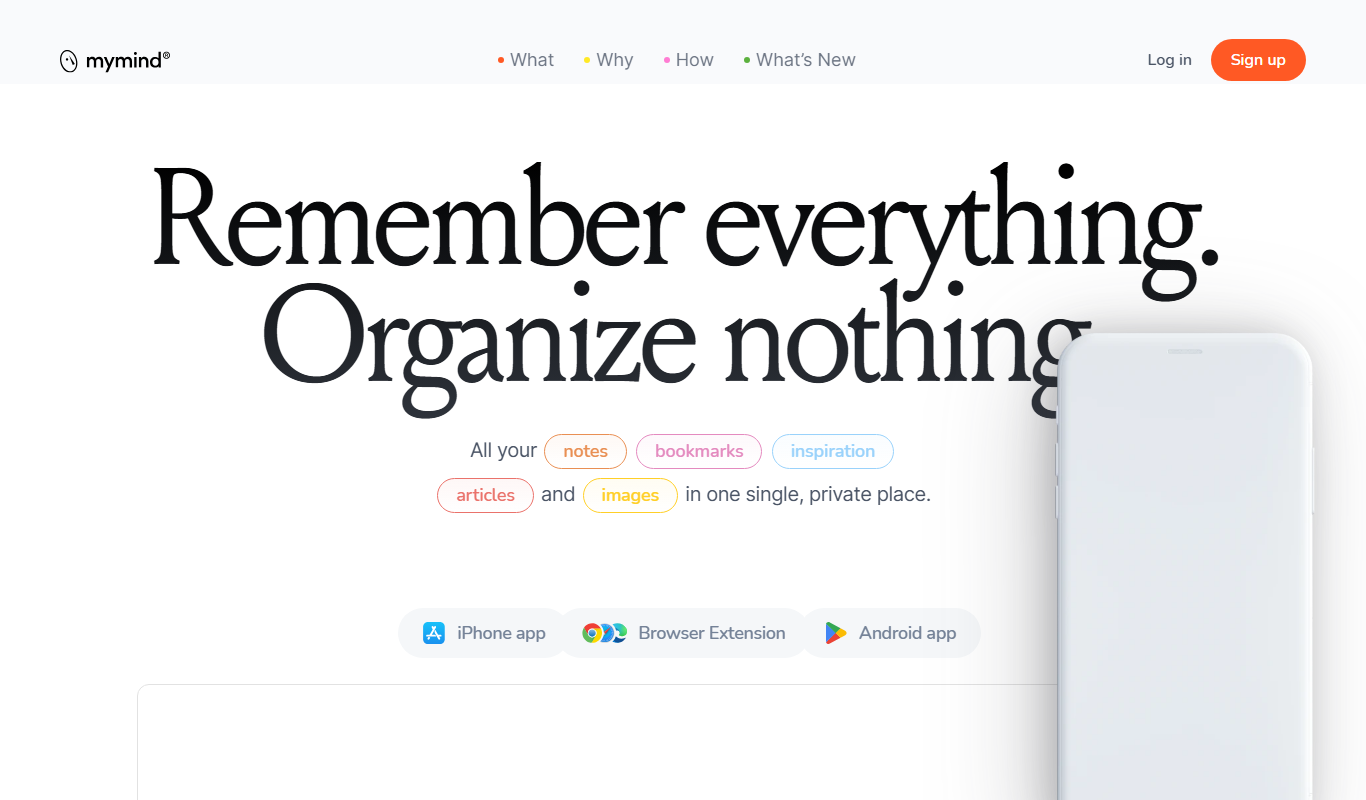
MyMind is an AI-powered digital brain tool that helps users save, organize, and retrieve ideas, notes, and web content with automatic tagging and smart search.
Memento Database
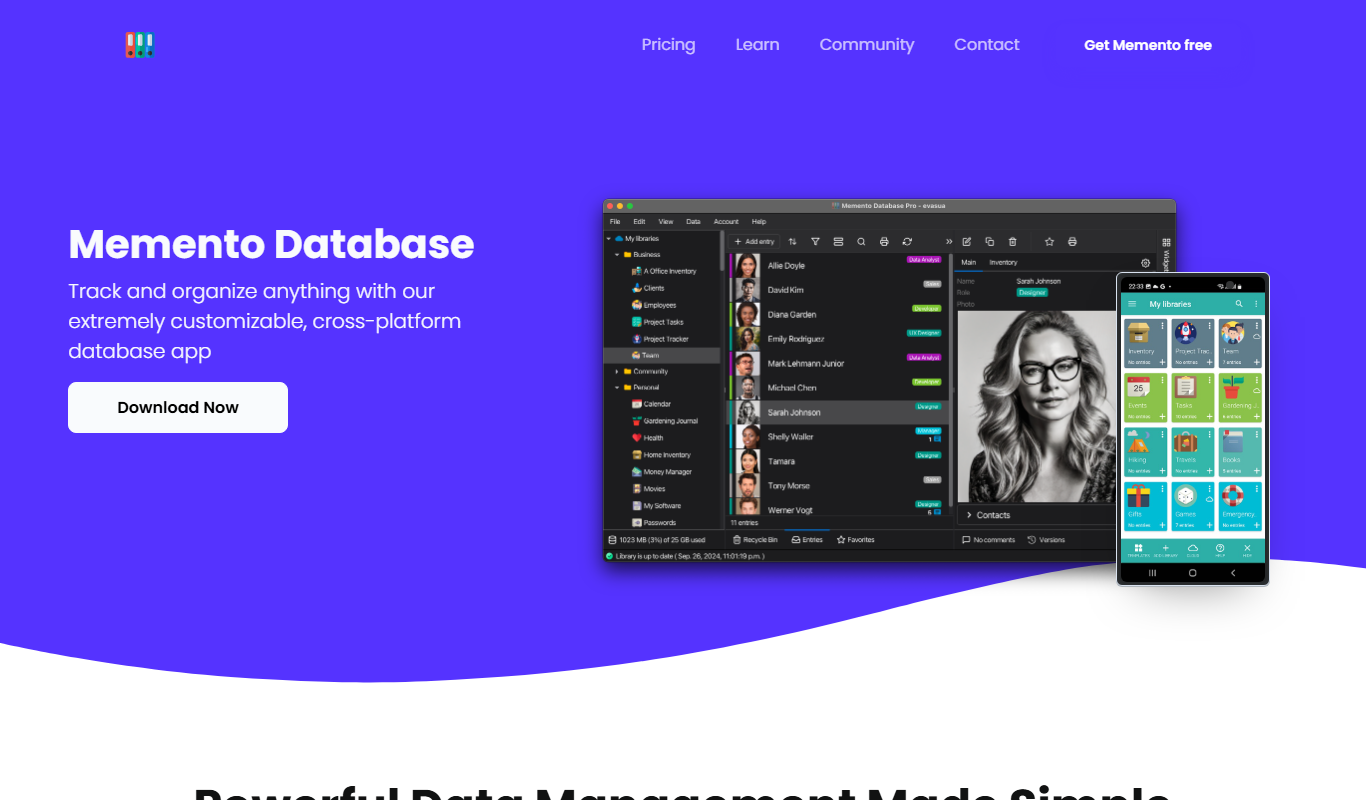
Memento Database is a customizable database app that lets users create, manage, and share databases across Android, Windows, and web platforms with offline access and cloud synchronization.

Tettra
Tettra is an AI knowledge base whose AI powered bot Kai answers teammates' questions in Tettra or Slack from the team's own content.

Dokko
Dokko is a document AI platform that reads contracts, manuals and policies in full, answers with citations and acts on what it finds, for teams and their customers.
Mem.ai
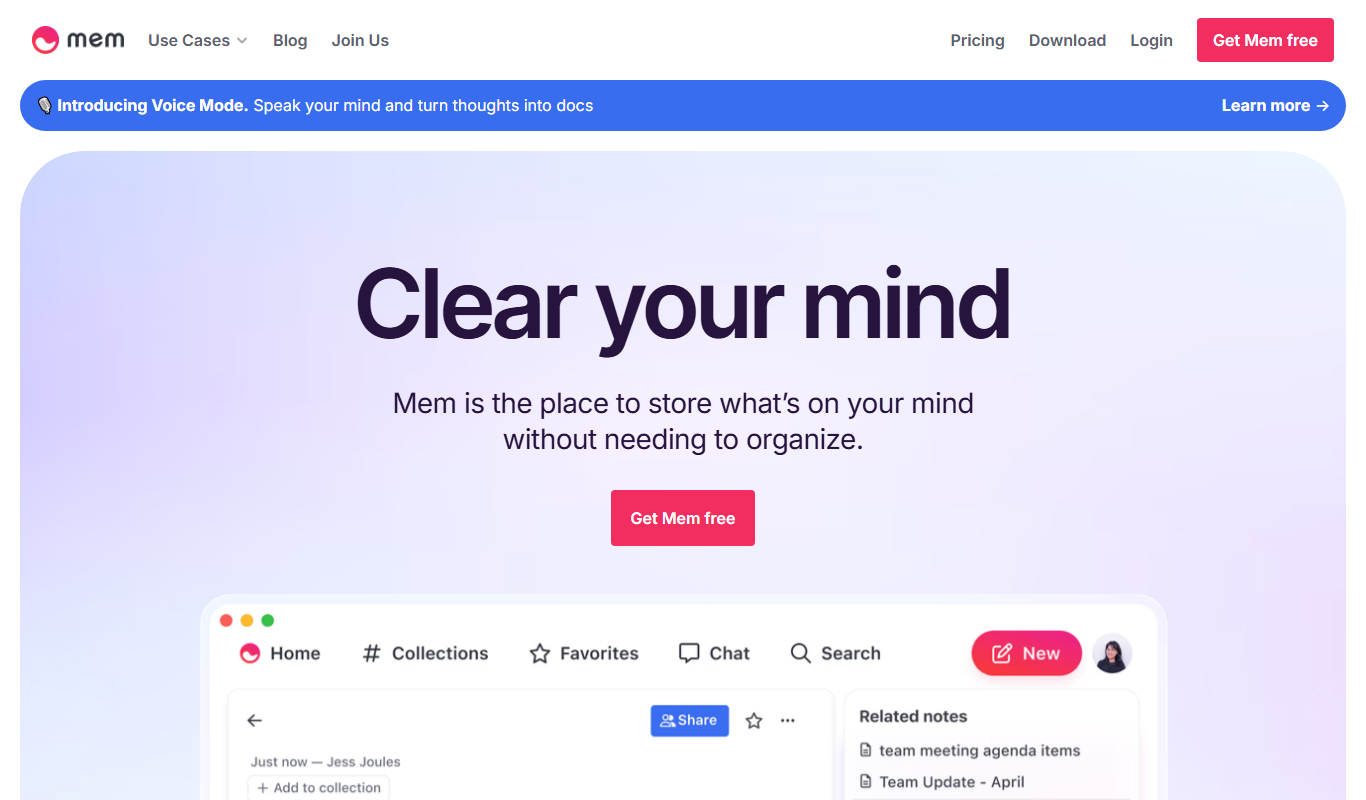
Mem is an AI note-taking workspace and agent that keeps notes, meetings and ideas organized and connected, and checks in when something needs attention.

assess.com
Assess.com offers FastTest, a digital assessment platform with item banking, online assessment, proctoring, a candidate portal and test development services.
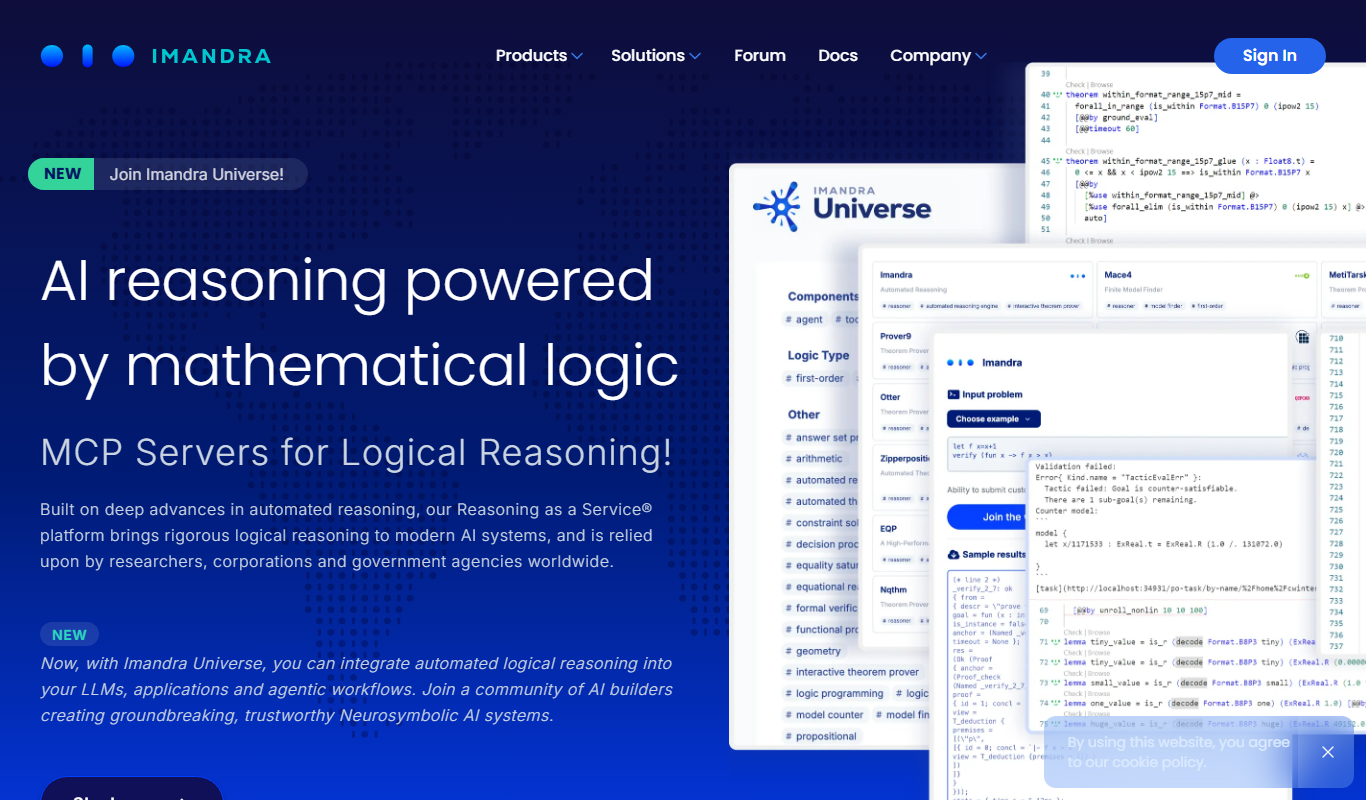
imandra.ai
Imandra AI is a platform that automates formal verification of software and algorithms using theorem proving and model checking to ensure correctness and detect bugs.

AutoFlow
AutoFlow is an open source Graph RAG knowledge base tool from PingCAP, built on TiDB Vector, LlamaIndex and DSPy.