

Element Plus UI Library for Vue 3 – Comprehensive Frontend Component Framework
Element Plus is an open source UI component library designed for Vue 3, providing developers with a wide range of customizable and accessible components to build modern web interfaces efficiently.
- Best for
- Frontend Web Development
- Key capability
- Comprehensive Component Library
Save Element Plus, follow its updates and vote on it — everything stays in your account.
Sign in or create a free accountWhat is Element Plus?
Element Plus is a Vue 3-based UI component library that provides developers with a comprehensive set of customizable, high-quality components to build modern web interfaces. It is the successor to Element UI, redesigned to leverage Vue 3’s composition API and improved performance. Element Plus aims to streamline frontend development by offering ready-to-use components such as buttons, forms, tables, modals, and more, all styled with a clean and consistent design language.
Key features of Element Plus
Element Plus offers a wide range of UI components optimized for Vue 3, including form controls, data display elements, navigation components, and feedback widgets. It supports theming, internationalization, accessibility, and responsive design. The library is open source, well-documented, and actively maintained by a community of developers.
Comprehensive Component Library
Includes over 50 components covering forms, navigation, data display, feedback, and more.
Vue 3 Compatibility
Built specifically for Vue 3, leveraging the composition API and improved reactivity.
Theming and Customization
Supports CSS variables and SCSS for easy theming and style overrides.
Internationalization (i18n)
Built-in support for multiple languages and easy integration with i18n plugins.
Accessibility Support
Components are designed with accessibility best practices in mind.
Open Source and Community Driven
Active GitHub repository with community contributions and regular updates.
Pros and cons of Element Plus
Pros
- Comprehensive and well-maintained Vue 3 component library
- Easy to customize and theme components
- Good documentation and active community support
- Open source with no licensing fees
- Designed with accessibility in mind
Cons
- Limited to Vue 3 framework only
- Smaller ecosystem compared to some other UI libraries
- Some components may require additional styling for unique designs
Key use cases for Element Plus
Frontend Web Development
Build responsive and customizable user interfaces for web applications using Vue 3 components.
UI Prototyping
Rapidly prototype UI designs with a rich set of pre-built components that follow modern design principles.
Enterprise Application Development
Develop complex enterprise-grade applications with consistent UI elements and accessibility support.
Design System Implementation
Implement and maintain design systems with reusable components and theming capabilities.
Open Source Contribution
Contribute to an active open source project to improve Vue 3 UI components and ecosystem.
How Element Plus works
- 1
Install via Package Manager
Add Element Plus to your Vue 3 project using npm or yarn.
- 2
Import Components
Import the required UI components individually or globally into your Vue application.
- 3
Use Components in Templates
Integrate Element Plus components in your Vue templates to build your UI.
- 4
Customize Theme and Styles
Adjust component styles and themes to match your brand or design requirements.
Who is using Element Plus
Element Plus pricing
Free
$0
Open source and free to use for personal and commercial projects.
Plans and prices are as published by the vendor and can change. Check the official site before you buy. Open the pricing page (opens in a new tab)
Frequently asked questions about Element Plus
No, Element Plus is designed specifically for Vue 3. For Vue 2, use Element UI.
Yes, Element Plus supports theming through CSS variables and SCSS customization.
Yes, it is designed to support enterprise-level applications with scalable components.
Yes, it has built-in support for multiple languages and integrates well with i18n plugins.
This tool is designed to help users accomplish its core tasks more efficiently. It is typically used by individuals or teams looking to improve productivity and workflow.
Some tools offer a free plan or trial with limited features. Availability can vary, so confirm on the official website.
It depends on your specific needs and how you plan to use the tool. The official website and documentation are the best sources for the latest details.
Yes, it can help with that use case depending on how you configure it and what features are available. You’ll get the best results with clear inputs and a defined goal.
Conclusion
Only Vue 3 projects can use Element Plus: it is built specifically for Vue 3, leveraging the composition API and improved reactivity, and Vue 2 users are directed to Element UI. It is added to a Vue 3 project through npm or yarn, after which components are imported individually or globally and used in Vue templates. The library includes over 50 components covering forms, navigation, data display and feedback. Theming works through CSS variables and SCSS overrides, and built-in support for multiple languages integrates with i18n plugins. Components are designed with accessibility in mind.
It targets Vue.js developers and frontend engineers, as well as startups and enterprises using Vue 3, and it is designed to support enterprise-level applications with scalable components. Its pre-built components can be used to rapidly prototype UI designs or to implement and maintain design systems with reusable components and theming capabilities. The project is open source and free for personal and commercial projects, with an active GitHub repository that receives community contributions and regular updates. On the downside, its ecosystem is smaller than some other UI libraries, and some components may require additional styling for unique designs.
Sources
Sign in to review this tool.
Sign In to ReviewNo reviews yet
Be the first to share how this tool worked for you.
Ask about pricing, limits, or how it compares — or answer someone else.
Sign In to AskNo questions yet
Have a question about using or paying for this tool? Be the first to ask.
Featured on TiorAI



Alternative Tools
Explore similar AI tools that might fit your needs

Vuetify
Vuetify is an open-source Vue.js UI framework that provides Material Design components to build responsive and accessible web interfaces efficiently.

Quasar Framework
Quasar Framework is an open-source Vue.js-based framework that enables developers to build high-performance web, mobile, and desktop applications using a single codebase.
More AI Developer Tools tools
Other tools in the same category, for when this one is not quite the fit.

Burp Suite
Burp Suite is a comprehensive web security testing platform by PortSwigger that enables penetration testers and security researchers to identify and exploit vulnerabilities in web applications through both automated scanning and manual testing tools.

Gerrit
Gerrit is an open-source web-based code review tool that integrates with Git to enable collaborative software development by managing code reviews, approvals, and merges.

Termius
Termius is a modern SSH client and terminal emulator that provides secure remote server access across multiple platforms with encrypted credential storage, session management, and team collaboration features.

VirusTotal
VirusTotal is a free online platform that scans files and URLs using multiple antivirus engines to detect malware and provide detailed threat intelligence reports. It supports API integration for automation and is widely used by cybersecurity professionals.

URLScan.io
URLScan.io is a web-based tool that scans and analyzes URLs to detect phishing, malware, and other security threats by rendering websites in a sandboxed environment and providing detailed reports and API access.

Fish Shell
Fish Shell is a modern, user-friendly command line shell that offers features like autosuggestions, syntax highlighting, and easy scripting to enhance terminal productivity.

AlphaFold
AlphaFold is an AI system developed by DeepMind that predicts highly accurate 3D protein structures from amino acid sequences, accessible free via the EBI website.
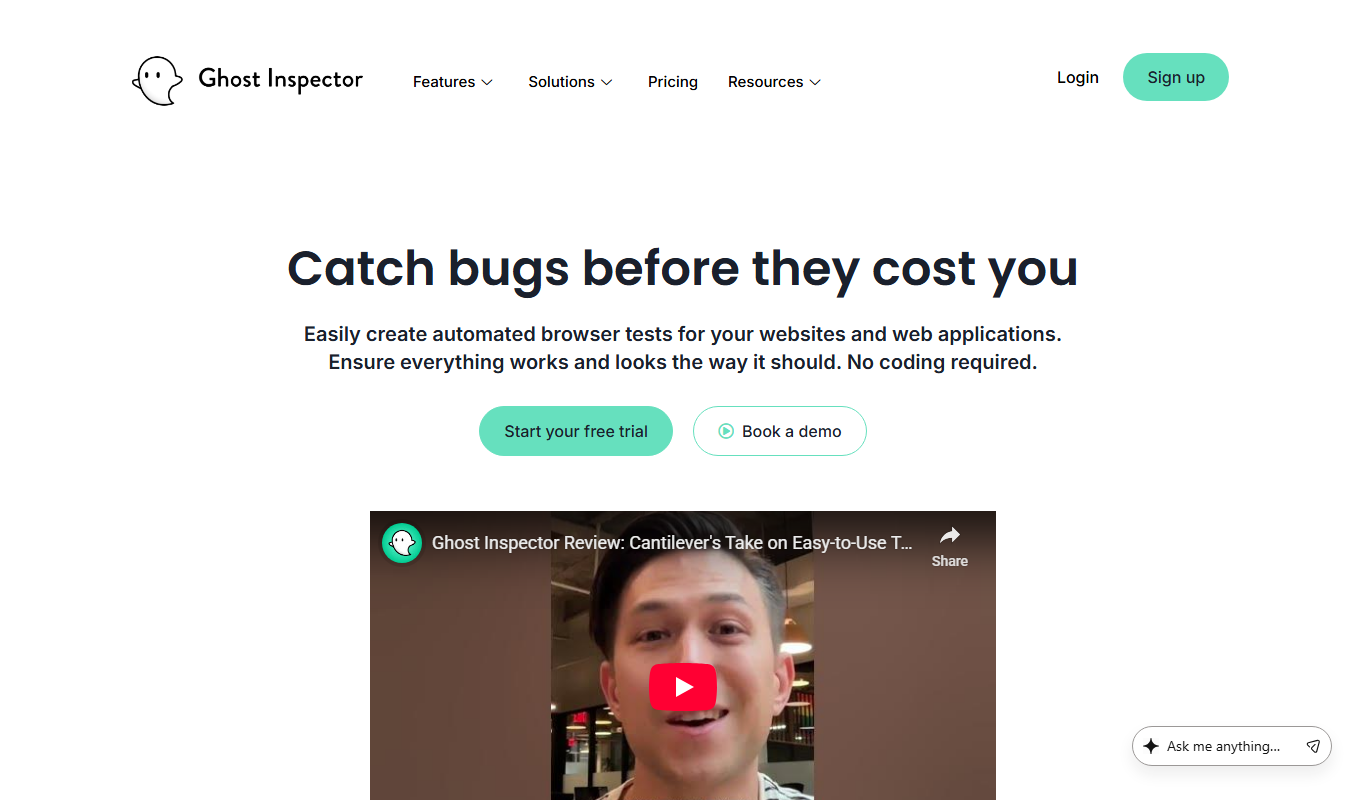
Ghost Inspector
Ghost Inspector is a cloud-based tool that automates browser testing by recording user interactions or scripting tests to ensure websites function correctly and look consistent across browsers. It integrates with CI/CD pipelines and supports scheduled monitoring.