

From my experience with Quasar Framework, it stands out as a robust solution for developers aiming to build cross-platform applications efficiently. Its integration with Vue.js and comprehensive UI components make it straightforward to create polished apps for web, mobile, and desktop without juggling multiple codebases. However, it does require a solid understanding of Vue.js, and mobile app performance can be limited by Cordova or Capacitor constraints. Overall, Quasar is an excellent choice for Vue developers looking to streamline multi-platform app development with an open-source, well-documented framework.
Quasar Framework - Vue.js Based Cross-Platform App Development Tool
Quasar Framework is an open-source Vue.js-based framework that enables developers to build high-performance web, mobile, and desktop applications using a single codebase.
- Best for
- Cross-Platform App Development
- Key capability
- Cross-Platform Support

Do you recommend this tool?
What is Quasar Framework?
Quasar Framework is an open-source Vue.js-based framework designed to enable developers to build high-performance, cross-platform applications with a single codebase. It supports web, mobile, and desktop platforms, offering a rich set of UI components, CLI tools, and build utilities to streamline development.
Key features of Quasar Framework
Quasar provides a comprehensive UI component library, CLI tooling for scaffolding and building apps, support for multiple platforms including SPA, SSR, PWA, mobile (Cordova/Capacitor), and desktop (Electron), and extensive documentation to accelerate development.
Cross-Platform Support
Develop apps for web, mobile, and desktop from a single codebase.
Rich UI Component Library
Includes over 70 Vue.js components styled with Material Design and iOS themes.
CLI and Build Tools
Powerful CLI for scaffolding, development server, and optimized builds.
Performance Optimizations
Tree-shaking, lazy loading, and code splitting for fast apps.
Extensive Documentation
Comprehensive guides, API references, and examples.
Pros and cons of Quasar Framework
Pros
- Single codebase for multiple platforms
- Comprehensive and well-designed UI components
- Strong community and detailed documentation
- Open-source with no licensing fees
- Built on popular Vue.js framework
Cons
- Requires knowledge of Vue.js
- Mobile app performance depends on Cordova/Capacitor limitations
- Learning curve for beginners new to frontend frameworks
Key use cases for Quasar Framework
Cross-Platform App Development
Build responsive web, mobile (iOS and Android), and desktop applications from a single codebase using Vue.js.
Progressive Web Apps (PWA)
Create fast, reliable, and installable PWAs with offline support and native-like experience.
Single Page Applications (SPA)
Develop SPAs with efficient routing, state management, and optimized performance.
Desktop Applications
Package apps as native desktop applications using Electron integration.
Mobile Applications
Build native-like mobile apps using Cordova or Capacitor with access to native device features.
How Quasar Framework works
- 1
Install Quasar CLI
Use npm or yarn to install the Quasar CLI globally to scaffold and manage projects.
- 2
Create a Project
Generate a new Quasar project with pre-configured settings and folder structure.
- 3
Develop with Vue.js
Write your application using Vue.js components and Quasar UI components.
- 4
Build for Target Platform
Use Quasar CLI commands to build your app for web, mobile, or desktop platforms.
- 5
Deploy and Distribute
Deploy web apps to hosting services or distribute mobile/desktop apps through app stores or installers.
Who is using Quasar Framework
Frontend developers
Vue.js developers
Startups building cross-platform apps
Agencies developing multi-platform projects
Open-source enthusiasts
Quasar Framework pricing
Free
$0
Open-source framework with full access to all features.
Plans and prices are as published by the vendor and can change. Check the official site before you buy. Open the pricing page (opens in a new tab)
Frequently asked questions about Quasar Framework
Yes, Quasar Framework is open-source and free to use under the MIT license.
Quasar supports building web apps (SPA, SSR, PWA), mobile apps (Cordova, Capacitor), and desktop apps (Electron).
Yes, Quasar is built on Vue.js, so familiarity with Vue is necessary.
Yes, Quasar components are highly customizable with theming and CSS variables.
This tool is designed to help users accomplish its core tasks more efficiently. It is typically used by individuals or teams looking to improve productivity and workflow.
Some tools offer a free plan or trial with limited features. Availability can vary, so confirm on the official website.
Yes, it can help with that use case depending on how you configure it and what features are available. You’ll get the best results with clear inputs and a defined goal.
Sign in to review this tool.
Sign In to ReviewNo reviews yet
Be the first to share how this tool worked for you.
Ask about pricing, limits, or how it compares — or answer someone else.
Sign In to AskNo questions yet
Have a question about using or paying for this tool? Be the first to ask.
Featured on TiorAI



Alternative Tools
Explore similar AI tools that might fit your needs

Free
Vuetify
Vuetify is an open-source Vue.js UI framework that provides Material Design components to build responsive and accessible web interfaces efficiently.

Free
Framework7
Framework7 is an open-source JavaScript framework for building hybrid mobile and web apps with native iOS and Android UI components, supporting Vue, React, and Svelte integrations.

Free
Ionic Framework
Ionic Framework is an open-source SDK that allows developers to build cross-platform mobile applications using web technologies such as HTML, CSS, and JavaScript, supporting Angular, React, and Vue frameworks, and enabling native device access through Capacitor.
More AI App Builder tools
Other tools in the same category, for when this one is not quite the fit.

Pay As You Go
RenderStreet
RenderStreet is a cloud rendering service that accelerates 3D animation and image rendering by providing scalable GPU and CPU resources accessible via a web platform, primarily supporting Blender projects.

Free
Heroku
Heroku is a cloud platform as a service (PaaS) that enables developers to deploy, manage, and scale applications easily without managing infrastructure.

Free
8thWall
8thWall is a WebAR development platform that allows users to create augmented reality experiences accessible directly through mobile web browsers without app downloads.

Free
UI Bakery
UI Bakery is a no-code platform that lets you visually build web applications and internal tools by dragging and dropping UI components, connecting data sources, and deploying apps without coding.

Freemium
Wikitude
Wikitude is an augmented reality SDK that enables developers to create AR apps with image recognition, 3D object tracking, and location-based AR for iOS, Android, Unity, and Unreal Engine.

Enterprise
Streamlit
Streamlit is an open-source Python framework that enables data scientists and developers to quickly create and share interactive web applications for data visualization and machine learning without needing frontend development skills.

Free
Gradio
Gradio is an open-source tool that lets you quickly create interactive web interfaces for machine learning models using Python, enabling easy sharing and testing without front-end development.
Free
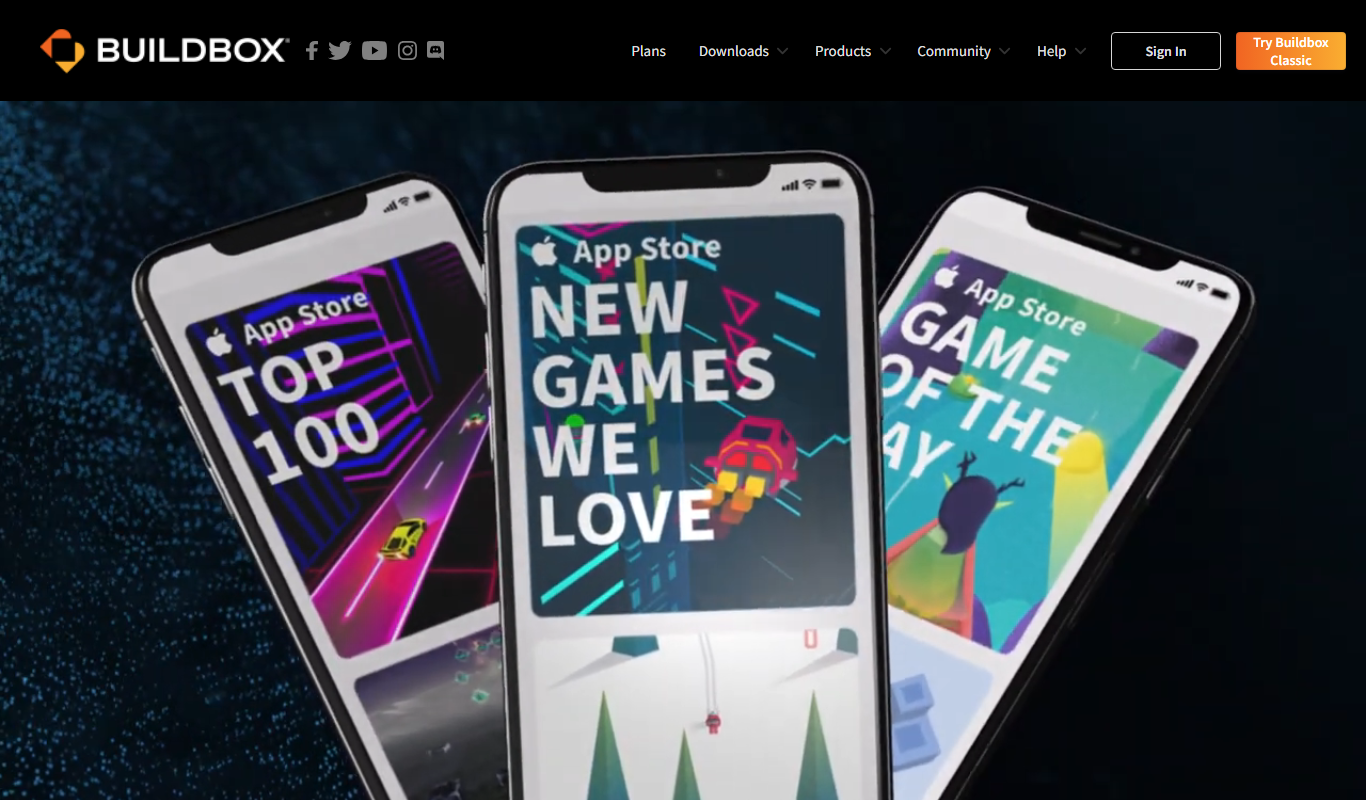
Buildbox
Buildbox is a no-code game development platform that enables users to create and publish 2D and 3D mobile games without programming by using drag-and-drop tools and pre-built assets.