

From my experience with VirusTotal, it stands out as an essential tool for quick and comprehensive malware detection by leveraging multiple antivirus engines simultaneously. Its straightforward web interface combined with powerful API capabilities makes it highly versatile for both individual researchers and enterprise security teams. However, users should be mindful that uploaded files become part of a shared database, which may not be suitable for sensitive data. Overall, if you need reliable threat intelligence and automated scanning integration, VirusTotal offers a robust and widely trusted solution.
VirusTotal Malware Analysis and Threat Detection Platform for Cybersecurity
VirusTotal is a free online platform that scans files and URLs using multiple antivirus engines to detect malware and provide detailed threat intelligence reports. It supports API integration for automation and is widely used by cybersecurity professionals.
- Best for
- Malware Detection
- Key capability
- Multi-Antivirus Engine Scanning
Your actions
Save VirusTotal, follow its updates and vote on it — everything stays in your account.
Sign in or create a free account
What is VirusTotal?
VirusTotal is a free online service that analyzes files and URLs to detect viruses, worms, trojans, and other kinds of malicious content. It aggregates results from over 70 antivirus scanners and URL/domain blacklisting services to provide comprehensive threat detection and intelligence. Owned by Chronicle, a Google company, VirusTotal is widely used by cybersecurity professionals, researchers, and developers to enhance malware detection and incident response capabilities.
Key features of VirusTotal
VirusTotal offers multi-engine scanning, detailed threat reports, file and URL reputation analysis, API access for automation, and community-driven threat intelligence sharing. It supports file uploads, URL submissions, and integration with security tools to streamline malware detection and analysis workflows.
Multi-Antivirus Engine Scanning
Aggregates results from over 70 antivirus engines to provide comprehensive malware detection.
File and URL Reputation Analysis
Checks the safety and reputation of files and URLs to prevent malicious activity.
Detailed Threat Reports
Provides metadata, behavioral analysis, and community comments for submitted samples.
API Access
Enables integration with security tools and automation of scanning and reporting.
Community Intelligence Sharing
Allows users to share insights and collaborate on emerging threats.
Pros and cons of VirusTotal
Pros
- Aggregates multiple antivirus engines for thorough scanning
- Free and easy to use web interface
- Provides detailed threat intelligence and metadata
- API support for automation and integration
- Strong community and vendor collaboration
Cons
- Uploaded files are shared publicly which may raise privacy concerns
- Free tier has API usage limits and slower processing
- Not a replacement for full endpoint protection solutions
Key use cases for VirusTotal
Malware Detection
Scan files and URLs to detect viruses, worms, trojans, and other types of malware using multiple antivirus engines.
Threat Intelligence
Analyze suspicious files and URLs to gather detailed threat intelligence and understand potential cyber threats.
Security Automation
Integrate VirusTotal API into security workflows and tools to automate malware scanning and threat detection.
Incident Response
Use VirusTotal’s analysis reports to support incident response teams in identifying and mitigating security incidents.
URL Reputation Checking
Check the reputation and safety of URLs to prevent phishing and malicious website access.
How VirusTotal works
- 1
Submit File or URL
Users upload a file or submit a URL to VirusTotal’s platform for scanning.
- 2
Multi-Engine Scanning
VirusTotal scans the submission using multiple antivirus engines and URL scanners.
- 3
Generate Report
A detailed report is generated showing detection results, file metadata, and behavioral analysis.
- 4
Review and Share
Users can review the report, share findings, and integrate results into security workflows via API.
Who is using VirusTotal
Cybersecurity professionals
Incident response teams
Malware researchers
IT administrators
Security software developers
VirusTotal pricing
Free
$0/month
Basic scanning and analysis with limited API usage and community features.
Premium
Custom pricing
Enhanced API limits, faster scanning, and additional features for professional users.
Enterprise
Custom pricing
Full access to advanced features, dedicated support, and integration options for organizations.
Plans and prices are as published by the vendor and can change. Check the official site before you buy. Open the pricing page (opens in a new tab)
Frequently asked questions about VirusTotal
VirusTotal supports scanning of executable files, documents, archives, scripts, and many other file types.
Yes, VirusTotal offers a free tier for basic scanning and analysis, with premium plans available for advanced features.
Yes, VirusTotal provides a REST API that allows integration with various security platforms and automation workflows.
Uploaded files are shared with antivirus vendors and the community to improve detection, so sensitive data should be handled cautiously.
It depends on your specific needs and how you plan to use the tool. The official website and documentation are the best sources for the latest details.
It depends on your specific needs and how you plan to use the tool. The official website and documentation are the best sources for the latest details.
Yes, it can help with that use case depending on how you configure it and what features are available. You’ll get the best results with clear inputs and a defined goal.
It depends on your specific needs and how you plan to use the tool. The official website and documentation are the best sources for the latest details.
Sign in to review this tool.
Sign In to ReviewNo reviews yet
Be the first to share how this tool worked for you.
Ask about pricing, limits, or how it compares — or answer someone else.
Sign In to AskNo questions yet
Have a question about using or paying for this tool? Be the first to ask.
Featured on TiorAI



More AI Analytics Assistant tools
Other tools in the same category, for when this one is not quite the fit.

Freemium
Waydev
Waydev is an engineering analytics platform that analyzes git data to provide software development teams with insights on productivity, code quality, and agile process efficiency.

Custom Pricing
Qventus
Qventus is an AI-driven healthcare operations platform that optimizes hospital workflows by analyzing real-time data to improve patient flow, resource allocation, and staff coordination.

Freemium
Koyfin
Koyfin is a web-based financial analytics platform that provides investors and financial professionals with real-time market data, customizable charts, portfolio tracking, and economic analysis tools.
Freemium
Estimize
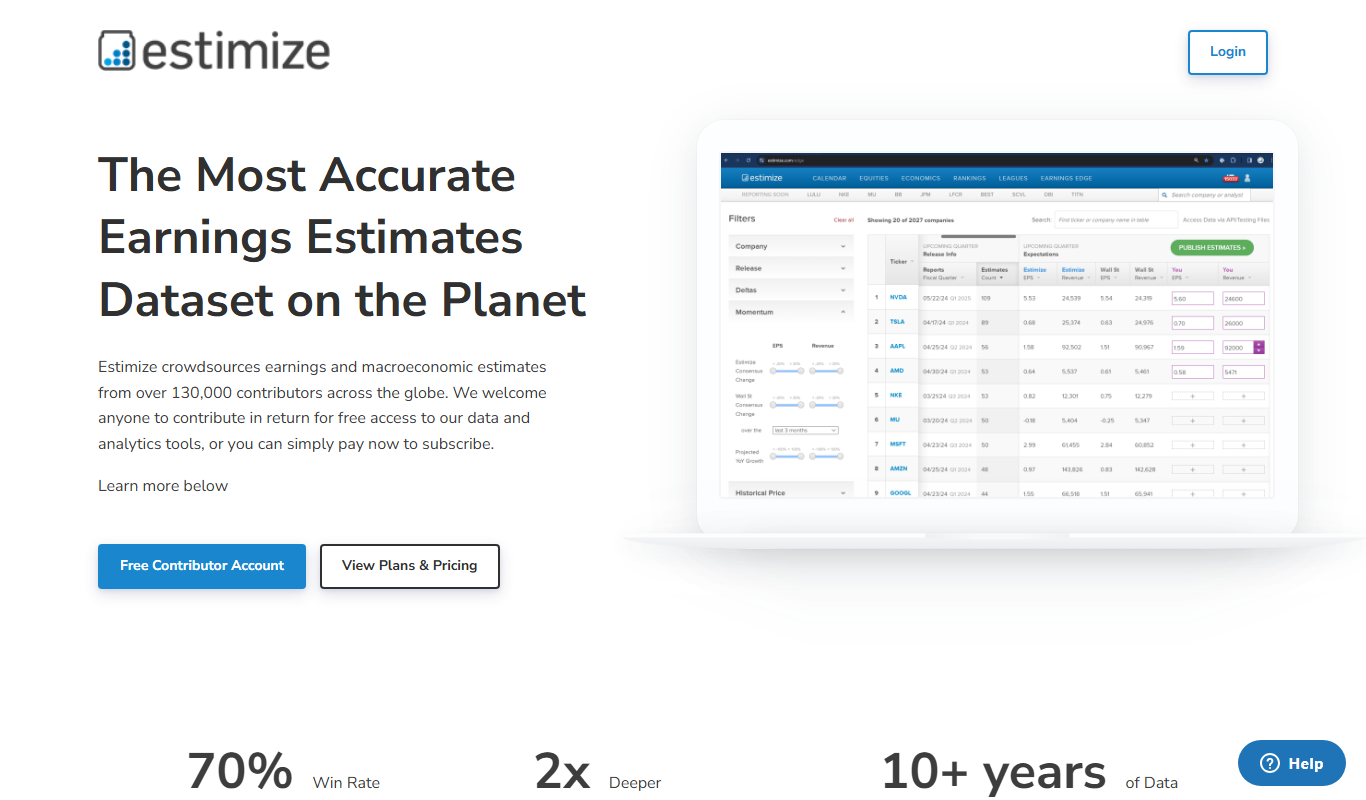
Estimize is a financial platform that aggregates crowdsourced earnings estimates from a community of investors and analysts, offering an alternative to traditional Wall Street forecasts.

Subscription
Geotab
Geotab is a fleet management platform providing GPS tracking, driver safety monitoring, vehicle diagnostics, and analytics to optimize fleet operations.
Subscription
Motive Fleet Management
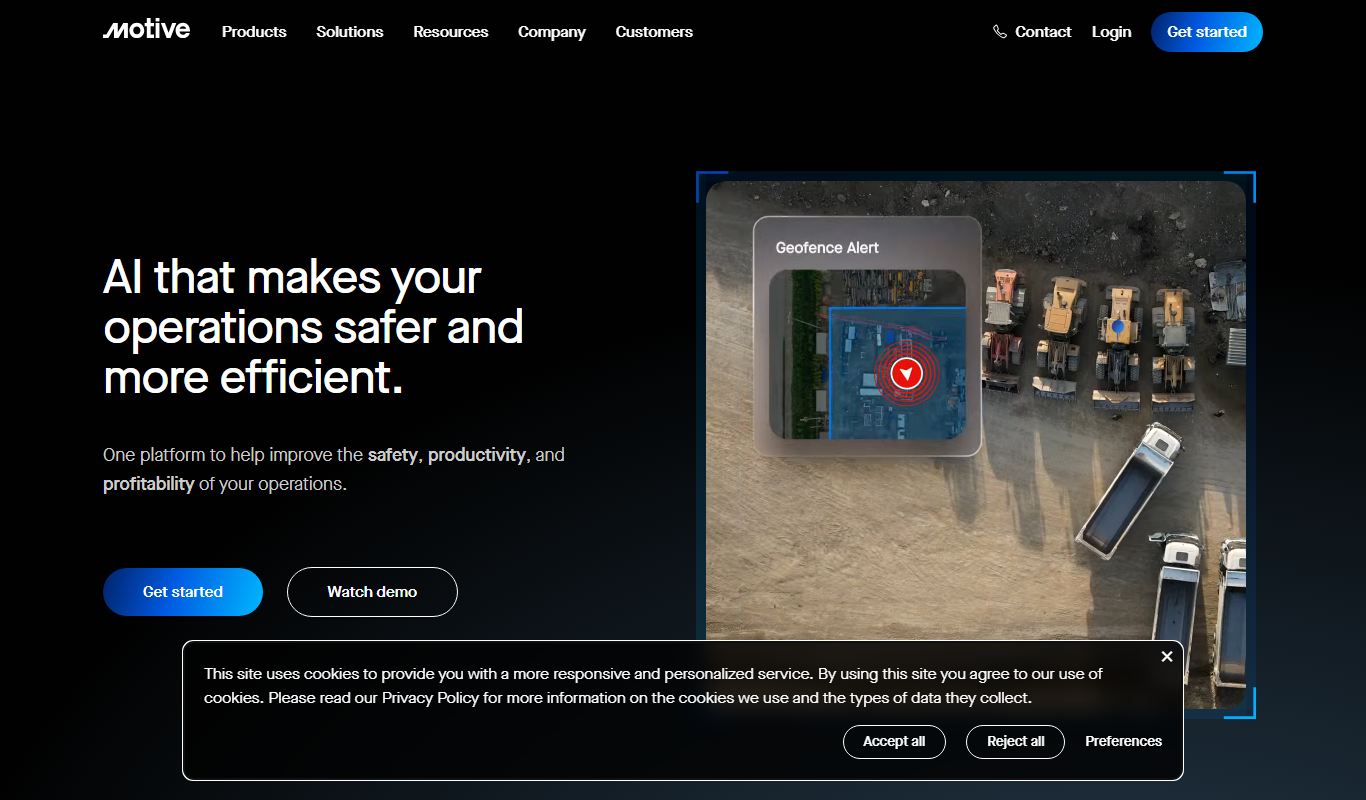
Motive Fleet Management is a telematics platform offering GPS tracking, driver safety monitoring, ELD compliance, and fleet analytics to optimize commercial vehicle operations.

Custom Pricing
Teletrac Navman
Teletrac Navman is a fleet management platform providing GPS tracking, driver safety tools, vehicle maintenance scheduling, and analytics to optimize fleet operations.

Custom Pricing
Shift Technology
Shift Technology is an AI platform that helps insurance companies detect fraud and automate claims processing using machine learning models.