

From my experience with EasySpeak, I found it excels at delivering fast and accurate real-time speech transcription combined with seamless multilingual translation. The platform’s intuitive interface and cross-device availability make it practical for business meetings, travel, and accessibility needs. However, the reliance on an internet connection and occasional sensitivity to background noise are trade-offs to consider. Overall, if you require a reliable AI voice assistant for live speech recognition and translation, EasySpeak offers a balanced and affordable solution.
EasySpeak AI Voice Assistant for Real-Time Speech Recognition and Translation
EasySpeak is an AI voice assistant that provides real-time speech recognition and multilingual translation to help users transcribe and translate spoken language instantly across devices.
- Best for
- Real-Time Speech Transcription
- Key capability
- Real-Time Speech-to-Text
Your actions

Do you recommend this tool?
What is EasySpeak?
EasySpeak is an AI-powered voice assistant designed to provide real-time speech recognition and multilingual translation. It enables users to transcribe spoken words instantly and translate conversations across various languages, making communication seamless in diverse environments. The tool supports voice commands to enhance productivity and accessibility.
Key features of EasySpeak
EasySpeak offers instant speech-to-text transcription, real-time translation between multiple languages, voice command integration, and accessibility features tailored for users with hearing challenges. Its intuitive interface works across web and mobile platforms.
Real-Time Speech-to-Text
Accurately transcribes spoken words instantly with minimal latency.
Multilingual Translation
Supports translation between over 30 languages during live conversations.
Voice Command Integration
Enables hands-free control of the app and compatible devices.
Cross-Platform Support
Available on web browsers, iOS, and Android devices for flexible use.
Accessibility Features
Designed to assist users with hearing impairments through clear transcription.
Pros and cons of EasySpeak
Pros
- Fast and accurate real-time transcription
- Supports multiple languages for translation
- User-friendly interface across devices
- Helpful accessibility features
- Affordable subscription plan
Cons
- Requires internet connection for full functionality
- Limited offline capabilities
- Background noise can reduce accuracy
Key use cases for EasySpeak
Real-Time Speech Transcription
Convert spoken language into text instantly for meetings, lectures, or interviews.
Multilingual Translation
Translate speech in real-time across multiple languages to facilitate communication.
Voice-Controlled Assistance
Use voice commands to interact with devices and applications hands-free.
Accessibility Support
Assist users with hearing impairments by providing accurate speech-to-text services.
Language Learning Aid
Help language learners practice pronunciation and comprehension through interactive speech recognition.
How EasySpeak works
- 1
Download and Install
Get EasySpeak from the official website or app stores and install it on your device.
- 2
Create an Account
Sign up with your email or social login to access personalized features.
- 3
Select Languages
Choose your input and output languages for transcription and translation.
- 4
Start Speaking
Use the microphone to speak; EasySpeak transcribes and translates in real-time.
- 5
Use Voice Commands
Interact hands-free by issuing voice commands to control the app or connected devices.
Who is using EasySpeak
Business professionals
Language learners
People with hearing impairments
Travelers needing translation
Educators and students
EasySpeak pricing
Free
$0/month
Basic speech recognition and limited translation features with daily usage caps.
Pro
$14.99/month
Unlimited transcription, full language support, and advanced voice command options.
Plans and prices are as published by the vendor and can change. Check the official site before you buy. Open the pricing page (opens in a new tab)
Frequently asked questions about EasySpeak
Currently, EasySpeak requires an internet connection for real-time transcription and translation.
EasySpeak uses advanced AI models to achieve high accuracy, but background noise can affect results.
Yes, EasySpeak is suitable for meetings, lectures, and interviews requiring real-time transcription.
EasySpeak follows industry-standard encryption and privacy policies to protect user data.
It depends on your specific needs and how you plan to use the tool. The official website and documentation are the best sources for the latest details.
Yes, it can help with that use case depending on how you configure it and what features are available. You’ll get the best results with clear inputs and a defined goal.
Some tools offer a free plan or trial with limited features. Availability can vary, so confirm on the official website.
Yes, it can help with that use case depending on how you configure it and what features are available. You’ll get the best results with clear inputs and a defined goal.
Sign in to review this tool.
Sign In to ReviewNo reviews yet
Be the first to share how this tool worked for you.
Ask about pricing, limits, or how it compares — or answer someone else.
Sign In to AskNo questions yet
Have a question about using or paying for this tool? Be the first to ask.
Featured on TiorAI



More AI Speech Recognition Tools tools
Other tools in the same category, for when this one is not quite the fit.

Custom Pricing
SoundHound
SoundHound's Houndify is a voice AI platform providing speech-to-meaning technology, customizable voice assistants, and multi-language support for developers to integrate conversational AI into apps and devices.

Free
Coqui
Coqui is an open-source AI platform providing high-quality text-to-speech and speech recognition technologies, enabling developers to build custom voice applications with flexible model training and API access.
Custom Pricing
SoundHound
SoundHound's Houndify is a voice AI platform providing speech recognition and natural language understanding to build custom voice assistants and conversational interfaces.

Free
Snowball AI – ChatGPT in WhatsApp
Snowball AI integrates OpenAI's ChatGPT into WhatsApp, enabling users to chat with an AI assistant directly within WhatsApp for tasks like answering questions, automating responses, and generating content.
Free
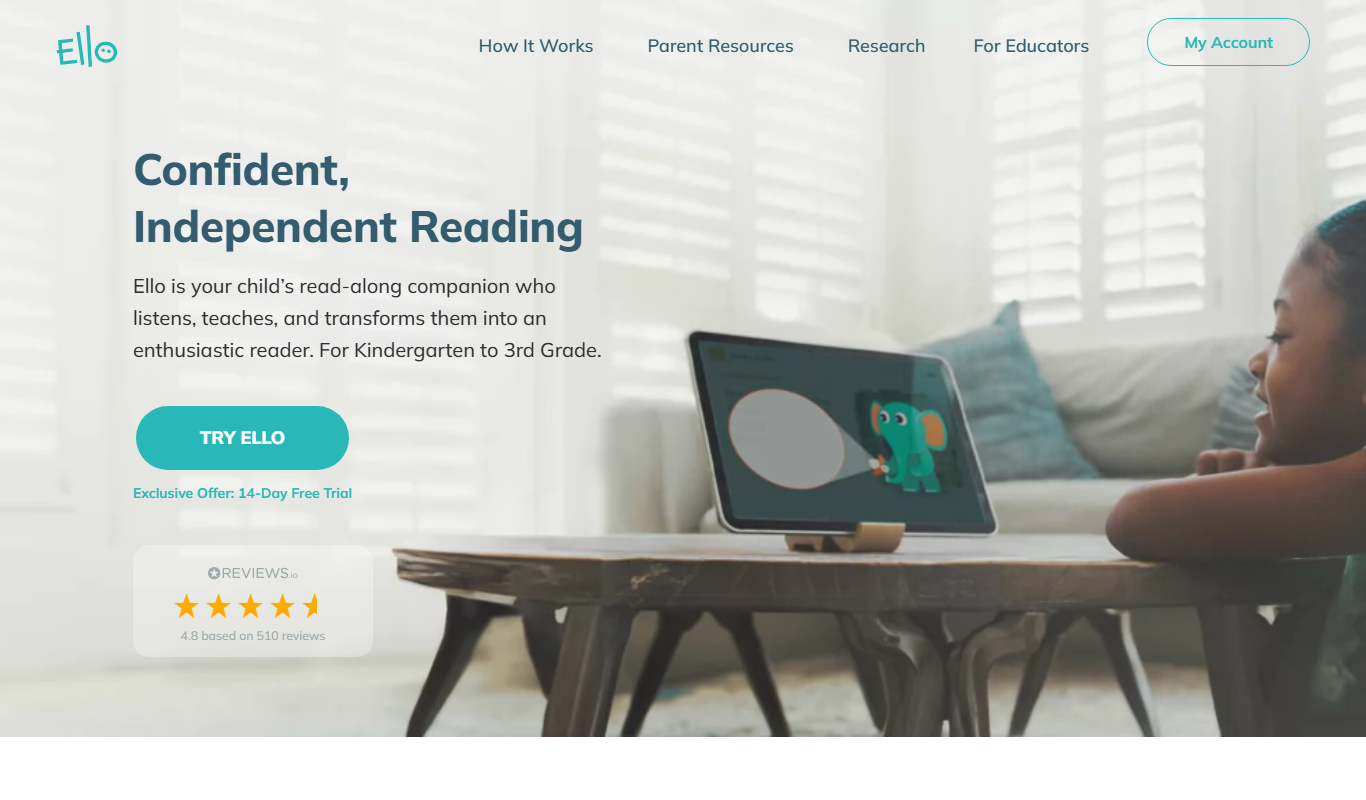
Ello
Ello is a free, ad-free social network focused on artists and creatives to share portfolios and connect without advertising distractions.

Freemium
Gladia
Gladia is an AI platform providing speech-to-text transcription, multilingual support, and audio analysis via easy-to-use APIs for real-time and batch processing.
Free
Hintscribe
Hintscribe is an AI-powered writing assistant that helps users generate, edit, and organize written content efficiently through smart suggestions and text generation.
Free
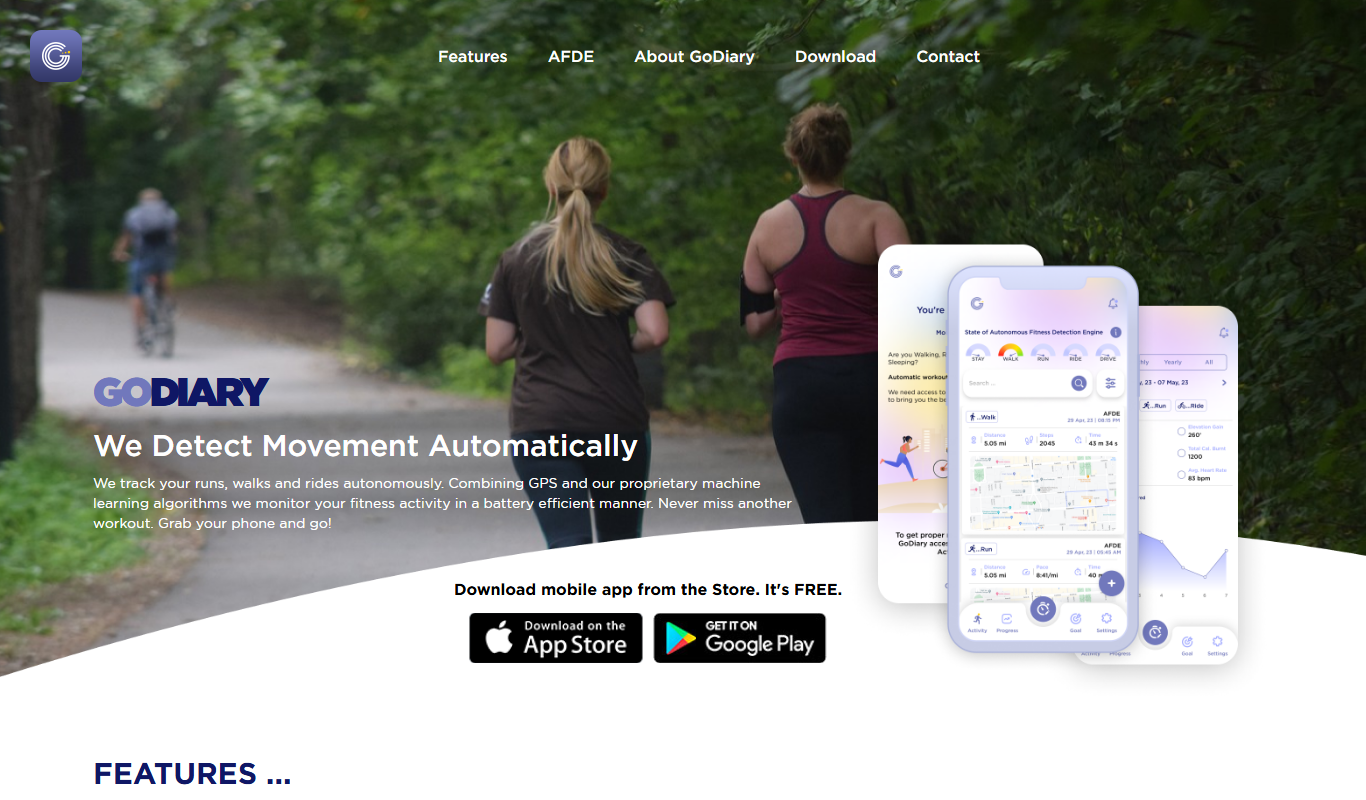
GoDiary: Running Tracker
GoDiary is a running tracker app that uses GPS to monitor your runs, log workouts, analyze progress, and connect with a fitness community.