

From my experience with Gladia, I found it excels at delivering accurate and scalable speech-to-text transcription with strong multilingual support. The platform’s API is straightforward to integrate, making it a practical choice for developers and businesses needing reliable audio processing. However, it currently processes one language per audio file, which can be a limitation for multilingual recordings. Also, while the free tier is useful for testing, larger projects require paid plans with custom enterprise options. Overall, if you need a flexible, developer-friendly speech recognition solution with real-time and batch capabilities, Gladia offers solid performance and value.
Gladia AI Platform for Speech Recognition and Audio Processing Solutions
Gladia is an AI platform providing speech-to-text transcription, multilingual support, and audio analysis via easy-to-use APIs for real-time and batch processing.
- Best for
- Automated Transcription
- Key capability
- High-Accuracy Speech-to-Text
Your actions

Do you recommend this tool?
What is Gladia?
Gladia is an AI-powered platform specializing in speech recognition and audio processing. It offers APIs and tools that enable developers and businesses to convert speech to text, analyze audio content, and integrate voice capabilities into applications. Designed for accuracy and scalability, Gladia supports multiple languages and provides flexible solutions for transcription, voice commands, and audio analytics.
Key features of Gladia
Gladia’s main features include high-accuracy speech-to-text transcription, multilingual support, real-time and batch processing, speaker diarization, and easy API integration. The platform is built to handle diverse audio formats and deliver fast, reliable results for various industries.
High-Accuracy Speech-to-Text
Advanced AI models deliver precise transcription results across various audio qualities.
Multilingual Support
Supports multiple languages including English, French, Spanish, German, and Italian.
Speaker Diarization
Identifies and separates different speakers within an audio recording.
Real-Time and Batch Processing
Offers both live audio transcription and bulk file processing options.
Easy API Integration
RESTful API allows seamless integration into existing applications and workflows.
Pros and cons of Gladia
Pros
- Accurate transcription with advanced AI models
- Supports multiple languages for global use
- Flexible API for easy integration
- Offers both real-time and batch processing
- Clear pricing tiers including a free plan
Cons
- Limited language detection within single audio files
- No dedicated mobile app, API and web only
- Enterprise pricing requires direct contact
Key use cases for Gladia
Automated Transcription
Convert audio and video files into accurate text transcripts for documentation, subtitles, or content creation.
Voice Command Recognition
Integrate voice recognition capabilities into applications to enable hands-free control and interaction.
Audio Content Analysis
Analyze audio data for sentiment, speaker diarization, and keyword spotting to extract meaningful insights.
Multilingual Speech Processing
Support transcription and recognition in multiple languages to serve global audiences.
How Gladia works
- 1
Sign Up
Create an account on Gladia’s website to access the platform and API keys.
- 2
Upload Audio or Use API
Upload audio files via the web interface or send audio streams through the API for processing.
- 3
Process Audio
Gladia processes the audio using AI models to transcribe speech and analyze content.
- 4
Receive Results
Get the transcription text, speaker labels, or analysis data returned via the web dashboard or API response.
Who is using Gladia
Developers integrating speech recognition
Content creators needing transcription
Customer support centers
Media and entertainment companies
Businesses requiring audio analytics
Gladia pricing
Free
$0/month
Limited monthly transcription minutes and basic API access for testing and small projects.
Pro
$49/month
Increased transcription limits, priority support, and access to advanced features.
Enterprise
Custom pricing
Tailored solutions with dedicated support, SLAs, and volume discounts for large-scale use.
Plans and prices are as published by the vendor and can change. Check the official site before you buy. Open the pricing page (opens in a new tab)
Frequently asked questions about Gladia
Gladia supports common audio formats such as MP3, WAV, FLAC, and OGG.
Currently, Gladia processes one language per audio file but supports multiple languages across different files.
There are limits depending on the subscription plan, with higher tiers allowing longer audio durations.
Yes, Gladia provides real-time speech-to-text capabilities via its API.
Yes, it can help with that use case depending on how you configure it and what features are available. You’ll get the best results with clear inputs and a defined goal.
It depends on your specific needs and how you plan to use the tool. The official website and documentation are the best sources for the latest details.
Yes, it can help with that use case depending on how you configure it and what features are available. You’ll get the best results with clear inputs and a defined goal.
Pricing depends on the plan and included features. For the most accurate and up-to-date details, check the official pricing page.
Sign in to review this tool.
Sign In to ReviewNo reviews yet
Be the first to share how this tool worked for you.
Ask about pricing, limits, or how it compares — or answer someone else.
Sign In to AskNo questions yet
Have a question about using or paying for this tool? Be the first to ask.
Featured on TiorAI



Alternative Tools
Explore similar AI tools that might fit your needs
Free Trial
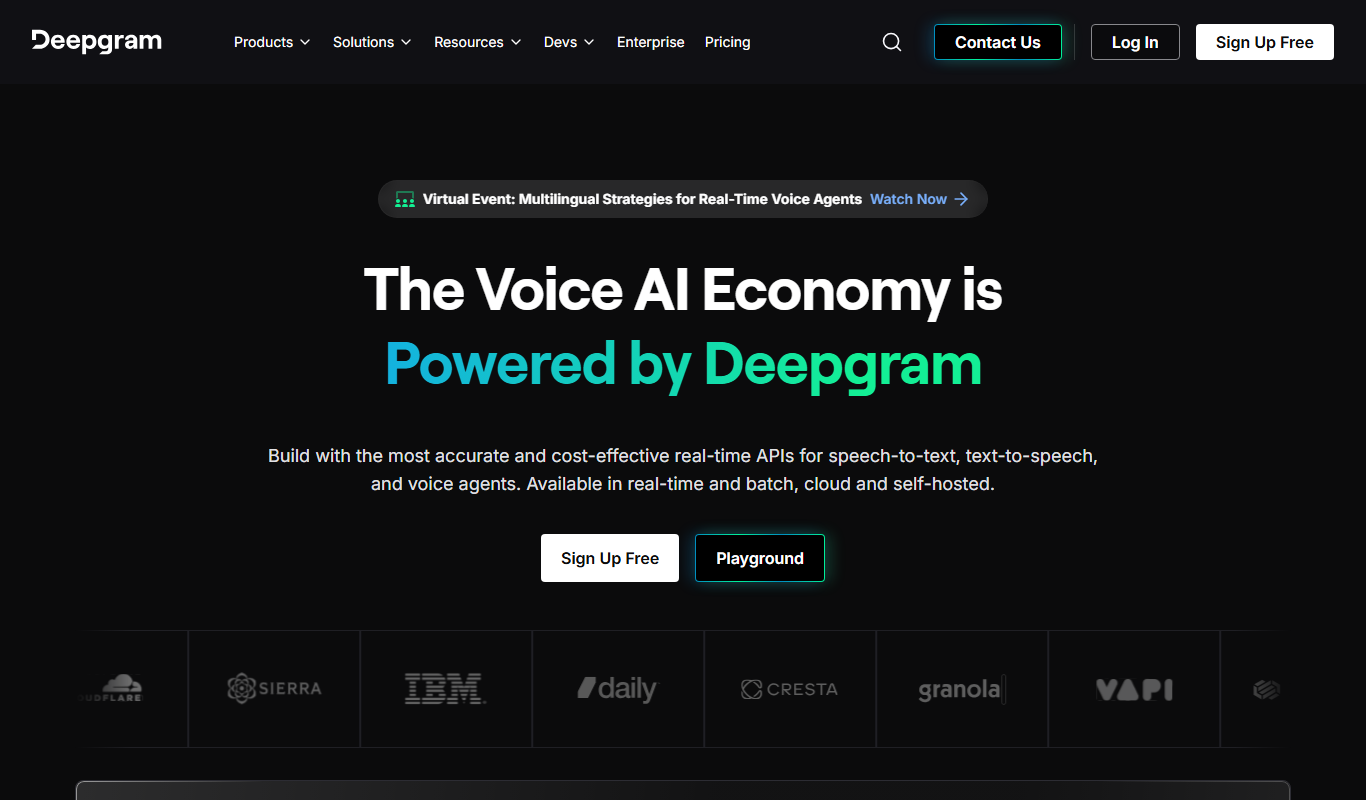
Deepgram
Deepgram is an AI-driven speech-to-text platform providing accurate, customizable, and scalable audio transcription services with real-time streaming and multi-language support.
More AI Apis Tools tools
Other tools in the same category, for when this one is not quite the fit.

Freemium
Decrackle Playground & APIs
Decrackle Playground & APIs is an AI-driven platform that removes crackle, hiss, and other noise from audio recordings using machine learning, available via a web interface and APIs.

Freemium
Myna-mini text-to-speech API by Gan.AI
Myna-mini is a lightweight text-to-speech API by Gan.AI that converts English text into natural, human-like speech, designed for easy integration and fast performance.

Freemium
Astria – Dreambooth API
Astria Dreambooth API allows developers to train custom AI image generation models using Dreambooth technology and integrate them via API for personalized, high-resolution image creation.

Free
Suno API
Suno API is an open source AI-powered audio generation API that enables developers to create music and audio content programmatically using text prompts and customizable parameters.

Free
Symbl.ai
Symbl.ai is a conversational AI platform providing real-time speech-to-text transcription and conversation analytics through developer-friendly APIs, enabling businesses to extract actionable insights from voice and text conversations.
Freemium
Gladia
Gladia is an AI platform providing speech-to-text transcription and audio analysis through APIs, supporting multiple languages and real-time processing.