

From my experience with GoDiary Running Tracker, I found it excels at providing accurate GPS tracking combined with an intuitive workout logging system. The app’s clean interface makes it easy to start tracking runs and monitor progress without a steep learning curve. It’s particularly well-suited for casual runners and fitness enthusiasts who want a straightforward tool to log activities and stay motivated through community features. However, some advanced analytics and coaching tools require a premium subscription, and the app currently supports only English, which may limit accessibility for some users. Overall, if you need a reliable running tracker with solid workout logging and community engagement, GoDiary delivers a balanced and user-friendly experience.
GoDiary Running Tracker App for Runners and Fitness Enthusiasts
GoDiary is a running tracker app that uses GPS to monitor your runs, log workouts, analyze progress, and connect with a fitness community.
- Best for
- Run Tracking
- Key capability
- GPS Run Tracking
Save GoDiary: Running Tracker, follow its updates and vote on it — everything stays in your account.
Sign in or create a free account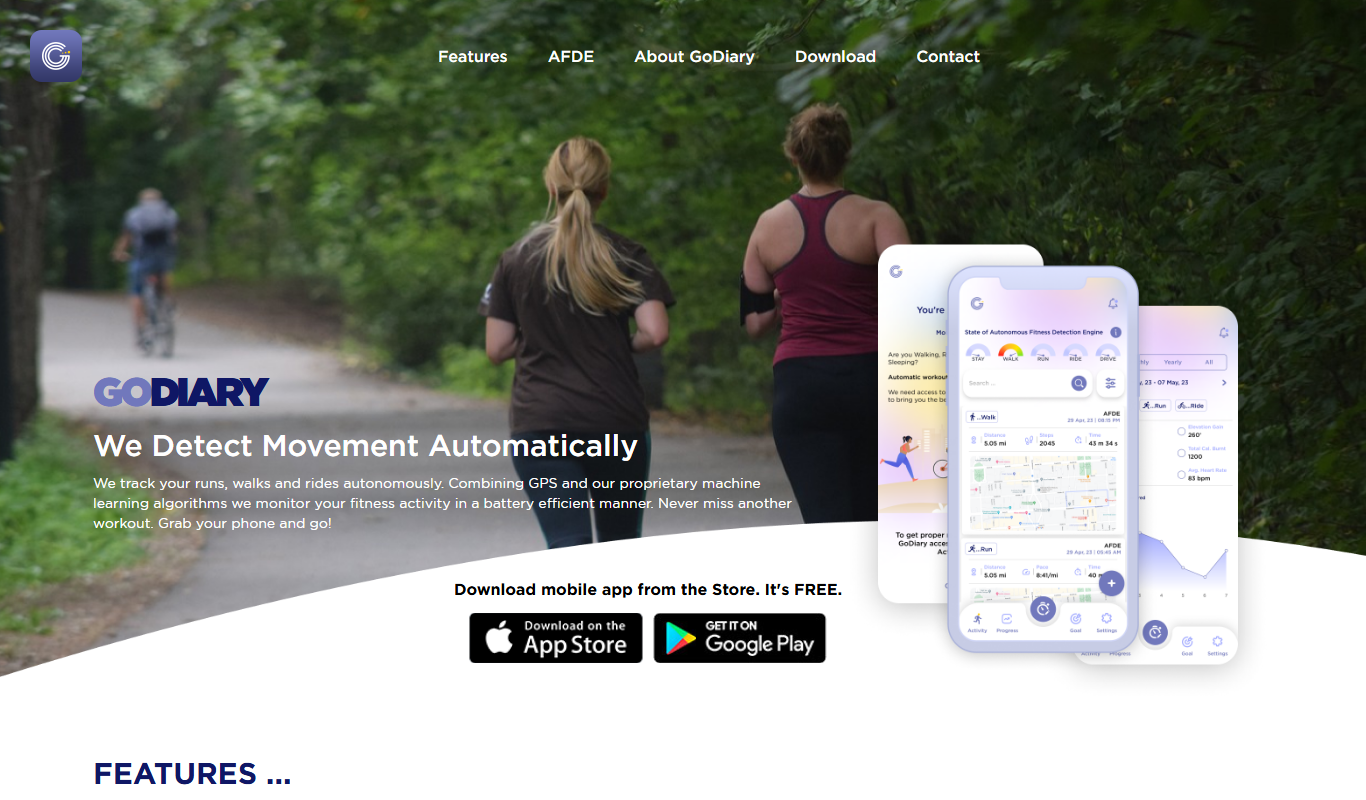
What is GoDiary: Running Tracker?
GoDiary is a running tracker and fitness app designed to help runners and fitness enthusiasts monitor their workouts, track progress, and stay motivated. It offers GPS-based run tracking, workout logging, and detailed analytics to support users in achieving their fitness goals.
Key features of GoDiary: Running Tracker
GoDiary provides real-time GPS tracking, detailed workout logs, progress charts, health insights, and community features to enhance the running and fitness experience.
GPS Run Tracking
Accurately track running routes, distance, pace, and time using GPS technology.
Workout Logging
Log multiple types of workouts manually or automatically for comprehensive fitness records.
Progress Analytics
Visualize your fitness journey with charts and detailed performance metrics.
Health Data Integration
Sync with health apps and devices to incorporate heart rate and calorie data.
Community Features
Participate in challenges, share progress, and motivate others within the app.
Pros and cons of GoDiary: Running Tracker
Pros
- User-friendly interface with easy navigation
- Accurate GPS tracking for runs
- Comprehensive workout logging options
- Community features to stay motivated
- Affordable premium subscription
Cons
- Limited language support (English only)
- Some advanced features require premium subscription
- No desktop app, limited web functionality
Key use cases for GoDiary: Running Tracker
Run Tracking
Track running distance, pace, duration, and route with GPS integration.
Workout Logging
Log various workouts including running, cycling, and walking for comprehensive fitness tracking.
Progress Monitoring
Analyze historical data to monitor fitness progress and set personal goals.
Health Insights
Receive insights on calories burned and heart rate data integration for better health management.
Community Engagement
Connect with other runners, share achievements, and participate in challenges.
How GoDiary: Running Tracker works
- 1
Download and Install
Get the GoDiary app from the App Store or Google Play and install it on your device.
- 2
Create an Account
Sign up with your email or social media accounts to start tracking your activities.
- 3
Start Tracking
Use the app to record your runs or workouts with GPS and manual logging options.
- 4
Analyze Data
Review detailed statistics and progress reports to understand your performance.
- 5
Engage with Community
Join challenges, share your achievements, and connect with other users.
Who is using GoDiary: Running Tracker
GoDiary: Running Tracker pricing
Free
$0/month
Basic run tracking and workout logging with limited features.
Premium
$4.99/month
Access to advanced analytics, personalized coaching, and ad-free experience.
Plans and prices are as published by the vendor and can change. Check the official site before you buy. Open the pricing page (opens in a new tab)
Frequently asked questions about GoDiary: Running Tracker
Yes, GoDiary offers a free plan with essential tracking features. Premium features require a subscription.
Yes, you can manually log workouts if you prefer not to use GPS tracking.
GoDiary supports integration with popular health apps to sync heart rate and calorie data.
Yes, the app is available for download on both iOS and Android devices.
It depends on your specific needs and how you plan to use the tool. The official website and documentation are the best sources for the latest details.
Yes, it can help with that use case depending on how you configure it and what features are available. You’ll get the best results with clear inputs and a defined goal.
Some tools offer a free plan or trial with limited features. Availability can vary, so confirm on the official website.
Yes, it can help with that use case depending on how you configure it and what features are available. You’ll get the best results with clear inputs and a defined goal.
Sign in to review this tool.
Sign In to ReviewNo reviews yet
Be the first to share how this tool worked for you.
Ask about pricing, limits, or how it compares — or answer someone else.
Sign In to AskNo questions yet
Have a question about using or paying for this tool? Be the first to ask.
Featured on TiorAI



Alternative Tools
Explore similar AI tools that might fit your needs

Strava
Strava is a fitness tracking app that uses GPS to monitor running, cycling, and other activities, offering social networking and performance analytics.

Runkeeper
Runkeeper is a GPS fitness app that tracks running, walking, and workouts, offering personalized training plans and social features to help users reach their fitness goals.

Nike Run Club
Nike Run Club is a free mobile app by Nike that provides GPS run tracking, personalized coaching plans, and social features to motivate runners of all levels.
More AI Speech Recognition Tools tools
Other tools in the same category, for when this one is not quite the fit.

Accent Guesser
Accent Guesser is a free online AI tool that identifies English accents from voice recordings by analyzing speech patterns and matching them to known regional accents.

audio2text
Audio2Text is an online speech-to-text converter that automatically transcribes audio files into text in multiple languages, accessible via a web browser with free and pay-as-you-go pricing.

Smart Dictate
Smart Dictate is an AI-powered dictation tool for the web that understands context, technical terms and industry jargon for accurate voice-to-text across all websites.
Dictaphone
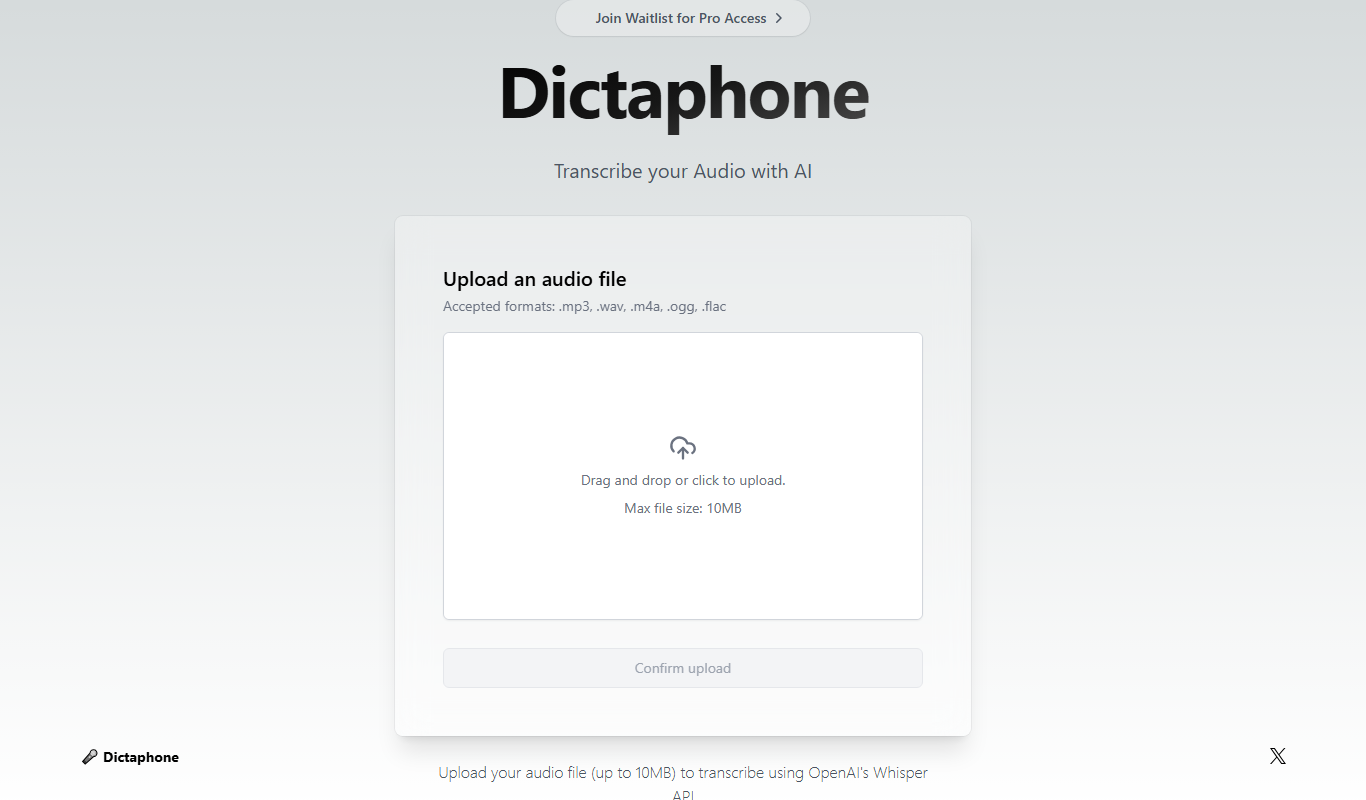
Dictaphone is an AI-powered transcription service that converts audio recordings into editable text transcripts with features like speaker identification and multi-format export.

Rev AI
Rev AI is a speech-to-text API by Rev.com that provides accurate, real-time and batch transcription services with features like speaker diarization and custom vocabulary support.
AccurateScribe.ai
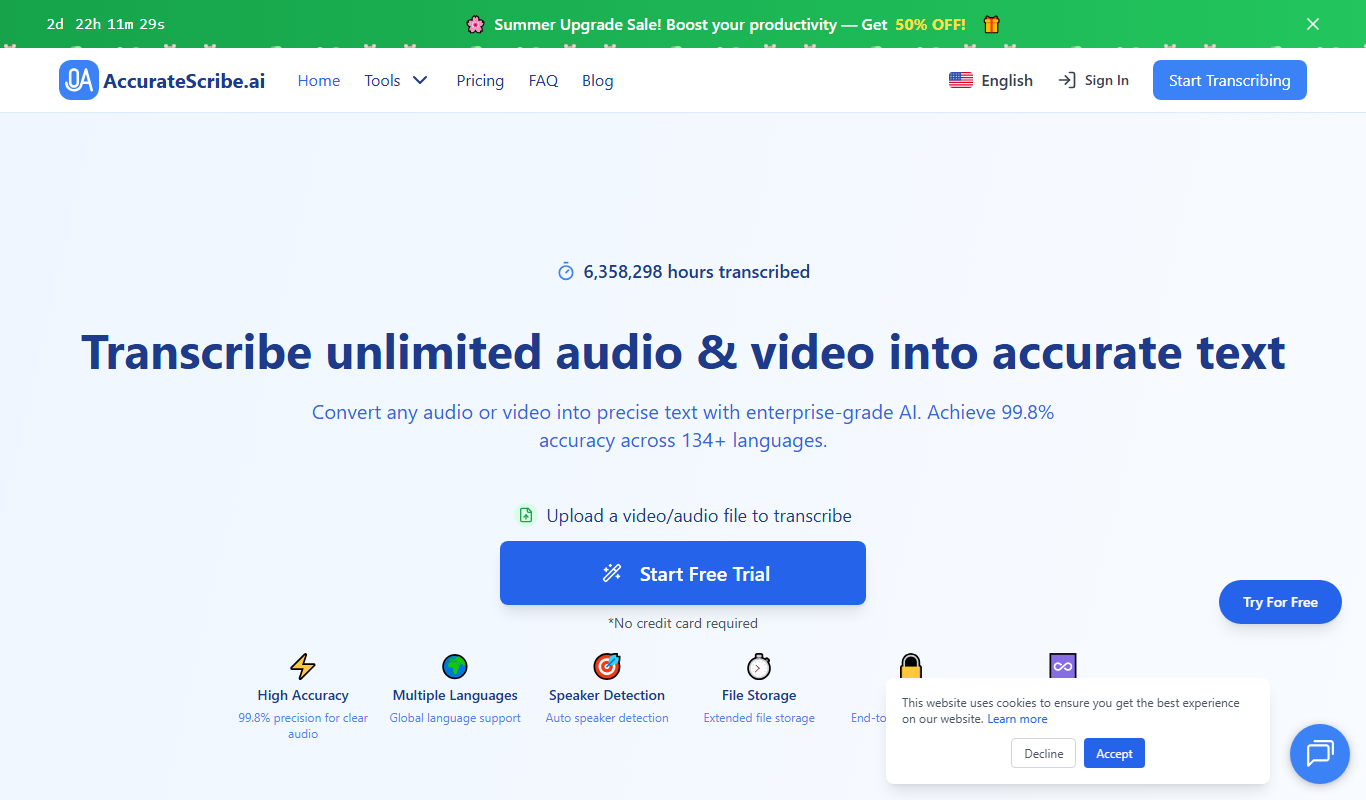
AccurateScribe.ai is an AI transcription tool that converts audio and video files into accurate text transcripts quickly, featuring speaker identification and easy editing.

Sonix AI
Sonix AI is an automated transcription tool that converts audio and video files into text with high accuracy, supporting multiple languages and offering features like speaker identification and timestamps.

TranscriptionPlus
TranscriptionPlus is an AI transcription tool that converts audio and video files into accurate text transcripts with multi-language support and speaker identification.