

From my experience with SoundHound’s Houndify platform, it stands out for its impressive speed and accuracy in voice recognition, especially due to its unique Sound-to-Meaning™ technology. The ability to customize voice commands and support complex queries makes it highly adaptable for industries like automotive and IoT. However, the platform is primarily enterprise-focused, with custom pricing and a steeper learning curve for integration, which might be a barrier for smaller developers. Overall, if you require a robust, scalable voice AI solution with multi-language support, Houndify delivers reliable and advanced capabilities.
SoundHound Houndify Voice AI Platform for Speech Recognition and NLP
SoundHound's Houndify is a voice AI platform providing speech recognition and natural language understanding to build custom voice assistants and conversational interfaces.
- Best for
- Voice-Enabled Applications
- Key capability
- Sound-to-Meaning™ Technology
Your actions
Save SoundHound, follow its updates and vote on it — everything stays in your account.
Sign in or create a free account
What is SoundHound?
SoundHound’s Houndify is a comprehensive voice AI platform that provides advanced speech recognition, natural language understanding, and conversational intelligence. It enables developers and enterprises to build custom voice assistants and conversational interfaces that understand complex queries and respond naturally. The platform supports multiple languages and offers flexible integration options through APIs and SDKs.
Key features of SoundHound
Houndify offers deep speech recognition accuracy, fast natural language processing, customizable domains, and extensive developer tools. Its unique Sound-to-Meaning™ technology interprets user intent in real time, enabling complex, multi-parameter voice queries. The platform also supports voice biometrics and offline capabilities for enhanced security and reliability.
Sound-to-Meaning™ Technology
Processes speech directly into meaning without intermediate text transcription for faster and more accurate responses.
Multi-Language Support
Supports multiple languages and dialects to serve global audiences.
Custom Domain Creation
Allows developers to create tailored voice commands and intents for specific use cases.
Voice Biometrics
Enables user authentication through voice recognition for enhanced security.
Offline Mode
Supports offline voice recognition capabilities for scenarios with limited connectivity.
Pros and cons of SoundHound
Pros
- Highly accurate and fast voice recognition
- Customizable for specific industry needs
- Supports complex, multi-parameter queries
- Strong multi-language capabilities
- Robust developer tools and documentation
Cons
- Pricing is custom and may be expensive for small projects
- No publicly available free tier for casual users
- Requires technical expertise to integrate and customize
Key use cases for SoundHound
Voice-Enabled Applications
Integrate voice recognition and natural language understanding into mobile and web apps to enable hands-free control and interaction.
Automotive Voice Assistants
Deploy conversational AI in vehicles for navigation, media control, and driver assistance using natural voice commands.
Customer Service Automation
Build intelligent voice bots to handle customer inquiries, support, and transactions with natural conversational flow.
IoT Device Control
Enable voice commands for smart home and IoT devices to improve user experience and accessibility.
Enterprise Voice Solutions
Create custom voice AI solutions tailored to specific business workflows and industry needs.
How SoundHound works
- 1
Sign Up and Access API
Create an account on Houndify.com to obtain API keys for integration.
- 2
Integrate SDK or API
Use provided SDKs or REST APIs to embed voice recognition and NLU into your application.
- 3
Customize Domains
Define custom voice commands and intents specific to your application’s needs.
- 4
Test and Deploy
Test voice interactions and deploy your voice-enabled application to users.
Who is using SoundHound
Automotive manufacturers
App developers
Enterprises needing voice AI
IoT device makers
Customer service platforms
SoundHound pricing
Custom Enterprise
Contact for pricing
Tailored pricing based on usage, features, and support requirements.
Plans and prices are as published by the vendor and can change. Check the official site before you buy. Open the pricing page (opens in a new tab)
Frequently asked questions about SoundHound
Houndify supports integration via Web APIs, mobile SDKs for iOS and Android, and cloud services.
Yes, Houndify allows developers to create custom domains with specific voice commands and intents.
Yes, it supports several languages including English, Spanish, French, German, Italian, and Japanese.
Houndify offers custom pricing and typically works with enterprise clients; contact sales for trial options.
This tool is designed to help users accomplish its core tasks more efficiently. It is typically used by individuals or teams looking to improve productivity and workflow.
It depends on your specific needs and how you plan to use the tool. The official website and documentation are the best sources for the latest details.
Yes, it can help with that use case depending on how you configure it and what features are available. You’ll get the best results with clear inputs and a defined goal.
Yes, it can help with that use case depending on how you configure it and what features are available. You’ll get the best results with clear inputs and a defined goal.
Sign in to review this tool.
Sign In to ReviewNo reviews yet
Be the first to share how this tool worked for you.
Ask about pricing, limits, or how it compares — or answer someone else.
Sign In to AskNo questions yet
Have a question about using or paying for this tool? Be the first to ask.
Featured on TiorAI



More AI Speech Recognition Tools tools
Other tools in the same category, for when this one is not quite the fit.

Free
Accent Guesser
Accent Guesser is a free online AI tool that identifies English accents from voice recordings by analyzing speech patterns and matching them to known regional accents.

Free
audio2text
Audio2Text is an online speech-to-text converter that automatically transcribes audio files into text in multiple languages, accessible via a web browser with free and pay-as-you-go pricing.

Freemium
Smart Dictate
Smart Dictate is an AI-powered dictation tool for the web that understands context, technical terms and industry jargon for accurate voice-to-text across all websites.
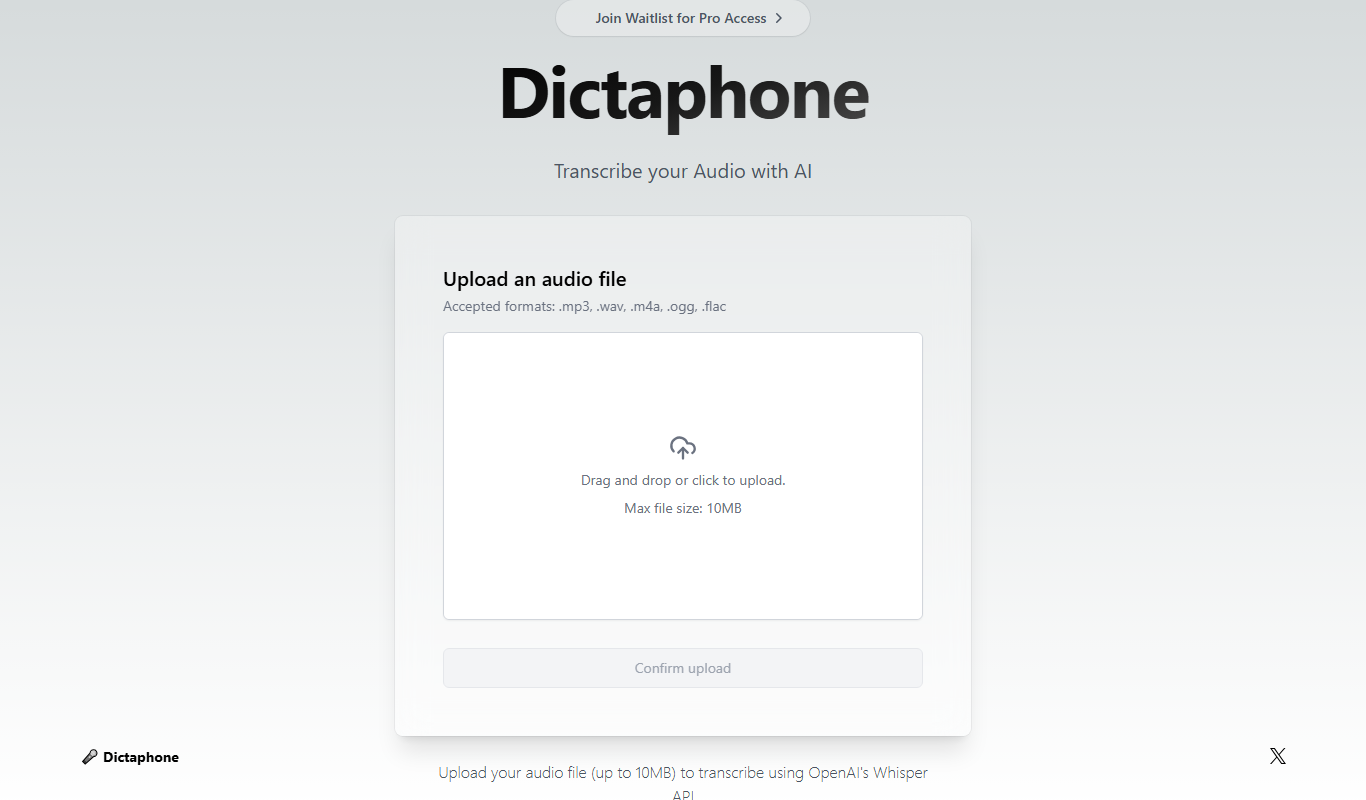
Free
Dictaphone
Dictaphone is an AI-powered transcription service that converts audio recordings into editable text transcripts with features like speaker identification and multi-format export.

Pay As You Go
Rev AI
Rev AI is a speech-to-text API by Rev.com that provides accurate, real-time and batch transcription services with features like speaker diarization and custom vocabulary support.
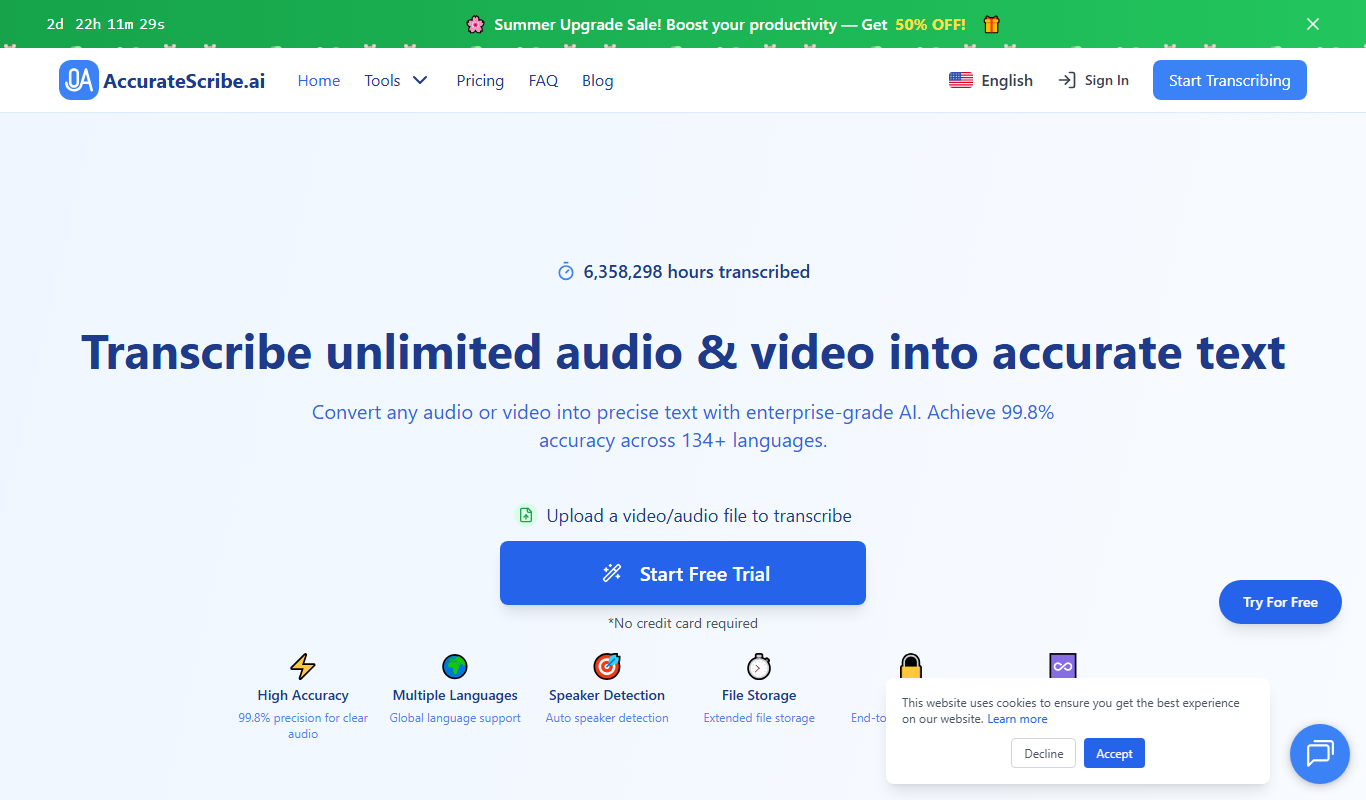
Free Trial
AccurateScribe.ai
AccurateScribe.ai is an AI transcription tool that converts audio and video files into accurate text transcripts quickly, featuring speaker identification and easy editing.

Pay As You Go
Sonix AI
Sonix AI is an automated transcription tool that converts audio and video files into text with high accuracy, supporting multiple languages and offering features like speaker identification and timestamps.

Freemium
TranscriptionPlus
TranscriptionPlus is an AI transcription tool that converts audio and video files into accurate text transcripts with multi-language support and speaker identification.