

DocSpring Online Document Automation Platform for PDF Generation and Forms
DocSpring is a cloud-based platform that automates PDF document creation and form building, offering an API for integration and conditional logic support.
- Best for
- Automated PDF Generation
- Key capability
- PDF Template Editor
Save DocSpring, follow its updates and vote on it — everything stays in your account.
Sign in or create a free account
What is DocSpring?
DocSpring is a cloud-based document automation platform that enables users to create, customize, and generate PDF documents and forms online. It provides an intuitive interface for designing document templates and interactive forms, along with a powerful API for integrating document generation into other software applications. DocSpring simplifies workflows by automating the creation of contracts, invoices, reports, and other business documents.
Key features of DocSpring
DocSpring offers template-based PDF generation, online form creation, API access for developers, real-time data collection, and automated document workflows. Its platform supports conditional logic in forms and seamless integration with third-party applications.
PDF Template Editor
Design and customize PDF templates with fillable fields for dynamic content.
Online Form Builder
Create interactive forms linked to templates for data collection.
REST API Access
Programmatically generate documents and integrate with other systems.
Conditional Logic
Add conditional fields and logic to forms for personalized document generation.
Document Storage and Management
Store generated documents securely and manage them within the platform.
Pros and cons of DocSpring
Pros
- Easy-to-use PDF template editor
- Powerful API for seamless integration
- Supports conditional logic in forms
- Secure document storage
- Flexible pricing plans
Cons
- Limited language support (English only)
- No dedicated mobile app
- Advanced features require paid plans
Key use cases for DocSpring
Automated PDF Generation
Create and generate PDF documents automatically from templates and user input.
Online Form Creation
Build interactive online forms that collect data and generate documents in real time.
API Document Integration
Integrate document generation capabilities into existing applications via API.
Contract and Agreement Automation
Automate the creation of contracts, agreements, and other legal documents.
Data Collection and Processing
Collect structured data through forms and use it to populate documents dynamically.
How DocSpring works
- 1
Create a Template
Upload or design a PDF template with fillable fields using DocSpring’s editor.
- 2
Build an Online Form
Link form fields to the template fields to collect user input.
- 3
Generate Documents
Users submit data via the form or API, triggering automatic PDF generation.
- 4
Download or Integrate
Download generated PDFs or integrate document creation into your app using DocSpring’s API.
Who is using DocSpring
DocSpring pricing
Starter
$49
Includes 50 PDFs.
Professional
$99
Includes 1000 PDFs per month (10c per PDF over), unlimited test PDFs, templates and users, API access and 99.99% uptime SLA.
Business
$249
Includes 5000 PDFs per month (5c per PDF over), unlimited test PDFs, templates and users, API access and 99.99% uptime SLA.
Free trial
$0 for 14 days
No permanent free plan; a sandbox is available on request.
Plans and prices are as published by the vendor and can change. Check the official site before you buy. Open the pricing page (opens in a new tab)
Frequently asked questions about DocSpring
Yes, DocSpring provides a REST API that allows you to integrate document generation into your applications.
Limits depend on the plan; Starter includes 50 PDFs.
Yes, you can upload your own PDF templates and add fillable fields to customize documents.
Yes, you can add conditional fields to your forms to tailor document content based on user input.
It depends on your specific needs and how you plan to use the tool. The official website and documentation are the best sources for the latest details.
Integration support depends on the tool and its available connectors or API. Check the official documentation or integrations page to confirm what is supported.
Yes, it can help with that use case depending on how you configure it and what features are available. You’ll get the best results with clear inputs and a defined goal.
Conclusion
Documents start as PDF templates: a user uploads or designs one in the editor and adds fillable fields for dynamic content. Data then arrives through an online form linked to those fields or through the REST API, and each submission triggers automatic PDF generation. Conditional fields let the content change based on user input. Contracts and agreements are one documented use.
Developers needing document APIs, legal and contract professionals, and sales and invoicing teams are the intended users. No permanent free plan exists; a 14-day trial comes first, and paid plans cost $49 for Starter with 50 PDFs, $99 for Professional and $249 for Business.
Sources
Sign in to review this tool.
Sign In to ReviewNo reviews yet
Be the first to share how this tool worked for you.
Ask about pricing, limits, or how it compares — or answer someone else.
Sign In to AskNo questions yet
Have a question about using or paying for this tool? Be the first to ask.
Featured on TiorAI



Alternative Tools
Explore similar AI tools that might fit your needs
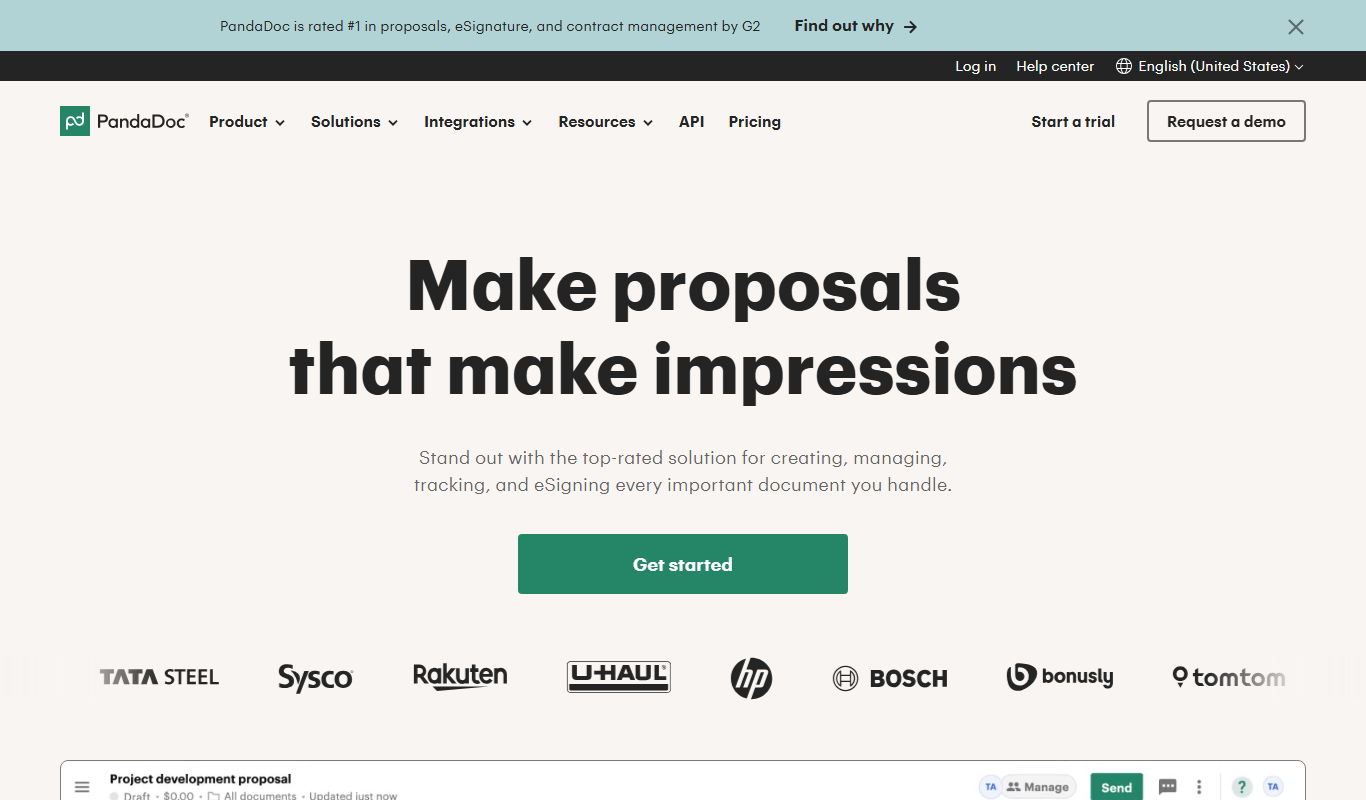
PandaDoc
PandaDoc is a cloud-based platform that automates document creation, approval workflows, and electronic signatures to help businesses streamline proposals, contracts, and payments.

DocuSign
DocuSign is a cloud-based electronic signature platform that enables secure, legally binding digital signing and management of documents, streamlining workflows and ensuring compliance.
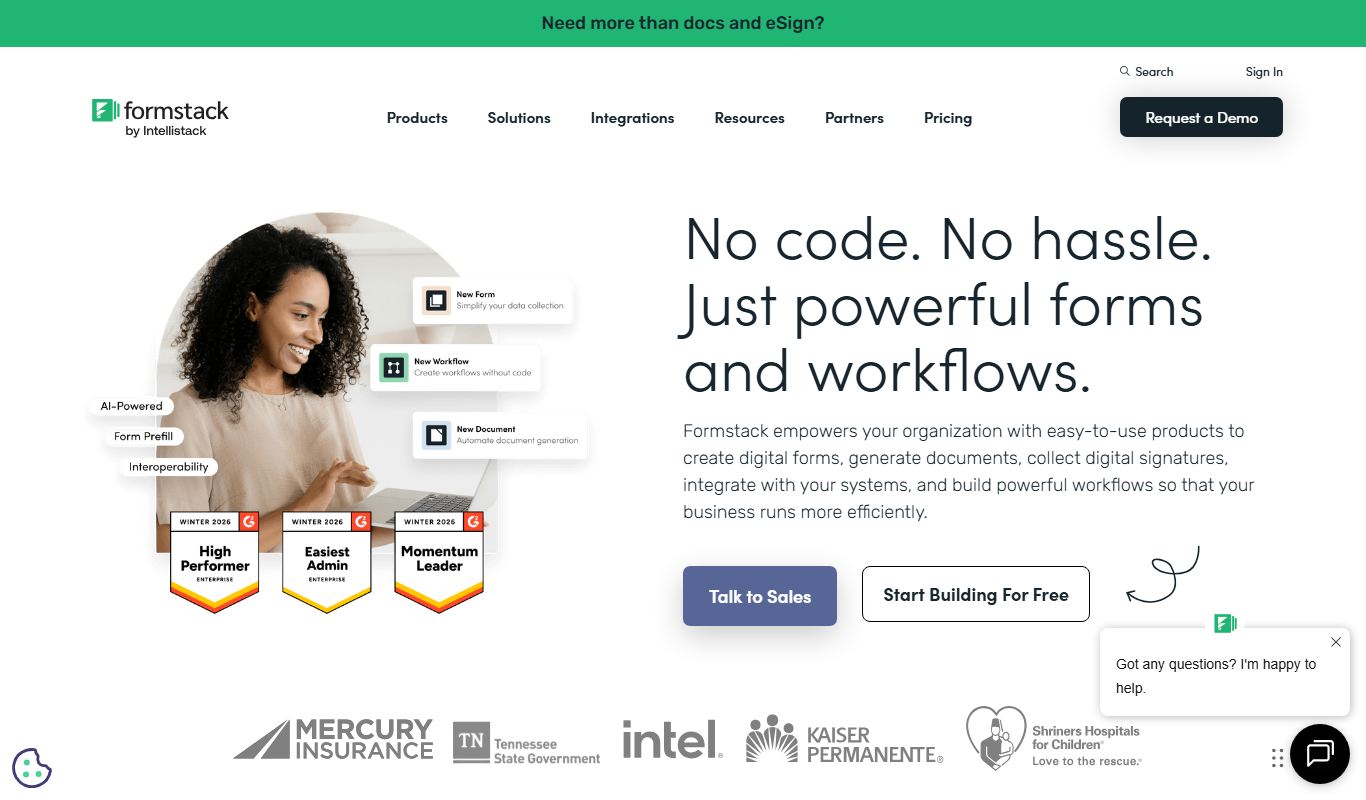
Formstack Documents
Formstack Documents is a no-code document automation platform that integrates with various apps to generate, customize, and distribute documents automatically, improving workflow efficiency.
More AI API tools
Other tools in the same category, for when this one is not quite the fit.
BentoML
BentoML is an open-source platform that simplifies packaging, deploying, and managing machine learning models as scalable APIs, supporting multiple ML frameworks and deployment environments.

Datumbox
Datumbox is the official name of this machine learning platform, which provides REST APIs for text analysis such as sentiment analysis, topic detection, language detection and spam filtering.

OpenFaaS
OpenFaaS is an open-source serverless framework that enables developers to deploy, manage, and scale functions on Kubernetes and other container platforms easily.
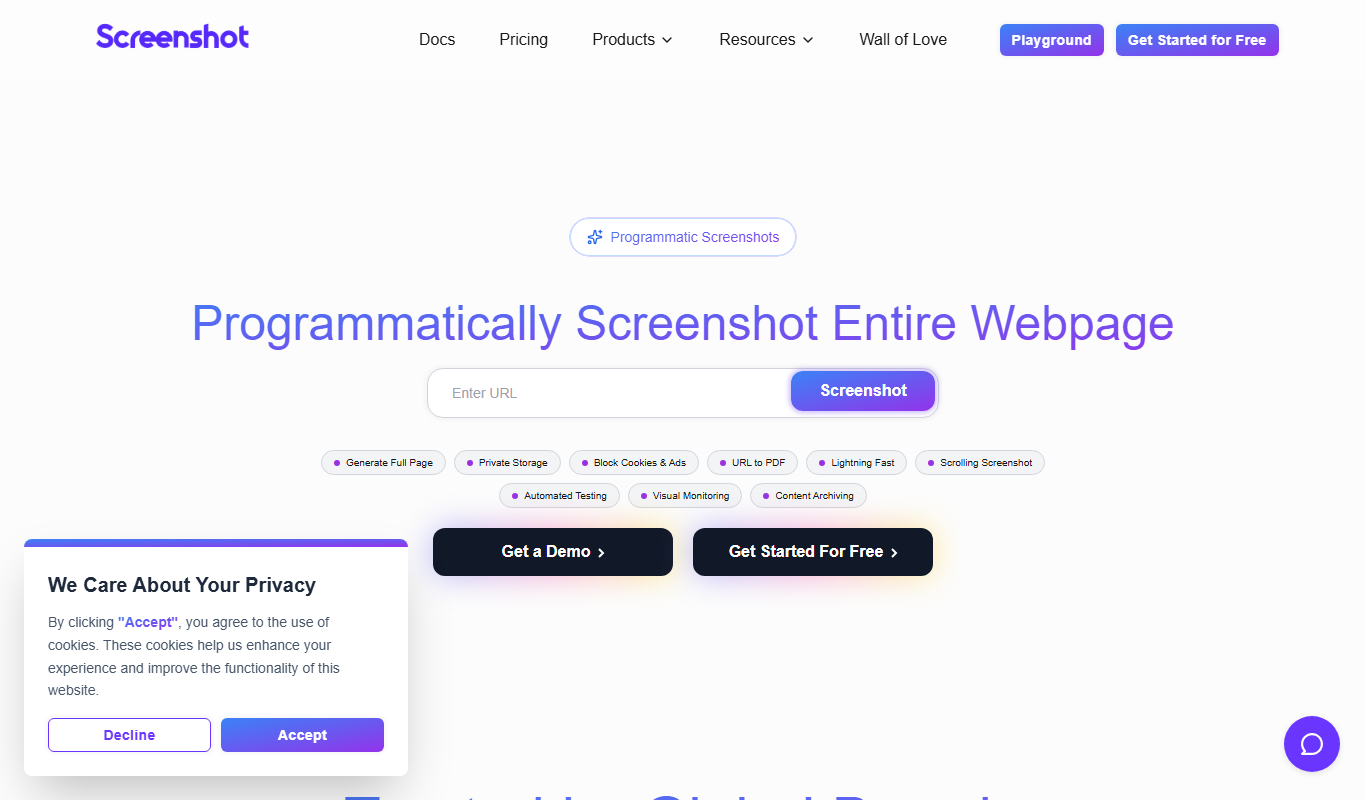
ScreenshotAPI
ScreenshotAPI is a RESTful API service that allows developers and marketers to programmatically capture high-quality screenshots of websites with customizable options such as device type, viewport size, and full page capture.

Fetch.ai
Fetch.ai is a decentralized platform that enables creation and deployment of autonomous economic agents using blockchain and AI to automate tasks and data exchange securely.

PDFShift
PDFShift is a REST API service that converts HTML content into PDF documents quickly and accurately, supporting advanced styling and customization for developers and businesses.
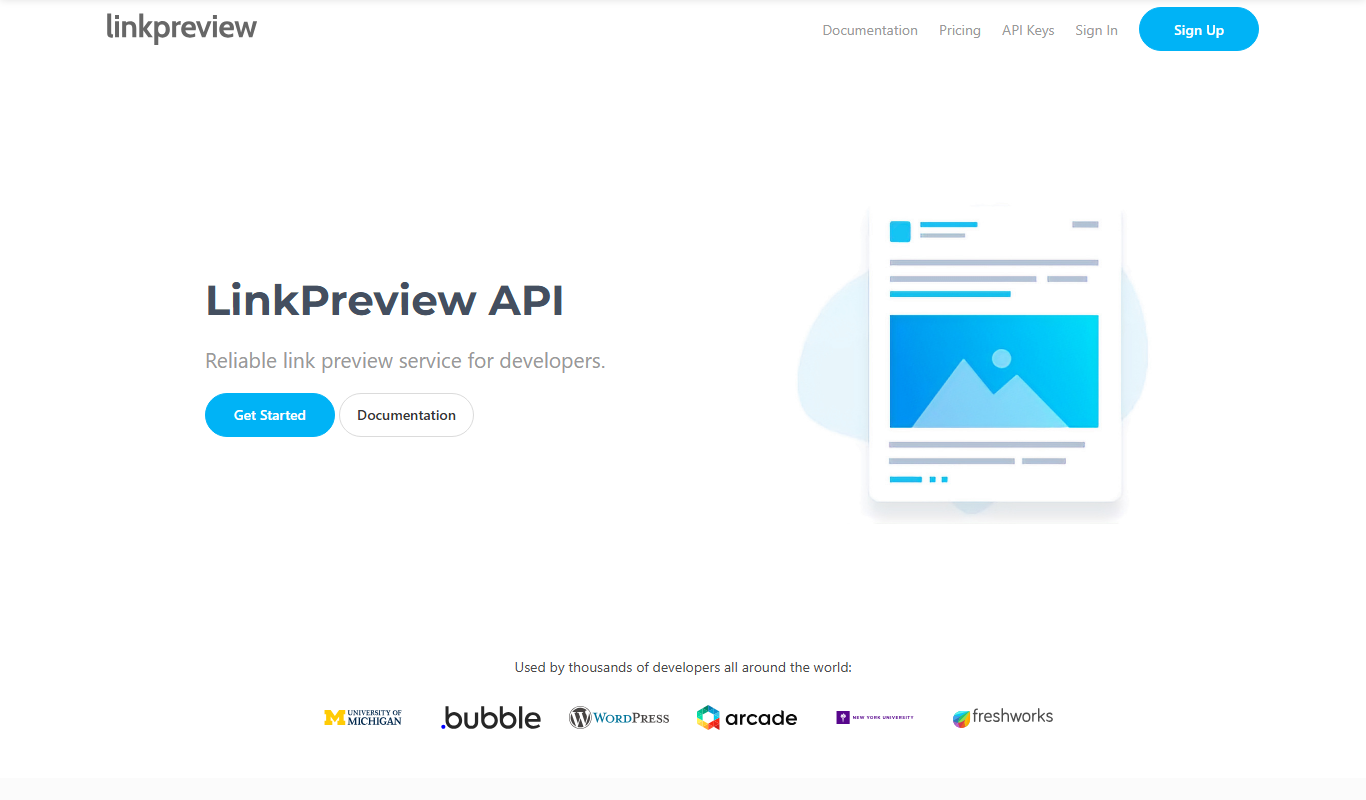
LinkPreview
LinkPreview is an API service that extracts metadata like title, description, and images from any URL to create rich link previews for websites and social media.
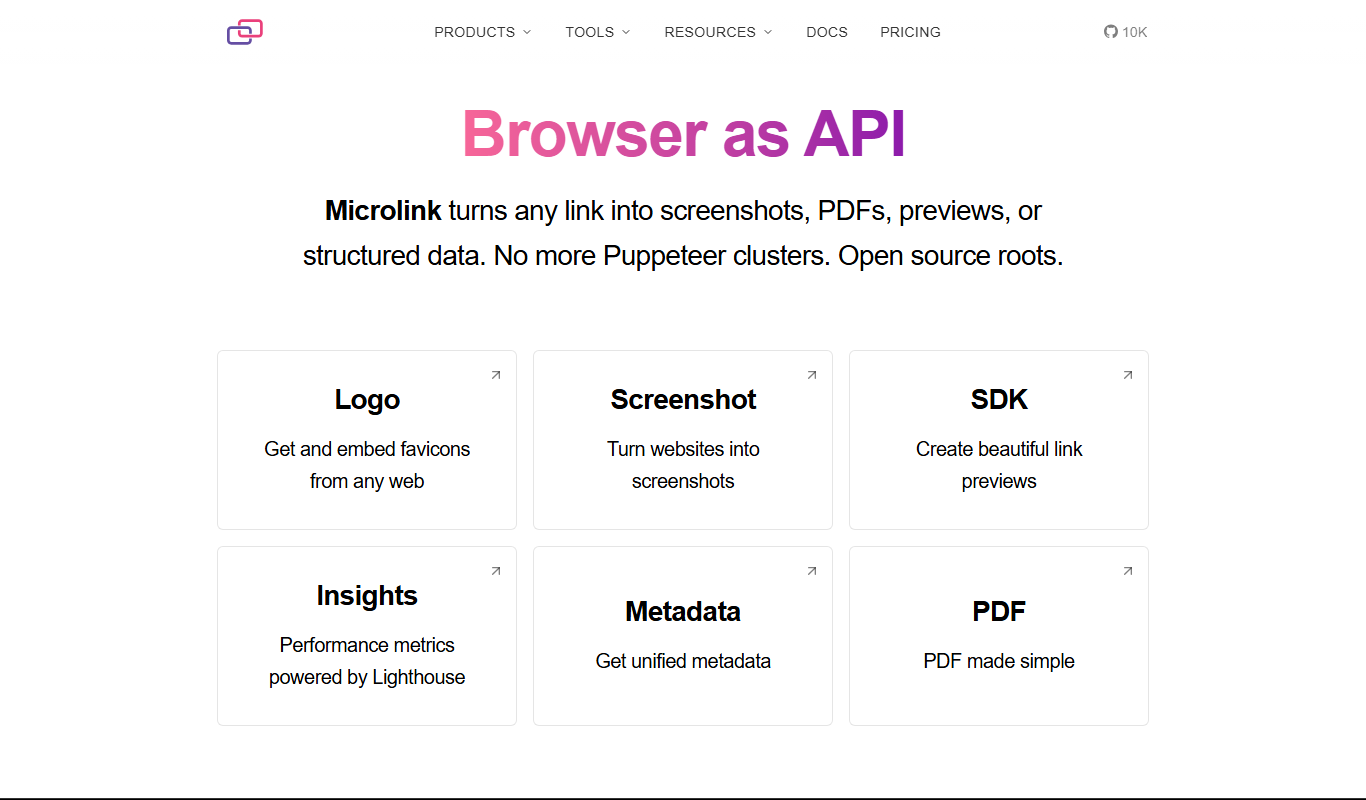
Microlink
Microlink is a developer-friendly API that extracts structured data and screenshots from any website URL, simplifying web scraping and enabling automation.