

PDFShift: Fast and Reliable HTML to PDF API for Developers and Businesses
PDFShift is a REST API service that converts HTML content into PDF documents quickly and accurately, supporting advanced styling and customization for developers and businesses.
- Best for
- Automated PDF Generation
- Key capability
- High-Fidelity PDF Rendering
Save PDFShift, follow its updates and vote on it — everything stays in your account.
Sign in or create a free account
What is PDFShift?
PDFShift is a high-quality, fast, and scalable API service that converts HTML documents into PDF files. It is designed for developers and businesses who need reliable PDF generation integrated into their applications or workflows. The service supports complex HTML, CSS, and JavaScript, enabling the creation of visually rich PDFs programmatically.
Key features of PDFShift
PDFShift offers a simple REST API for HTML to PDF conversion, supporting advanced styling, custom headers and footers, page numbering, and secure HTTPS requests. It provides fast response times, high fidelity rendering, and flexible pricing plans including a free tier for testing.
High-Fidelity PDF Rendering
Accurately converts complex HTML, CSS, and JavaScript into PDFs.
REST API Access
Simple API interface for easy integration with any programming language.
Customizable Output
Supports page size, orientation, margins, headers, footers, and page numbering.
Fast and Scalable
Optimized for speed and can handle large volumes of PDF conversions.
Secure and Reliable
All API calls are made over HTTPS with authentication tokens.
Pros and cons of PDFShift
Pros
- Easy to integrate REST API
- Supports complex HTML and CSS
- Fast conversion speeds
- Flexible pricing plans including free tier
- Reliable and secure API
Cons
- Limited language support (English only)
- No desktop or mobile app versions
Key use cases for PDFShift
Automated PDF Generation
Generate PDFs automatically from HTML content for invoices, reports, and documents.
Web Application Integration
Integrate PDF conversion capabilities into web apps and services via API.
Document Archiving
Convert web pages or HTML templates into PDFs for long-term storage and compliance.
E-commerce Receipts
Create professional PDF receipts and order confirmations for online stores.
Marketing Materials
Produce downloadable brochures, flyers, and catalogs in PDF format from HTML.
How PDFShift works
- 1
Sign Up
Create an account on PDFShift.io to get API credentials.
- 2
Integrate API
Use the REST API endpoint to send HTML content or URLs for conversion.
- 3
Configure Options
Customize PDF output with options like page size, margins, headers, and footers.
- 4
Receive PDF
Download the generated PDF file from the API response for use or storage.
Who is using PDFShift
PDFShift pricing
Free
$0/month
50 credits per month.
Starter
$9
500 credits.
Boost
$24
2,500 credits.
Growth
$39
5,000 credits.
Business
$99
25,000 credits.
Plans and prices are as published by the vendor and can change. Check the official site before you buy. Open the pricing page (opens in a new tab)
Frequently asked questions about PDFShift
PDFShift converts HTML content or URLs into PDF documents.
Yes, the free plan includes 50 credits per month.
Yes, you can customize page size, margins, headers, footers, and more.
Yes, it supports JavaScript execution for dynamic content before conversion.
It depends on your specific needs and how you plan to use the tool. The official website and documentation are the best sources for the latest details.
Some tools offer a free plan or trial with limited features. Availability can vary, so confirm on the official website.
Yes, it can help with that use case depending on how you configure it and what features are available. You’ll get the best results with clear inputs and a defined goal.
It depends on your specific needs and how you plan to use the tool. The official website and documentation are the best sources for the latest details.
Conclusion
Conversion runs through a REST API: an application sends HTML content or a URL to the endpoint and gets the generated PDF back in the API response. Complex HTML, CSS and JavaScript are rendered, and scripts can execute for dynamic content before conversion. Output options cover page size, orientation, margins, headers and footers, plus page numbering. All calls go over HTTPS with authentication tokens.
It is designed for developers and businesses that need reliable PDF generation integrated into their applications or workflows. A free plan includes 50 credits per month, and paid plans run from Starter at $9 for 500 credits up to Business at $99 for 25,000.
Sources
Sign in to review this tool.
Sign In to ReviewNo reviews yet
Be the first to share how this tool worked for you.
Ask about pricing, limits, or how it compares — or answer someone else.
Sign In to AskNo questions yet
Have a question about using or paying for this tool? Be the first to ask.
Featured on TiorAI



Alternative Tools
Explore similar AI tools that might fit your needs

CloudConvert
CloudConvert is an online file conversion platform supporting over 200 formats, offering batch processing, customizable settings, and API integration for developers.
More AI API tools
Other tools in the same category, for when this one is not quite the fit.
BentoML
BentoML is an open-source platform that simplifies packaging, deploying, and managing machine learning models as scalable APIs, supporting multiple ML frameworks and deployment environments.

Datumbox
Datumbox is the official name of this machine learning platform, which provides REST APIs for text analysis such as sentiment analysis, topic detection, language detection and spam filtering.

OpenFaaS
OpenFaaS is an open-source serverless framework that enables developers to deploy, manage, and scale functions on Kubernetes and other container platforms easily.
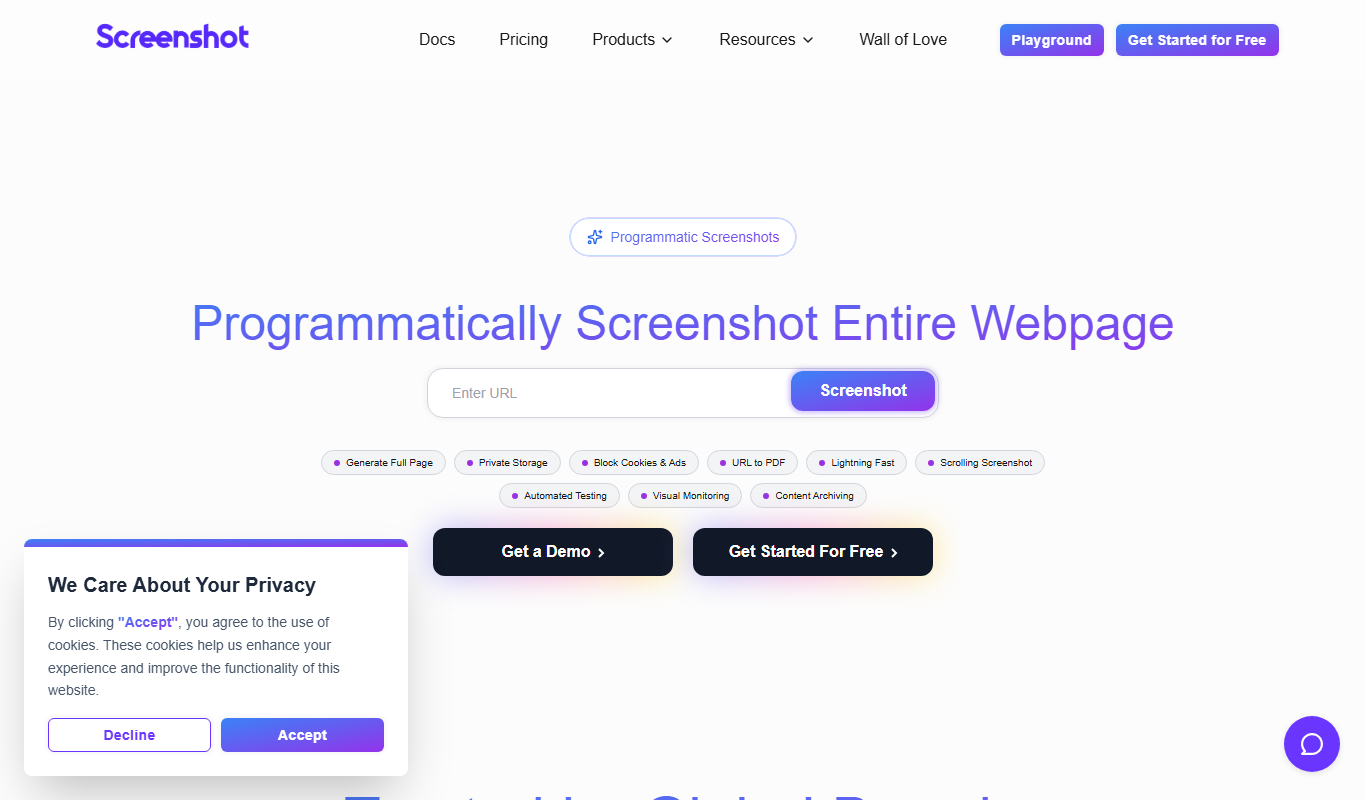
ScreenshotAPI
ScreenshotAPI is a RESTful API service that allows developers and marketers to programmatically capture high-quality screenshots of websites with customizable options such as device type, viewport size, and full page capture.

Fetch.ai
Fetch.ai is a decentralized platform that enables creation and deployment of autonomous economic agents using blockchain and AI to automate tasks and data exchange securely.

DocSpring
DocSpring is a cloud-based platform that automates PDF document creation and form building, offering an API for integration and conditional logic support.
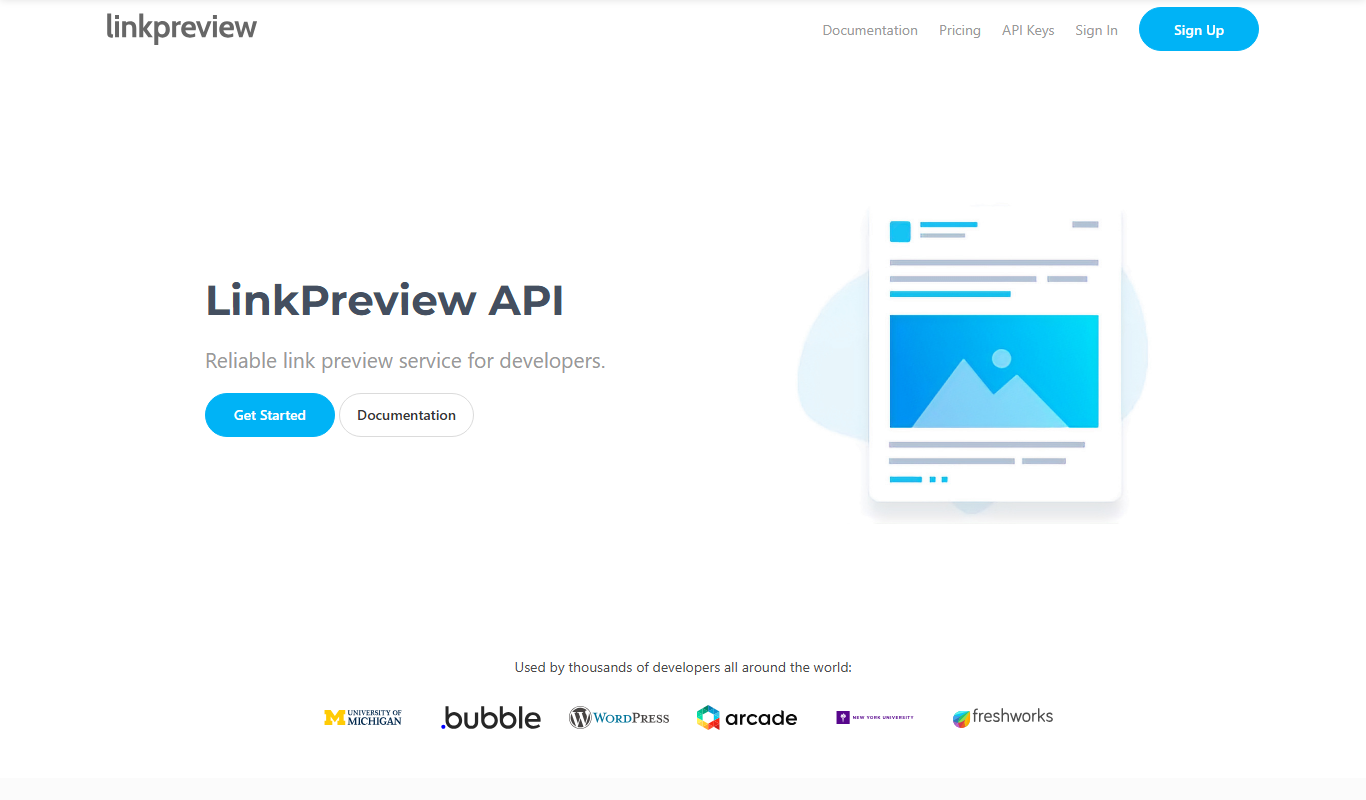
LinkPreview
LinkPreview is an API service that extracts metadata like title, description, and images from any URL to create rich link previews for websites and social media.
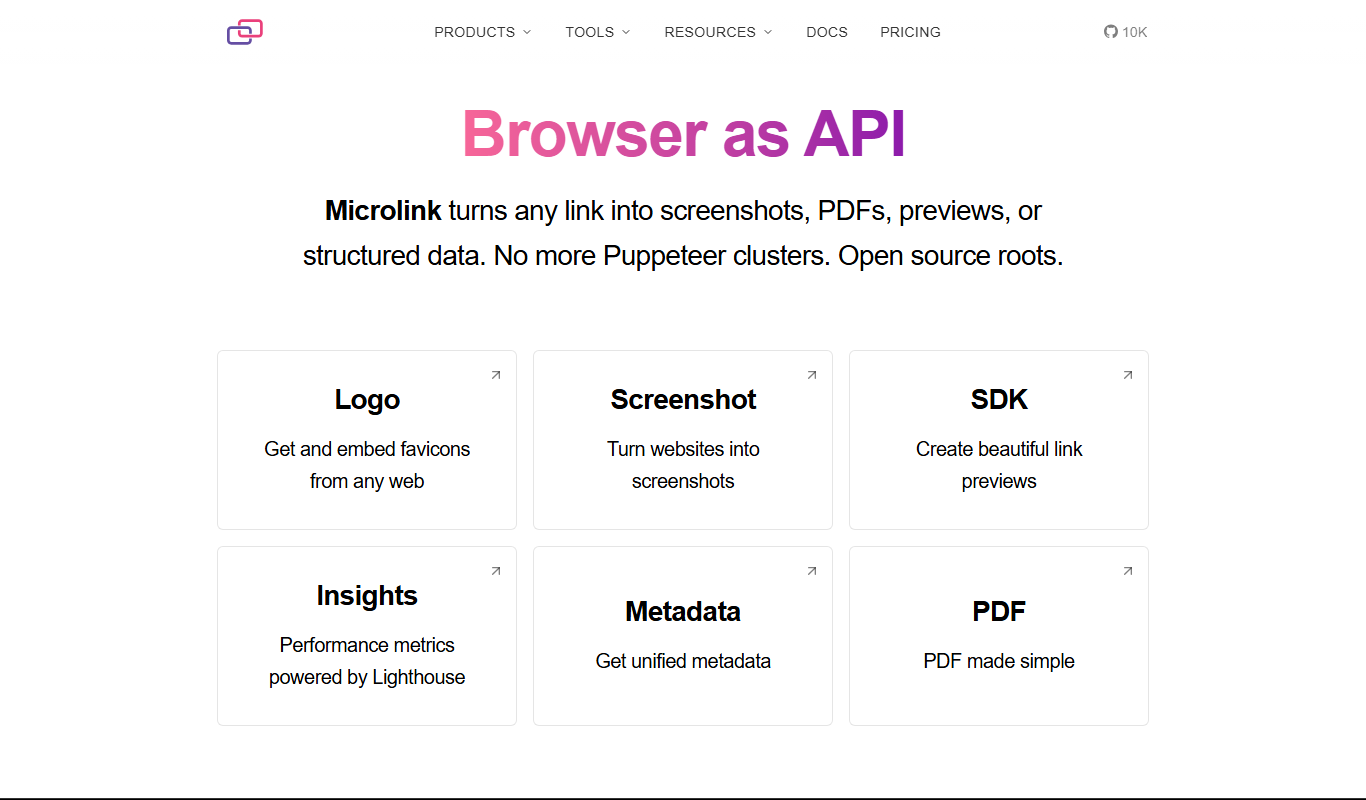
Microlink
Microlink is a developer-friendly API that extracts structured data and screenshots from any website URL, simplifying web scraping and enabling automation.