

CloudConvert Online File Converter for PDF, Video, Audio, and Images
CloudConvert is an online file conversion platform supporting over 200 formats, offering batch processing, customizable settings, and API integration for developers.
- Best for
- Document Conversion
- Key capability
- Wide Format Support
Save CloudConvert, follow its updates and vote on it — everything stays in your account.
Sign in or create a free account
What is CloudConvert?
CloudConvert is a versatile online file conversion service that supports over 200 formats including documents, images, audio, video, and archives. It allows users to convert files directly in the browser or via API integration, making it a flexible tool for individuals and developers who need reliable format conversion without installing software.
Key features of CloudConvert
CloudConvert offers extensive format support, high-quality conversions, batch processing, and API access. It also provides options to customize output settings such as resolution, codec, and compression, catering to both casual users and technical professionals.
Wide Format Support
Supports over 200 file formats including documents, images, audio, video, and archives.
API Access
Provides a powerful API for developers to integrate file conversion into their applications.
Batch Conversion
Allows users to convert multiple files simultaneously to improve efficiency.
Customizable Conversion Settings
Users can adjust parameters such as video resolution, audio bitrate, and image quality.
Cloud Storage Integration
Supports importing from and exporting to cloud services like Google Drive, Dropbox, and OneDrive.
Pros and cons of CloudConvert
Pros
- Supports a vast range of file formats
- No software installation required
- Flexible API for automation
- Batch conversion capability
- Cloud storage integration
Cons
- Free tier is limited to 10 credits per day
- Dependent on internet connection speed
- Advanced features require paid plans
Key use cases for CloudConvert
Document Conversion
Convert documents such as PDFs, Word files, and spreadsheets into various formats for easier sharing and editing.
Media File Conversion
Transform video and audio files between formats to ensure compatibility with different devices and platforms.
Image Format Conversion
Convert images to different file types and optimize them for web or print use.
API Integration for Developers
Use CloudConvert’s API to automate file conversions within applications or workflows.
Batch Processing
Convert multiple files simultaneously to save time and streamline workflows.
How CloudConvert works
- 1
Upload Files
Select files from your device, cloud storage, or provide URLs to upload them to CloudConvert.
- 2
Choose Output Format
Pick the desired output format from a wide range of supported types.
- 3
Adjust Settings
Optionally customize conversion parameters like quality, resolution, or codec.
- 4
Start Conversion
Initiate the conversion process and wait for it to complete.
- 5
Download Files
Download the converted files or save them directly to cloud storage.
Who is using CloudConvert
CloudConvert pricing
Free
$0
Free tier with 10 credits per day.
Packages
Starts from 1,000 credits, priced in euros
Credit packages priced in euros.
Subscription
Starting at $15/month
Includes a set number of conversion minutes per month and priority support.
Plans and prices are as published by the vendor and can change. Check the official site before you buy. Open the pricing page (opens in a new tab)
Frequently asked questions about CloudConvert
CloudConvert supports over 200 formats including PDF, DOCX, JPG, PNG, MP4, MP3, and many more.
Yes, CloudConvert offers a free tier with 10 credits per day.
Yes, CloudConvert provides a RESTful API to integrate file conversion into applications.
Files are transferred over secure connections and deleted shortly after conversion to protect user privacy.
It depends on your specific needs and how you plan to use the tool. The official website and documentation are the best sources for the latest details.
Some tools offer a free plan or trial with limited features. Availability can vary, so confirm on the official website.
Integration support depends on the tool and its available connectors or API. Check the official documentation or integrations page to confirm what is supported.
Yes, it can help with that use case depending on how you configure it and what features are available. You’ll get the best results with clear inputs and a defined goal.
Conclusion
Files can come from a device, cloud storage or a URL, and the converted output is downloaded or saved directly to cloud storage. In between, users pick the output format and can customize parameters such as quality, resolution or codec. Coverage spans over 200 formats across documents, images, audio, video and archives.
For developers, a RESTful API integrates the same file conversion into applications and automated workflows. It is designed for individuals and developers who need format conversion without installing software. The free tier gives 10 credits per day, and paid credit packages start from 1,000 credits, priced in euros.
Sources
Sign in to review this tool.
Sign In to ReviewNo reviews yet
Be the first to share how this tool worked for you.
Ask about pricing, limits, or how it compares — or answer someone else.
Sign In to AskNo questions yet
Have a question about using or paying for this tool? Be the first to ask.
Featured on TiorAI



Alternative Tools
Explore similar AI tools that might fit your needs

Zamzar
Zamzar is an online file conversion tool that supports over 1,200 formats including documents, images, audio, and video. It offers free and paid plans with batch processing and API access for developers.

Convertio
Convertio is a cloud-based online file converter that supports over 300 file formats including documents, images, audio, and video. It offers features like OCR, batch conversion, and cloud integration without requiring software installation.
More AI Audio Editing tools
Other tools in the same category, for when this one is not quite the fit.
Vocaroo
Vocaroo is a free online voice recorder that lets you record, share, and download audio clips instantly from your browser without any account or software installation.

Audiotool
Audiotool is a web-based digital audio workstation that lets users create, mix, and collaborate on music projects online using virtual instruments and effects without software installation.

Soundtrap
Soundtrap is a cloud-based digital audio workstation that enables users to create, record, edit, and collaborate on music and podcasts online through web and mobile platforms.

TuneIn Radio
TuneIn Radio is a streaming platform providing access to live radio stations, podcasts, music, and news globally, available on web, mobile, and smart devices with free and premium options.
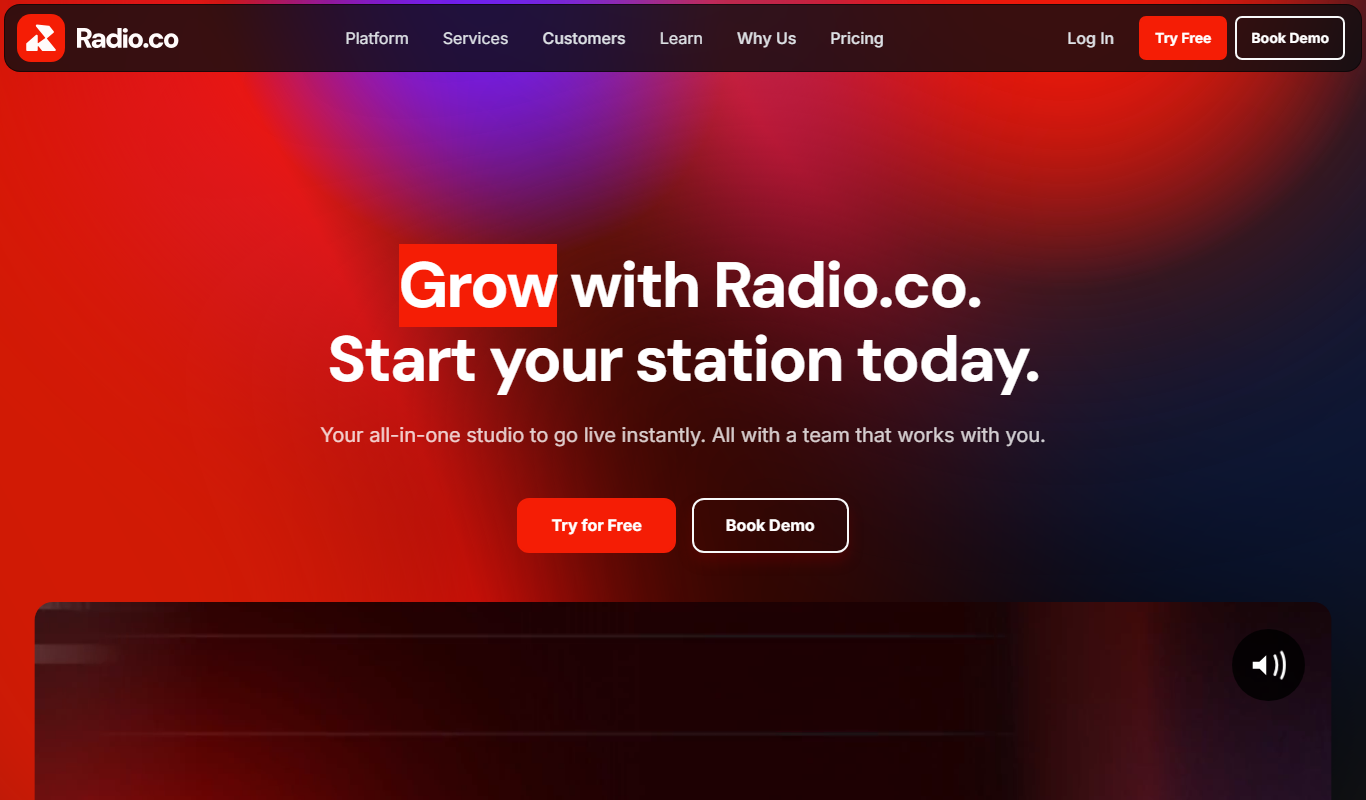
Radio.co
Radio.co is an online platform that allows users to create, manage, and broadcast internet radio stations and podcasts with live streaming, automated scheduling, and monetization features.

Noted
Noted is an AI-powered note-taking app that records audio and provides synchronized transcription and note organization, available on iOS and macOS.

TwistedWave Online
TwistedWave Online is a browser-based audio editor that enables users to record, edit, and export audio files without installing software, featuring multitrack editing and real-time effects.

AudioMass
AudioMass is a free, open-source online audio editor that runs in your browser, enabling multi-track editing, real-time effects, and audio recording without installation.