

From my experience with Deepfind, I found it excels at delivering highly relevant search results by leveraging AI-powered semantic understanding, which is a significant upgrade over traditional keyword search. After exploring the platform, it’s clear that Deepfind is particularly well-suited for large organizations needing to unify diverse data sources into a single, intuitive search experience. However, the lack of publicly available pricing and its focus on English language support may limit accessibility for smaller businesses or multilingual teams. Overall, if your goal is to enhance enterprise knowledge discovery with natural language search capabilities, Deepfind offers a robust and customizable solution.
Deepfind AI Search Engine for Enterprise Knowledge Discovery and Insights
Deepfind is an AI-driven enterprise search platform that enables organizations to perform natural language and semantic searches across multiple internal data sources to quickly find relevant information and insights.
- Best for
- Enterprise Knowledge Discovery
- Key capability
- Semantic Search
Your actions
Save Deepfind, follow its updates and vote on it — everything stays in your account.
Sign in or create a free account
What is Deepfind?
Deepfind is an AI-powered enterprise search engine designed to help organizations unlock value from their internal data. It uses natural language processing and semantic search to enable users to find relevant information across multiple data sources quickly and accurately. Deepfind integrates with existing document repositories, knowledge bases, and cloud storage to provide a unified search experience that goes beyond keyword matching.
Key features of Deepfind
Deepfind offers advanced semantic search capabilities, natural language query understanding, integration with various enterprise data sources, customizable search interfaces, and analytics to track search usage and improve knowledge management.
Semantic Search
Uses AI to understand the intent behind queries and deliver contextually relevant results.
Natural Language Processing
Supports conversational queries allowing users to search as if they were asking a colleague.
Multi-Source Integration
Connects to various enterprise data sources including cloud drives, databases, and intranet sites.
Customizable Interface
Allows organizations to tailor the search experience to their branding and workflow needs.
Analytics and Insights
Provides usage metrics and search analytics to optimize knowledge management strategies.
Pros and cons of Deepfind
Pros
- Advanced AI-powered semantic search improves result relevance
- Supports natural language queries for intuitive searching
- Integrates with multiple enterprise data sources
- Customizable search interface to fit organizational needs
- Provides analytics to enhance knowledge management
Cons
- Pricing details are not publicly available and require contacting sales
- Primarily targeted at enterprises, may not suit small businesses
- Limited language support focused on English
Key use cases for Deepfind
Enterprise Knowledge Discovery
Enable organizations to search across vast internal data repositories to quickly find relevant documents and insights.
Customer Support
Improve support efficiency by allowing agents to rapidly locate answers and troubleshooting guides from internal knowledge bases.
Research and Development
Assist R&D teams in uncovering relevant research papers, patents, and technical documents through semantic search.
Sales Enablement
Help sales teams access up-to-date product information and competitive intelligence to better engage prospects.
Compliance and Risk Management
Facilitate compliance audits by enabling fast retrieval of regulatory documents and policy information.
How Deepfind works
- 1
Connect Data Sources
Integrate Deepfind with your internal document repositories, cloud storage, and knowledge bases.
- 2
Index and Analyze
Deepfind indexes your data using AI to understand the context and meaning of documents.
- 3
Search with Natural Language
Users enter queries in natural language to retrieve relevant results ranked by semantic relevance.
- 4
Refine and Explore
Filter and explore search results with facets and metadata to quickly find precise information.
Who is using Deepfind
Large enterprises
Knowledge management teams
Customer support departments
Research and development teams
Sales enablement professionals
Compliance officers
Deepfind pricing
Enterprise
Contact Sales
Custom pricing based on organization size and integration requirements.
Plans and prices are as published by the vendor and can change. Check the official site before you buy. Open the pricing page (opens in a new tab)
Frequently asked questions about Deepfind
Deepfind can integrate with cloud storage services, document management systems, intranet sites, and various enterprise databases.
Yes, Deepfind uses natural language processing to understand and respond to conversational search queries.
Deepfind is primarily designed for medium to large enterprises with complex data environments.
Deepfind follows enterprise-grade security protocols and can be deployed on-premises or in private cloud environments.
This tool is designed to help users accomplish its core tasks more efficiently. It is typically used by individuals or teams looking to improve productivity and workflow.
It depends on your specific needs and how you plan to use the tool. The official website and documentation are the best sources for the latest details.
Integration support depends on the tool and its available connectors or API. Check the official documentation or integrations page to confirm what is supported.
Sign in to review this tool.
Sign In to ReviewNo reviews yet
Be the first to share how this tool worked for you.
Ask about pricing, limits, or how it compares — or answer someone else.
Sign In to AskNo questions yet
Have a question about using or paying for this tool? Be the first to ask.
Featured on TiorAI



Alternative Tools
Explore similar AI tools that might fit your needs
Custom Pricing
Coveo
Coveo is an AI-driven enterprise search and personalization platform that improves content discovery and customer experience by delivering relevant search results and recommendations.

Custom Pricing
Lucidworks
Lucidworks is an AI-driven enterprise search platform that helps organizations build intelligent search applications to discover insights from complex data using machine learning and natural language processing.
More AI Knowledge Base Tools tools
Other tools in the same category, for when this one is not quite the fit.

Free
TIL bot for Slack
TIL bot for Slack is an AI assistant that gets insights from conversations, summarizes threads, finds action items, sets one time and recurring reminders and gets answers with AI.

Custom Pricing
Glean
Glean is an AI-powered enterprise knowledge management platform that integrates multiple data sources to provide unified search, expert identification, and collaboration tools for organizations.

Free
RAGFlow
RAGFlow is an open-source RAG engine and agent platform that ingests multi-format data, runs hybrid search and builds AI agents in visual workflows, self-hosted or in the cloud.
Free
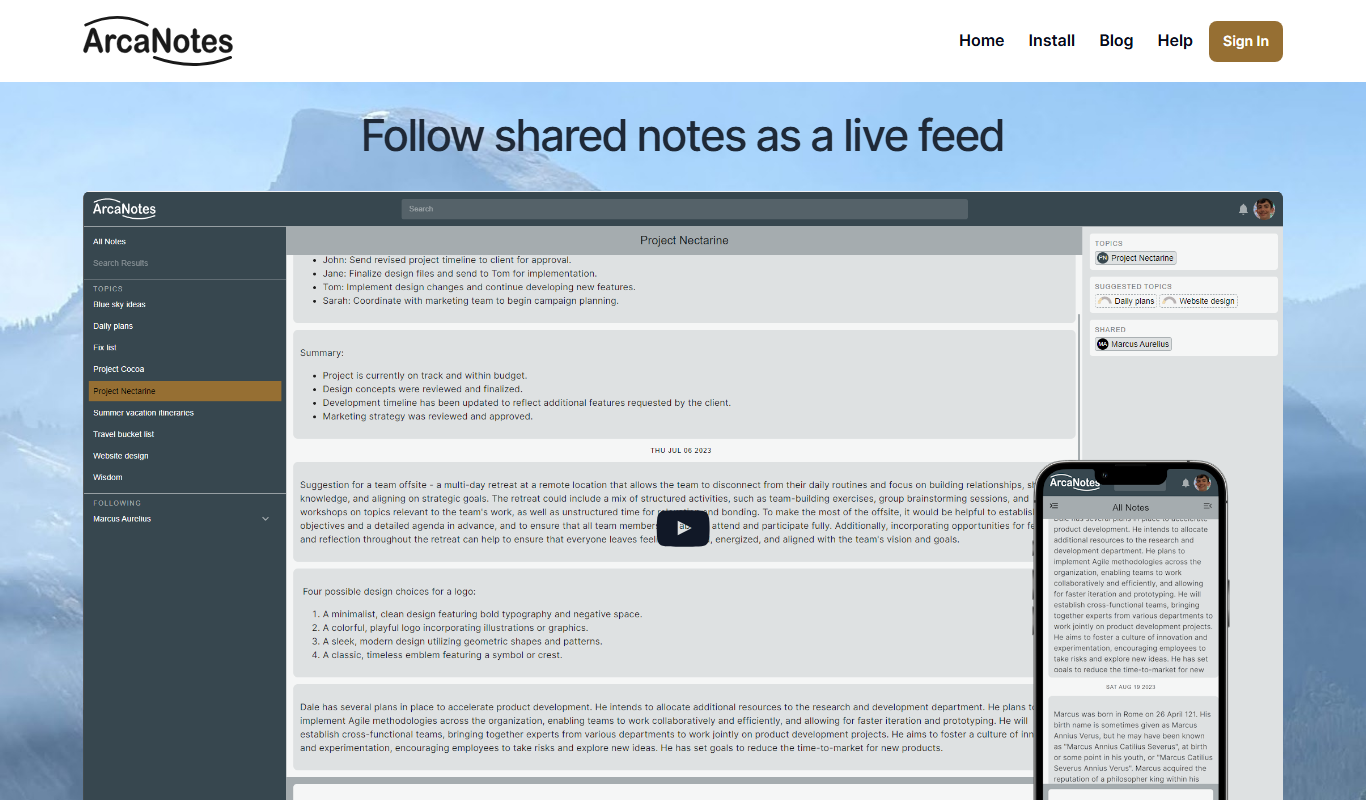
ArcaNotes
ArcaNotes is an AI-driven note-taking app that helps users organize, link, and summarize notes efficiently across devices with collaboration features.
Custom Pricing
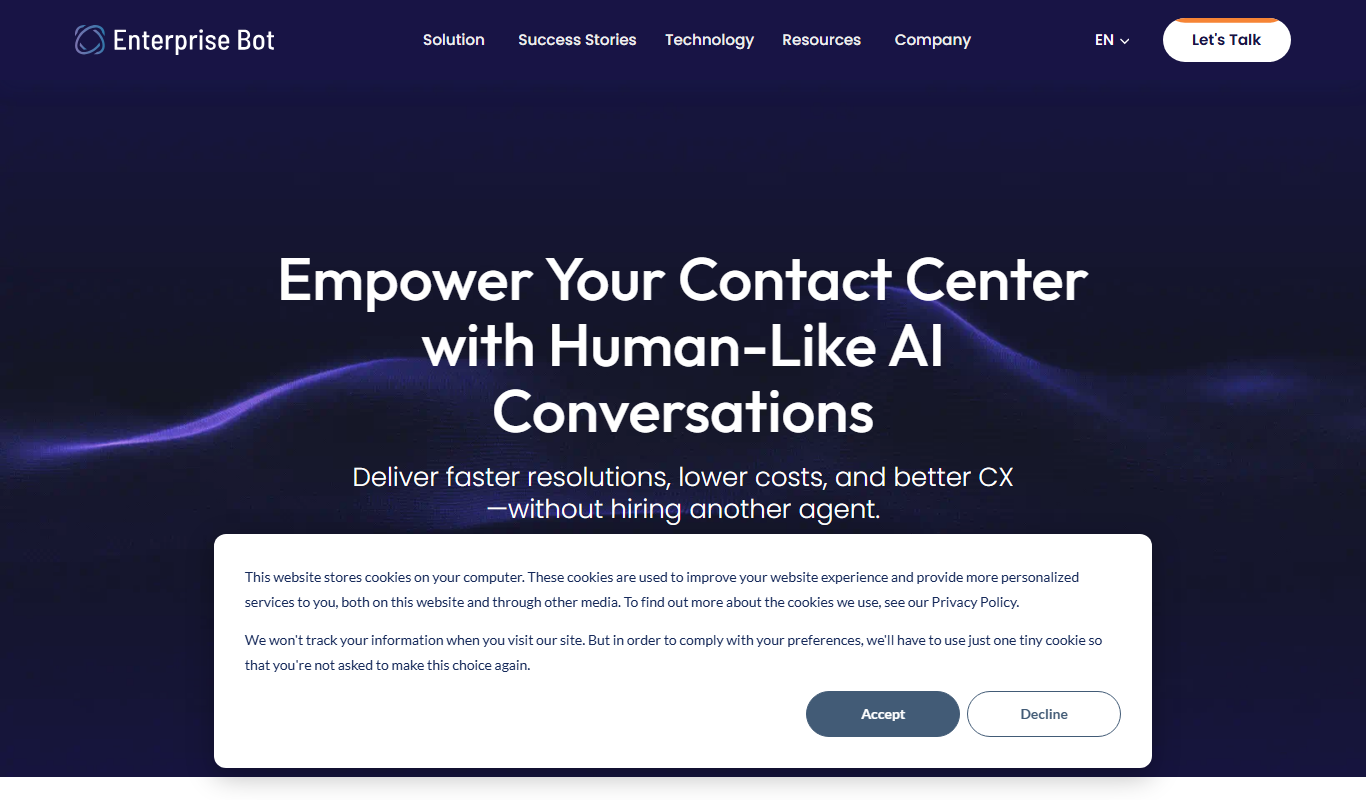
enterprisebot.ai
EnterpriseBot.ai is an AI chatbot platform designed for enterprises to automate customer support and internal workflows through customizable conversational AI deployed across multiple channels.

Free Trial
CloudTruth Config & Secrets AI Copilot
CloudTruth Config & Secrets AI Copilot is a cloud-native platform that centralizes and secures application configuration and secrets management, enhanced with AI to automate and optimize workflows.
Custom Pricing
Moveworks
Moveworks is an AI-driven platform that automates IT support by understanding employee requests via chat and resolving issues instantly, reducing helpdesk tickets and improving efficiency.

Custom Pricing
squirro.com
Squirro is an Enterprise GenAI platform for search and knowledge, with custom pricing.