

From my experience with TIL Bot for Slack, it stands out as a straightforward yet effective tool for fostering daily knowledge sharing within teams. Its seamless Slack integration makes it easy to adopt without disrupting existing workflows. I found it particularly useful for remote teams aiming to maintain engagement and continuous learning. However, its focus on English language and Slack platform limits broader applicability. Overall, if your team uses Slack and values regular knowledge exchange, TIL Bot offers a practical and affordable solution.
TIL Bot for Slack – Daily Knowledge Sharing and Team Learning Tool
TIL Bot for Slack is a Slack-integrated bot that encourages teams to share daily insights and knowledge in a simple 'Today I Learned' format, fostering continuous learning and collaboration.
- Best for
- Team Knowledge Sharing
- Key capability
- Slack Native Integration
Your actions
Save TIL bot for Slack, follow its updates and vote on it — everything stays in your account.
Sign in or create a free account
What is TIL bot for Slack?
TIL Bot for Slack is a productivity and knowledge management tool designed to integrate with Slack. It encourages teams to share daily insights, discoveries, or useful information in a simple ‘Today I Learned’ format. By fostering a culture of continuous learning and open communication, it helps teams retain knowledge and improve collaboration.
Key features of TIL bot for Slack
The bot offers seamless Slack integration, daily prompts for sharing knowledge, easy browsing of past entries, and supports multiple channels to organize information by team or topic.
Slack Native Integration
Works directly within Slack without needing external apps or complicated setups.
Daily Prompts and Reminders
Encourages regular knowledge sharing by sending friendly reminders to team members.
Organized Knowledge Base
Keeps all shared insights organized and easily accessible within Slack channels.
Searchable History
Allows users to quickly find past 'Today I Learned' entries for reference.
Pros and cons of TIL bot for Slack
Pros
- Easy Slack integration with minimal setup
- Encourages consistent team knowledge sharing
- Searchable archive of shared insights
- Affordable pricing with a free tier
Cons
- Limited language support (English only)
- Feature set focused primarily on Slack platform
Key use cases for TIL bot for Slack
Team Knowledge Sharing
Facilitates daily sharing of new knowledge or insights among team members directly within Slack channels.
Employee Learning and Development
Encourages continuous learning by prompting team members to contribute and read 'Today I Learned' entries.
Improving Team Engagement
Boosts team interaction and morale by creating a culture of curiosity and knowledge exchange.
Documentation and Idea Capture
Acts as a lightweight repository for capturing useful tips, tricks, and discoveries made by team members.
How TIL bot for Slack works
- 1
Install the Bot
Add TIL Bot to your Slack workspace and authorize necessary permissions.
- 2
Join Channels
Invite the bot to specific Slack channels where knowledge sharing will occur.
- 3
Share Daily Insights
Team members post their ‘Today I Learned’ entries directly in Slack using the bot’s commands or prompts.
- 4
Browse and Search
Users can browse previous entries or search for specific topics shared by the team.
Who is using TIL bot for Slack
Remote teams
Knowledge workers
Startups and SMEs
Learning and development teams
Product and engineering teams
TIL bot for Slack pricing
Free
$0/month
Basic access with limited daily entries and standard features.
Pro
$5/month per user
Enhanced features including unlimited entries, advanced search, and priority support.
Plans and prices are as published by the vendor and can change. Check the official site before you buy. Open the pricing page (opens in a new tab)
Frequently asked questions about TIL bot for Slack
You can add TIL Bot by visiting the official website and clicking the ‘Add to Slack’ button, then following the authorization steps.
Yes, the bot can be invited to multiple channels to organize knowledge sharing by team or topic.
The free plan has a daily entry limit, while the Pro plan offers unlimited entries.
Currently, TIL Bot supports English only.
This tool is designed to help users accomplish its core tasks more efficiently. It is typically used by individuals or teams looking to improve productivity and workflow.
It depends on your specific needs and how you plan to use the tool. The official website and documentation are the best sources for the latest details.
Yes, it can help with that use case depending on how you configure it and what features are available. You’ll get the best results with clear inputs and a defined goal.
Some tools offer a free plan or trial with limited features. Availability can vary, so confirm on the official website.
Sign in to review this tool.
Sign In to ReviewNo reviews yet
Be the first to share how this tool worked for you.
Ask about pricing, limits, or how it compares — or answer someone else.
Sign In to AskNo questions yet
Have a question about using or paying for this tool? Be the first to ask.
Featured on TiorAI



Alternative Tools
Explore similar AI tools that might fit your needs

Free Trial
Geekbot
Geekbot is an automated standup bot that collects team updates asynchronously within Slack and Microsoft Teams, helping teams stay aligned without synchronous meetings.
More AI Analytics Assistant tools
Other tools in the same category, for when this one is not quite the fit.

Free Trial
Socialinsider
Socialinsider is a social media analytics platform that helps businesses track, analyze, and benchmark their social media performance against competitors across platforms like Facebook, Instagram, Twitter, LinkedIn, YouTube and TikTok.

Freemium
Qualaroo
Qualaroo is a customer feedback software that helps businesses collect targeted website surveys and analyze user insights with AI-powered tools to improve customer experience.
Custom Pricing
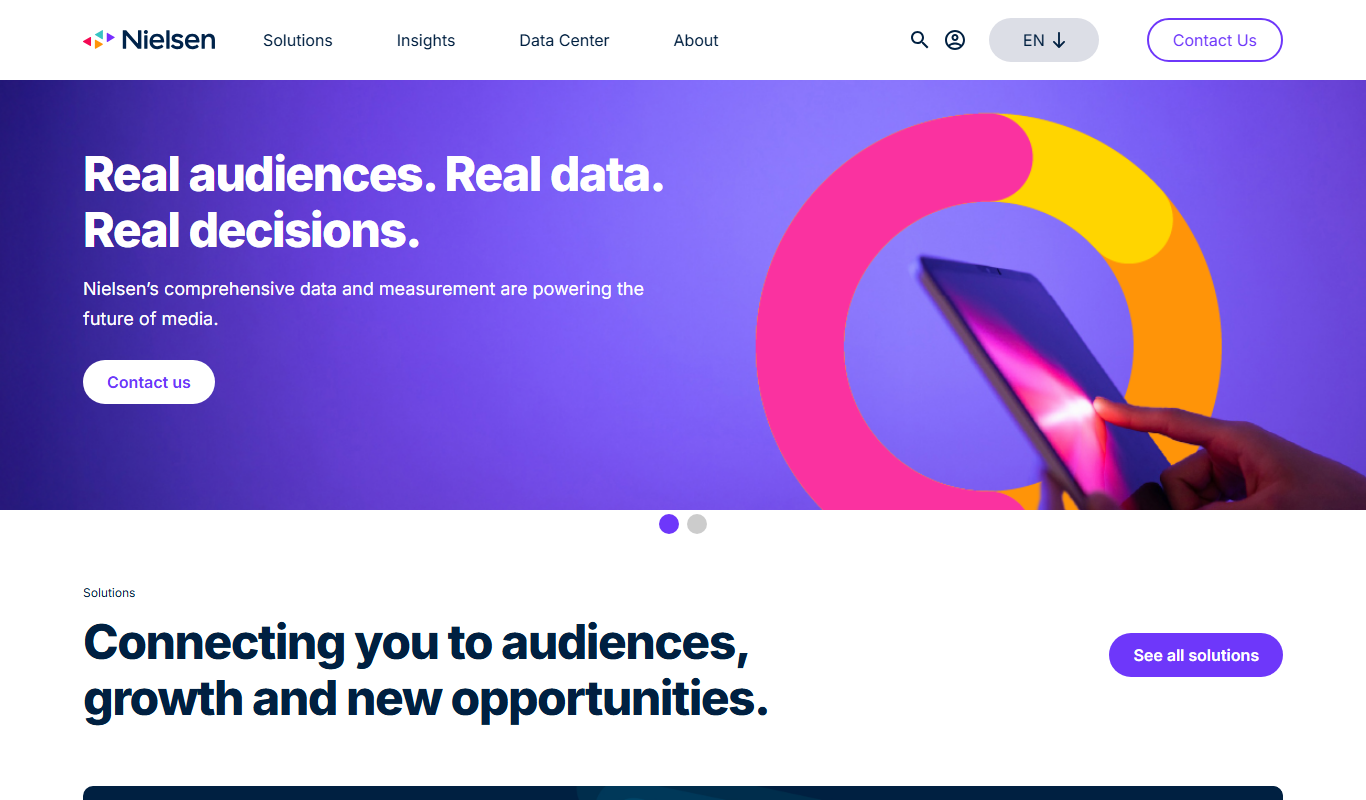
Nielsen Market Research
Nielsen Market Research provides detailed consumer and media data analytics to help businesses understand market trends, measure audience engagement, and optimize marketing strategies.

Free
Coupler.io
Coupler.io is a no-code data integration tool that automates importing and syncing data between apps and data warehouses, enabling scheduled data refreshes and streamlined reporting without coding.

Free
Zindi
Zindi is a free online platform hosting data science and machine learning competitions that connect organizations with a global community of data scientists to solve real-world problems.

Cloud Subscription
Matomo
Matomo is an open-source web analytics platform that provides detailed visitor insights while ensuring full data ownership and privacy compliance, available as self-hosted or cloud solutions.

Pay As You Go
Fundbox
Fundbox is a fintech platform providing small businesses with fast invoice financing and revolving credit lines to improve cash flow and access working capital.

Free
PriceRunner
PriceRunner is a free price comparison website and app that helps users find the best prices on products by comparing offers from multiple online retailers, providing price history, reviews, and customizable alerts.