

From my experience with DeckFlow PPT Translator, I found it excels at preserving the original slide formatting while delivering accurate AI-powered translations. This makes it especially useful for professionals who need to create multilingual presentations without spending hours reformatting slides. The integration with PowerPoint streamlines the workflow, and the ability to manually edit translations adds valuable flexibility. However, the free plan limits the number of slides you can translate, which might be restrictive for larger projects. Overall, if you require efficient and reliable presentation translation for international audiences, DeckFlow offers a practical and user-friendly solution.
DeckFlow PPT Translator - AI-Powered Presentation Translation Tool
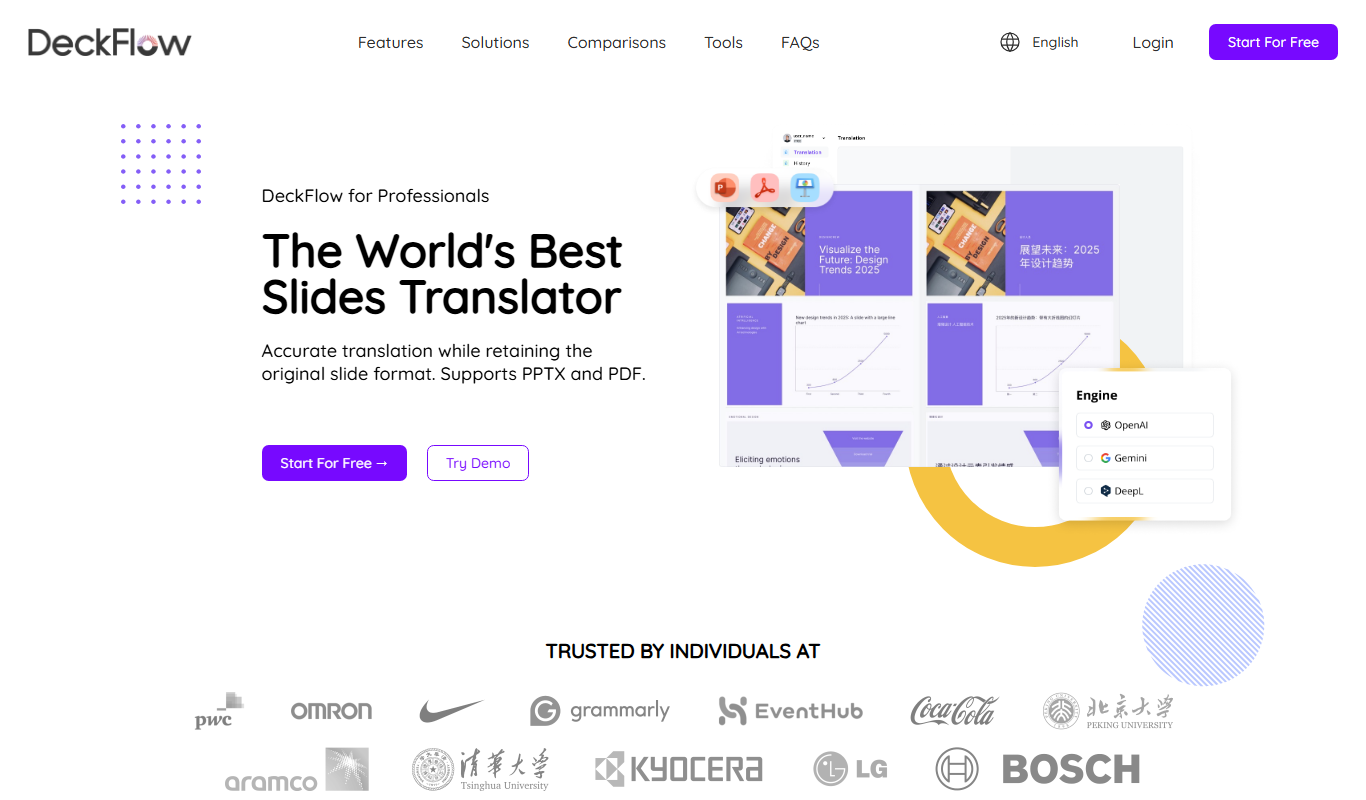
DeckFlow PPT Translator is an AI-powered tool that translates PowerPoint presentations into multiple languages while preserving slide formatting, enabling seamless multilingual communication.
- Best for
- Multilingual Presentation Creation
- Key capability
- AI-Powered Translation
Your actions

Do you recommend this tool?
What is DeckFlow PPT Translator?
DeckFlow PPT Translator is an AI-powered tool designed to translate PowerPoint presentations seamlessly into multiple languages. It integrates with PowerPoint to allow users to convert their slides’ text content while preserving formatting and design. This tool helps professionals, educators, and marketers communicate effectively across language barriers by automating the translation process for presentations.
Key features of DeckFlow PPT Translator
DeckFlow PPT Translator offers automated slide translation with AI accuracy, supports over 10 languages, maintains original slide formatting, and integrates directly with PowerPoint. It also provides options for manual editing post-translation and batch processing of multiple slides.
AI-Powered Translation
Uses advanced AI to translate slide content accurately and contextually.
Preserves Slide Formatting
Maintains original fonts, images, and layouts during translation.
Multi-language Support
Supports translation into more than 10 popular languages.
PowerPoint Integration
Works as an add-in within PowerPoint for seamless workflow.
Manual Editing Capability
Allows users to edit translated text directly within the tool.
Pros and cons of DeckFlow PPT Translator
Pros
- Accurate AI-based translation with contextual understanding
- Preserves original slide formatting and design
- Supports a wide range of languages
- Easy integration with PowerPoint
- Allows manual editing for fine-tuning translations
Cons
- Free plan limits number of slides translated
- Some complex layouts may require manual adjustment post-translation
- Enterprise pricing is not publicly listed
Key use cases for DeckFlow PPT Translator
Multilingual Presentation Creation
Translate entire PowerPoint presentations into multiple languages quickly to reach global audiences.
International Business Communication
Facilitate communication with international clients and partners by providing presentations in their native language.
Educational Content Localization
Adapt educational slides for students in different countries by translating content accurately.
Marketing and Sales Expansion
Localize marketing decks to better connect with regional markets and improve sales outreach.
Conference and Webinar Preparation
Prepare translated slides for multilingual conferences and webinars to engage diverse audiences.
How DeckFlow PPT Translator works
- 1
Upload or Open Presentation
Start by uploading your PowerPoint file or opening it directly within the DeckFlow add-in.
- 2
Select Target Language
Choose the language you want your slides to be translated into from the supported list.
- 3
Automatic Translation
The AI engine translates all slide text while preserving layout and design elements.
- 4
Review and Edit
Review the translated slides and make any manual adjustments if necessary.
- 5
Export or Present
Save the translated presentation or present it directly to your audience.
Who is using DeckFlow PPT Translator
Business professionals working with international clients
Educators creating multilingual course materials
Marketing teams localizing presentations
Conference organizers and speakers
Small to medium enterprises expanding globally
DeckFlow PPT Translator pricing
Free
$0/month
Basic translation features with limited slides per month.
Pro
$15/month
Unlimited slide translations, priority support, and advanced editing tools.
Enterprise
Custom pricing
Tailored solutions with team collaboration, API access, and dedicated support.
Plans and prices are as published by the vendor and can change. Check the official site before you buy. Open the pricing page (opens in a new tab)
Frequently asked questions about DeckFlow PPT Translator
It supports over 10 languages including English, French, German, Spanish, Chinese, Japanese, Korean, Portuguese, Italian, Dutch, and Russian.
Yes, DeckFlow maintains the original slide design, fonts, and images during the translation process.
Absolutely, the tool allows manual editing of translated text to ensure accuracy and customization.
The free plan has a limit on slides per month, while paid plans offer unlimited translations.
It depends on your specific needs and how you plan to use the tool. The official website and documentation are the best sources for the latest details.
Yes, it can help with that use case depending on how you configure it and what features are available. You’ll get the best results with clear inputs and a defined goal.
Some tools offer a free plan or trial with limited features. Availability can vary, so confirm on the official website.
Sign in to review this tool.
Sign In to ReviewNo reviews yet
Be the first to share how this tool worked for you.
Ask about pricing, limits, or how it compares — or answer someone else.
Sign In to AskNo questions yet
Have a question about using or paying for this tool? Be the first to ask.
Featured on TiorAI



Alternative Tools
Explore similar AI tools that might fit your needs

Free Trial
Lokalise
Lokalise is a cloud-based translation management platform designed to help software teams automate and streamline localization workflows through API integrations, mobile SDKs, and collaborative tools.

Freemium
Smartcat
Smartcat is a cloud-based translation management platform that integrates CAT tools, machine translation, and a freelance marketplace to help businesses and translators collaborate efficiently on localization projects.
More AI Presentation Tools tools
Other tools in the same category, for when this one is not quite the fit.

Free
Reveal.js
Reveal.js is an open-source HTML presentation framework that allows developers to create interactive, customizable slide decks using web technologies like HTML, CSS, and JavaScript.
Free Trial
CueCam Presenter
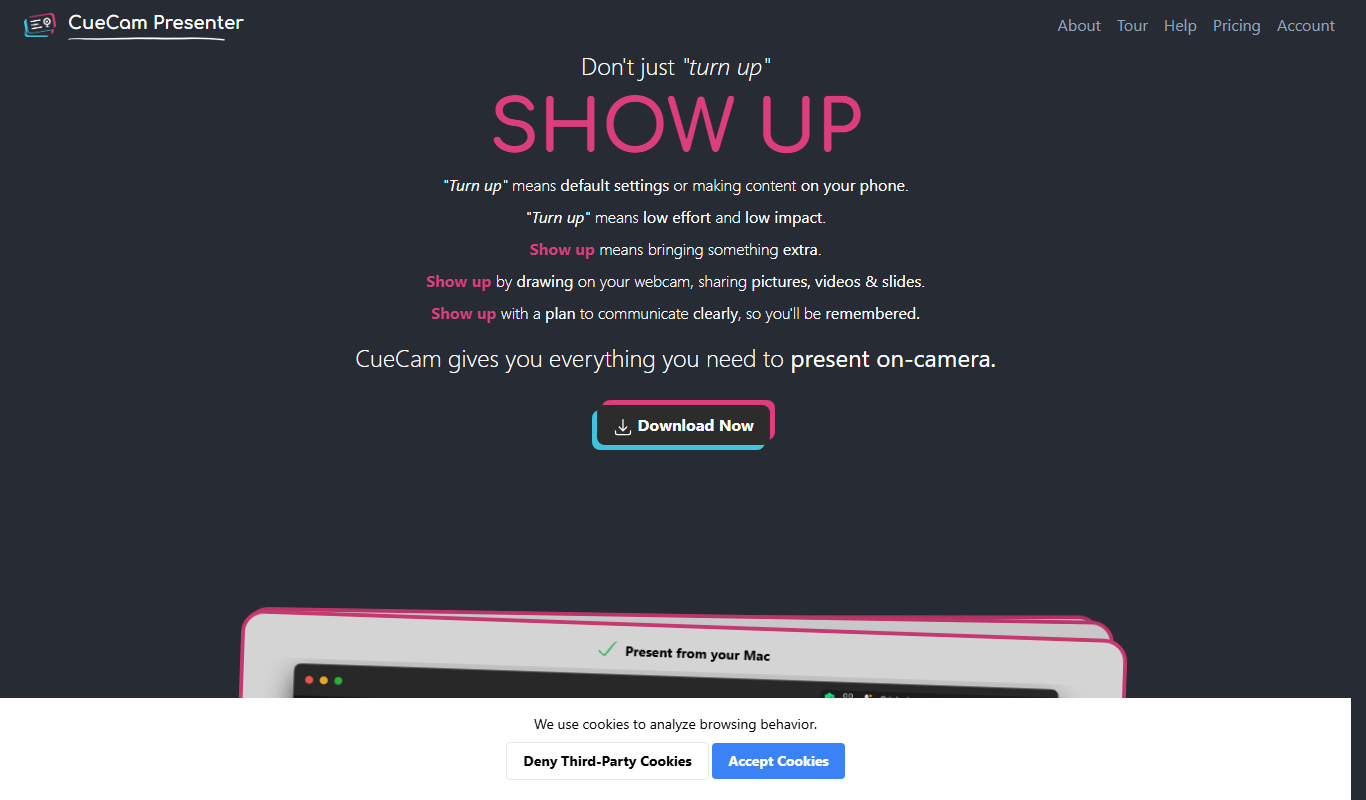
CueCam Presenter is a wireless camera app that streams HD video from iOS devices to Mac computers over Wi-Fi, ideal for live streaming and presentations without cables.

Free
AI PPT Maker
AI PPT Maker is an online tool that uses artificial intelligence to automatically generate and design PowerPoint presentations based on your input, helping you create professional slides quickly and easily.

Free
SuperDeck
SuperDeck is an AI-driven online tool that automates slide deck creation by generating content and design suggestions, enabling fast and professional presentations.

Free
Wonderslide
Wonderslide is an online presentation maker that enables users to create, customize, and collaborate on slide decks using templates and drag-and-drop tools.

Free Trial
shufflrr.com
Shufflrr is a presentation management tool that centralizes PowerPoint slides, enabling teams to organize, collaborate, and deliver presentations efficiently with version control and analytics.
Free
DeckBird.ai
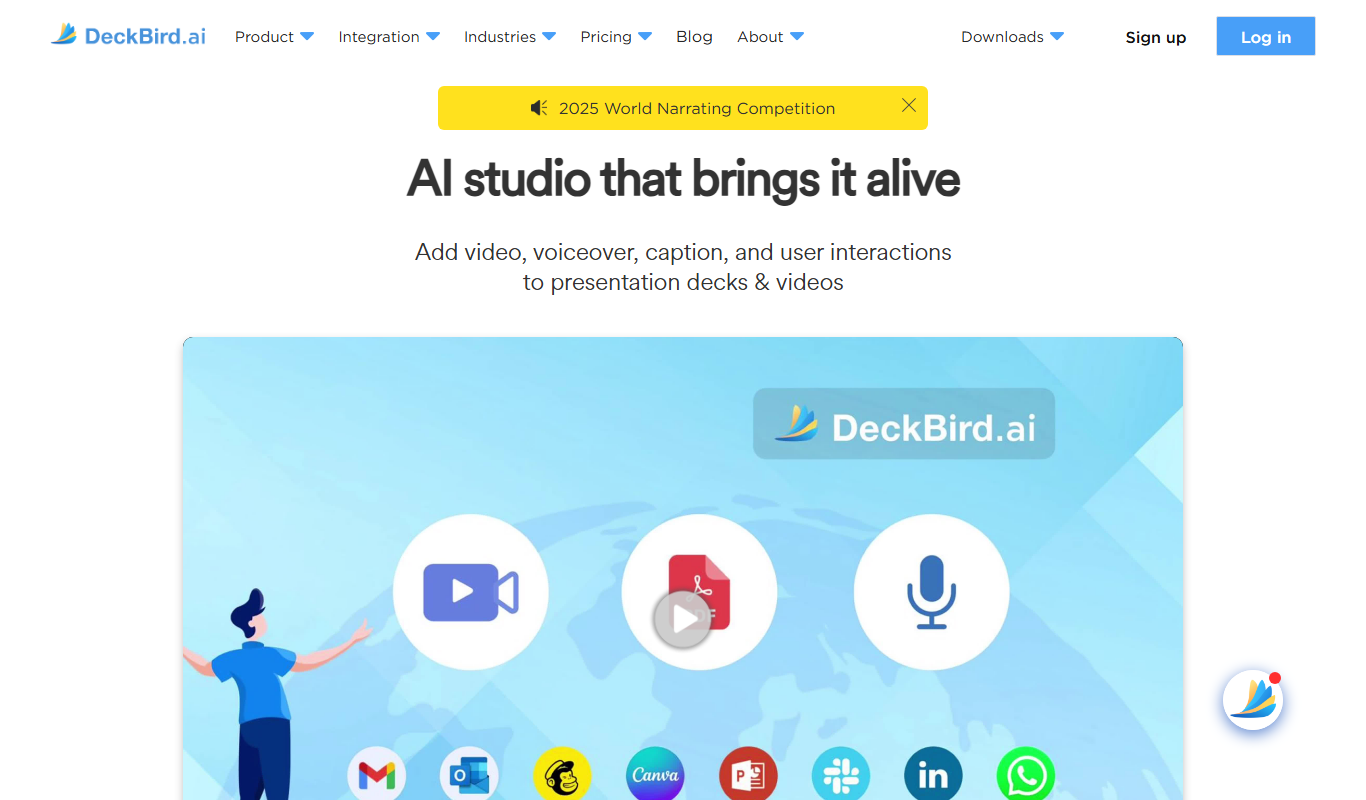
DeckBird.ai is an AI-driven presentation software that automates slide creation and design, enabling users to quickly generate professional presentations from text or documents.
Freemium
SlidesAI
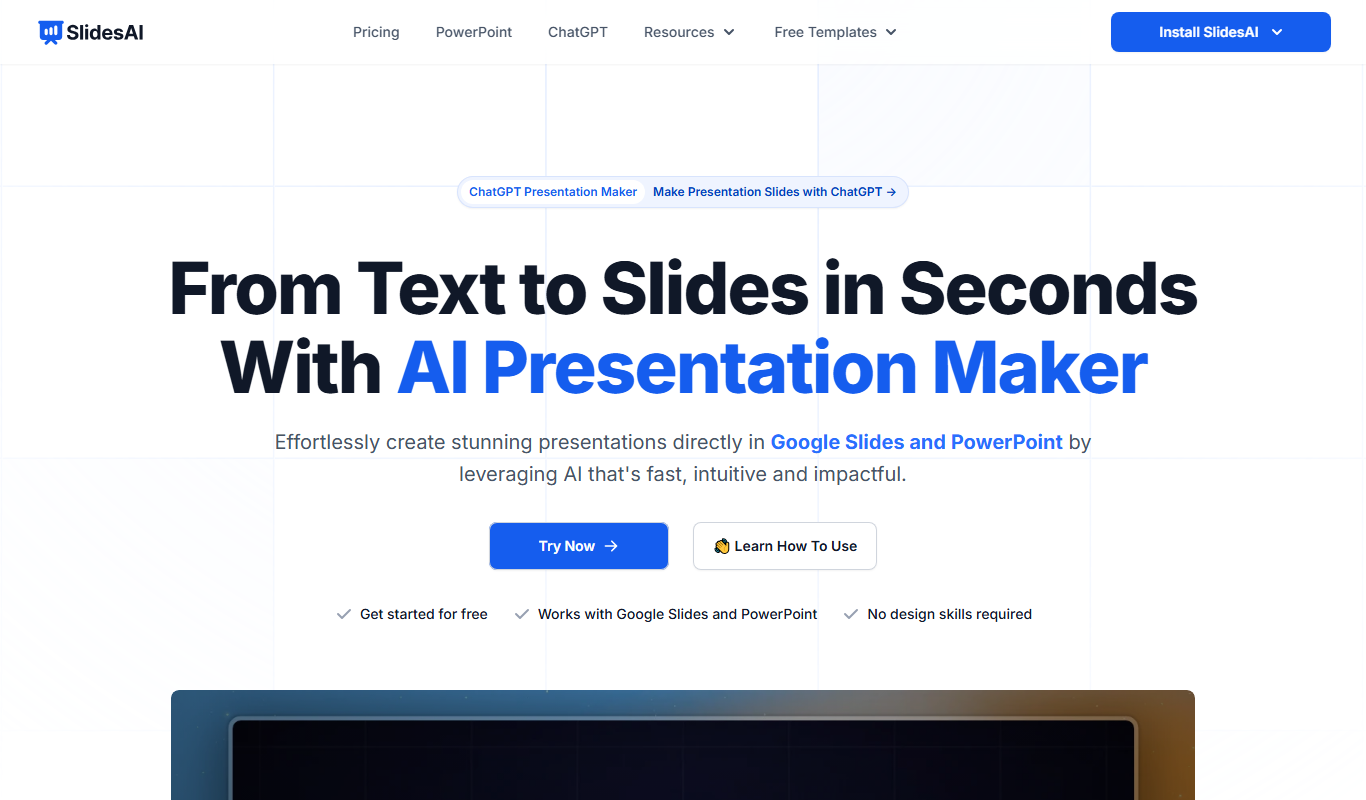
SlidesAI is an AI-driven tool that converts text into polished presentation slides, streamlining the creation process for users without design skills.