

Core Games Platform for User-Created Multiplayer Games and Social Experiences
Core Games is a free platform that enables users to create, publish, and play multiplayer games using accessible tools and scripting, with built-in social and networking features.
- Best for
- Multiplayer Game Development
- Key capability
- User-Friendly Game Editor
Save Core Games, follow its updates and vote on it — everything stays in your account.
Sign in or create a free account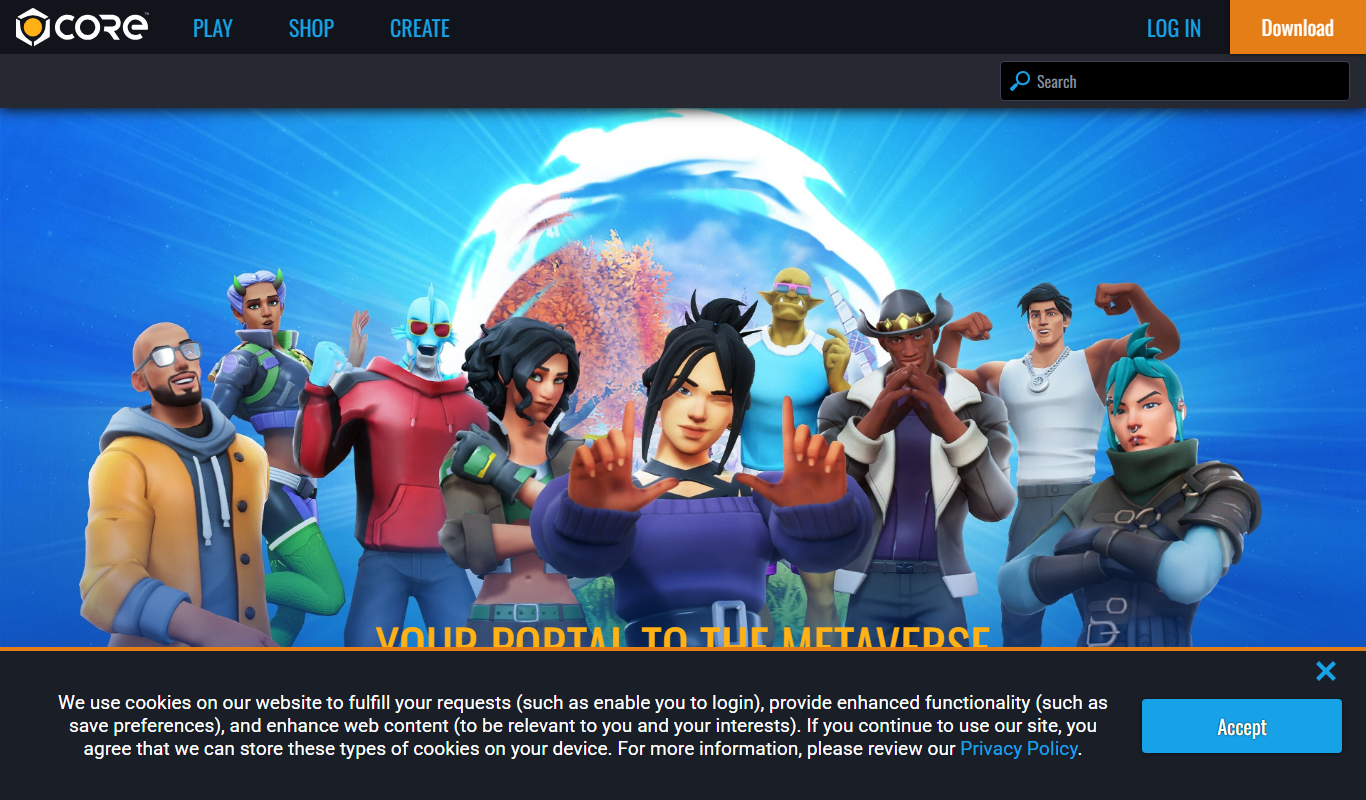
What is Core Games?
Core Games is a free platform that empowers users to create, play, and share multiplayer games and social experiences. It combines accessible game creation tools with a vibrant community, allowing creators to build games without needing extensive programming knowledge. Core supports scripting, asset creation, and multiplayer networking, making it suitable for hobbyists and aspiring developers alike.
Key features of Core Games
Core offers an integrated game creation environment with drag-and-drop tools, Lua scripting, multiplayer networking, and social features. It hosts a marketplace for assets and games, supports cross-platform publishing, and fosters community engagement through events and social hubs.
User-Friendly Game Editor
Intuitive drag-and-drop interface combined with scripting for flexible game creation.
Multiplayer Networking
Built-in support for multiplayer gameplay with matchmaking and social features.
Asset Marketplace
Access and share 3D models, animations, sounds, and scripts within the community.
Cross-Platform Publishing
Publish games playable on PC and supported consoles without extra porting.
Community and Social Hubs
Connect with players and creators through social spaces and events.
Pros and cons of Core Games
Pros
- Accessible game creation tools for beginners and advanced users
- Integrated multiplayer and social features
- Free to use with no upfront costs
- Active community and asset marketplace
- Cross-platform publishing capabilities
Cons
- Currently supports English only
- Requires a Windows PC for the editor
- Limited to games built within Core’s ecosystem
Key use cases for Core Games
Multiplayer Game Development
Create and publish multiplayer games with built-in networking and social features.
User-Generated Content Creation
Design and share custom game worlds, assets, and gameplay mechanics without extensive coding.
Social Gaming Experiences
Engage with a community of players through shared games, events, and social hubs.
Learning Game Design
Use Core’s accessible tools and scripting to learn game development concepts and techniques.
Cross-Platform Play
Publish games that players can access on PC and consoles, enabling broad audience reach.
How Core Games works
- 1
Sign Up
Create a free account on Core Games to access the platform and tools.
- 2
Download Core Editor
Install the Core game creation software on your PC to start building.
- 3
Create or Customize Games
Use built-in templates, assets, and Lua scripting to design your multiplayer game.
- 4
Publish and Share
Publish your game on Core’s platform for others to play and provide feedback.
- 5
Engage with Community
Join social hubs, participate in events, and collaborate with other creators.
Who is using Core Games
Core Games pricing
Free
$0/month
Full access to Core’s game creation tools and publishing platform without cost.
Plans and prices are as published by the vendor and can change. Check the official site before you buy. Open the pricing page (opens in a new tab)
Frequently asked questions about Core Games
Yes, Core Games is completely free to use for creating and playing games.
No, Core offers drag-and-drop tools for beginners, but also supports Lua scripting for advanced customization.
Core supports publishing games on PC and select consoles, expanding your audience reach.
Core includes built-in networking and matchmaking features to enable multiplayer gameplay.
This tool is designed to help users accomplish its core tasks more efficiently. It is typically used by individuals or teams looking to improve productivity and workflow.
Yes, it can help with that use case depending on how you configure it and what features are available. You’ll get the best results with clear inputs and a defined goal.
It depends on your specific needs and how you plan to use the tool. The official website and documentation are the best sources for the latest details.
Conclusion
Building on Core requires downloading the Core editor to a Windows PC, and finished games are published on Core’s platform for others to play. Creators can start from built-in templates and assets with drag-and-drop tools and turn to Lua scripting for advanced customization. Networking and matchmaking features are built in to enable multiplayer gameplay. Within the community, 3D models, animations, sounds and scripts can be accessed and shared through an asset marketplace.
It is aimed at aspiring game developers, indie game creators and game design students learning development concepts. Social hubs and events connect players with other creators. Creating and playing games on Core is completely free.
Sources
Sign in to review this tool.
Sign In to ReviewNo reviews yet
Be the first to share how this tool worked for you.
Ask about pricing, limits, or how it compares — or answer someone else.
Sign In to AskNo questions yet
Have a question about using or paying for this tool? Be the first to ask.
Featured on TiorAI



Alternative Tools
Explore similar AI tools that might fit your needs
Unity
Unity is a powerful cross-platform game engine and development platform used to create 2D, 3D, AR, and VR interactive content with real-time rendering and extensive deployment options.
More AI Developer Tools tools
Other tools in the same category, for when this one is not quite the fit.

Opstra
Opstra is a web-based options trading analytics platform that helps traders build, analyze, and backtest options strategies using real-time Indian market data.

SoftwareMill
SoftwareMill is a software development company specializing in custom IT solutions, cloud-native applications, and real-time data streaming using Scala, Java, and related technologies.

HeidiSQL
HeidiSQL is a free database client for Windows, with a native Linux build in beta, that supports MySQL, MariaDB, PostgreSQL, Microsoft SQL Server, SQLite and Firebird.
phpMyAdmin
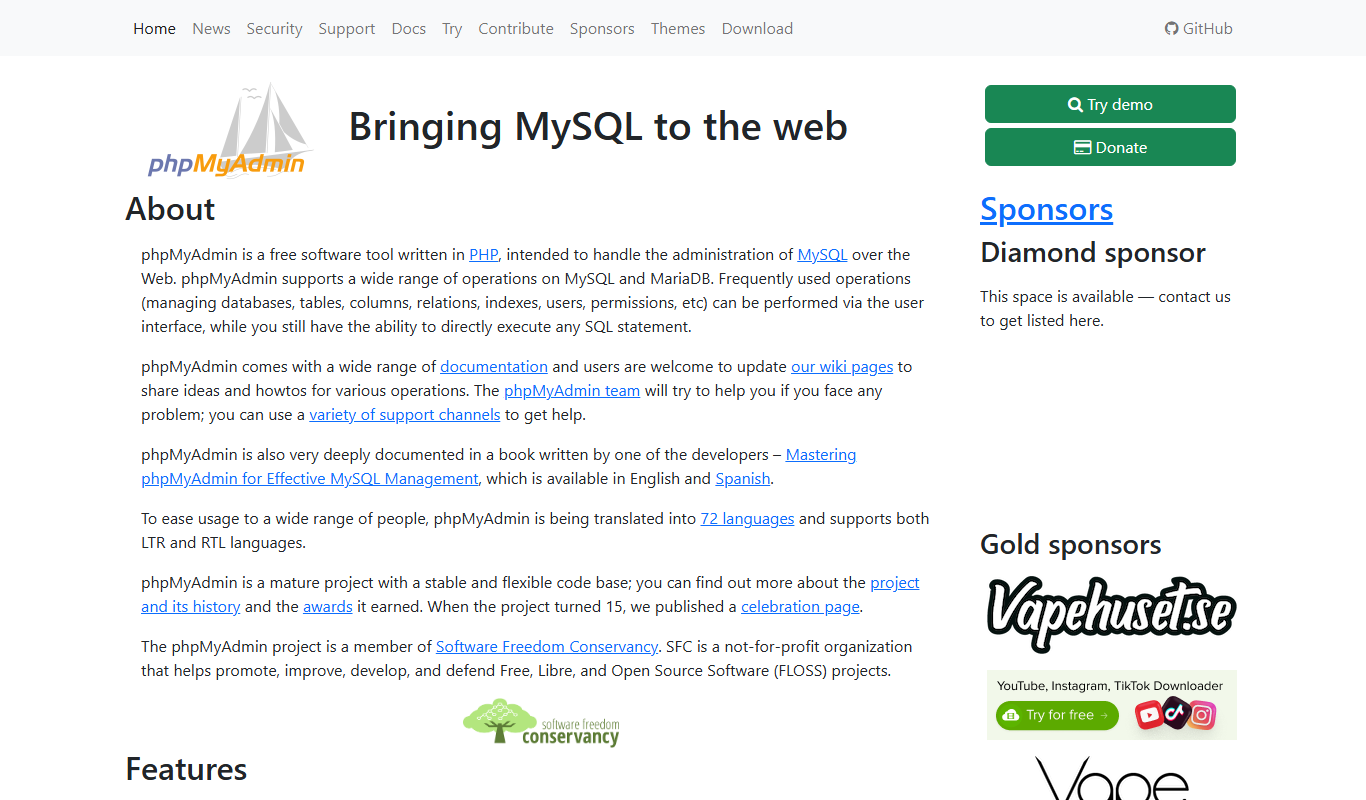
phpMyAdmin is a free, open-source web application that provides a graphical interface to manage MySQL and MariaDB databases, allowing users to perform database administration tasks without command-line knowledge.

DBeaver
DBeaver is a cross-platform database management tool that supports numerous database types, offering features like SQL editing, data visualization, and team collaboration.
TablePlus
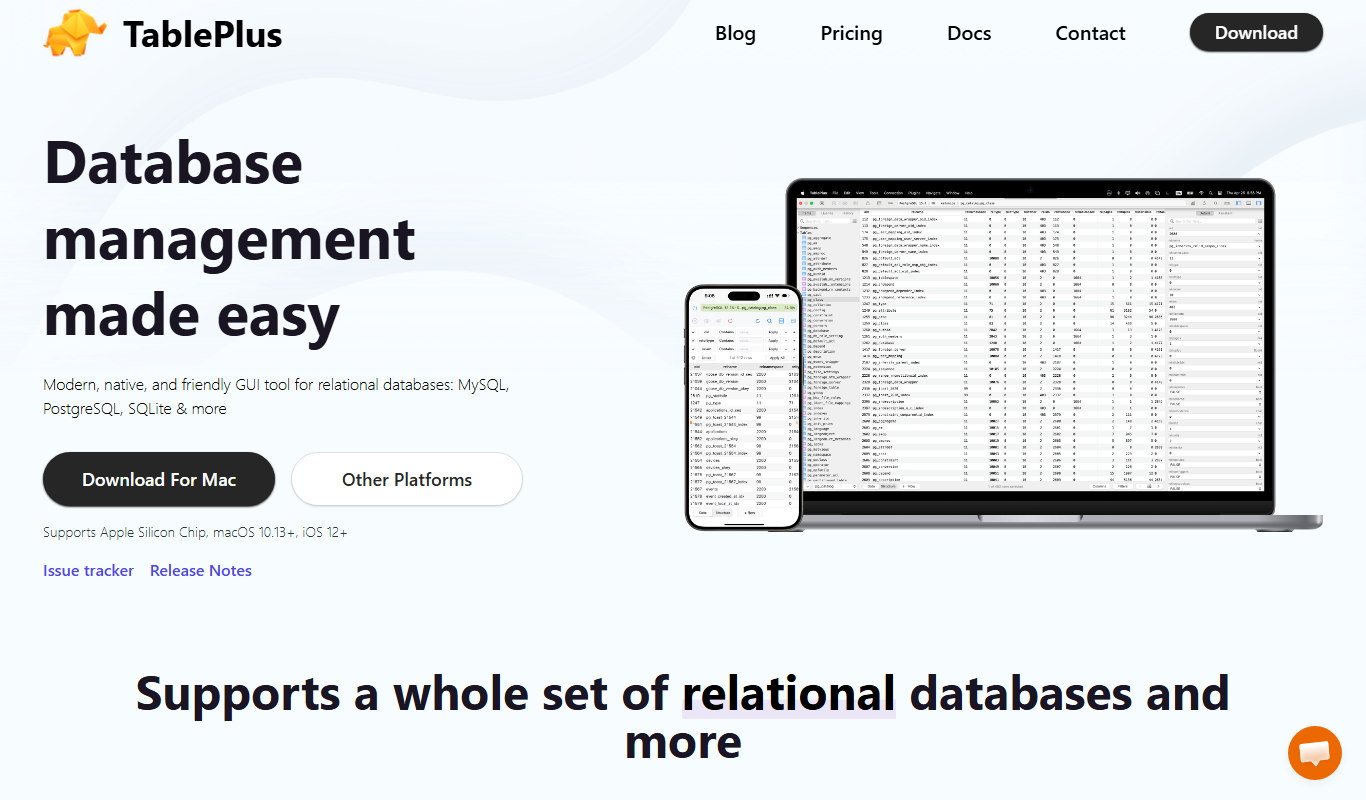
TablePlus is a native database management tool supporting multiple databases with features like advanced SQL editor, inline data editing, and secure connections.

Burp Suite
Burp Suite is a comprehensive web security testing platform by PortSwigger that enables penetration testers and security researchers to identify and exploit vulnerabilities in web applications through both automated scanning and manual testing tools.

Gerrit
Gerrit is an open-source web-based code review tool that integrates with Git to enable collaborative software development by managing code reviews, approvals, and merges.