

From my experience with ClipGrab, I found it excels at providing a straightforward, no-cost solution for downloading and converting online videos. Its simple interface and cross-platform availability make it accessible for users with varying technical skills. I found it particularly well-suited for casual users and educators who need offline access to video content. However, there is a trade-off: ClipGrab supports only a limited set of video platforms and occasionally requires updates to handle site changes. Overall, if you need a reliable free tool for video downloading and format conversion, ClipGrab delivers solid results.
ClipGrab Video Downloader and Converter for YouTube and Online Media
ClipGrab is a free, open-source video downloader and converter that lets you download videos from popular sites like YouTube and convert them into various formats including MP4 and MP3.
- Best for
- Download Online Videos
- Key capability
- Support for Multiple Video Sites
Your actions
Save ClipGrab, follow its updates and vote on it — everything stays in your account.
Sign in or create a free account
What is ClipGrab?
ClipGrab is a free and open-source video downloader and converter that allows users to easily download videos from popular online platforms like YouTube, Vimeo, and Dailymotion. It supports converting videos into multiple formats and extracting audio tracks, making it a versatile tool for offline media consumption.
Key features of ClipGrab
ClipGrab offers a simple interface to download videos by pasting URLs, automatic detection of downloadable videos on the clipboard, multiple output format options, and the ability to convert videos to audio files. It supports batch downloads and is compatible with Windows, macOS, and Linux.
Support for Multiple Video Sites
Download videos from YouTube, Vimeo, Dailymotion, and other popular platforms.
Format Conversion
Convert videos into formats like MP4, WMV, OGG Theora, or extract audio as MP3.
Clipboard Monitoring
Automatically detects video URLs copied to the clipboard for quick downloads.
Batch Downloading
Download multiple videos sequentially without manual intervention.
Cross-Platform Compatibility
Available for Windows, macOS, and Linux operating systems.
Pros and cons of ClipGrab
Pros
- Free and open-source with no ads
- Simple and intuitive user interface
- Supports multiple video platforms
- Cross-platform support for Windows, macOS, and Linux
- Includes video format conversion and audio extraction
Cons
- Limited to supported video websites
- No mobile app available
- Occasional issues with site changes affecting downloads
Key use cases for ClipGrab
Download Online Videos
Save videos from popular websites like YouTube, Vimeo, and Dailymotion for offline viewing.
Convert Video Formats
Convert downloaded videos into various formats such as MP4, WMV, OGG Theora, and MP3 audio files.
Extract Audio from Videos
Extract audio tracks from videos and save them as MP3 files for music or podcast use.
Offline Media Access
Access and watch downloaded videos without an internet connection on multiple devices.
How ClipGrab works
- 1
Copy Video URL
Copy the URL of the video you want to download from a supported website.
- 2
Paste URL in ClipGrab
Open ClipGrab and paste the copied URL into the download field.
- 3
Select Format and Quality
Choose the desired output format (video or audio) and quality settings.
- 4
Download and Convert
Start the download process; ClipGrab will fetch and convert the video accordingly.
Who is using ClipGrab
Casual users wanting offline video access
Content creators needing video/audio downloads
Educators preparing offline media
Students downloading lectures
Podcasters extracting audio from videos
ClipGrab pricing
Free
$0
Full access to all features without any cost or subscription.
Plans and prices are as published by the vendor and can change. Check the official site before you buy. Open the pricing page (opens in a new tab)
Frequently asked questions about ClipGrab
Yes, ClipGrab is open-source software and free from malware. Always download it from the official website.
ClipGrab supports many popular video sites like YouTube, Vimeo, and Dailymotion, but not all websites are supported.
Yes, ClipGrab allows downloading videos in various qualities including HD, depending on the source video availability.
Yes, ClipGrab can convert videos to MP3 audio files, allowing you to extract just the audio track.
It depends on your specific needs and how you plan to use the tool. The official website and documentation are the best sources for the latest details.
It depends on your specific needs and how you plan to use the tool. The official website and documentation are the best sources for the latest details.
Yes, it can help with that use case depending on how you configure it and what features are available. You’ll get the best results with clear inputs and a defined goal.
Yes, it can help with that use case depending on how you configure it and what features are available. You’ll get the best results with clear inputs and a defined goal.
Sign in to review this tool.
Sign In to ReviewNo reviews yet
Be the first to share how this tool worked for you.
Ask about pricing, limits, or how it compares — or answer someone else.
Sign In to AskNo questions yet
Have a question about using or paying for this tool? Be the first to ask.
Featured on TiorAI



More AI Audio Editing tools
Other tools in the same category, for when this one is not quite the fit.

Freemium
Soundly
Soundly is a cloud-based sound effects library and audio editing tool that provides instant access to thousands of high-quality sounds, integrated editing features, and cloud syncing for creative professionals.
One-time purchase
Boom Library
BOOM Library is a professional provider of high-quality, royalty-free sound effects used in film, TV, games, and music production, offering extensive libraries with detailed metadata and high-resolution audio files.
Pay As You Go
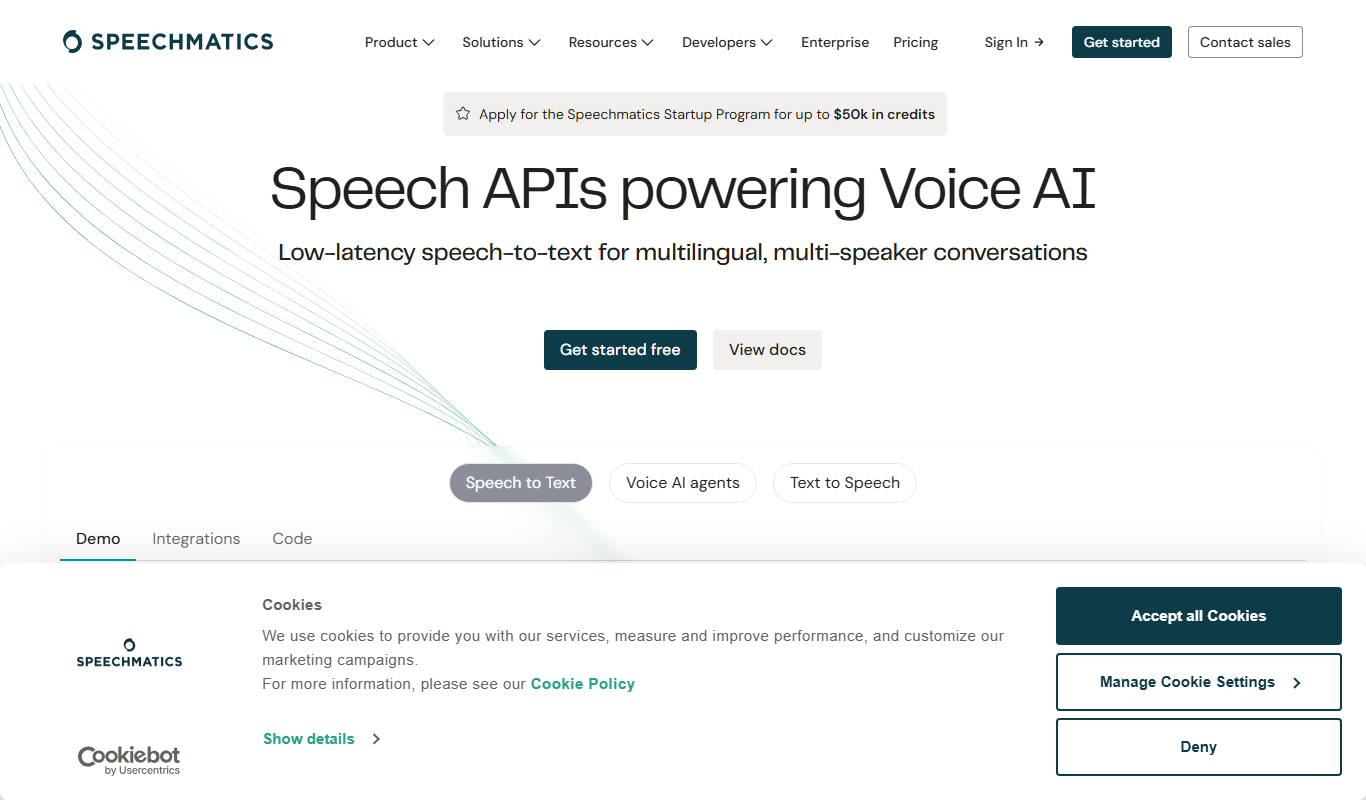
Speechmatics
Speechmatics is an AI-powered speech-to-text transcription software that converts audio and video into accurate text transcripts supporting multiple languages and real-time processing.
Free
Acapella Extractor
Acapella Extractor is an AI-based web tool that isolates vocals and instrumentals from audio tracks, enabling users to create acapellas, instrumentals, and karaoke versions quickly and easily.
Freemium
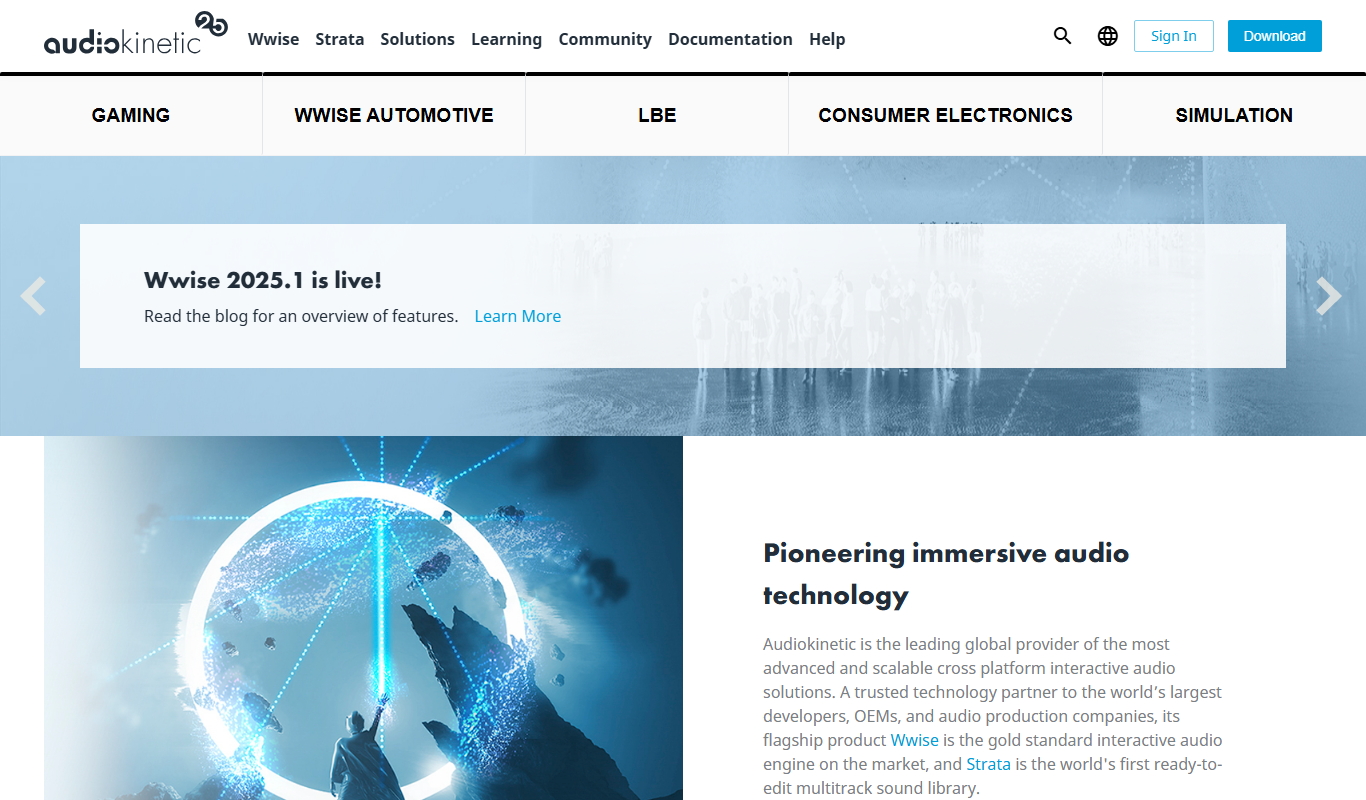
Wwise
Wwise is an audio middleware solution by Audiokinetic that enables interactive sound design and real-time audio integration for games and VR applications.

Custom Licensing
FMOD
FMOD is an advanced audio middleware platform used primarily by game developers and interactive media creators to design, integrate, and control adaptive audio content across multiple platforms.

One-time purchase
Vocaloid
Vocaloid is a singing voice synthesizer software by Yamaha that enables users to create realistic singing vocals by inputting melodies and lyrics, widely used in music production and virtual idol creation.

Free Trial
MorphVOX
MorphVOX is a voice changer software that allows real-time voice modification with various effects, ideal for gaming, streaming, and audio production.