

FMOD Audio Middleware Software for Game Sound Design and Interactive Audio
FMOD is an advanced audio middleware platform used primarily by game developers and interactive media creators to design, integrate, and control adaptive audio content across multiple platforms.
- Best for
- Game Audio Integration
- Key capability
- Visual Audio Event Editor
Save FMOD, follow its updates and vote on it — everything stays in your account.
Sign in or create a free account
What is FMOD?
FMOD is a comprehensive audio middleware solution designed primarily for game developers and interactive media creators. It enables the creation, integration, and management of adaptive audio content, including sound effects, music, and dialogue, with real-time control and mixing capabilities. FMOD Studio, the flagship product, offers an intuitive interface for sound designers to build complex audio behaviors without deep programming knowledge, while its API allows developers to integrate audio seamlessly into their projects.
Key features of FMOD
FMOD features a powerful audio engine, a visual event-based audio design tool, real-time parameter control, multi-platform support, and integration with popular game engines like Unity and Unreal Engine. It supports 3D audio spatialization, mixing, effects processing, and live update capabilities, making it a versatile tool for interactive audio development.
Visual Audio Event Editor
Design complex audio behaviors and interactive sound events with an intuitive drag-and-drop interface.
Multi-Platform Support
Deploy audio content across a wide range of platforms including PC, consoles, and mobile devices.
Real-Time Parameter Control
Adjust audio parameters dynamically during gameplay or application runtime for adaptive sound.
Integration with Game Engines
Seamless plugins and APIs for Unity, Unreal Engine, and other development environments.
3D Spatial Audio
Support for 3D audio positioning and environmental effects to enhance immersion.
Pros and cons of FMOD
Pros
- Robust and flexible audio middleware tailored for interactive media
- Supports a wide range of platforms and game engines
- Intuitive visual interface for sound designers
- Real-time audio parameter control and live updates
- Free tier available for small projects
Cons
- Steeper learning curve for beginners without audio or programming background
- Pricing can be expensive for large commercial projects
- Limited direct AI features compared to specialized AI audio tools
Key use cases for FMOD
Game Audio Integration
Integrate complex interactive audio and sound effects into video games across multiple platforms.
Sound Design and Mixing
Create, edit, and mix adaptive audio content with real-time parameter control for immersive experiences.
Interactive Media Development
Develop audio for VR, AR, and other interactive applications requiring dynamic sound behavior.
Audio Middleware for Developers
Provide developers with a robust audio engine and API for seamless audio implementation in software projects.
How FMOD works
- 1
Download and Install FMOD Studio
Get FMOD Studio from the official website and install it on your development machine.
- 2
Create Audio Events
Use the FMOD Studio interface to design audio events, including sounds, music, and effects with interactive parameters.
- 3
Integrate with Game Engine
Use FMOD’s API or plugins to integrate the audio events into your game or interactive application.
- 4
Test and Iterate
Test audio behavior in real-time within your project and adjust parameters or assets as needed.
- 5
Build and Deploy
Build your project with FMOD audio integrated and deploy to supported platforms.
Who is using FMOD
FMOD pricing
Indie
$0
Free Indie license for projects with under $200K in annual revenue and a budget under $600K.
Basic
Priced per title
Paid license priced per title.
Premium
Priced per title
Paid license priced per title.
Plans and prices are as published by the vendor and can change. Check the official site before you buy. Open the pricing page (opens in a new tab)
Frequently asked questions about FMOD
FMOD supports Windows, MacOS, Linux, iOS, Android, PlayStation, Xbox, Nintendo Switch, and more.
Yes, FMOD provides official plugins and integration tools for both Unity and Unreal Engine.
FMOD is free under the Indie license for projects with under $200K in annual revenue and a budget under $600K. Larger projects need a paid Basic or Premium license priced per title.
Yes, FMOD includes advanced 3D spatial audio features for immersive sound design.
This tool is designed to help users accomplish its core tasks more efficiently. It is typically used by individuals or teams looking to improve productivity and workflow.
Some tools offer a free plan or trial with limited features. Availability can vary, so confirm on the official website.
Integration support depends on the tool and its available connectors or API. Check the official documentation or integrations page to confirm what is supported.
Conclusion
Sound designers build audio events in FMOD Studio, combining sounds, music and effects with interactive parameters, and developers then bring those events into a game or interactive application through the API or plugins. Official plugins and integration tools exist for both Unity and Unreal Engine. At runtime, audio parameters can be adjusted dynamically for adaptive sound, and 3D audio positioning with environmental effects is supported. Audio content can be deployed to PC, consoles and mobile devices.
Game developers, sound designers and VR/AR developers are its main users, and the software is described as letting sound designers build complex audio behaviors without deep programming knowledge. Licensing depends on project size: the free Indie license applies to projects with under $200K in annual revenue and a budget under $600K. Larger projects need a paid Basic or Premium license, which is priced per title.
Sources
Sign in to review this tool.
Sign In to ReviewNo reviews yet
Be the first to share how this tool worked for you.
Ask about pricing, limits, or how it compares — or answer someone else.
Sign In to AskNo questions yet
Have a question about using or paying for this tool? Be the first to ask.
Featured on TiorAI



Alternative Tools
Explore similar AI tools that might fit your needs
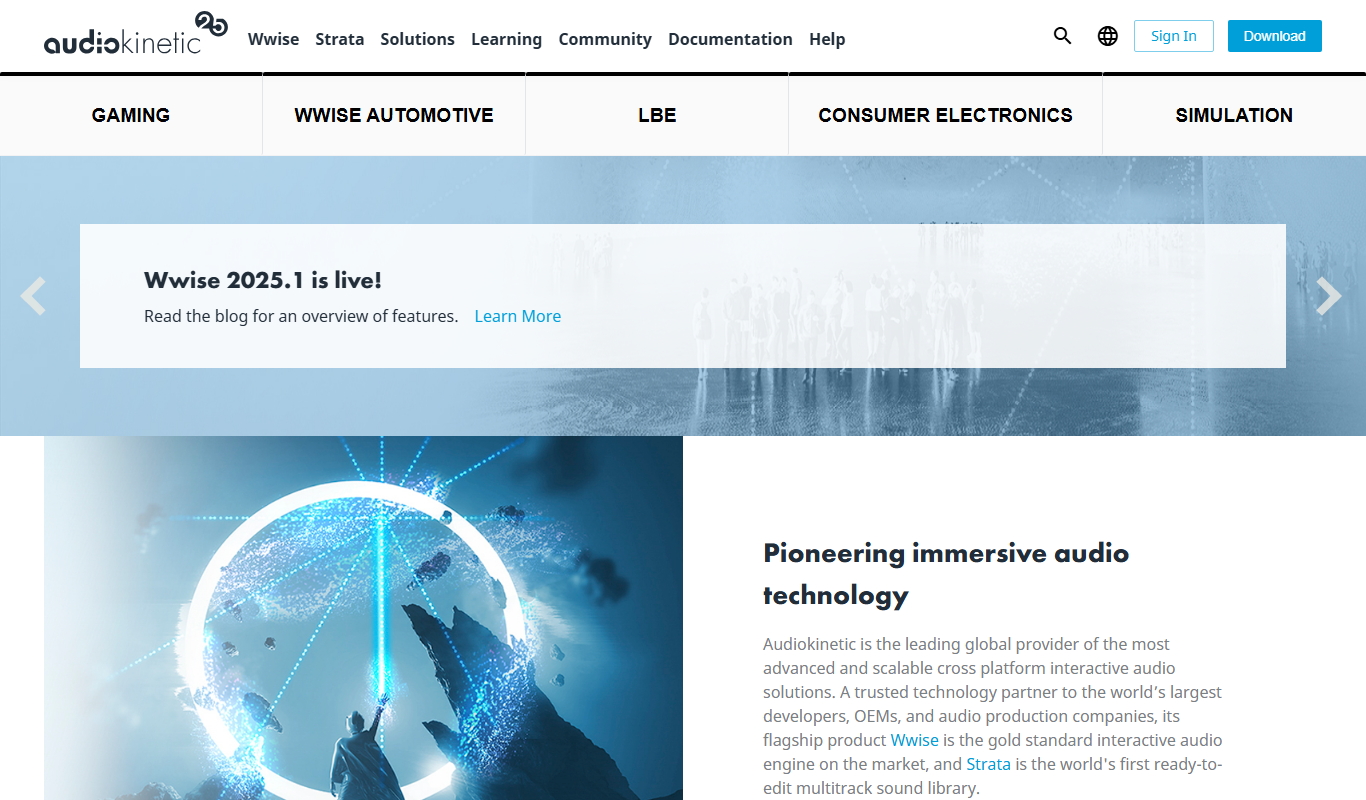
Wwise
Wwise is an audio middleware solution by Audiokinetic that enables interactive sound design and real-time audio integration for games and VR applications.
More AI Audio Editing tools
Other tools in the same category, for when this one is not quite the fit.

Drumbit
Drumbit is a free web-based drum machine that lets you create and export drum beats using an easy step sequencer interface with multiple drum kits and tempo control.

Soundiiz
Soundiiz is a web-based tool that lets you transfer and synchronize music playlists across over 40 streaming services like Spotify and Apple Music, simplifying playlist management and sharing.

SoundCloud
SoundCloud is a music streaming and audio sharing platform that allows creators to upload, share, and monetize their audio content while listeners can discover and stream a vast library of music and podcasts.

Virtual DJ
Virtual DJ is a professional DJ software that enables live audio and video mixing with AI-powered beat matching, extensive hardware compatibility, and features for DJs of all skill levels.

Mixed In Key
Mixed In Key is a software tool that analyzes audio tracks to detect their musical key and energy level, helping DJs and producers perform harmonic mixing and create seamless transitions.
Vocaroo
Vocaroo is a free online voice recorder that lets you record, share, and download audio clips instantly from your browser without any account or software installation.

Audiotool
Audiotool is a web-based digital audio workstation that lets users create, mix, and collaborate on music projects online using virtual instruments and effects without software installation.

Soundtrap
Soundtrap is a cloud-based digital audio workstation that enables users to create, record, edit, and collaborate on music and podcasts online through web and mobile platforms.