

Vocaloid AI Singing Voice Synthesizer Software for Music Production
Vocaloid is a singing voice synthesizer software by Yamaha that enables users to create realistic singing vocals by inputting melodies and lyrics, widely used in music production and virtual idol creation.
- Best for
- Music Production
- Key capability
- Multiple Voice Banks
Save Vocaloid, follow its updates and vote on it — everything stays in your account.
Sign in or create a free account
What is Vocaloid?
Vocaloid is a singing voice synthesizer software developed by Yamaha Corporation that enables users to create realistic singing vocals by inputting lyrics and melodies. It uses advanced voice synthesis technology to generate human-like singing performances, allowing musicians, producers, and creators to produce vocal tracks without needing a live singer. Vocaloid supports multiple languages and offers a variety of voice banks representing different characters and vocal styles.
Key features of Vocaloid
Vocaloid’s main features include a user-friendly piano roll interface for melody input, customizable vocal expression controls, multiple voice banks with distinct vocal tones, support for various languages, and integration with digital audio workstations (DAWs) for seamless music production workflows.
Multiple Voice Banks
Access a diverse range of vocal characters and languages to suit different musical styles.
Advanced Vocal Expression Controls
Fine-tune singing nuances including vibrato, pitch, dynamics, and pronunciation for natural performances.
Piano Roll Interface
Intuitive melody and lyric input system familiar to music producers.
DAW Integration
Supports VST/AU plugins for seamless use within popular digital audio workstations.
Multilingual Support
Create vocals in multiple languages including English, Japanese, Spanish, Chinese, and Korean.
Pros and cons of Vocaloid
Pros
- Produces realistic singing vocals without a live singer
- Wide variety of voice banks and languages
- Detailed control over vocal expression
- Integrates well with music production software
- Strong community and extensive documentation
Cons
- Steep learning curve for beginners
- High initial cost for software and voice banks
- Requires music production knowledge for best results
Key use cases for Vocaloid
Music Production
Create realistic singing vocals for songs without a human singer using synthesized voices.
Songwriting and Composition
Experiment with vocal melodies and harmonies by inputting lyrics and melodies to generate singing parts.
Voice Acting and Character Voices
Produce unique character voices for multimedia projects such as games, animations, and virtual idols.
Live Performance Support
Use synthesized vocals for live shows or virtual concerts featuring Vocaloid characters.
Educational Tool
Learn about vocal synthesis technology and music production techniques.
How Vocaloid works
- 1
Install Software and Voice Banks
Download and install the Vocaloid software along with desired voice banks representing different singers.
- 2
Input Melody and Lyrics
Use the piano roll interface to enter the melody notes and type in the corresponding lyrics.
- 3
Adjust Vocal Parameters
Modify vocal expressions such as vibrato, dynamics, pitch bends, and phonetics to enhance realism.
- 4
Render and Export
Generate the synthesized singing audio and export it for use in music projects or further editing.
Who is using Vocaloid
Vocaloid pricing
Vocaloid 6 Editor
USD 225 before tax
Vocaloid 6 Editor with 25 voices included.
Voice Banks
From $63 to $243 per voice bank
Additional voice banks representing different characters and languages.
Plans and prices are as published by the vendor and can change. Check the official site before you buy. Open the pricing page (opens in a new tab)
Frequently asked questions about Vocaloid
Vocaloid is used to synthesize singing vocals by inputting melodies and lyrics, allowing music producers to create songs without a human singer.
Vocaloid software is available for Windows and macOS, and a Mobile VOCALOID Editor is available on iOS.
Yes, Vocaloid voice banks come with licenses that allow commercial use, but terms vary by voice bank.
Yes, Vocaloid supports multiple languages including English, Spanish, Chinese, and Korean depending on the voice bank.
It depends on your specific needs and how you plan to use the tool. The official website and documentation are the best sources for the latest details.
Yes, it can help with that use case depending on how you configure it and what features are available. You’ll get the best results with clear inputs and a defined goal.
Yes, it can help with that use case depending on how you configure it and what features are available. You’ll get the best results with clear inputs and a defined goal.
It depends on your specific needs and how you plan to use the tool. The official website and documentation are the best sources for the latest details.
Conclusion
Melody notes go into a piano roll, the matching lyrics are typed in, and voice banks supply the singer. Vibrato, dynamics, pitch bends and phonetics can then be adjusted before the singing is rendered and exported for music projects. VST/AU plugins let it work within popular digital audio workstations.
It serves music producers, songwriters and virtual idol creators, as well as game and animation sound designers. The desktop software runs on Windows and macOS, while a Mobile VOCALOID Editor is available on iOS. The Vocaloid 6 Editor costs USD 225 before tax with 25 voices included, and extra voice banks range from $63 to $243.
Sources
Sign in to review this tool.
Sign In to ReviewNo reviews yet
Be the first to share how this tool worked for you.
Ask about pricing, limits, or how it compares — or answer someone else.
Sign In to AskNo questions yet
Have a question about using or paying for this tool? Be the first to ask.
Featured on TiorAI



Alternative Tools
Explore similar AI tools that might fit your needs

Emvoice One
Emvoice One is an AI voice generator that converts text into natural, expressive speech with customizable voices, ideal for podcasts, videos, and accessibility.
More AI Audio Editing tools
Other tools in the same category, for when this one is not quite the fit.

Convertio
Convertio is a cloud-based online file converter that supports over 300 file formats including documents, images, audio, and video. It offers features like OCR, batch conversion, and cloud integration without requiring software installation.

Magenta Studio
Magenta Studio is a free, open-source AI music generation tool by Google that helps musicians create melodies, beats, and harmonies using machine learning models integrated with DAWs like Ableton Live.
Izotope RX
Izotope RX is a professional audio repair software that uses AI-driven tools to remove noise, clicks, hum, and other audio imperfections, widely used in music production, podcast editing, and post-production.

Soundly
Soundly is a cloud-based sound effects library and audio editing tool that provides instant access to thousands of high-quality sounds, integrated editing features, and cloud syncing for creative professionals.
Boom Library
BOOM Library is a professional provider of high-quality, royalty-free sound effects used in film, TV, games, and music production, offering extensive libraries with detailed metadata and high-resolution audio files.
Speechmatics
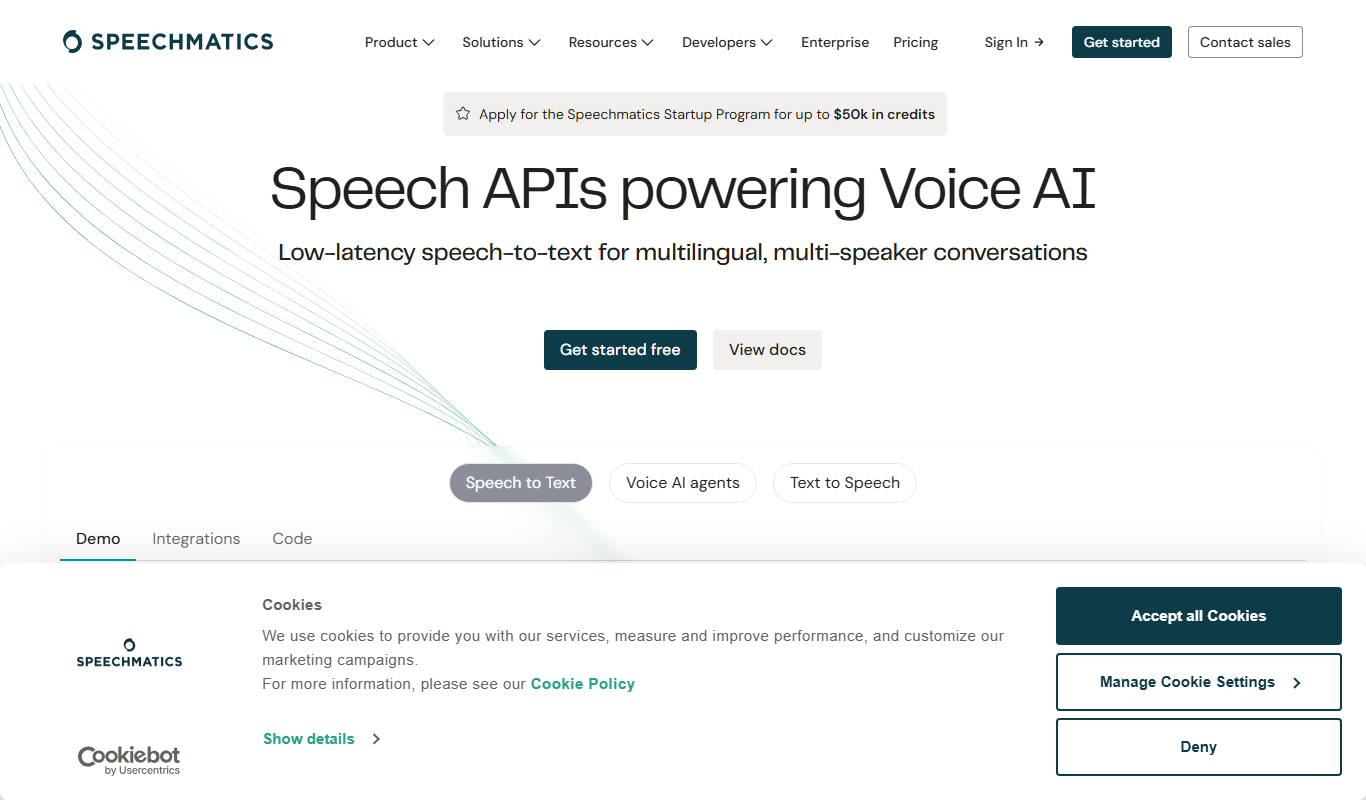
Speechmatics is an AI-powered speech-to-text transcription software that converts audio and video into accurate text transcripts supporting multiple languages and real-time processing.
Acapella Extractor
Acapella Extractor is an AI-based web tool that isolates vocals and instrumentals from audio tracks, enabling users to create acapellas, instrumentals, and karaoke versions quickly and easily.
Wwise
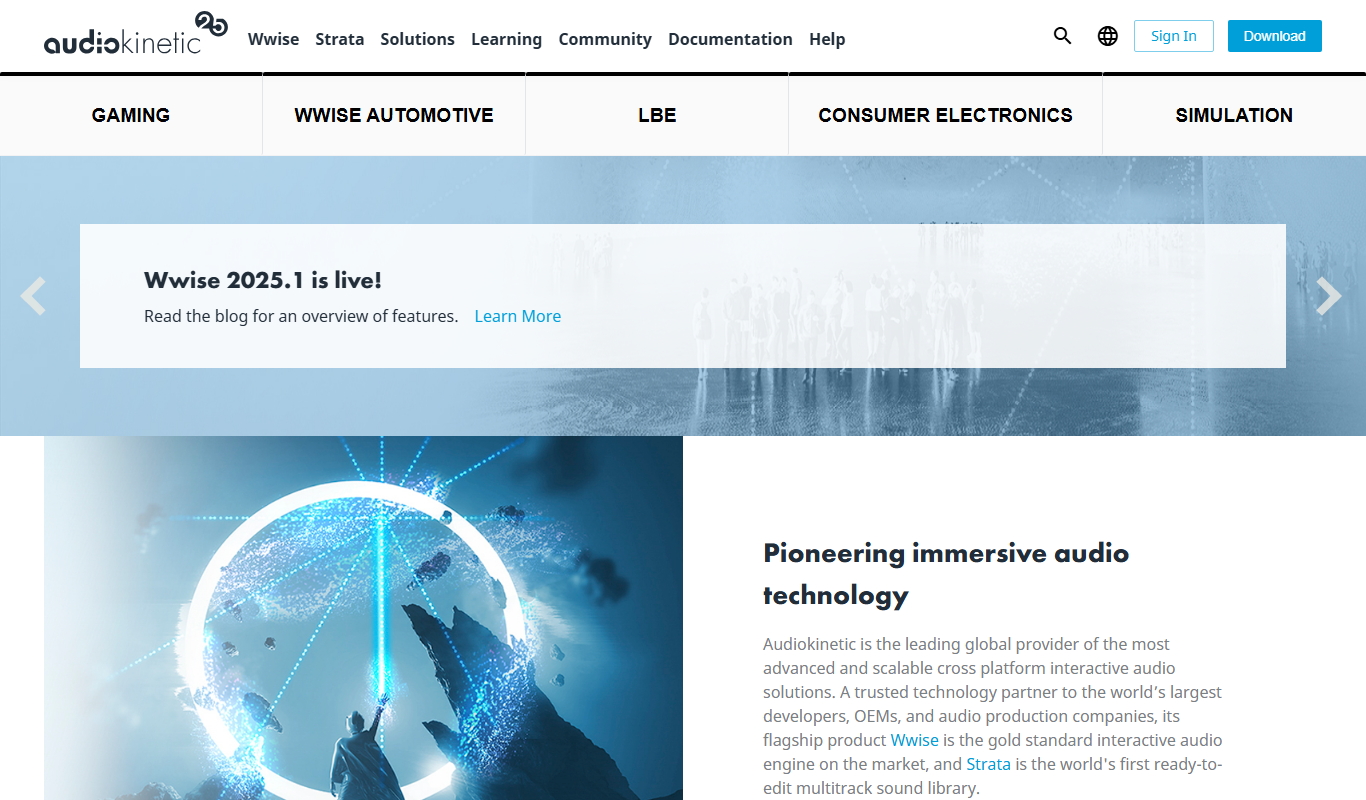
Wwise is an audio middleware solution by Audiokinetic that enables interactive sound design and real-time audio integration for games and VR applications.