

Ceros Interactive Content Platform for Marketing and Design Teams
Ceros is a no-code platform that enables marketers and designers to create interactive digital content such as microsites, infographics, and eBooks without programming skills.
- Best for
- Interactive Content Creation
- Key capability
- No-Code Interactive Design Studio
Save Ceros, follow its updates and vote on it — everything stays in your account.
Sign in or create a free account
What is Ceros?
Ceros is a cloud-based interactive content creation platform that empowers marketers, designers, and content creators to build rich, engaging digital experiences without writing code. It offers a drag-and-drop interface to design interactive microsites, infographics, eBooks, and other immersive content that can be published directly to the web. Ceros focuses on enhancing user engagement by enabling dynamic, animated, and interactive storytelling that stands out in digital marketing and brand communications.
Key features of Ceros
Ceros provides a no-code design studio with a wide range of interactive widgets, animation tools, and templates. It supports real-time collaboration, analytics integration, and seamless publishing. The platform is designed to help teams create visually compelling content that drives engagement and conversions.
No-Code Interactive Design Studio
Drag-and-drop interface to create animations, interactive widgets, and multimedia content without coding.
Pre-Built Templates and Widgets
Access a library of customizable templates and interactive elements to speed up content creation.
Real-Time Collaboration
Multiple users can work simultaneously on projects with live updates and commenting.
Analytics and Engagement Tracking
Integrated analytics tools to measure how users interact with your content.
Seamless Publishing and Embedding
Publish interactive experiences with a single click and embed them on any website or share via link.
Pros and cons of Ceros
Pros
- Intuitive no-code interface for interactive content creation
- Robust collaboration features for teams
- Wide variety of templates and interactive widgets
- Strong analytics integration for measuring engagement
Cons
- Pricing is custom and may be expensive for small businesses
- No standalone mobile app; platform is web-based only
- Learning curve for users new to interactive design concepts
Key use cases for Ceros
Interactive Content Creation
Design and publish interactive digital experiences such as microsites, infographics, and eBooks without coding.
Marketing Campaigns
Develop engaging marketing content that drives higher user engagement and conversion rates.
Brand Storytelling
Create immersive brand stories and presentations that captivate audiences with rich multimedia and animations.
Sales Enablement
Build interactive sales collateral that helps sales teams communicate value propositions effectively.
Training and Education
Produce interactive learning materials and onboarding content for employee training and customer education.
How Ceros works
- 1
Create an Account
Sign up for Ceros and access the cloud-based design studio.
- 2
Choose a Template or Start from Scratch
Select from pre-built interactive templates or create a custom design.
- 3
Design Interactive Content
Use drag-and-drop tools to add animations, interactive elements, and multimedia.
- 4
Collaborate with Your Team
Invite team members to edit and review content in real time.
- 5
Publish and Share
Publish your interactive experience online and share it via URL or embed it on websites.
- 6
Analyze Engagement
Track user interactions and engagement metrics through integrated analytics.
Who is using Ceros
Ceros pricing
Starter
Start for free
Includes 1 Creator (design and publish), 3 Editors (edit only), unlimited Reviewers and 1 Workspace.
Growth
Through sales
Includes 3 Creators (design and publish), 10 Editors (edit only), unlimited Reviewers and 1 Workspace.
Enterprise
Through sales
Custom numbers of Creators, Editors and Workspaces with unlimited Reviewers, for organization-wide content creation.
Plans and prices are as published by the vendor and can change. Check the official site before you buy. Open the pricing page (opens in a new tab)
Frequently asked questions about Ceros
No, Ceros is designed as a no-code platform, allowing users to create interactive content without any programming knowledge.
Yes, Ceros supports real-time collaboration so multiple team members can work together on the same project.
You can create interactive microsites, infographics, eBooks, presentations, and other rich digital experiences.
Ceros offers demos and custom trials upon request; pricing and trial availability depend on your business requirements.
This tool is designed to help users accomplish its core tasks more efficiently. It is typically used by individuals or teams looking to improve productivity and workflow.
Some tools offer a free plan or trial with limited features. Availability can vary, so confirm on the official website.
Yes, it can help with that use case depending on how you configure it and what features are available. You’ll get the best results with clear inputs and a defined goal.
Yes, it can help with that use case depending on how you configure it and what features are available. You’ll get the best results with clear inputs and a defined goal.
Conclusion
Projects begin from pre-built interactive templates or a custom design in a cloud-based studio. Animations, interactive elements and multimedia are added with drag-and-drop tools, and no programming knowledge is needed. Team members edit and review content in real time, and the finished experience is published online to share via URL or embed on websites.
Typical outputs are interactive microsites, infographics, eBooks and presentations. It is meant for marketing agencies, brand managers and sales teams. A Starter plan lets users start for free, while Growth and Enterprise are arranged through sales.
Sources
Sign in to review this tool.
Sign In to ReviewNo reviews yet
Be the first to share how this tool worked for you.
Ask about pricing, limits, or how it compares — or answer someone else.
Sign In to AskNo questions yet
Have a question about using or paying for this tool? Be the first to ask.
Featured on TiorAI



Alternative Tools
Explore similar AI tools that might fit your needs

Visme
Visme is a web-based platform for creating presentations, infographics, and marketing visuals with customizable templates and data visualization tools.
More Art & Creative Design tools
Other tools in the same category, for when this one is not quite the fit.

A1 Art
A1 Art is a web-based AI image generator that creates digital artwork from text prompts, offering free and subscription plans for users.

Getty Images
Getty Images is a leading stock photography platform offering millions of high-quality images, videos, and music with flexible licensing for commercial and editorial use.

ProCam 8
ProCam - Pro Camera, formerly ProCam 8, is a camera app from Tinkerworks Apps sold for $9.99 as a one-time purchase, with paid in-app add-ons.

Pixieset
Pixieset is a photography platform that helps photographers create portfolio websites, deliver client galleries, and sell prints and digital downloads with integrated e-commerce.

LumaBooth
LumaBooth is a professional photo booth software that enables event photographers and marketers to create customizable photo experiences with green screen backgrounds, GIF and video capture, and instant social media sharing on MacOS, Windows, and iPad platforms.
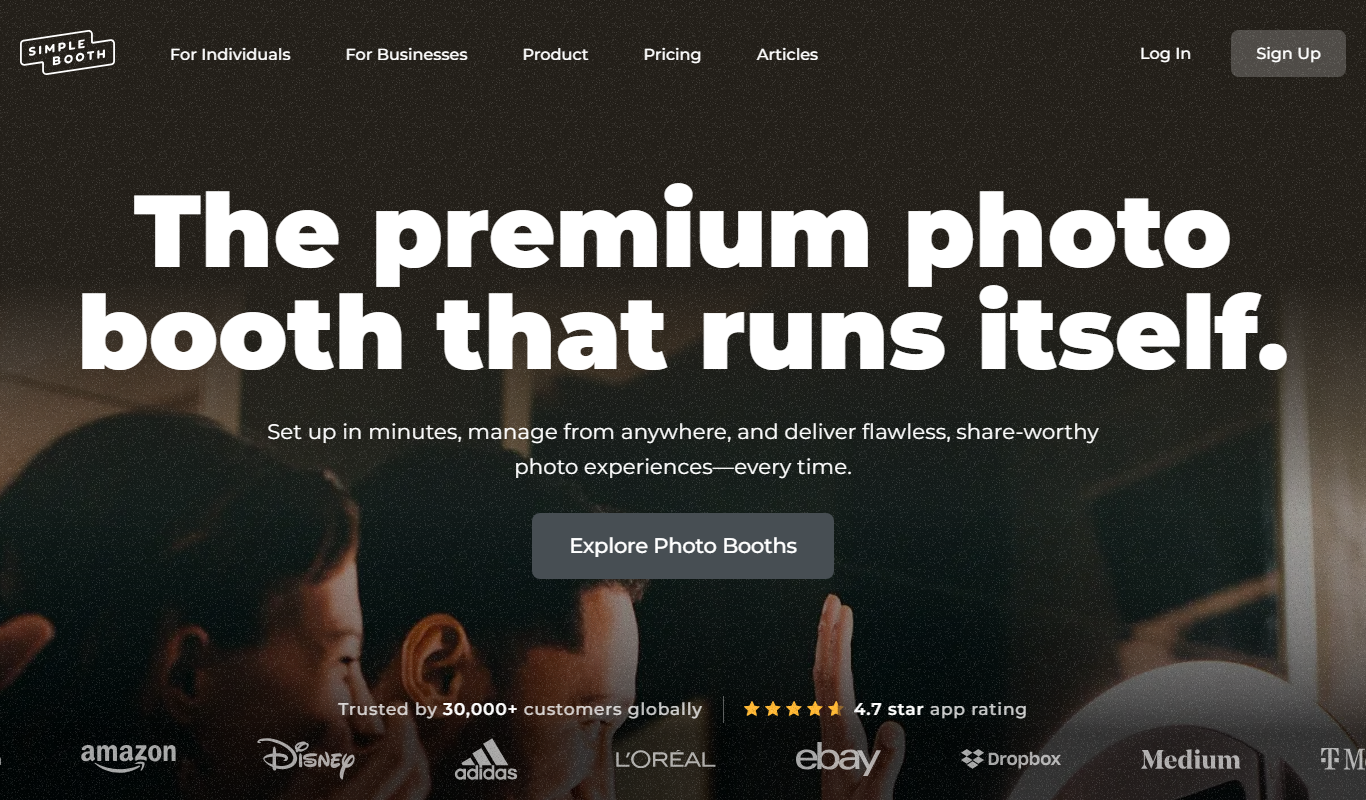
Simple Booth
Simple Booth is a photo booth software platform that enables event organizers to create customizable photo and video experiences for in-person and virtual events, with social media sharing and real-time analytics.

HelloKids
HelloKids is a free online platform offering printable coloring pages, educational games, and creative stories for children aged 3 to 12, supporting multiple languages and designed for parents and educators.
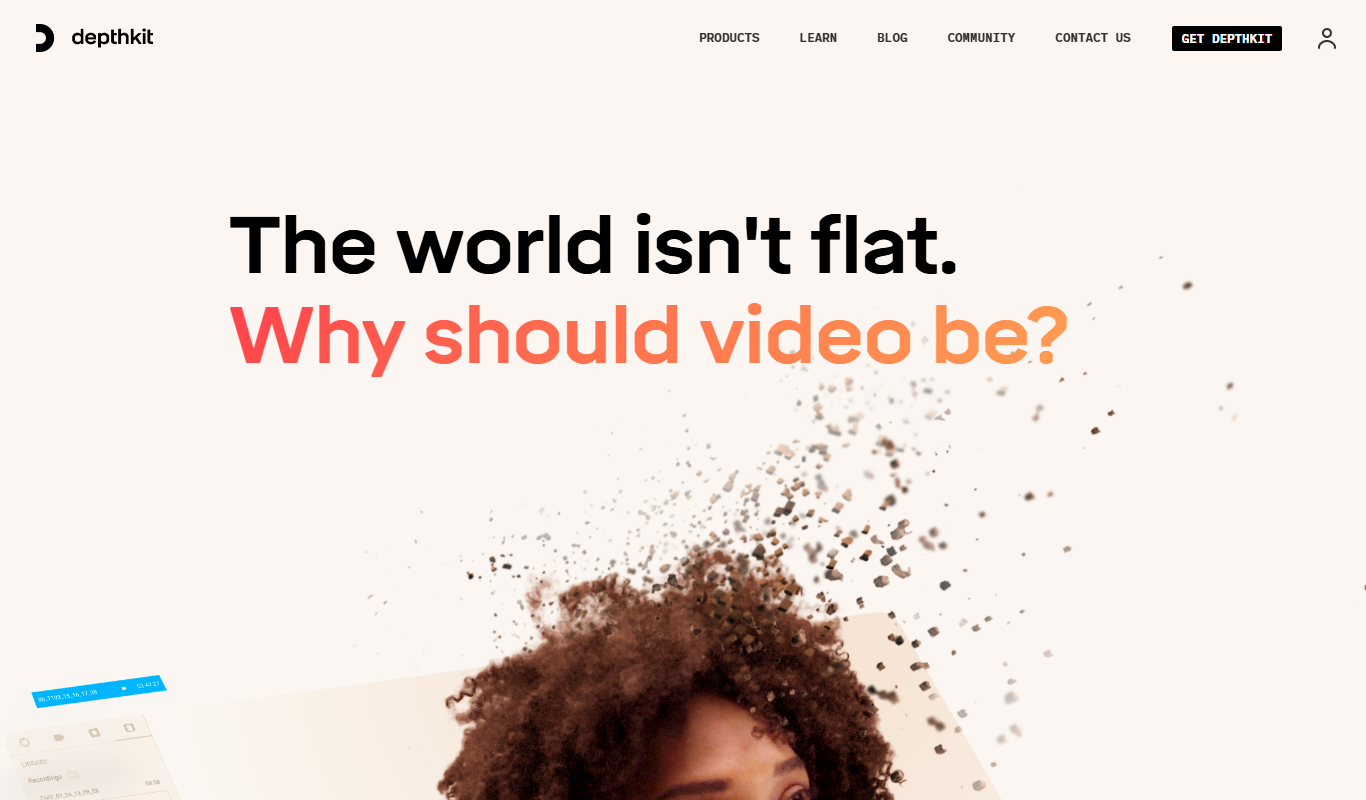
Depthkit
Depthkit is a software platform that captures volumetric video using depth sensors and RGB cameras, allowing creators to produce 3D video content for AR, VR, and digital media.