

From my experience with Getty Images, I found it excels at providing an extensive and diverse collection of high-quality stock and editorial images trusted by professionals worldwide. The platform’s flexible licensing options and advanced search filters make it straightforward to find and legally use images for a wide range of creative and commercial projects. However, the pricing can be a barrier for smaller businesses or individual users, and some licensing terms require careful review to ensure compliance. Overall, if you need premium visual content with reliable licensing, Getty Images delivers a comprehensive and professional solution.
Getty Images Stock Photos and Editorial Images for Creative Projects
Getty Images is a leading stock photography platform offering millions of high-quality images, videos, and music with flexible licensing for commercial and editorial use.
- Best for
- Marketing and Advertising
- Key capability
- Extensive Image Library
Your actions
Save gettyimages.se, follow its updates and vote on it — everything stays in your account.
Sign in or create a free account
What is gettyimages.se?
Getty Images is a leading global provider of high-quality stock photos, editorial images, videos, and music. It offers a comprehensive digital library for creative professionals, marketers, and media organizations to license content for commercial and editorial use. The platform provides access to millions of images covering diverse subjects, including news, sports, entertainment, and creative visuals.
Key features of gettyimages.se
Getty Images features an extensive searchable library of royalty-free and rights-managed images, editorial photos, and video content. It offers flexible licensing options, curated collections, and advanced search filters to help users find the perfect visual assets for their projects.
Extensive Image Library
Access millions of high-resolution photos, illustrations, and vectors across various categories.
Editorial Content
Find authentic news, sports, and entertainment images with up-to-date editorial coverage.
Flexible Licensing
Choose from royalty-free or rights-managed licenses tailored to different usage scenarios.
Advanced Search Filters
Refine searches by image type, orientation, color, people, and more for precise results.
Video and Music Assets
Complement images with licensed video clips and music tracks for multimedia projects.
Pros and cons of gettyimages.se
Pros
- Vast and diverse image and video library
- High-quality, professionally curated content
- Flexible licensing options for various needs
- Robust search and filtering capabilities
- Trusted by media and creative professionals worldwide
Cons
- Pricing can be expensive for small businesses or individuals
- Some licensing terms can be complex to understand
- No offline or mobile app for direct downloads
Key use cases for gettyimages.se
Marketing and Advertising
Use high-quality images to enhance marketing campaigns, advertisements, and promotional materials.
Editorial and News Publishing
Access a vast library of editorial images for newspapers, magazines, and online news platforms.
Creative Projects
Incorporate professional photos and videos into design projects, presentations, and multimedia content.
Corporate Communications
Utilize licensed images for internal and external corporate communications and branding.
Social Media Content
Enhance social media posts with visually compelling and legally cleared images.
How gettyimages.se works
- 1
Search and Browse
Use the search bar and filters to find images, videos, or music that fit your project needs.
- 2
Select Licensing Option
Choose between royalty-free or rights-managed licenses depending on your usage requirements.
- 3
Purchase or Subscribe
Buy individual assets on demand or subscribe for access to a set number of downloads per month.
- 4
Download and Use
Download licensed content and incorporate it into your creative, editorial, or commercial projects.
Who is using gettyimages.se
Marketing agencies
Publishers and media companies
Graphic designers and creative professionals
Corporate communication teams
Social media managers
gettyimages.se pricing
On-Demand Purchase
Varies per asset
Buy individual images or videos with pay-per-download pricing.
Subscription Plans
Starting at $175/month
Monthly plans offering a set number of downloads with discounted rates.
Enterprise Licensing
Custom pricing
Tailored licensing solutions for large organizations with extensive content needs.
Plans and prices are as published by the vendor and can change. Check the official site before you buy. Open the pricing page (opens in a new tab)
Frequently asked questions about gettyimages.se
Yes, Getty Images offers licenses that allow commercial use depending on the license type purchased.
Royalty-free licenses allow multiple uses with a one-time fee, while rights-managed licenses are limited by usage terms such as duration and geography.
Editorial images depict real events and people and are intended for news or commentary, while creative images are staged or conceptual for commercial use.
Yes, subscription plans can typically be canceled at any time, but terms may vary by plan.
It depends on your specific needs and how you plan to use the tool. The official website and documentation are the best sources for the latest details.
Yes, it can help with that use case depending on how you configure it and what features are available. You’ll get the best results with clear inputs and a defined goal.
Pricing depends on the plan and included features. For the most accurate and up-to-date details, check the official pricing page.
Some tools offer a free plan or trial with limited features. Availability can vary, so confirm on the official website.
Sign in to review this tool.
Sign In to ReviewNo reviews yet
Be the first to share how this tool worked for you.
Ask about pricing, limits, or how it compares — or answer someone else.
Sign In to AskNo questions yet
Have a question about using or paying for this tool? Be the first to ask.
Featured on TiorAI



More AI Image & Visual Tools tools
Other tools in the same category, for when this one is not quite the fit.
Free
Instantgen AI
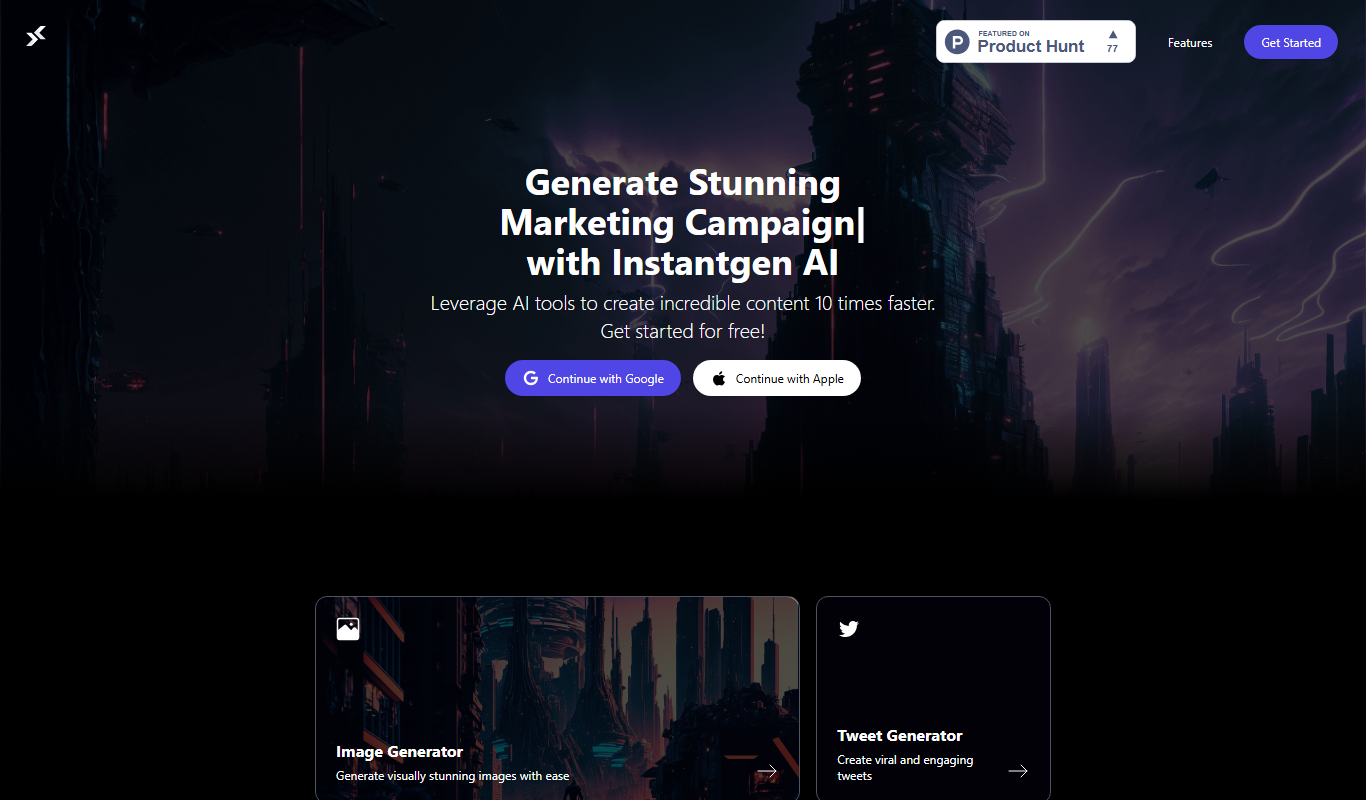
Instantgen AI generates images from text prompts, and it also generates text, social media posts and product descriptions.

Free
Free AI Face Swap
Free AI Face Swap is a web-based tool that uses artificial intelligence to swap faces between two images realistically and for free, without requiring user registration.

Free
BestFaceSwap
BestFaceSwap is an online AI tool that swaps faces in photos and videos using deep learning, offering free and premium plans with realistic results.

Free
Free Face Swap
Free Face Swap is an online face swap tool for photos and videos.

Freemium
Anthropics Technology Ltd
Anthropics Technology Ltd offers AI-driven image editing software specializing in portrait retouching and photo enhancement, available for Windows and Mac with options for batch processing.

Free
svgtrace.com
SVGTrace.com is an online tool that converts raster images such as PNG or JPG into scalable SVG vector graphics using image tracing algorithms, accessible directly from your browser without installation.

Freemium
PuLID for FLUX
PuLID for FLUX is available free on 8PixLabs and generates images that keep facial features from a single photo.

Pay As You Go
Heurist Imagine
Heurist Imagine is an AI image and video generator that runs models such as FLUX, Stable Diffusion and Veo 3 on decentralized infrastructure, paid pay-as-you-go with crypto.