

CamFind Visual Search App for Image Recognition and Object Identification
CamFind is a free AI-powered visual search app that identifies objects, products, and landmarks from images captured or uploaded by users, providing relevant information and shopping options.
- Best for
- Object Identification
- Key capability
- Visual Object Recognition
Save CamFind, follow its updates and vote on it — everything stays in your account.
Sign in or create a free account
What is CamFind?
CamFind is a mobile visual search app that identifies objects, products and landmarks from photos taken or uploaded by users and returns related information, shopping results and images. The app is still available on the App Store and Google Play, but it has not been updated since about 2019.
Key features of CamFind
CamFind offers instant object recognition, product search with price comparisons, landmark identification, and the ability to share results on social media. Its AI-driven visual search technology enables users to explore and discover information about their surroundings quickly and easily through images.
Visual Object Recognition
Accurately identifies a wide range of objects and products from images.
Product Search and Price Comparison
Finds shopping results and compares prices for identified products.
Landmark and Place Identification
Recognizes famous landmarks and provides related information.
Social Media Integration
Allows easy sharing of search results and images on social platforms.
User-Friendly Mobile Interface
Simple and intuitive app design optimized for mobile devices.
Pros and cons of CamFind
Pros
- Easy to use with intuitive mobile interface
- Accurate object and landmark recognition
- Free access with no hidden fees
- Supports social media sharing
- Useful for shopping and travel
Cons
- Limited language support (English only)
- Dependent on image quality for accuracy
- No advanced customization options
Key use cases for CamFind
Object Identification
Users can take a photo or upload an image to identify objects, products, landmarks, and more using AI-powered visual search.
Product Search
Find shopping results and product details by snapping pictures of items, enabling easy price comparisons and purchase options.
Landmark Recognition
Identify famous landmarks and places by capturing images, useful for travelers and educational purposes.
Visual Information Retrieval
Retrieve relevant information about objects or scenes in photos, including related images and web results.
Social Sharing
Share identified images and search results on social media platforms directly from the app.
How CamFind works
- 1
Capture or Upload Image
Use the app to take a photo or upload an existing image for analysis.
- 2
AI Image Processing
CamFind’s AI analyzes the image to identify objects, products, or landmarks.
- 3
Receive Search Results
The app displays relevant information, shopping options, and related images.
- 4
Share or Explore
Users can share results on social media or explore further details within the app.
Who is using CamFind
CamFind pricing
Free
$0
Full access to CamFind's visual search features with no cost.
Plans and prices are as published by the vendor and can change. Check the official site before you buy. Open the pricing page (opens in a new tab)
Frequently asked questions about CamFind
Yes, CamFind is available for free with full access to its core visual search features.
CamFind is available on iOS and Android mobile devices, as well as a web interface.
CamFind can identify a wide range of objects including products, landmarks, animals, and everyday items.
Yes, CamFind allows users to share images and search results directly to social media platforms.
It depends on your specific needs and how you plan to use the tool. The official website and documentation are the best sources for the latest details.
Yes, it can help with that use case depending on how you configure it and what features are available. You’ll get the best results with clear inputs and a defined goal.
Yes, it can help with that use case depending on how you configure it and what features are available. You’ll get the best results with clear inputs and a defined goal.
Conclusion
Taking a photo or uploading an existing image starts a search, and CamFind returns relevant information, shopping options and related images. Recognition covers products, landmarks, animals and everyday items. For identified products it finds shopping results and compares prices, and results can be shared on social media.
It is aimed at shoppers looking for product info, travelers and students. Core visual search features are free. The app is still available on the App Store and Google Play, but it has not been updated since about 2019. Accuracy depends on image quality.
Sources
Sign in to review this tool.
Sign In to ReviewNo reviews yet
Be the first to share how this tool worked for you.
Ask about pricing, limits, or how it compares — or answer someone else.
Sign In to AskNo questions yet
Have a question about using or paying for this tool? Be the first to ask.
Featured on TiorAI



More AI Photography tools
Other tools in the same category, for when this one is not quite the fit.
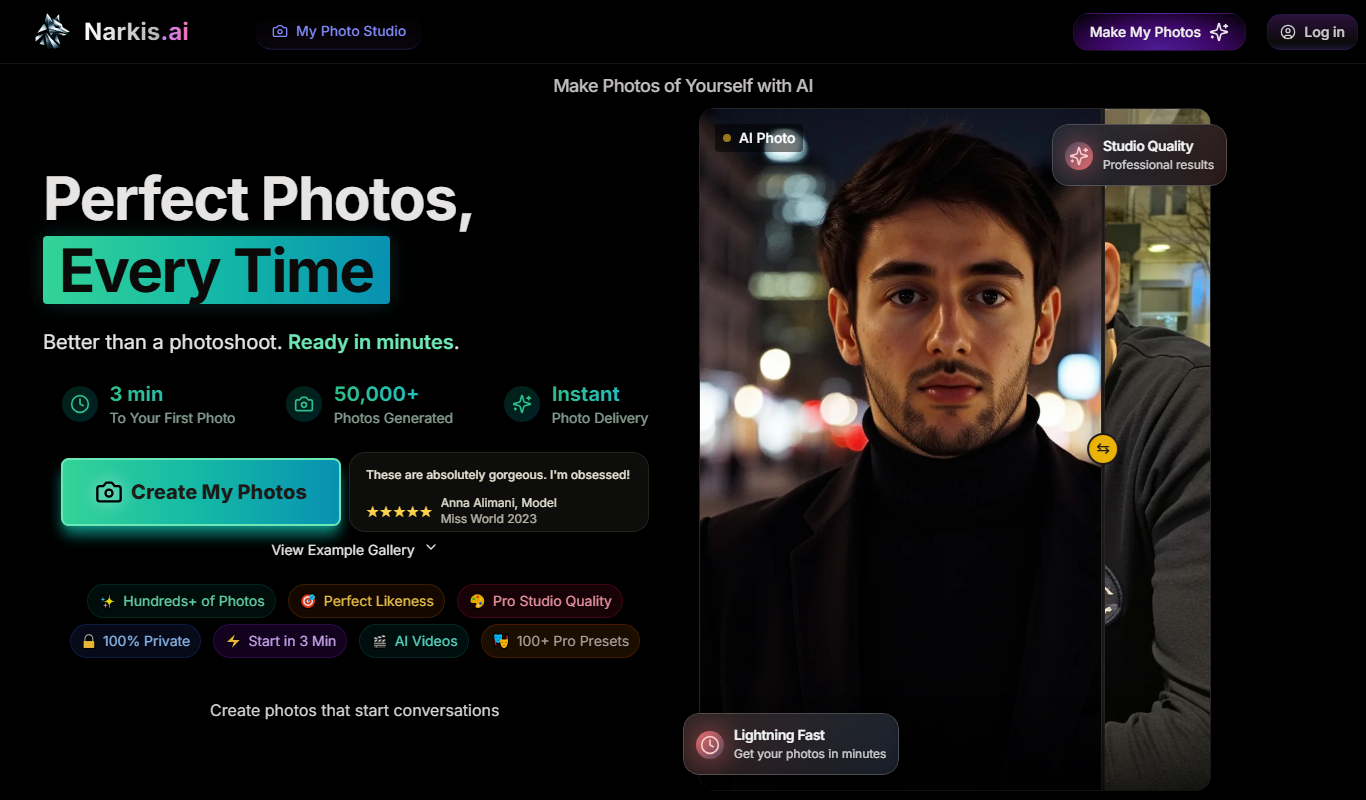
Narkis.ai
Narkis.ai trains a personal AI model on your photos and generates realistic headshots, dating photos and portraits of yourself in any style, no photoshoot needed.

MaternityPhotoshoot
MaternityPhotoshoot is an easy, affordable alternative to maternity photoshoots: upload 14 selfies and AI makes 500 maternity photos, delivered in 4 hours.

Microstockr
Microstockr is a desktop app for microstock photographers that tracks portfolio earnings, generates AI keywords for photos and uploads them to 20+ stock agencies from one place.

StockSubmitter
StockSubmitter is software for microstock contributors that fills, translates and stores metadata and uploads content to dozens of microstock agencies at once.
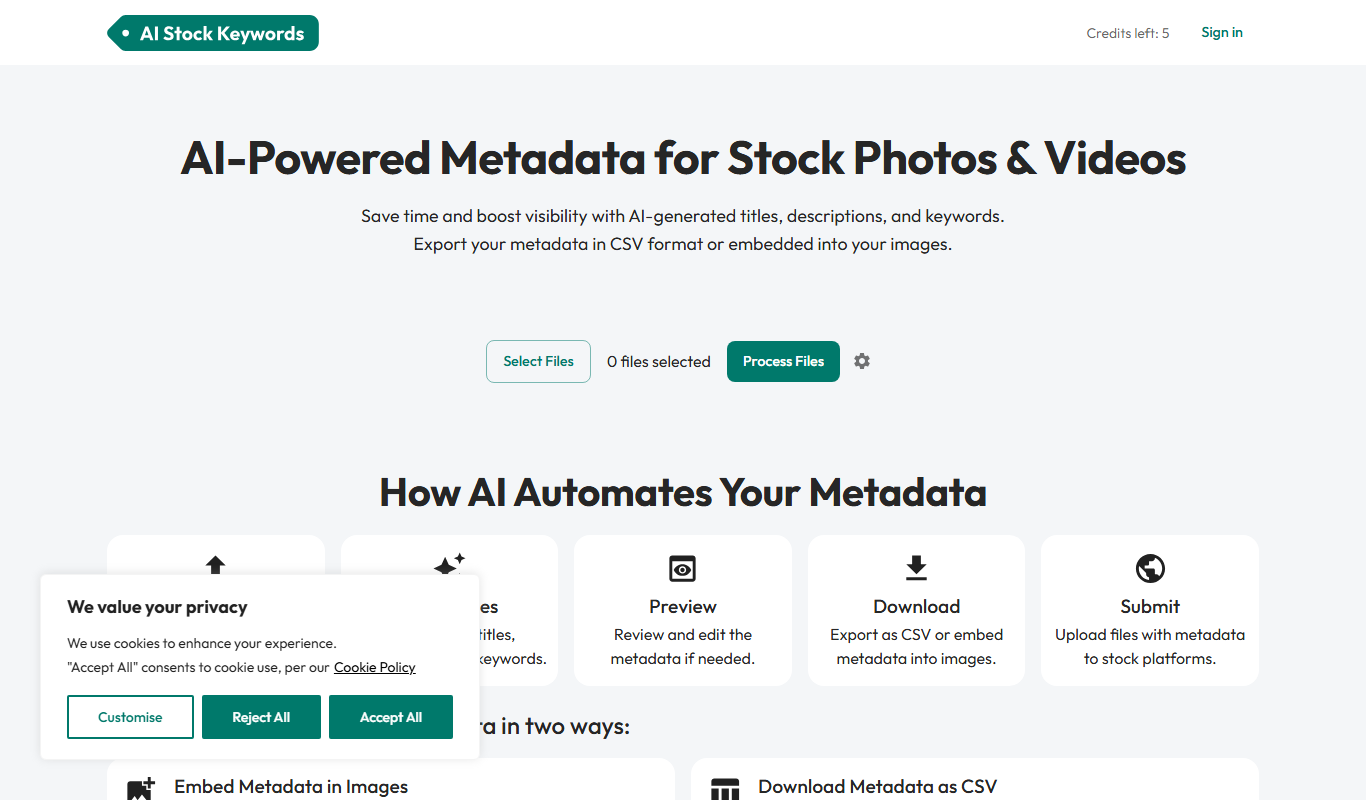
AI Stock Keywords
AI Stock Keywords generates stock-ready titles, descriptions and keywords for Adobe Stock, Shutterstock and other microstock uploads, exported as CSV or embedded in images.

Evoto AI
Evoto is an all-in-one AI photo editing workflow for professional photographers: culling, RAW editing, color grading and portrait retouching from first cull to final delivery.
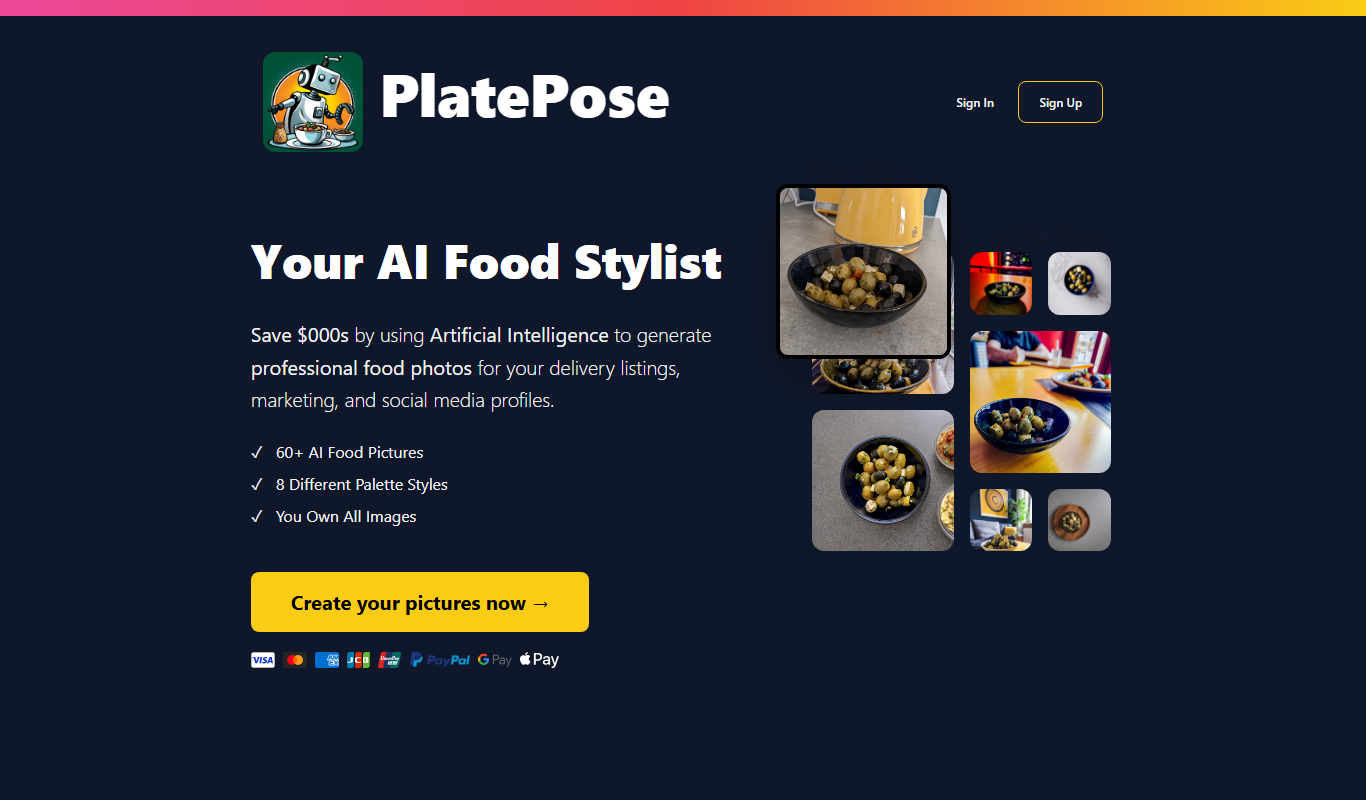
PlatePose
PlatePose trains an AI model on 10-20 photos of your dish and generates professional, stylised food photos for menus and social profiles, with full ownership of the images.

Nyx
Nyx.gallery is a preview gallery of photorealistic AI-generated images that can be downloaded and used for commercial or non-commercial purposes.