

From my experience with ByeBackground, I found it excels at quickly and accurately removing backgrounds from images without requiring any technical skills or software installation. The web-based interface is straightforward, making it accessible for users who need fast results, especially e-commerce sellers and content creators. However, the free tier is limited, and advanced editing options are minimal compared to dedicated photo editors. Overall, if you need a simple, reliable tool to remove backgrounds online with high-resolution output, ByeBackground delivers solid performance.
ByeBackground AI Background Remover Tool for Photos and Images Online
ByeBackground is an AI-based online tool that automatically removes backgrounds from images quickly and easily without software installation.
- Best for
- E-commerce Product Photos
- Key capability
- AI-Powered Background Removal
Your actions
Save ByeBackground, follow its updates and vote on it — everything stays in your account.
Sign in or create a free account
What is ByeBackground?
ByeBackground is an AI-powered online tool designed to automatically remove backgrounds from images. It allows users to upload photos and instantly get a transparent background version without manual editing. The tool is accessible via web browsers and requires no software installation, making background removal fast and easy for users of all skill levels.
Key features of ByeBackground
ByeBackground offers automatic background removal using AI algorithms, supports multiple image formats, provides high-resolution output, and allows users to download images with transparent backgrounds. It is optimized for quick processing and ease of use, catering to both individual users and professionals.
AI-Powered Background Removal
Uses advanced AI to accurately separate foreground subjects from backgrounds.
High-Resolution Output
Supports exporting images in high resolution suitable for professional use.
No Software Installation
Fully web-based tool accessible from any modern browser without downloads.
Supports Multiple Image Formats
Accepts common image formats like JPG, PNG, and more.
User-Friendly Interface
Simple drag-and-drop functionality and intuitive controls for quick editing.
Pros and cons of ByeBackground
Pros
- Fast and automatic background removal
- No installation required, accessible online
- Supports high-resolution image downloads
- Simple and intuitive user interface
Cons
- Limited free usage before requiring payment
- No mobile app available
- Editing options are basic compared to full photo editors
Key use cases for ByeBackground
E-commerce Product Photos
Remove backgrounds from product images to create clean, professional listings.
Graphic Design
Easily isolate subjects for use in marketing materials, presentations, and social media.
Personal Photo Editing
Quickly remove backgrounds from personal photos for creative projects or profile pictures.
Content Creation
Prepare images with transparent backgrounds for videos, blogs, and websites.
How ByeBackground works
- 1
Upload Image
Users upload a photo from their device or drag and drop it onto the web interface.
- 2
Automatic Background Removal
The AI processes the image to detect and remove the background automatically.
- 3
Preview and Edit
Users can preview the result and make minor adjustments if needed.
- 4
Download Image
Download the processed image with a transparent background in PNG or other supported formats.
Who is using ByeBackground
E-commerce sellers
Graphic designers
Content creators
Social media managers
Photographers
ByeBackground pricing
Free
$0
Limited free background removals with standard resolution output.
Pay As You Go
Starts at $1.99 per image
Purchase credits for high-resolution downloads and bulk processing.
Plans and prices are as published by the vendor and can change. Check the official site before you buy. Open the pricing page (opens in a new tab)
Frequently asked questions about ByeBackground
Yes, it offers a free tier with limited background removals and standard resolution images.
It supports common formats such as JPG and PNG.
No, ByeBackground is a fully web-based tool accessible via browser.
Yes, you can preview and make minor adjustments before downloading.
It depends on your specific needs and how you plan to use the tool. The official website and documentation are the best sources for the latest details.
Yes, it can help with that use case depending on how you configure it and what features are available. You’ll get the best results with clear inputs and a defined goal.
Sign in to review this tool.
Sign In to ReviewNo reviews yet
Be the first to share how this tool worked for you.
Ask about pricing, limits, or how it compares — or answer someone else.
Sign In to AskNo questions yet
Have a question about using or paying for this tool? Be the first to ask.
Featured on TiorAI



Alternative Tools
Explore similar AI tools that might fit your needs

Free
Slazzer
Slazzer is an AI background removal tool that automatically removes image backgrounds with high accuracy, supporting bulk processing and API integration for developers and businesses.

Free
PhotoScissors
PhotoScissors is an AI-based tool that automatically removes backgrounds from images, allowing users to isolate subjects quickly and replace or make backgrounds transparent.
More AI Background Generator tools
Other tools in the same category, for when this one is not quite the fit.

Free
Patterninja
Patterninja is a free web-based tool for creating seamless, repeatable patterns and backgrounds with an easy drag-and-drop interface and export options in PNG and SVG.

Free
Cool Backgrounds
Cool Backgrounds is a free web tool that uses AI to generate customizable gradients, patterns, and abstract backgrounds for websites and social media.
Free
Little Author
Little Author is an app from Blue Giraffe Labs that builds children's stories with AI from the 5Ws questions.

Free
Favicon Helper
Favicon Helper is a free web tool that allows you to generate and convert favicons in multiple formats like ICO, PNG, GIF, and JPG quickly and without registration.

Free
Wallhaven
Wallhaven is a free online platform offering a vast collection of high-quality HD and 4K wallpapers for desktops and mobile devices, featuring advanced search filters and community uploads.

Free
Get Waves
Get Waves is a free online tool that generates customizable SVG wave backgrounds for web and graphic design, allowing users to adjust wave complexity, colors, and orientation with real-time preview and export options.
Free
Haikei
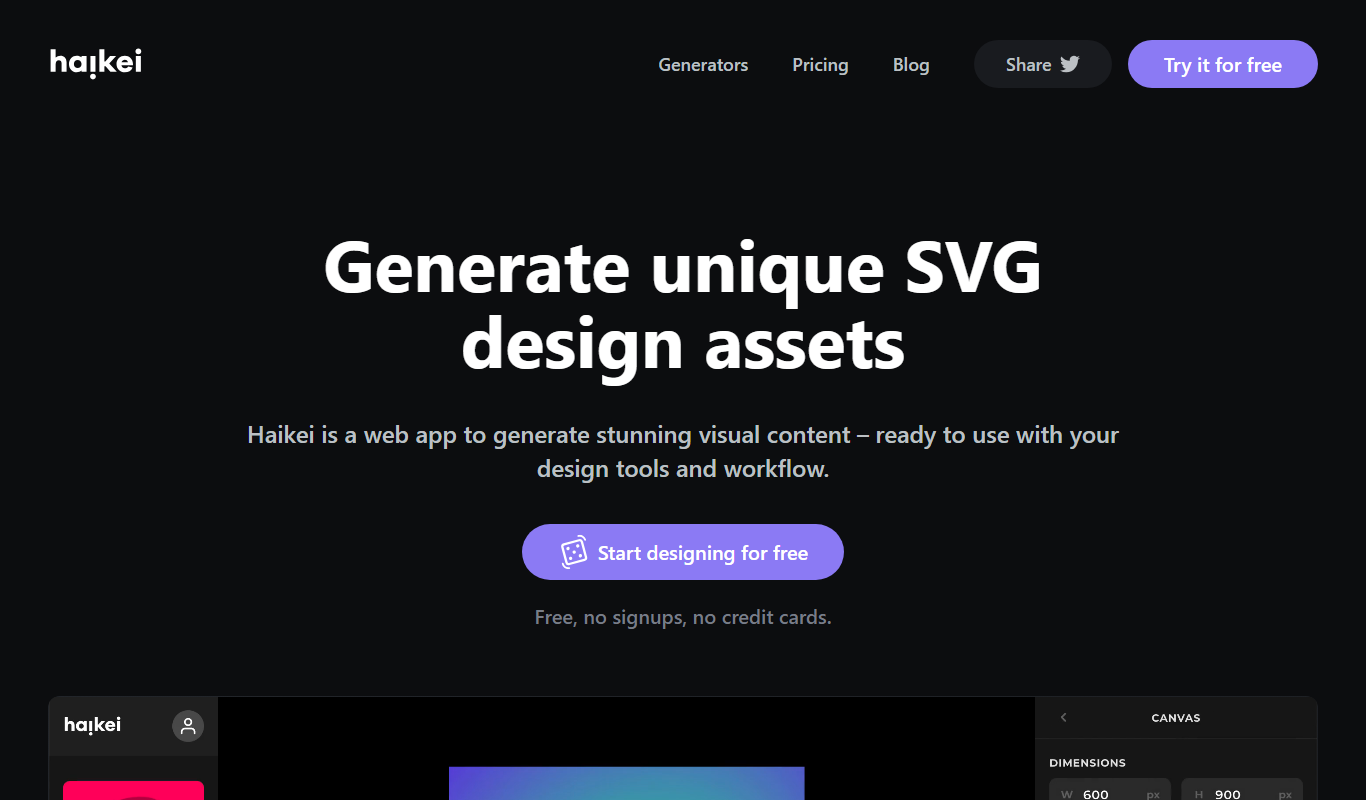
Haikei is a free web-based generator of random SVG shapes and backgrounds built from adjustable parameters, with unlimited downloads.
Free
Bg.Eraser
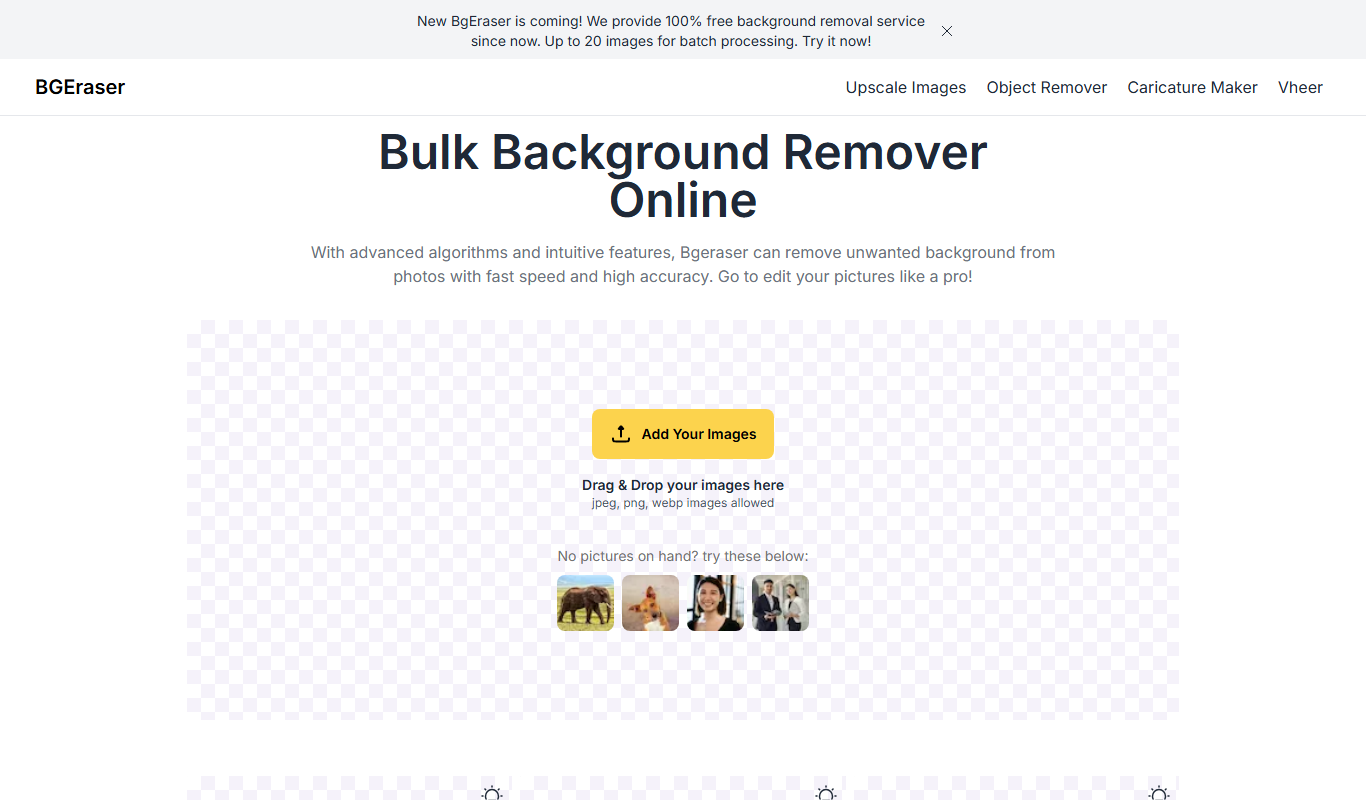
Bg.Eraser is an AI-based online tool that automatically removes backgrounds from images, providing transparent PNG outputs suitable for e-commerce, design, and content creation.