

BollywoodAI: WhatsApp chats with AI Bollywood star avatars
BollywoodAI offers free WhatsApp chats and voice notes in Hindi with AI clones of Bollywood's biggest stars, with a paid upgrade for calls.
- Best for
- Fan entertainment
- Key capability
- WhatsApp chats with Bollywood avatars
Save BollywoodAI, follow its updates and vote on it — everything stays in your account.
Sign in or create a free account
What is BollywoodAI?
BollywoodAI is a website for WhatsApp chats with AI clones of Bollywood stars. You chat with them in Hindi, with voice notes, and the cloned personalities are designed to mimic the voices and mannerisms of the real-life individuals.
Key features of BollywoodAI
WhatsApp chats and voice notes in Hindi with AI avatars of Bollywood stars, avatar suggestions and a paid upgrade for calls.
WhatsApp chats with Bollywood avatars
Chat with the biggest Bollywood stars in Hindi on WhatsApp, with voice notes.
Cloned personalities
The avatars are designed to mimic the voices and mannerisms of the real-life individuals.
Avatar suggestions
Suggest an avatar or person to create, or suggest characters in the Discord community.
Calls with an upgrade
The paid upgrade adds unlimited calls, mobile chat and calling, and access to the entire catalogue.
Pros and cons of BollywoodAI
Pros
- Chats and voice notes are free
- Runs inside WhatsApp, with no separate chat app
- Supports voice cloning for personalization
Cons
- The site warns that reliability and translation accuracy may vary and availability is not guaranteed
- Calls need a paid upgrade that renews each billing cycle until you cancel
Key use cases for BollywoodAI
Fan entertainment
Talk with a chosen Bollywood star avatar about their latest projects or current events.
Hindi voice notes
Exchange messages and voice notes in Hindi with an avatar.
Content Creation for Social Media
Generate engaging Hindi audio content for social media posts, reels, and stories.
Voice Cloning for Personalization
Clone voices to produce personalized audio messages or dubbing in Hindi.
How BollywoodAI works
- 1
Sign in with Google
Continue with Google to start chatting.
- 2
Pick an avatar
Choose a star from the list and press the Chat on WhatsApp button.
- 3
Chat on WhatsApp
The button redirects you to a WhatsApp chat with the avatar.
- 4
Share the avatar
Share an avatar by sharing the contact with your friends in WhatsApp.
Who is using BollywoodAI
BollywoodAI pricing
Free
$0
WhatsApp chats and voice notes with the Bollywood star avatars.
Upgrade to Call
$5/month
Unlimited access to all avatars, unlimited calls, mobile chat and calling; renews each billing cycle until you cancel.
Plans and prices are as published by the vendor and can change. Check the official site before you buy. Open the pricing page (opens in a new tab)
Frequently asked questions about BollywoodAI
Chatting is free; a paid upgrade adds calls and unlimited access to all avatars.
Press the WhatsApp button next to the avatar, which redirects you to a WhatsApp chat.
Yes. Join the Discord community and suggest characters in the characters channel.
Share the avatar’s contact with your friends in WhatsApp.
Yes, it can help with that use case depending on how you configure it and what features are available. You’ll get the best results with clear inputs and a defined goal.
Some tools offer a free plan or trial with limited features. Availability can vary, so confirm on the official website.
Conclusion
Fans sign in with Google, pick a star such as Shah Rukh Khan or Priyanka Chopra, and a button moves the conversation into WhatsApp. From there the avatar replies in Hindi, including voice notes, and the cloned personalities are designed to mimic the voices and mannerisms of the real stars. Conversations can cover a star’s latest projects as well as current events.
Chatting costs nothing, while calls sit behind a monthly upgrade that also opens the whole catalogue and renews until cancelled. New characters can be requested through the Discord community. The site’s own disclaimer says reliability and translation accuracy may vary and that availability and quality are not promised.
Sources
Sign in to review this tool.
Sign In to ReviewNo reviews yet
Be the first to share how this tool worked for you.
Ask about pricing, limits, or how it compares — or answer someone else.
Sign In to AskNo questions yet
Have a question about using or paying for this tool? Be the first to ask.
Featured on TiorAI



More AI Chatbot tools
Other tools in the same category, for when this one is not quite the fit.

Modly
Modly.ai trains, fine-tunes and hosts custom large language models on your business data, delivered as a managed service with API access.

Voyageraid
VoyagerAid is end-to-end disruption management software that helps airlines handle rebooking, passenger communication and disruptions with predictive analytics.
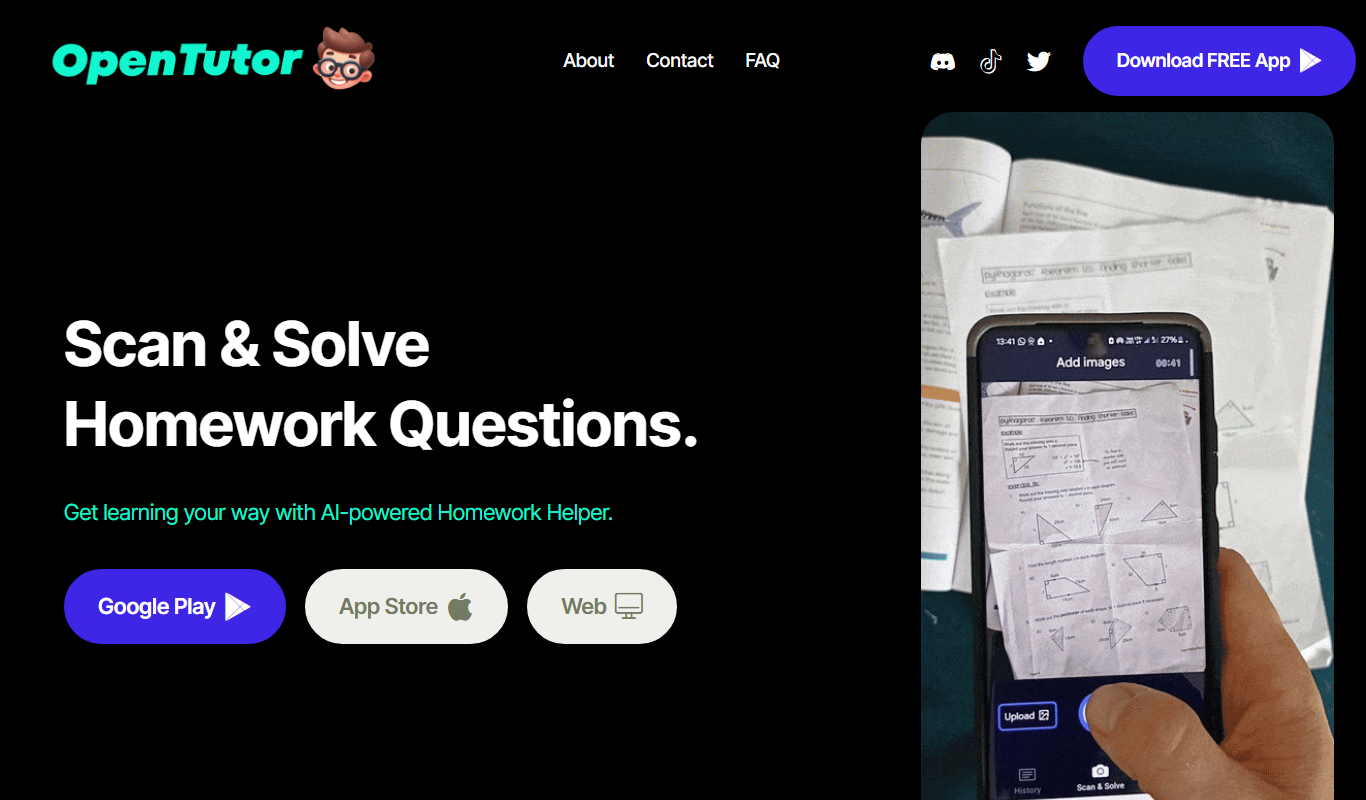
Open Tutor App
Open Tutor App is an AI homework helper app that scans a photo of a homework question and returns step-by-step solutions and explanations.
Wazgar – ChatGPT in Whatsapp
Wazgar is an AI assistant inside WhatsApp that can assist users at any time, from learning and writing to everyday conversation.

Chat Breezes 1.0
Chat Breezes is an AI-powered omnichannel conversation suite that unifies WhatsApp, Instagram, Facebook and Twitter/X messages in one dashboard for engagement and social selling.

chaterimo.com
Chaterimo is an AI chatbot platform that helps businesses automate customer support and engagement through customizable conversational bots on websites.

Pickaxe
Pickaxe is a no-code platform to build AI agents, package them into products and sell them through branded portals with billing and access control.

ChatHelp.ai
ChatHelp.ai is an AI chatbot platform that automates customer support by engaging website visitors with conversational AI, integrating with helpdesk tools, and providing analytics to optimize service.