

From my experience with Open Tutor App, I found it excels at delivering clear, personalized tutoring through a simple chat interface without any cost or sign-up barriers. It’s particularly well-suited for students and lifelong learners who want quick, understandable explanations on a variety of subjects. However, the app currently supports only English and lacks a dedicated mobile app, which may limit accessibility for some users. Overall, if you need straightforward homework help or concept explanations via an AI chatbot, Open Tutor App offers a practical and accessible solution.
Open Tutor App AI Chatbot for Personalized Learning and Tutoring
Open Tutor App is a free AI chatbot that provides personalized tutoring by answering questions and explaining academic concepts interactively through a web-based chat interface.
- Best for
- Personalized Tutoring
- Key capability
- AI-Driven Tutoring
Your actions
Save Open Tutor App, follow its updates and vote on it — everything stays in your account.
Sign in or create a free account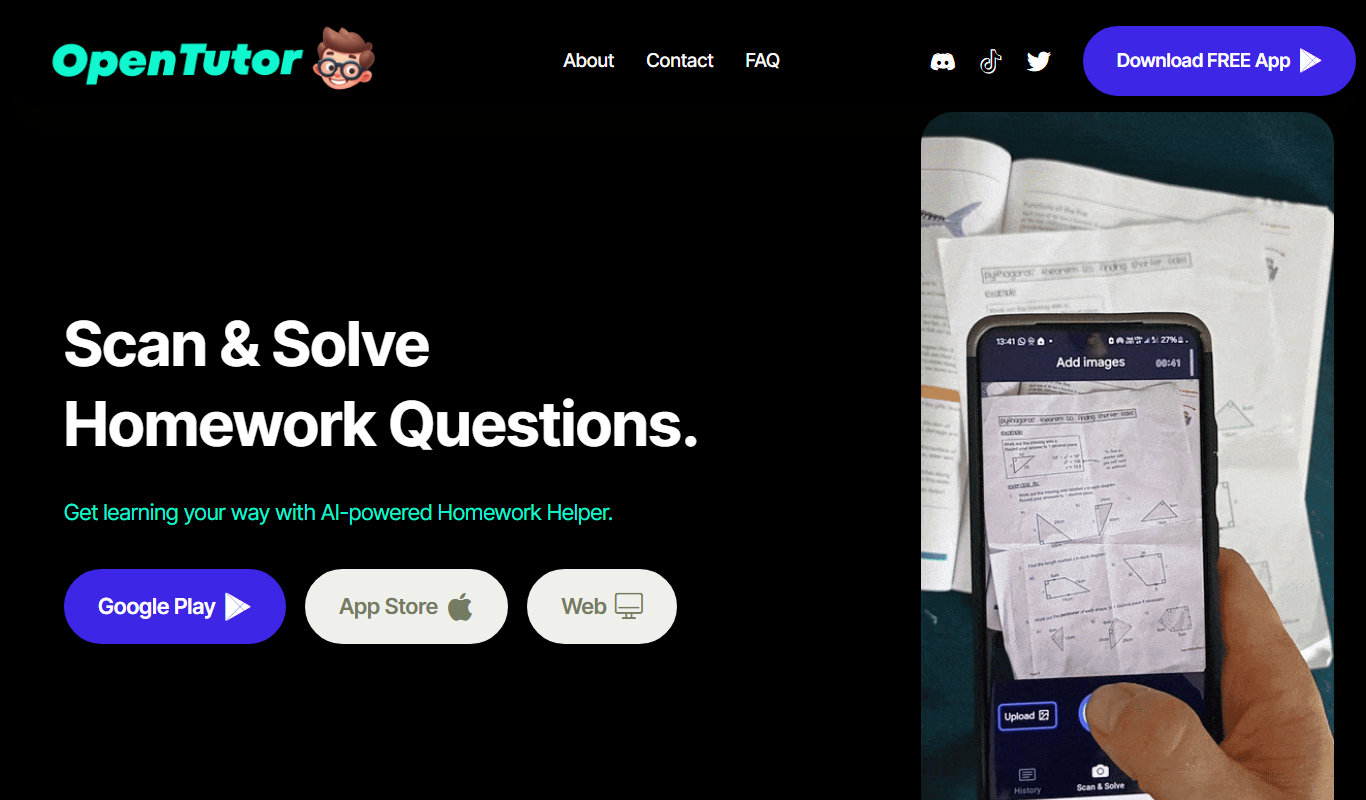
What is Open Tutor App?
Open Tutor App is an AI-powered chatbot designed to provide personalized tutoring and educational assistance through conversational interaction. It helps students by answering questions, explaining concepts, and supporting study efforts in a wide range of subjects.
Key features of Open Tutor App
The app features an intuitive chat interface where users can ask questions and receive detailed, easy-to-understand responses. It supports personalized learning by adapting explanations to the user’s level and needs, making education more accessible and interactive.
AI-Driven Tutoring
Uses advanced AI to simulate a tutor that provides personalized educational support.
Conversational Interface
Engages users through natural language chat for an interactive learning experience.
Multi-Subject Support
Assists with a variety of academic subjects and topics.
Free to Use
Accessible without cost, making quality tutoring available to a broad audience.
Pros and cons of Open Tutor App
Pros
- Easy-to-use conversational interface
- No cost or sign-up required
- Provides personalized, clear explanations
- Supports multiple academic subjects
Cons
- Limited to English language support
- No mobile app version currently available
- Dependent on internet connection
Key use cases for Open Tutor App
Personalized Tutoring
Provides tailored explanations and answers to student questions in various subjects.
Homework Assistance
Helps students understand and solve homework problems through interactive chat.
Study Support
Offers study tips, summaries, and clarifications to improve learning efficiency.
Concept Explanation
Breaks down complex topics into simple, understandable explanations.
How Open Tutor App works
- 1
Access the Web App
Visit the Open Tutor website to start using the AI chatbot without any installation.
- 2
Enter Your Question
Type in your study question or topic you need help with in the chat interface.
- 3
Receive AI-Powered Explanation
The AI processes your input and provides a clear, detailed answer or explanation.
- 4
Interact and Clarify
You can ask follow-up questions or request further clarification to deepen understanding.
Who is using Open Tutor App
Students seeking homework help
Lifelong learners wanting quick explanations
Educators looking for supplementary teaching tools
Parents assisting children with studies
Open Tutor App pricing
Free
$0/month
Full access to AI tutoring features without any subscription fees.
Plans and prices are as published by the vendor and can change. Check the official site before you buy. Open the pricing page (opens in a new tab)
Frequently asked questions about Open Tutor App
Yes, Open Tutor App is completely free to use with no subscription required.
It supports a wide range of academic subjects, including math, science, and humanities.
No account creation is necessary; you can start using the chatbot immediately on the website.
Yes, it breaks down complex concepts into simple explanations tailored to your understanding.
It depends on your specific needs and how you plan to use the tool. The official website and documentation are the best sources for the latest details.
Some tools offer a free plan or trial with limited features. Availability can vary, so confirm on the official website.
Yes, it can help with that use case depending on how you configure it and what features are available. You’ll get the best results with clear inputs and a defined goal.
It depends on your specific needs and how you plan to use the tool. The official website and documentation are the best sources for the latest details.
Sign in to review this tool.
Sign In to ReviewNo reviews yet
Be the first to share how this tool worked for you.
Ask about pricing, limits, or how it compares — or answer someone else.
Sign In to AskNo questions yet
Have a question about using or paying for this tool? Be the first to ask.
Featured on TiorAI



Alternative Tools
Explore similar AI tools that might fit your needs

Free
Khan Academy
Khan Academy is a free online educational platform providing video lessons, interactive exercises, and personalized learning tools for students, teachers, and parents worldwide.
More AI Chatbot tools
Other tools in the same category, for when this one is not quite the fit.
Freemium
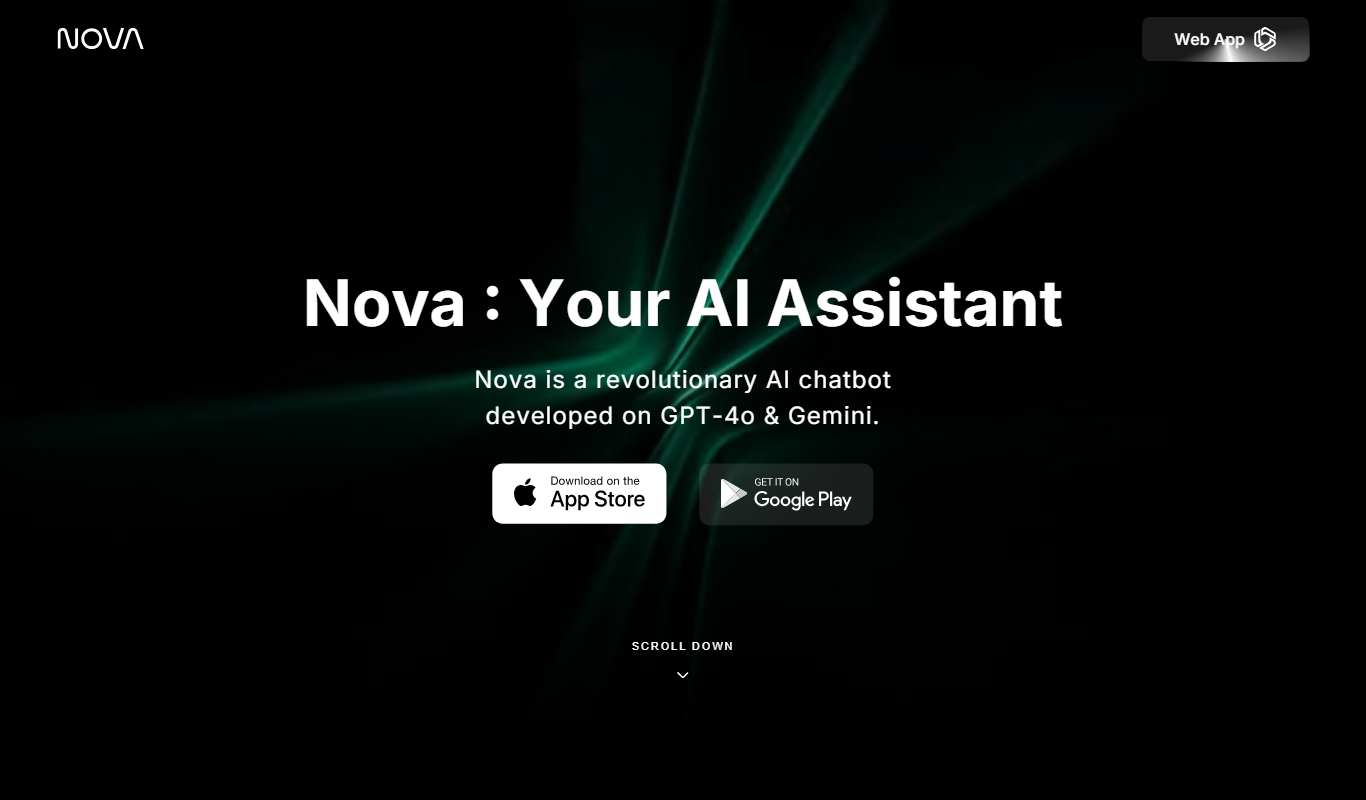
Nova – ChatGPT AI Chatbot
Nova is an AI chatbot powered by ChatGPT technology that helps users automate tasks, generate content, and improve productivity through natural conversational AI available on web and mobile platforms.
Free
Jailbroken ChatGPT
Jailbroken ChatGPT is a web chatbot from AE Studio that bypasses ChatGPT content restrictions and requires the user's own OpenAI API key.

Free
ChatGPT Français (French)
ChatGPT Français is a free web-based AI chatbot designed specifically for French language users to practice conversations, generate content, and support French communication needs.
Free
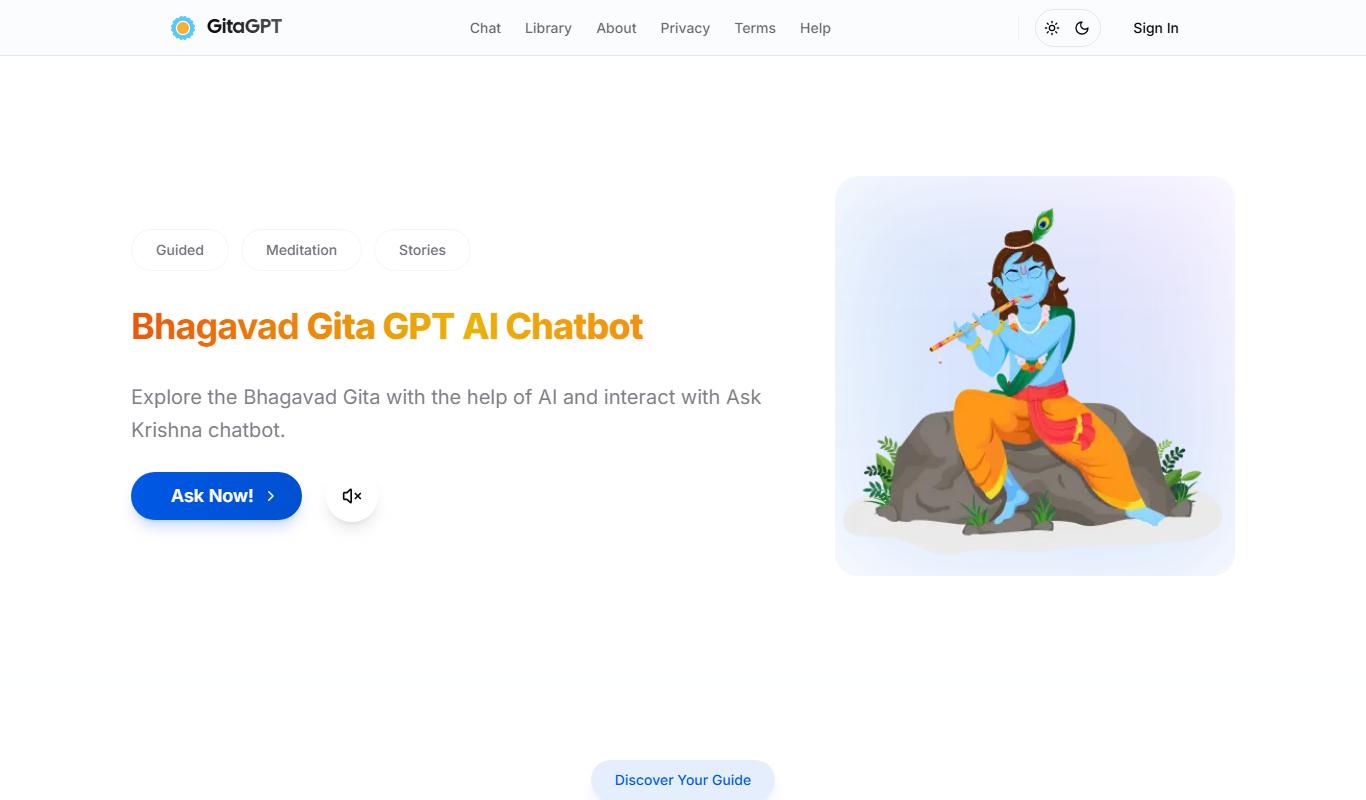
Gita GPT
GitaGPT is an AI spiritual companion that answers life questions with Bhagavad Gita shlokas through 10 spiritual guides in 22+ Indian languages, with a free plan and paid upgrades.
Free
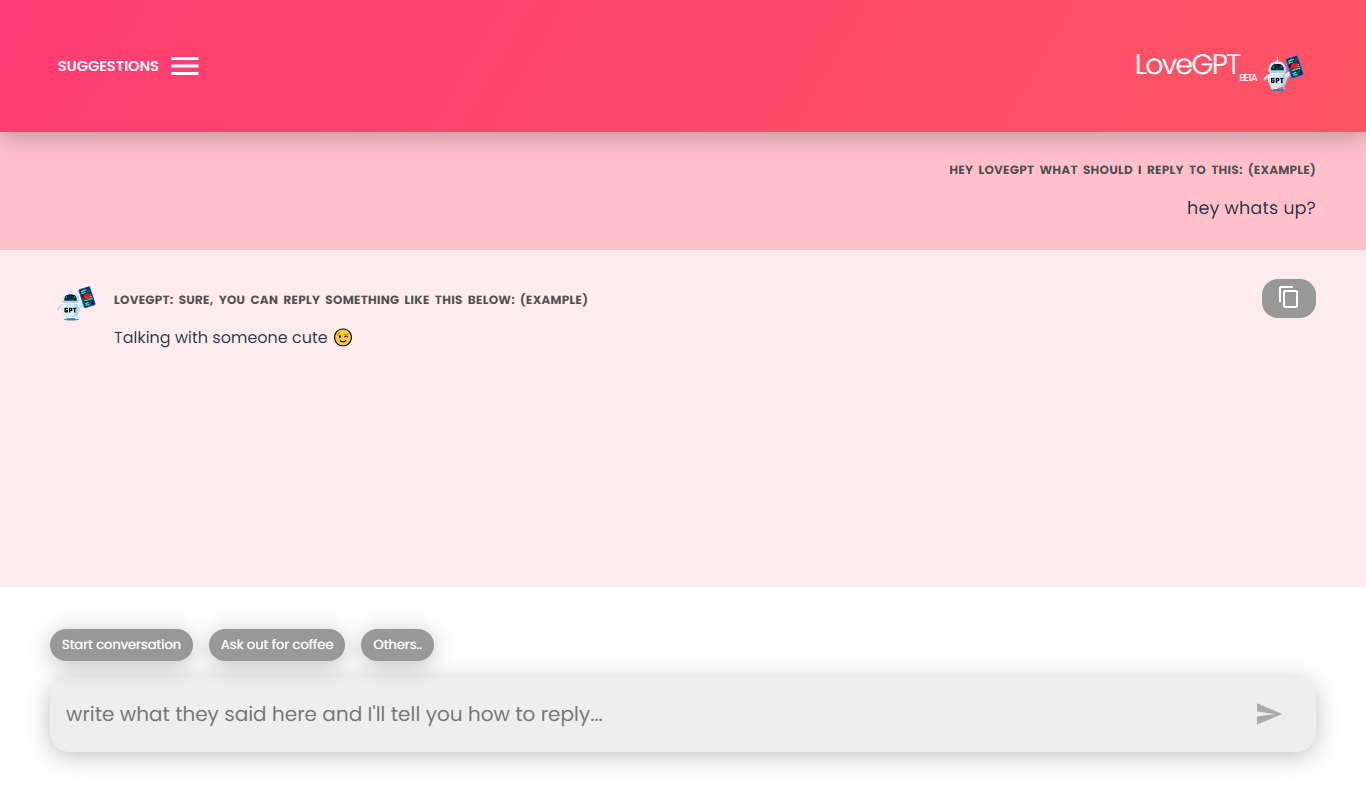
LoveGPT
LoveGPT is a free AI chatbot that provides personalized relationship advice and emotional support through empathetic conversations on its web platform.
Free
NepaliGPT
NepaliGPT is a free AI chatbot designed to understand and generate text in the Nepali language, accessible via a web interface without requiring an account.

Free
Alya
Alya is an AI therapist app. The site lists 22 languages and more than 100 AI models, with downloads on the App Store and Google Play.

Free
HeartDialog
HeartDialog is an AI therapy chatbot providing empathetic mental health support and personalized therapeutic exercises accessible 24/7 via web and mobile platforms.