

Gita GPT AI Chatbot for Spiritual Guidance and Bhagavad Gita Insights
GitaGPT is an AI spiritual companion that answers life questions with Bhagavad Gita shlokas through 10 spiritual guides in 22+ Indian languages, with a free plan and paid upgrades.
- Best for
- Spiritual Learning
- Key capability
- Bhagavad Gita-Based AI Responses
Save Gita GPT, follow its updates and vote on it — everything stays in your account.
Sign in or create a free account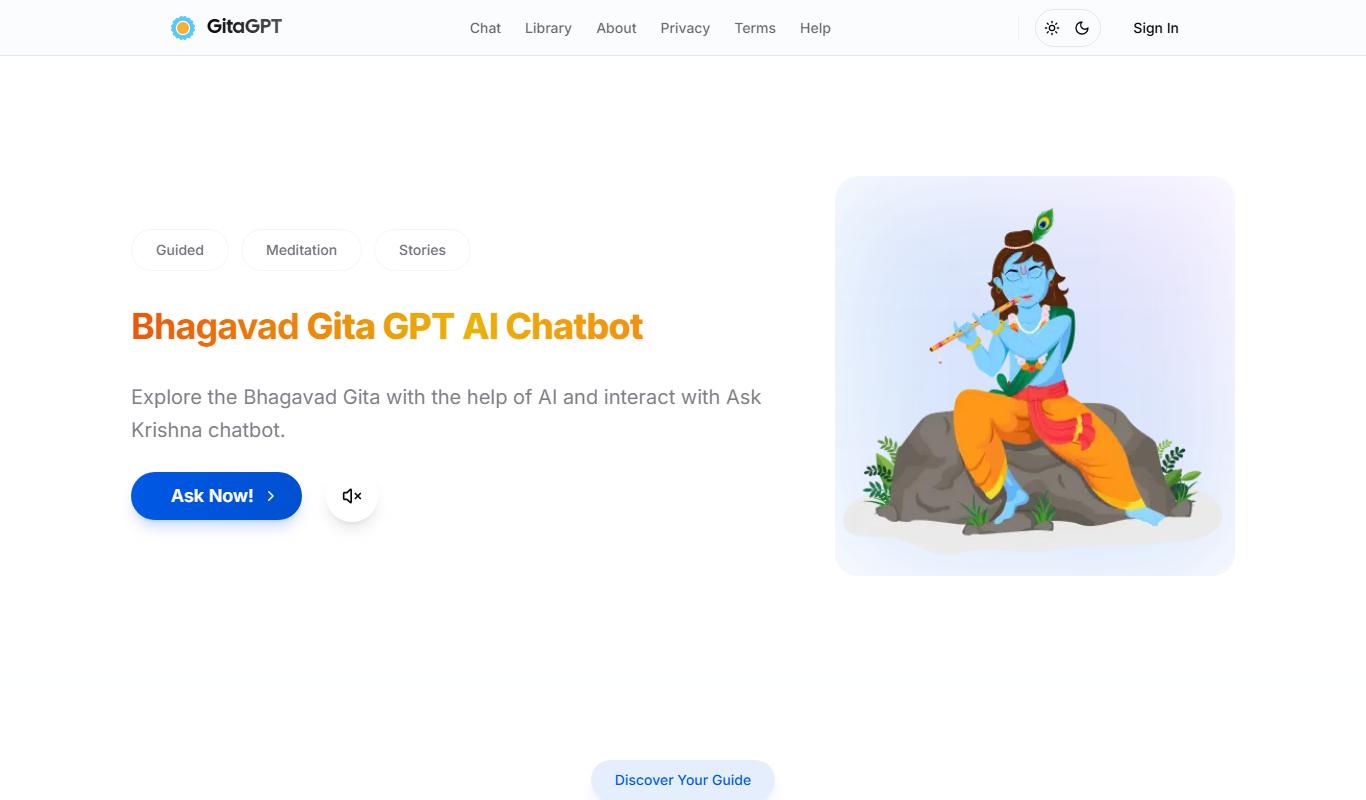
What is Gita GPT?
GitaGPT is an AI spiritual companion rooted in the Bhagavad Gita. Users ask about relationships, grief, career or purpose and receive answers with the exact Gita shloka from one of 10 spiritual guides, such as Krishna, Shiva or Hanuman, in 22+ Indian languages.
Key features of Gita GPT
The tool offers interactive Q&A on spiritual topics, explanations of verses from the Bhagavad Gita, and personalized guidance to help users apply ancient wisdom to modern life challenges.
Bhagavad Gita-Based AI Responses
Delivers answers grounded in the scripture's philosophy.
Conversational Interface
Engages users in natural language dialogue for easy understanding.
Multilingual Support
Ask in Hindi, Tamil, Telugu, Bengali or 18 more Indian languages and receive the answer in the same language.
Pros and cons of Gita GPT
Pros
- Free and easy to access
- Provides authentic Bhagavad Gita insights
- Supports conversational learning
- Available in 22+ Indian languages
Cons
- No mobile app version available
Key use cases for Gita GPT
Spiritual Learning
Users can interact with the AI to learn about the Bhagavad Gita's teachings and Indian philosophy.
Personal Guidance
Provides personalized spiritual advice and answers questions related to life challenges based on Gita's wisdom.
Educational Tool
Supports students and enthusiasts in understanding complex spiritual concepts through conversational AI.
How Gita GPT works
- 1
Access the Website
Visit the Gita GPT website on any web browser.
- 2
Start a Conversation
Type your question or topic related to spirituality or the Bhagavad Gita.
- 3
Receive AI Responses
The AI chatbot provides answers and explanations based on the Bhagavad Gita’s teachings.
Who is using Gita GPT
Gita GPT pricing
Seeker
Free
5 Bhagavad Gita conversations/day, daily shloka with meaning every morning, full access to all 700 Gita verses, 3 guided Vedic meditation sessions and GyanLok community read access.
Devotee
INR 99 /mo
Full spiritual companion experience: unlimited conversations with all 10 guides, voice AI to speak and hear in your language, face-to-face avatar experience, personalized spiritual growth tracking, unlimited Vedic meditation library, ad-free with priority responses.
Sadhak
INR 299 /mo
Everything in Devotee, plus 2 live 1-on-1 human guru sessions/month, emotion-aware spiritual conversations, a family plan for up to 5 members, exclusive satsang rooms and events and export of your spiritual journal as a book.
Plans and prices are as published by the vendor and can change. Check the official site before you buy. Open the pricing page (opens in a new tab)
Frequently asked questions about Gita GPT
GitaGPT has a free Seeker plan with 5 Bhagavad Gita conversations per day. The Devotee and Sadhak plans are paid upgrades.
GitaGPT supports 22+ Indian languages, including Hindi, Tamil, Telugu and Bengali.
Yes, it offers guidance based on the Bhagavad Gita’s teachings tailored to user queries.
This tool is designed to help users accomplish its core tasks more efficiently. It is typically used by individuals or teams looking to improve productivity and workflow.
Conclusion
Questions about relationships, grief, career or purpose are answered with the exact Bhagavad Gita shloka for that moment. They can be asked in Hindi, Tamil, Telugu, Bengali or 18 more Indian languages, and the reply comes back in the same language. Krishna is one of 10 guides, alongside figures such as Shiva, Hanuman and Chanakya, and each answers from their own Vedic perspective.
The free Seeker plan limits Bhagavad Gita conversations per day and includes a daily shloka with meaning every morning. Devotee adds unlimited conversations with all 10 guides and voice AI in the user’s language. Sadhak goes further with live one-on-one sessions with a human guru and a family plan.
Sources
Sign in to review this tool.
Sign In to ReviewNo reviews yet
Be the first to share how this tool worked for you.
Ask about pricing, limits, or how it compares — or answer someone else.
Sign In to AskNo questions yet
Have a question about using or paying for this tool? Be the first to ask.
Featured on TiorAI



More AI Chatbot tools
Other tools in the same category, for when this one is not quite the fit.
Jailbroken ChatGPT
Jailbroken ChatGPT is a web chatbot from AE Studio that bypasses ChatGPT content restrictions and requires the user's own OpenAI API key.

ChatGPT Français (French)
ChatGPT Français is a free web-based AI chatbot designed specifically for French language users to practice conversations, generate content, and support French communication needs.
LoveGPT
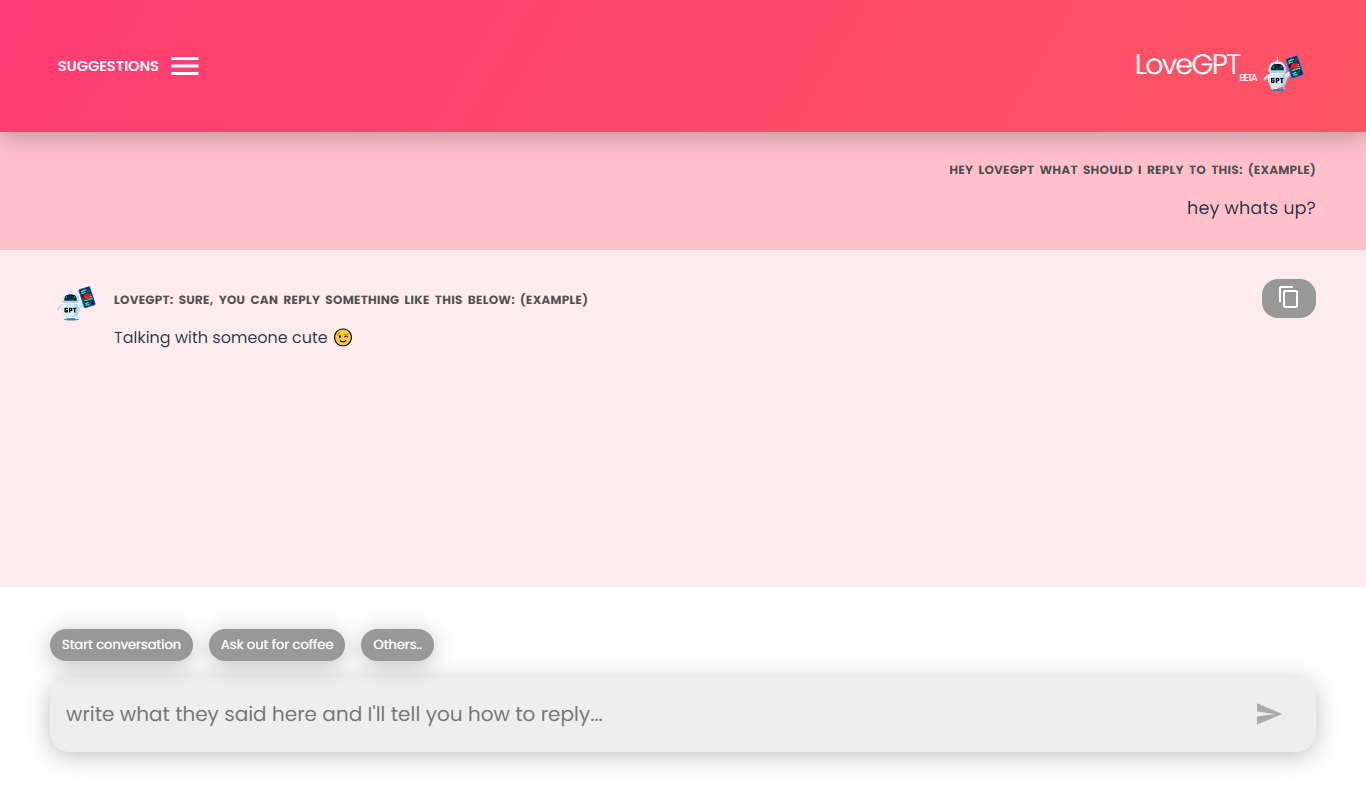
LoveGPT is a free AI chatbot that provides personalized relationship advice and emotional support through empathetic conversations on its web platform.
NepaliGPT
NepaliGPT is a free AI chatbot designed to understand and generate text in the Nepali language, accessible via a web interface without requiring an account.

Alya
Alya is an AI therapist app. The site lists 22 languages and more than 100 AI models, with downloads on the App Store and Google Play.

HeartDialog
HeartDialog is an AI therapy chatbot providing empathetic mental health support and personalized therapeutic exercises accessible 24/7 via web and mobile platforms.
Hello History: AI ChatBot
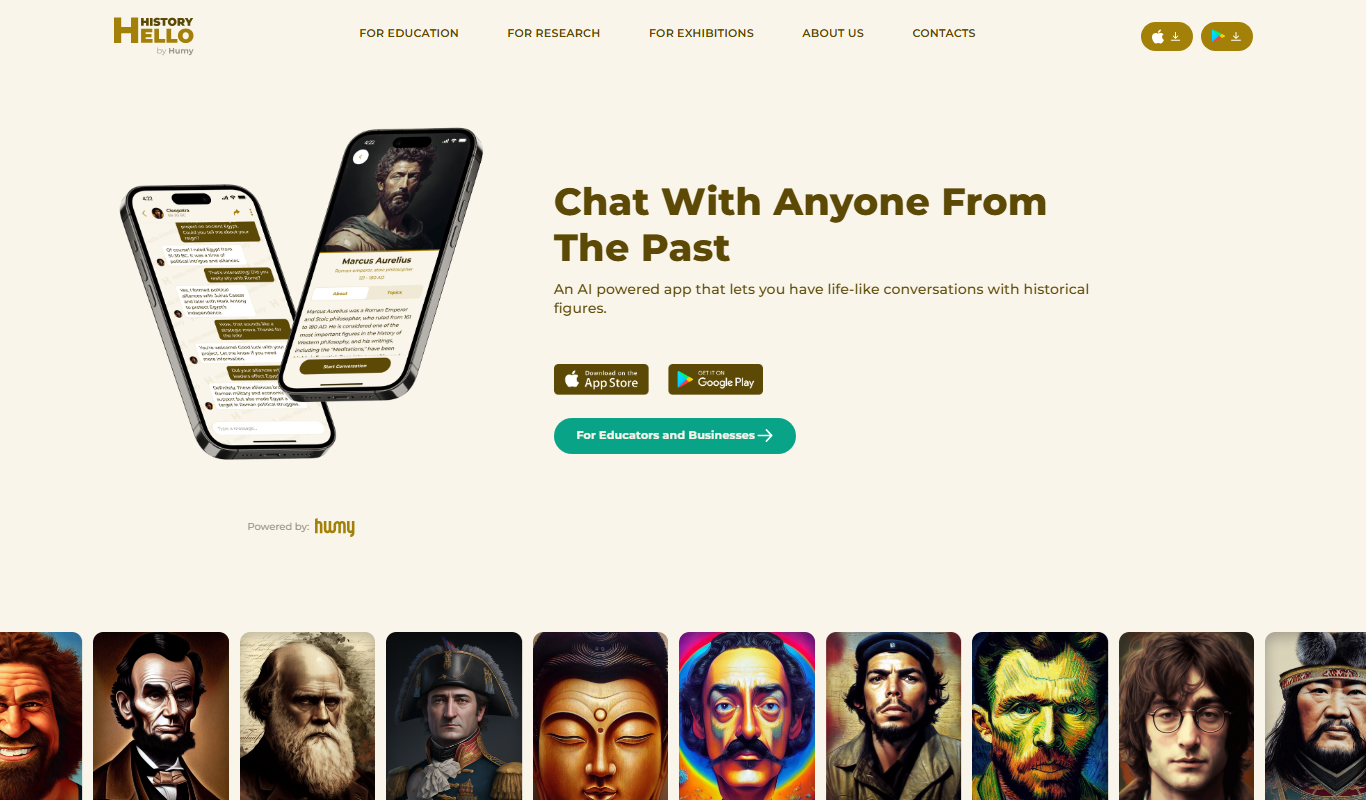
Hello History lets users talk with historical figures, and it is an iOS and Android app.

PaperChat
PaperChat is an AI platform for chatting with documents, used to read, summarize and search lengthy files with sourced answers.