

Kids ChatGPT AI Chatbot for Children with Safe and Fun Conversations
Kids ChatGPT is a free, web-based AI chatbot designed specifically for children, providing safe, moderated, and educational conversations.
- Best for
- Safe AI Conversations for Kids
- Key capability
- Child-Safe AI Responses
Save Kids ChatGPT, follow its updates and vote on it — everything stays in your account.
Sign in or create a free account
What is Kids ChatGPT?
Kids ChatGPT is an AI-powered chatbot designed specifically for children. It offers a safe, moderated chat environment where kids can ask questions, learn new things, and enjoy interactive conversations. The platform filters content to ensure child-appropriate responses, making AI accessible and safe for younger users.
Key features of Kids ChatGPT
Key features include child-safe content moderation, simple and friendly AI responses, an intuitive web interface designed for kids, and free access without complex sign-ups or subscriptions.
Child-Safe AI Responses
Uses content moderation to prevent inappropriate or harmful replies.
Simple and Friendly Interface
Designed with children in mind for easy and engaging use.
Free to Use
No cost or registration required to access the chatbot.
Pros and cons of Kids ChatGPT
Pros
- Free plan with access to all chat bots and no account needed
- Child-appropriate content moderation
- Simple interface designed for kids
Cons
- No mobile app version available
- Basic AI capabilities compared to full ChatGPT
Key use cases for Kids ChatGPT
Safe AI Conversations for Kids
Provides children with a safe environment to interact with AI through moderated and child-appropriate conversations.
Educational Support
Helps kids learn by answering questions and explaining concepts in a simple, age-appropriate manner.
Entertainment and Engagement
Offers fun and engaging chat experiences tailored to children’s interests and comprehension levels.
How Kids ChatGPT works
- 1
Access the Website
Visit kidschatgpt.com on any web browser to start chatting immediately.
- 2
Start a Conversation
Type questions or topics in the chat box and receive AI-generated responses tailored for children.
- 3
Safe Interaction
The AI filters and moderates content to ensure all replies are appropriate and educational.
Who is using Kids ChatGPT
Kids ChatGPT pricing
Free
$0/forever
Access to all chat bots, safe and filtered conversations, no account required, voice-to-text support, 13-second response timer.
Premium
$7/month or $67/year
Unlimited access to all chat bots with no timers or interruptions, image upload support; 7-day free trial included.
Parent
$14/month or $167/year
Monitor and guide your child's chats: unlimited children, full chat transcripts, AI session summaries, goal tracking and custom chat instructions; 14-day free trial included.
Therapist
$79/month or $948/year
For speech therapists and clinicians: unlimited patients, session tracking and analytics, custom therapy prompts, device management; 14-day free trial included.
Plans and prices are as published by the vendor and can change. Check the official site before you buy. Open the pricing page (opens in a new tab)
Frequently asked questions about Kids ChatGPT
Yes, the platform uses content filters and moderation to ensure all interactions are appropriate for kids.
No, the chatbot is accessible directly on the website without registration.
Yes, it can answer questions and explain concepts in a child-friendly way.
It depends on your specific needs and how you plan to use the tool. The official website and documentation are the best sources for the latest details.
Yes, it can help with that use case depending on how you configure it and what features are available. You’ll get the best results with clear inputs and a defined goal.
Conclusion
Every message passes through a blocked-word filter, and the AI is instructed to keep answers age-appropriate. Each chat topic has its own friendly robot, so kids can learn new things, get homework help, practice social skills, manage big feelings or roleplay adventures. Younger kids can use voice-to-text while older kids type, and the chat is offered in many languages besides English.
Parents and educators can use it as a child-friendly AI assistant, and a separate plan serves speech therapists and clinicians. Kids can chat with all bots for free without an account, but the free plan adds a 13-second timer between responses. Premium removes the timer, while the Parent plan adds full chat transcripts and AI session summaries for monitoring.
Sources
Sign in to review this tool.
Sign In to ReviewNo reviews yet
Be the first to share how this tool worked for you.
Ask about pricing, limits, or how it compares — or answer someone else.
Sign In to AskNo questions yet
Have a question about using or paying for this tool? Be the first to ask.
Featured on TiorAI



More AI Chatbot tools
Other tools in the same category, for when this one is not quite the fit.

Chippy
Chippy is a ChatGPT Chrome extension that lets you summarize, research, translate and answer questions on any web page without switching tabs.
PizzaGPT – ChatGPT for Italy
PizzaGPT is a free AI chat in Italian for students and professionals, with tools for quizzes, emails, rewriting, correction, translation, AI images and study.

Modly
Modly.ai trains, fine-tunes and hosts custom large language models on your business data, delivered as a managed service with API access.

Voyageraid
VoyagerAid is end-to-end disruption management software that helps airlines handle rebooking, passenger communication and disruptions with predictive analytics.
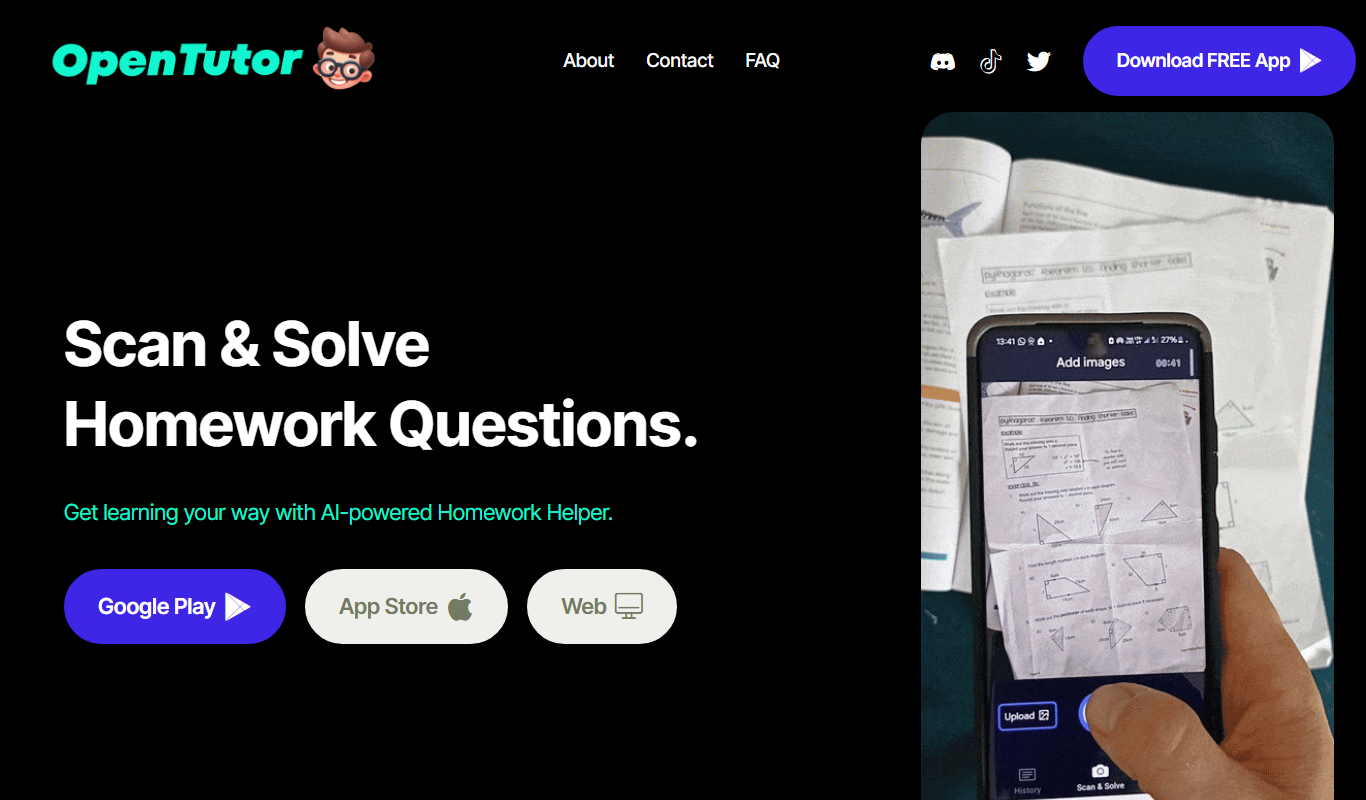
Open Tutor App
Open Tutor App is an AI homework helper app that scans a photo of a homework question and returns step-by-step solutions and explanations.
Wazgar – ChatGPT in Whatsapp
Wazgar is an AI assistant inside WhatsApp that can assist users at any time, from learning and writing to everyday conversation.

Chat Breezes 1.0
Chat Breezes is an AI-powered omnichannel conversation suite that unifies WhatsApp, Instagram, Facebook and Twitter/X messages in one dashboard for engagement and social selling.

chaterimo.com
Chaterimo is an AI chatbot platform that helps businesses automate customer support and engagement through customizable conversational bots on websites.