
From my experience with Wazgar, I found it excels at bringing the power of ChatGPT directly into WhatsApp, making AI chatbot interactions accessible within a familiar messaging environment. The setup is straightforward, and the ability to customize responses helps tailor conversations to specific business needs. It’s particularly well-suited for small businesses and customer support teams looking to automate WhatsApp communications without complex integrations. However, the current limitation to English and dependency on WhatsApp’s platform policies may restrict some use cases. Overall, if you want to leverage AI-driven chatbots on WhatsApp efficiently, Wazgar offers a practical and affordable solution.
Wazgar ChatGPT Integration for WhatsApp AI Chatbot Solutions
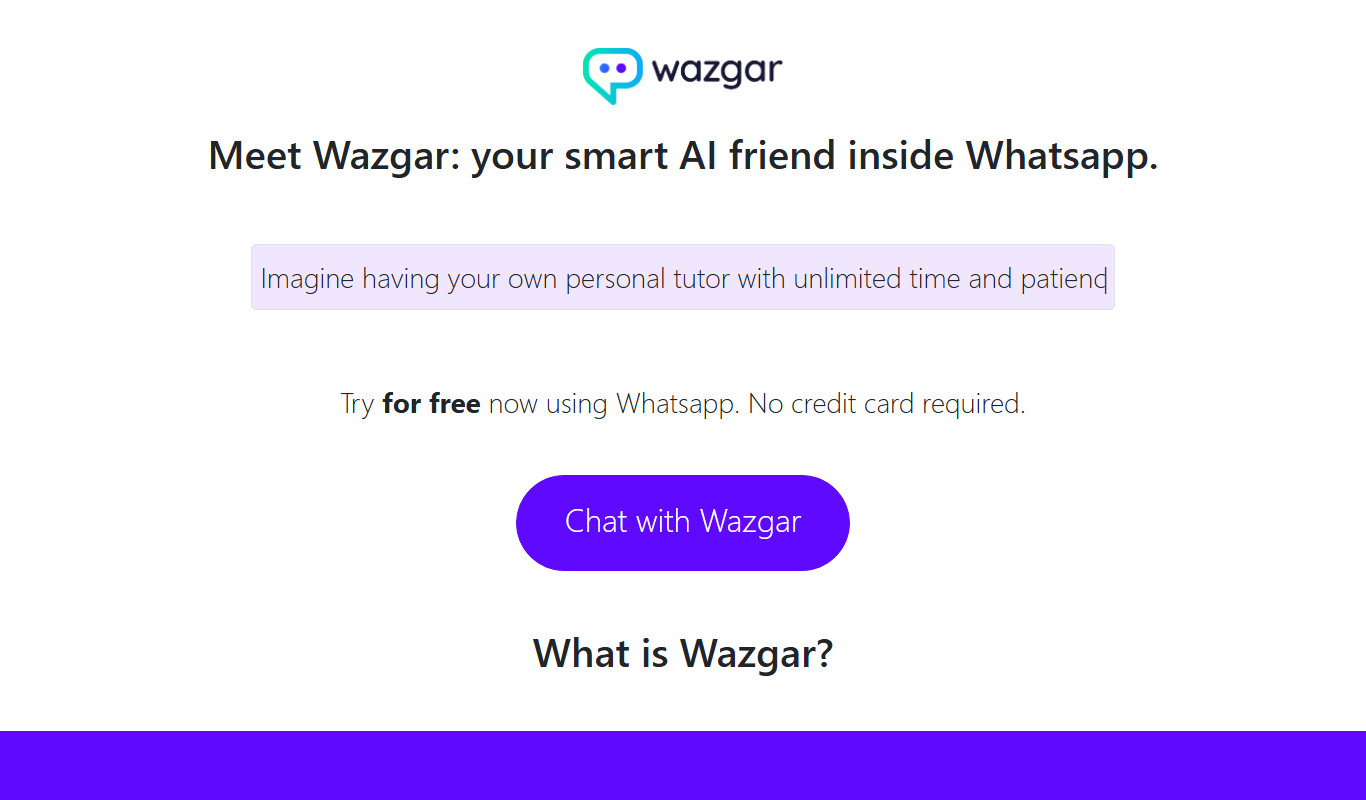
Wazgar enables users to connect OpenAI’s ChatGPT directly to WhatsApp, allowing AI-powered chatbots to automate conversations, customer support, and lead generation within the WhatsApp messaging platform.
What is Wazgar – ChatGPT in Whatsapp?
Wazgar is a platform that integrates OpenAI’s ChatGPT directly into WhatsApp, enabling users to interact with an AI chatbot within their familiar messaging app. It allows businesses and individuals to automate conversations, provide instant AI-powered responses, and enhance customer engagement on WhatsApp without needing separate applications.
Key Features of Wazgar – ChatGPT in Whatsapp
ChatGPT Integration
Directly connects OpenAI's ChatGPT to WhatsApp for AI-powered conversations.
Multi-turn Conversations
Supports context-aware dialogues for more natural and coherent interactions.
Easy Setup
Simple onboarding process to link WhatsApp and start using the AI chatbot quickly.
Customizable Responses
Allows tailoring chatbot replies to suit business needs and tone.
Real-time Messaging
Instant AI-generated responses within WhatsApp chats.
Pros and Cons of Wazgar – ChatGPT in Whatsapp
Pros
- Seamless integration of ChatGPT within WhatsApp
- Easy to set up and use without technical skills
- Supports multi-turn, context-aware conversations
- Customizable chatbot responses
- Affordable pricing plans with free trial
Cons
- Limited language support currently
- Dependent on WhatsApp platform policies
- Some advanced features require higher-tier plans
Key Use Cases for Wazgar – ChatGPT in Whatsapp
Customer Support Automation
Automate responses to customer queries on WhatsApp using AI-powered ChatGPT integration.
Lead Generation
Engage potential customers in real-time conversations on WhatsApp to capture leads efficiently.
Personal Assistant
Use ChatGPT on WhatsApp for scheduling, reminders, and answering general questions.
Content Assistance
Get AI-generated content ideas and text assistance directly within WhatsApp chats.
How Wazgar – ChatGPT in Whatsapp Works
-
1
Sign Up
Create an account on Wazgar’s website to access the platform.
-
2
Connect WhatsApp Number
Link your WhatsApp number to Wazgar to enable ChatGPT interactions.
-
3
Configure Chatbot Settings
Customize chatbot behavior, responses, and conversation flows as needed.
-
4
Start Chatting
Use WhatsApp to send messages and receive AI-generated replies powered by ChatGPT.
Who's Using Wazgar – ChatGPT in Whatsapp
Small and medium businesses
Customer support teams
Marketing agencies
Freelancers and consultants
Content creators
Wazgar – ChatGPT in Whatsapp Pricing
Free Trial
$0 for limited usage
Try the platform with limited messages and features.
Basic
$15/month
Access to standard features with message limits suitable for small businesses.
Pro
$50/month
Higher message limits and advanced customization options for growing businesses.
Frequently Asked Questions About Wazgar – ChatGPT in Whatsapp
No, Wazgar supports both personal and business WhatsApp numbers, but business accounts are recommended for professional use.
Wazgar follows standard security practices to protect your data, but users should review their privacy policy for details.
Yes, Wazgar allows you to tailor chatbot responses to better fit your brand voice and requirements.
Currently, Wazgar primarily supports English, with plans to add more languages in the future.
Integration support depends on the tool and its available connectors or API. Check the official documentation or integrations page to confirm what is supported.
This tool is designed to help users accomplish its core tasks more efficiently. It is typically used by individuals or teams looking to improve productivity and workflow.
Pricing depends on the plan and included features. For the most accurate and up-to-date details, check the official pricing page.
Data handling and security practices vary by provider. Review the official privacy policy to understand how your data is stored and used.
Share your review
Reviews are limited to one per logged-in user and are published after moderation.
You need an account to review this tool.
0.0
★
★
★
★
★
0 reviews
5 star
0
4 star
0
3 star
0
2 star
0
1 star
0
No reviews yet
Be the first to share how this tool worked for you.
Questions from the community
Read questions and answers about this tool, or ask your own.
No questions yet
Start the conversation by asking the first question about this tool.
Is this tool helpful?

Free
ChatterMate – The Open-Source AI Chatbot
ChatterMate is a free, open-source AI chatbot platform that enables users to create and customize conversational agents through accessible web interfaces and modifiable source code.

Free
SnapGPT
SnapGPT is an AI chatbot platform that automates customer interactions and support tasks using natural language processing and customizable templates.

Free
SantaAI
SantaAI is a web-based AI chatbot platform that enables users to create personalized conversational agents for automating customer interactions and improving engagement.
Freemium
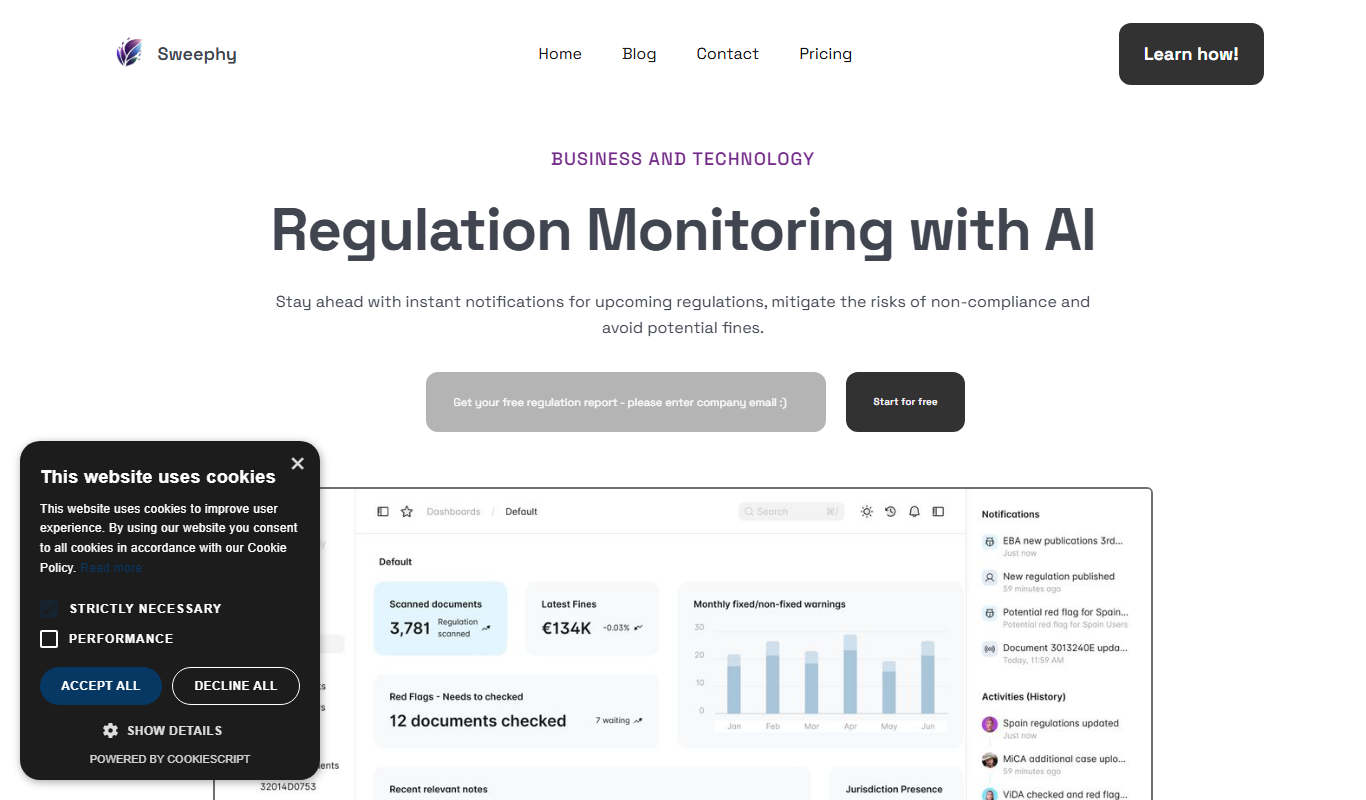
Sweephy
Sweephy is an AI-powered chatbot platform that helps businesses automate customer support and engagement through natural language conversations and multi-channel deployment.
Free Trial
SpicyChat AI
SpicyChat AI is an AI-powered chatbot platform that helps businesses automate customer interactions through customizable conversation flows and multi-channel integration.
Free
Sharp-GPT
Sharp-GPT is a free, open-source AI chatbot tool that runs GPT models client-side in the browser, enabling conversational AI without backend dependencies.

Free Trial
RecurseChat
RecurseChat is an AI chatbot platform that automates customer support and business workflows using natural language understanding and customizable conversation flows.

Freemium
Trancy
Trancy is an AI chatbot platform designed to automate customer interactions, support, and lead generation through customizable chatbots and API integrations.