

From my experience with Backdrop Build, I found it excels at providing an intuitive, no-code website building experience tailored for small businesses and freelancers. The drag-and-drop editor combined with customizable templates makes launching a professional website straightforward, even for beginners. However, the platform currently lacks advanced integrations and dedicated mobile or desktop apps, which might limit power users. Overall, if you need a simple, affordable solution to create a responsive website quickly without technical hurdles, Backdrop Build delivers solid results.
Backdrop Build - Customizable Website Builder for Small Businesses
Backdrop Build is a web-based website builder that enables small businesses and individuals to create customizable, mobile-responsive websites without coding using drag-and-drop tools.
- Best for
- Small Business Website Creation
- Key capability
- Drag-and-Drop Editor
Your actions
Save Backdrop Build, follow its updates and vote on it — everything stays in your account.
Sign in or create a free account
What is Backdrop Build?
Backdrop Build is a web-based website builder designed to empower small businesses and individuals to create fully customizable websites without needing coding skills. It offers drag-and-drop functionality, pre-designed templates, and flexible design options to build professional online presences efficiently.
Key features of Backdrop Build
Backdrop Build provides an intuitive drag-and-drop editor, a variety of customizable templates, mobile-responsive design, and integrated SEO tools. It focuses on simplicity and flexibility to help users launch websites quickly.
Drag-and-Drop Editor
Easily add and arrange website elements without coding.
Customizable Templates
Access a variety of templates that can be tailored to your brand and needs.
Mobile Responsive Design
Websites automatically adapt to different screen sizes for optimal viewing.
SEO Tools
Built-in features to optimize your website for search engines.
Hosting Included
Websites are hosted on Backdrop Build’s servers, simplifying deployment.
Pros and cons of Backdrop Build
Pros
- User-friendly drag-and-drop interface
- Affordable pricing plans
- Mobile-responsive templates
- No coding required
- Includes hosting and SEO tools
Cons
- Limited advanced integrations
- No desktop or mobile app versions
Key use cases for Backdrop Build
Small Business Website Creation
Allows small business owners to build professional websites without coding knowledge.
Portfolio Websites
Enables creatives and freelancers to showcase their work with customizable templates.
Landing Pages
Supports marketers in creating targeted landing pages for campaigns quickly.
Event Websites
Facilitates event organizers to create informational and registration pages.
How Backdrop Build works
- 1
Sign Up
Create an account on Backdrop Build’s website to start building.
- 2
Select a Template
Choose from a range of customizable templates suited to your business or project.
- 3
Customize Your Site
Use the drag-and-drop editor to add, remove, and style elements as needed.
- 4
Publish
Once satisfied, publish your website to make it live on the internet.
Who is using Backdrop Build
Small business owners
Freelancers and creatives
Event organizers
Marketing professionals
Entrepreneurs launching startups
Backdrop Build pricing
Free Trial
$0 for 14 days
Access to all features for two weeks to test the platform.
Basic
$12/month
Includes hosting, templates, and basic customization options.
Pro
$25/month
Adds advanced customization, SEO tools, and priority support.
Plans and prices are as published by the vendor and can change. Check the official site before you buy. Open the pricing page (opens in a new tab)
Frequently asked questions about Backdrop Build
No, Backdrop Build is designed for users without coding experience using drag-and-drop tools.
Yes, paid plans allow you to connect custom domains to your website.
Yes, support is available via email and chat, with priority support on Pro plans.
All templates and designs are responsive and optimized for mobile devices.
It depends on your specific needs and how you plan to use the tool. The official website and documentation are the best sources for the latest details.
Pricing depends on the plan and included features. For the most accurate and up-to-date details, check the official pricing page.
Yes, it can help with that use case depending on how you configure it and what features are available. You’ll get the best results with clear inputs and a defined goal.
Sign in to review this tool.
Sign In to ReviewNo reviews yet
Be the first to share how this tool worked for you.
Ask about pricing, limits, or how it compares — or answer someone else.
Sign In to AskNo questions yet
Have a question about using or paying for this tool? Be the first to ask.
Featured on TiorAI



Alternative Tools
Explore similar AI tools that might fit your needs

Free
Weebly
Weebly is a drag-and-drop website builder platform that enables users to create professional websites and online stores without coding skills, offering customizable templates, ecommerce tools, and hosting.
More AI Code Assistant tools
Other tools in the same category, for when this one is not quite the fit.

Free
Cymath
Cymath is an AI-powered math solver that provides step-by-step solutions for algebra, calculus, and other math problems via web and mobile apps.

Free
Sphinx
Sphinx is an open-source documentation generator primarily for Python projects that converts reStructuredText and docstrings into multi-format technical documentation.

Free
The Odin Project
The Odin Project is a free, open-source online curriculum that teaches full-stack web development through project-based learning and community support.

Free
freeCodeCamp
freeCodeCamp is a free online platform offering interactive coding lessons, projects, and certifications to help beginners learn programming and web development.

Free
Codecademy
Codecademy is an online platform offering interactive coding courses and projects to help users learn programming languages and prepare for tech careers.

Free
Python-Future
Python-Future is a compatibility library that allows Python developers to write code that runs on both Python 2 and Python 3 interpreters without modification, easing migration and maintenance.
Free
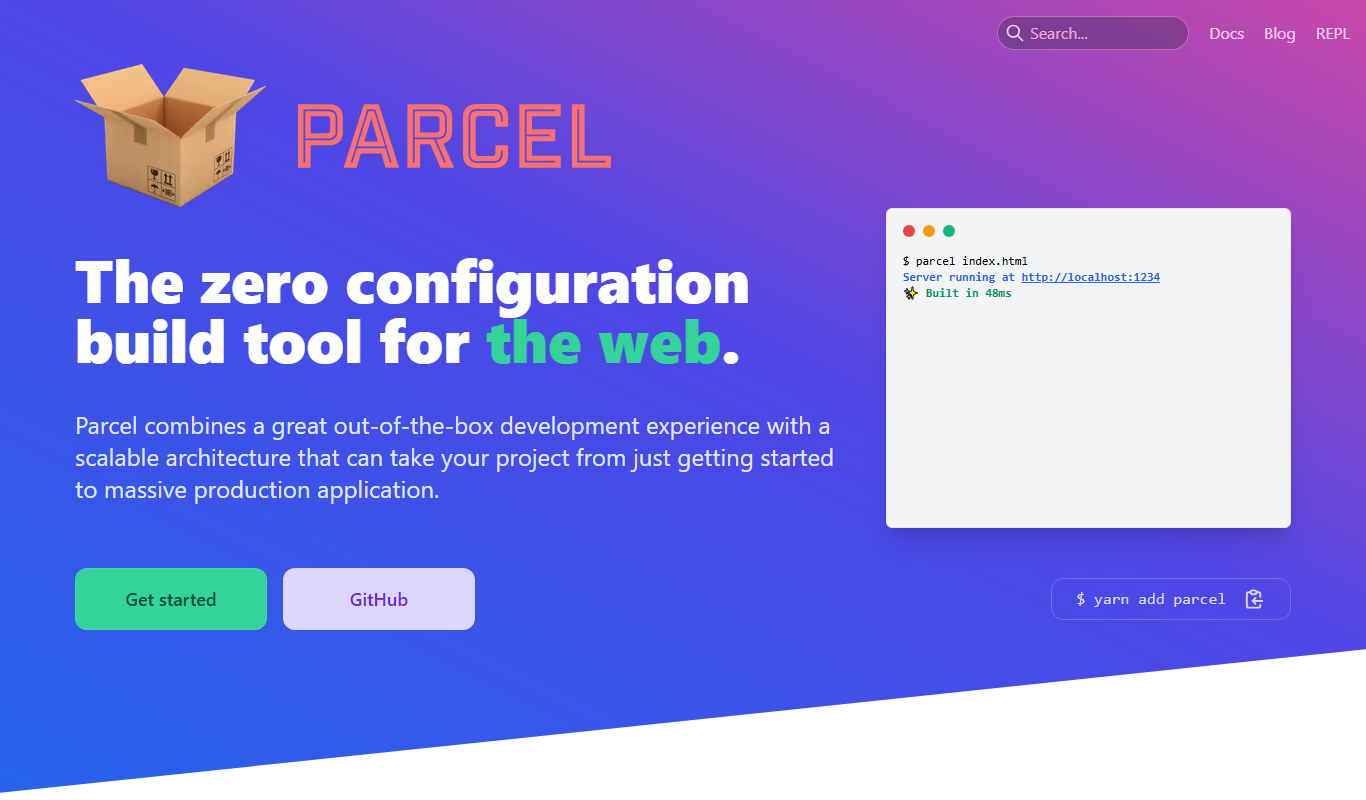
Parcel
ParcelJS is an open-source web bundler that offers zero configuration, fast multi-core builds, and automatic asset handling for modern web development.

Free
Kodable
Kodable is an educational platform that teaches young children coding basics through interactive games and visual programming, suitable for ages 4 to 10.