

From my experience with Aux Machina, I found it excels at providing a versatile and collaborative environment for annotating diverse data types like images, videos, text, and audio. The platform’s quality assurance features and role-based access make it particularly well-suited for teams working on complex machine learning projects. However, the lack of publicly available pricing and absence of a mobile app may require potential users to engage directly with the company for details and limit on-the-go annotation. Overall, if you need a robust, multi-modal data labeling solution with strong collaboration tools, Aux Machina delivers solid results.
Aux Machina AI Data Labeling Platform for Efficient Machine Learning
Aux Machina is a web platform for annotating images, videos, text, and audio to create high-quality datasets for machine learning, featuring collaboration and quality control tools.
- Best for
- Image and Video Annotation
- Key capability
- Multi-Modal Annotation Support
Your actions
Save Aux Machina, follow its updates and vote on it — everything stays in your account.
Sign in or create a free account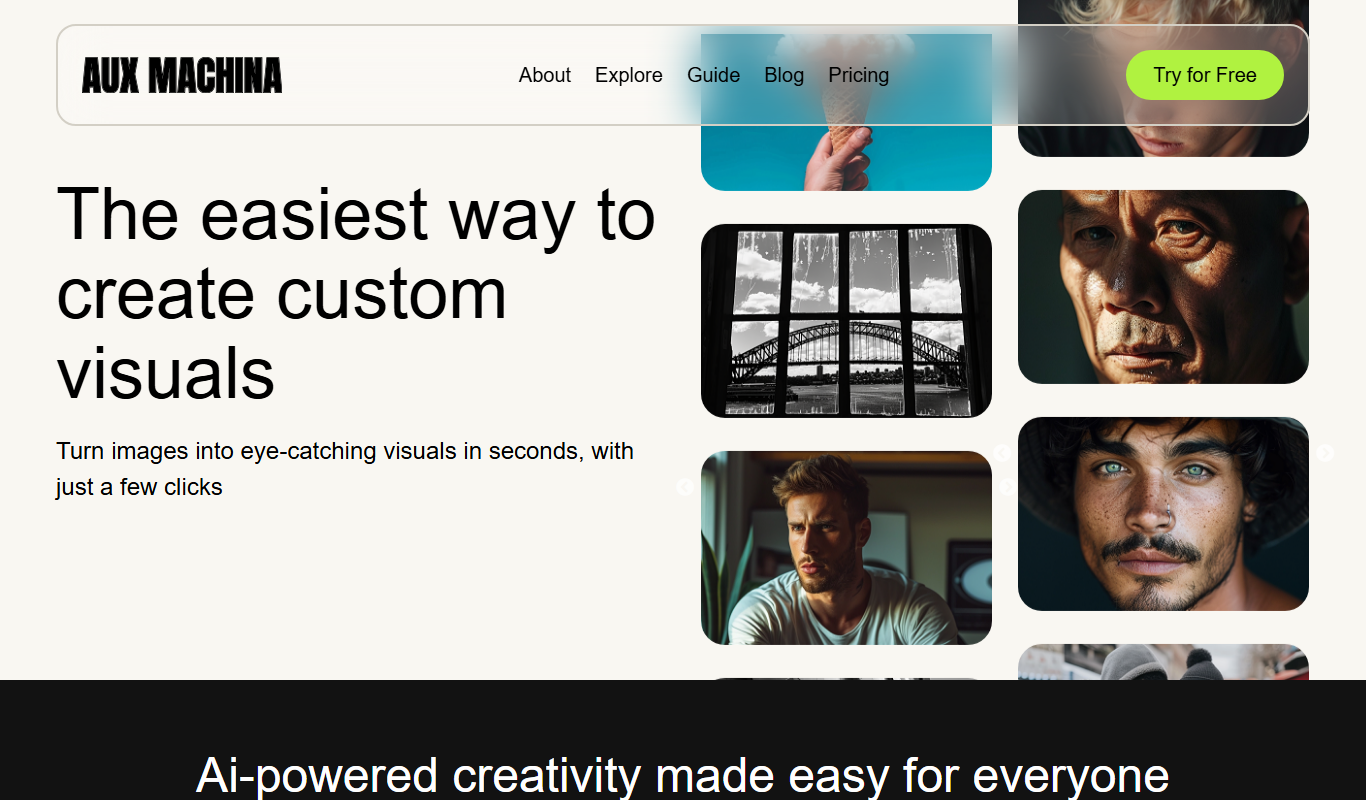
What is Aux Machina?
Aux Machina is a web-based AI data labeling platform designed to streamline the creation of high-quality annotated datasets for machine learning applications. It supports multiple data types including images, videos, text, and audio, providing tools for precise annotation and collaboration. The platform is built to improve the efficiency and accuracy of data labeling workflows, essential for training reliable AI models.
Key features of Aux Machina
Aux Machina offers a comprehensive suite of annotation tools, customizable workflows, and collaborative features. It supports various annotation types such as bounding boxes, polygons, semantic segmentation, and text tagging. The platform also integrates quality assurance mechanisms and role-based permissions to ensure data integrity and team coordination.
Multi-Modal Annotation Support
Supports annotation of images, videos, text, and audio data within a single platform.
Advanced Annotation Tools
Includes bounding boxes, polygons, semantic segmentation, keypoints, and text tagging.
Collaborative Workflow
Role-based access control and team management features facilitate efficient collaboration.
Quality Assurance
Built-in review and validation processes to ensure annotation accuracy and consistency.
Customizable Export Formats
Export labeled data in multiple formats compatible with popular machine learning frameworks.
Pros and cons of Aux Machina
Pros
- Supports multiple data types for versatile annotation needs
- Collaborative features improve team productivity
- Quality assurance workflows enhance data accuracy
Cons
- Pricing is not publicly listed, requiring direct contact
- No mobile app available, limited to web platform
Key use cases for Aux Machina
Image and Video Annotation
Label images and videos with bounding boxes, polygons, and semantic segmentation for computer vision projects.
Text Annotation
Annotate text data for natural language processing tasks such as entity recognition and sentiment analysis.
Audio Annotation
Label audio files for speech recognition and sound classification applications.
Custom Dataset Creation
Create tailored datasets with high-quality annotations to train and improve machine learning models.
Collaborative Annotation
Enable teams to work together on labeling projects with role-based access and quality control workflows.
How Aux Machina works
- 1
Sign Up and Set Up Project
Create an account on Aux Machina and start a new labeling project by uploading your raw data.
- 2
Configure Annotation Tasks
Define annotation types, guidelines, and assign roles to team members for the project.
- 3
Label Data
Annotators use the platform’s tools to label images, videos, text, or audio according to the project specifications.
- 4
Quality Control
Review and validate annotations using built-in quality assurance workflows to maintain high data accuracy.
- 5
Export Labeled Data
Download the annotated datasets in formats compatible with your machine learning frameworks.
Who is using Aux Machina
Machine learning engineers
Data scientists
AI research teams
Data annotation service providers
Enterprises building custom AI models
Aux Machina pricing
Custom Pricing
Contact for pricing
Pricing tailored based on project size, data volume, and feature requirements.
Plans and prices are as published by the vendor and can change. Check the official site before you buy. Open the pricing page (opens in a new tab)
Frequently asked questions about Aux Machina
Aux Machina supports annotation for images, videos, text, and audio data.
Yes, it offers role-based access and collaborative workflows for teams.
Yes, the platform supports exporting data in various formats compatible with machine learning tools.
Currently, pricing and trial options are provided upon request by contacting Aux Machina.
Data handling and security practices vary by provider. Review the official privacy policy to understand how your data is stored and used.
It depends on your specific needs and how you plan to use the tool. The official website and documentation are the best sources for the latest details.
It depends on your specific needs and how you plan to use the tool. The official website and documentation are the best sources for the latest details.
Sign in to review this tool.
Sign In to ReviewNo reviews yet
Be the first to share how this tool worked for you.
Ask about pricing, limits, or how it compares — or answer someone else.
Sign In to AskNo questions yet
Have a question about using or paying for this tool? Be the first to ask.
Featured on TiorAI



More AI Art Generator tools
Other tools in the same category, for when this one is not quite the fit.

Free
Zizoto
Zizoto is a free AI image generator and creative community where you generate images, remix other users' creations and print posters.
Free
Sketchbook
Sketchbook is professional-grade sketching, painting and illustration software for all platforms and devices, with customizable brushes, layers, guides and rulers.

Free Trial
Draph Art
Draph Art creates e-commerce product pages, thumbnails, AI model shots and ad videos from one product photo, without writing prompts.

Free
Disney AI Poster
Disney AI Poster is a web tool that uses AI to generate custom movie-style posters inspired by Disney animation, allowing users to create personalized artwork easily.

Contact for pricing
Splotch
Splotch is the knowledge graph on top of your core systems, giving humans and agents a trusted map for painless change management.

Free Trial
Pix Me!
Pix Me! is an AI-powered avatar maker that transforms your photos into Polaroid-style digital art in styles such as Pixel-Art, Cartoon, Chibi, Comics, Disney and Ghibli.

Free
Openart
OpenArt is an AI platform for creating art, images, videos and music online with 100+ models from Google, OpenAI, Seedance and more.

Contact for pricing
GiFTEM
GiFTEM is recruiting intelligence software that understands jobs, runs semantic candidate search across 800M+ profiles, evaluates candidates and handles outreach.