

From my experience with Autoware, I found it excels at providing a robust and modular open source platform for autonomous vehicle development. Its comprehensive suite of tools for perception, planning, and control makes it ideal for researchers and developers who want full control over their self-driving software stack. However, setting up and operating Autoware requires solid technical knowledge of Linux and ROS, which can be a barrier for beginners. Overall, if you are involved in autonomous driving research or prototyping, Autoware offers a powerful and flexible foundation with strong community support.
Open Source Autonomous Driving Software Autoware for Self-Driving Vehicles
Autoware is an open source autonomous driving software stack that provides modular tools for perception, localization, planning, and control to enable self-driving vehicles, primarily running on Linux with ROS.
- Best for
- Autonomous Vehicle Development
- Key capability
- Modular Architecture
Your actions
Save Autoware, follow its updates and vote on it — everything stays in your account.
Sign in or create a free account
What is Autoware?
Autoware is a comprehensive open source software stack designed for autonomous driving technology. It provides a full suite of modules for perception, localization, planning, and control to enable self-driving vehicles. Built on the Robot Operating System (ROS), Autoware supports integration with various sensors and hardware platforms, making it a flexible foundation for research, development, and deployment of autonomous vehicle systems.
Key features of Autoware
Autoware offers modular components including 3D mapping, sensor fusion, object detection, lane detection, trajectory planning, and vehicle control. Its open source nature encourages collaboration and customization, supporting both academic research and commercial development in autonomous driving.
Modular Architecture
Flexible modules for perception, planning, and control that can be customized or replaced.
Sensor Fusion
Combines data from LiDAR, cameras, GPS, and IMU for accurate environment understanding.
3D Mapping and Localization
Supports high-definition maps and precise vehicle localization using multiple sensor inputs.
Trajectory Planning
Generates safe and efficient driving paths considering dynamic obstacles and traffic rules.
Open Source Community
Backed by a global community contributing to continuous improvements and support.
Pros and cons of Autoware
Pros
- Comprehensive open source stack for autonomous driving
- Strong community and foundation support
- Modular and customizable architecture
- Supports multiple sensor types and hardware
- Free to use under permissive license
Cons
- Requires technical expertise to set up and operate
- Primarily Linux and ROS dependent, limiting platform flexibility
- Documentation can be complex for beginners
Key use cases for Autoware
Autonomous Vehicle Development
Develop and test self-driving car software using a comprehensive open source stack.
Research and Education
Use Autoware as a platform for academic research and teaching in autonomous driving technologies.
Advanced Driver Assistance Systems (ADAS)
Implement and prototype ADAS features such as lane keeping, obstacle detection, and path planning.
Simulation and Testing
Simulate autonomous driving scenarios for validation and safety testing.
Robotics and Automation
Apply Autoware software components to robotics projects requiring navigation and perception.
How Autoware works
- 1
Setup Environment
Install Autoware on a compatible Linux system with ROS and configure hardware sensors.
- 2
Sensor Integration
Connect and calibrate LiDAR, cameras, GPS, and IMU sensors to collect environmental data.
- 3
Perception and Localization
Use Autoware modules to process sensor data for detecting objects and determining vehicle position.
- 4
Planning and Control
Generate driving paths and control commands to navigate the vehicle safely.
- 5
Simulation and Testing
Validate autonomous driving algorithms in simulated environments before real-world deployment.
Who is using Autoware
Automotive researchers and engineers
Robotics developers
Academic institutions
Autonomous vehicle startups
Advanced driver assistance system developers
Autoware pricing
Open Source
$0
Free to use, modify, and distribute under the Apache 2.0 license.
Plans and prices are as published by the vendor and can change. Check the official site before you buy. Open the pricing page (opens in a new tab)
Frequently asked questions about Autoware
Autoware primarily supports Linux systems running ROS, commonly Ubuntu distributions.
Yes, Autoware is used by companies for prototyping and some production-level autonomous driving applications.
It supports a wide range of sensors including LiDARs, cameras, GPS, and IMUs from various manufacturers.
You can contribute via the Autoware Foundation’s GitHub repositories by submitting code, documentation, or bug reports.
This tool is designed to help users accomplish its core tasks more efficiently. It is typically used by individuals or teams looking to improve productivity and workflow.
Some tools offer a free plan or trial with limited features. Availability can vary, so confirm on the official website.
Yes, it can help with that use case depending on how you configure it and what features are available. You’ll get the best results with clear inputs and a defined goal.
Yes, it can help with that use case depending on how you configure it and what features are available. You’ll get the best results with clear inputs and a defined goal.
Sign in to review this tool.
Sign In to ReviewNo reviews yet
Be the first to share how this tool worked for you.
Ask about pricing, limits, or how it compares — or answer someone else.
Sign In to AskNo questions yet
Have a question about using or paying for this tool? Be the first to ask.
Featured on TiorAI



Alternative Tools
Explore similar AI tools that might fit your needs

Free
OpenPilot
OpenPilot is an open source advanced driver-assistance system that enables semi-autonomous driving features like adaptive cruise control and lane keeping on compatible vehicles, requiring driver supervision.

Free
CARLA Simulator
CARLA Simulator is a free, open-source autonomous driving simulator that provides realistic urban environments and sensor data for testing and developing self-driving vehicle algorithms.
More AI Open Source Tools tools
Other tools in the same category, for when this one is not quite the fit.

Free
papermerge.com
Papermerge is an open source, self-hosted document management system that uses OCR to convert scanned documents into searchable digital files, helping users organize and retrieve documents efficiently.

Free
Harmonai
Harmonai is the Stability AI lab for open-source audio, publishing tools for AI music generation.

Free
TensorFlow
TensorFlow is an open-source machine learning framework developed by Google Brain that enables building, training, and deploying AI models across various platforms with support for hardware acceleration.
Free
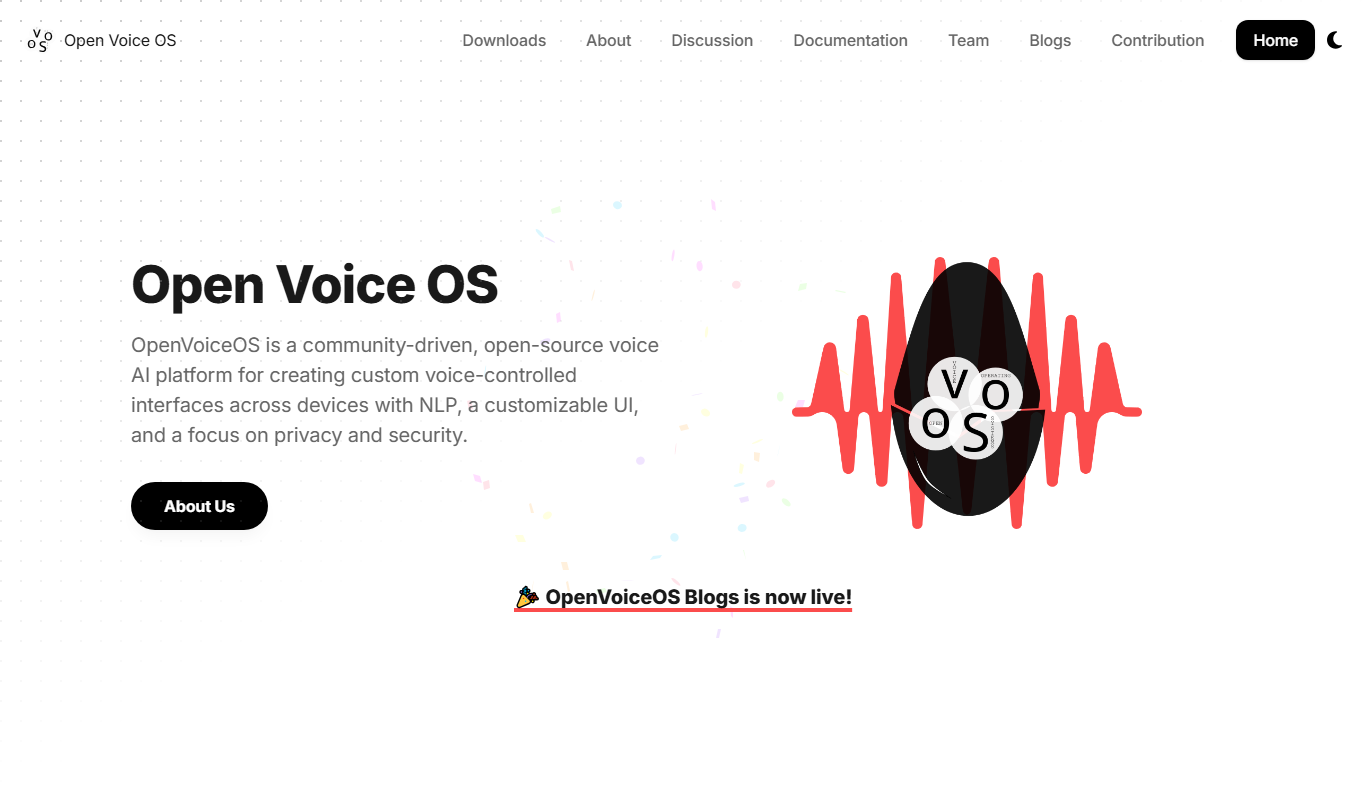
Open Voice OS
Open Voice OS is an open source voice assistant operating system that enables privacy-focused, offline voice control on Linux and Raspberry Pi devices.

Free
Neon AI
Neon AI is an open source voice assistant platform that enables users to create customizable, privacy-focused AI assistants with offline capabilities and smart home integrations.

Free
Onlyfree.ai
Onlyfree.ai is a free online directory that lists and categorizes free and open source AI tools, helping users discover and access AI software without cost.

Free
OpenBuckets
OpenBuckets is a free and open source web-based project management software designed for teams to organize tasks, collaborate, and track project progress with simplicity and transparency.
Free
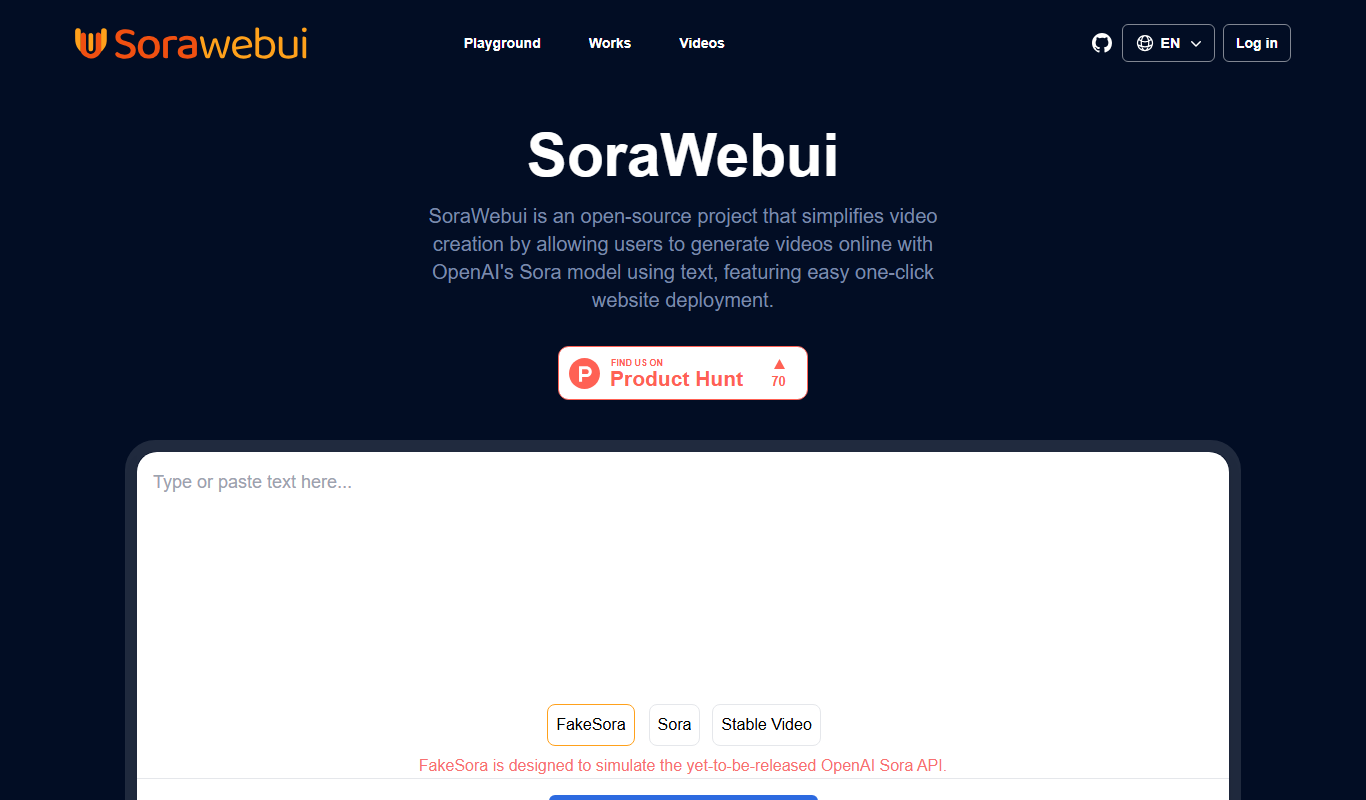
SoraWebui
SoraWebui is a free, web-based user interface that enables users to generate AI images using Stable Diffusion models by entering text prompts and adjusting generation parameters.